Managing a business requires sending invoices, a painful but necessary process. But things become even more complicated when using paper invoices, which is where invoicing management software comes into play.
According to research, paper invoices take several stages to complete, and manual errors cost $54 to correct on average.
Using the best invoicing software for small businesses helps solve this problem. It allows you to manage all the processes involved in the billing more effectively, saving you lots of time and money. Along with the listed benefits of billing software, you can even customize invoices in various ways, making it easy for you to send them out to customers.
There are several online invoice software programs on the market today, but when choosing one, how do you even start?
Many solutions are available, so we have tested and picked 13 of the best invoice management software to make your decision that bit easier.
What You'll Learn
- 01Comprehensive comparison of 13 leading invoice management solutions
- 02Key features and pricing details for each platform
- 03Pros and cons based on real user experiences
- 04Critical factors to consider before choosing invoice software
- 05Best options for different business types and sizes
Overview of Leading Invoice Management Tools
At-a-Glance Comparison
| # | Software | Price | Rating | Best For |
|---|---|---|---|---|
| 1 | InvoiceOwl | $28.99/mo | 4.5 | Accurate invoicing & estimates |
| 2 | FreshBooks | $15/mo | 4.1 | Large enterprises |
| 3 | Zoho Invoice | $9/mo | 4.5 | Small & large businesses |
| 4 | QuickBooks | $30/mo | 4.0 | Small & medium businesses |
| 5 | Square | Free | 4.1 | Small businesses |
| 6 | Field Promax | $49/mo | 4.0 | Advanced capabilities |
| 7 | Medius | Custom | 4.0 | Medium-sized businesses |
| 8 | Wave | Free | 4.2 | Simple & free solution |
| 9 | Refrens | $7/mo | 4.0 | Startups |
| 10 | InvoiceBerry | $15/mo | 4.0 | Freelancers & small businesses |
| 11 | Hiveage | $16/mo | 4.5 | All types of businesses |
| 12 | Harvest | $12/mo | 4.3 | Hourly basis invoices |
| 13 | Invoice2go | $5.99/mo | 4.3 | Small businesses |
Jump to Software
InvoiceOwl - Best for accurate invoicing and estimates
InvoiceOwl
Best for accurate invoicing and estimates

InvoiceOwl is an excellent estimate and invoicing software that helps in creating invoices in just a few taps. Invoices can be generated instantly and are sent out to customers in a professional and modern way.
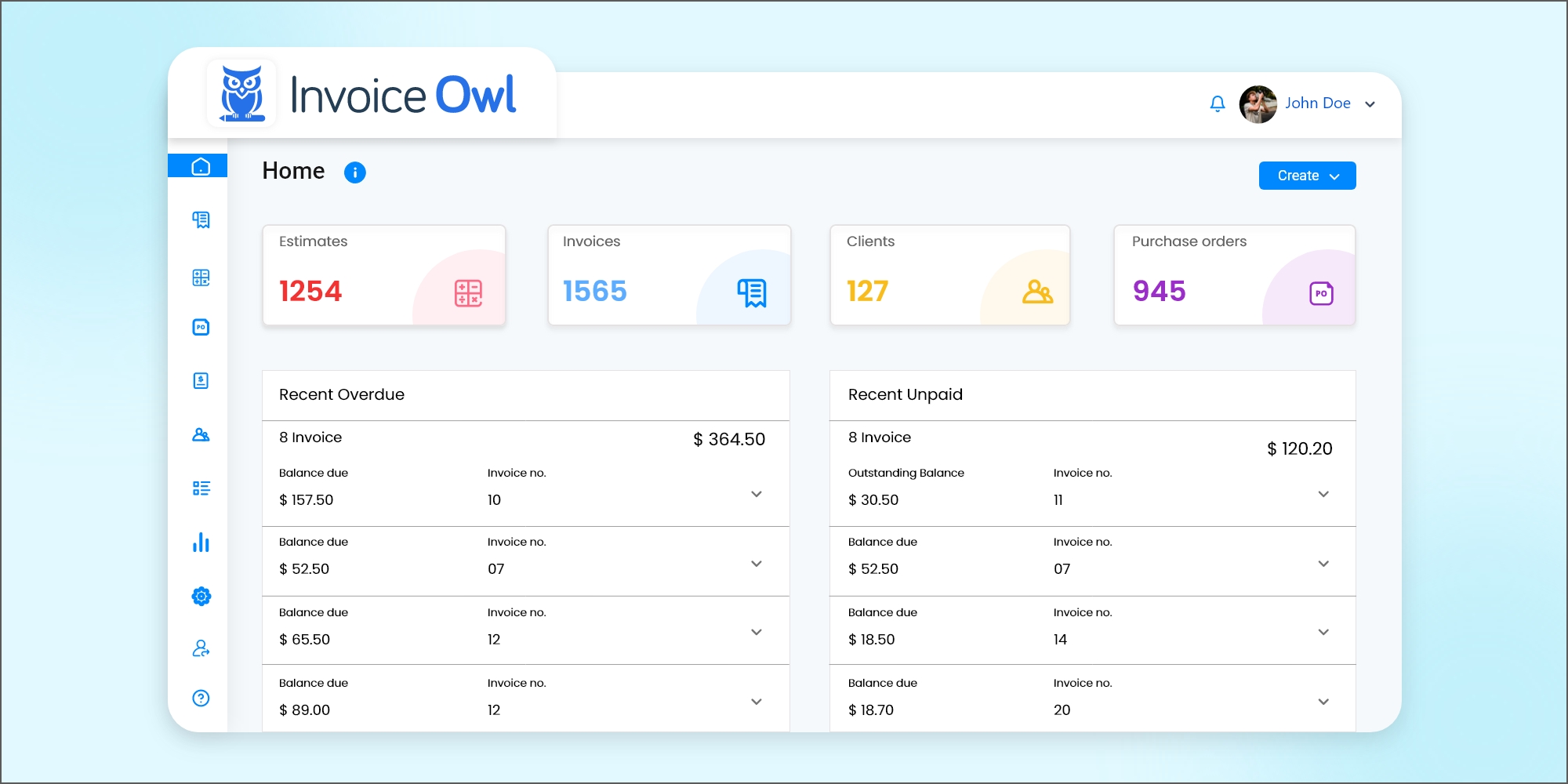
This invoicing software includes all the functionality you need to efficiently create an invoice, from creating a quote to calculating and generating sales tax and reports, all within one program.
Several features are available in this robust invoicing software that will assist in creating estimations, quotations, purchase orders, credit memorandum, and unlimited invoices. A real-time notification will inform you when clients receive and open invoices.
In addition, you can download your professionally designed invoice templates in the file format of your choice, such as Google Docs, Microsoft Word, Microsoft Excel, and Adobe PDF file formats.
Easy-to-use interface with unlimited estimates and a great selection of templates.
FreshBooks - Best for large enterprises
FreshBooks
Best for large enterprises
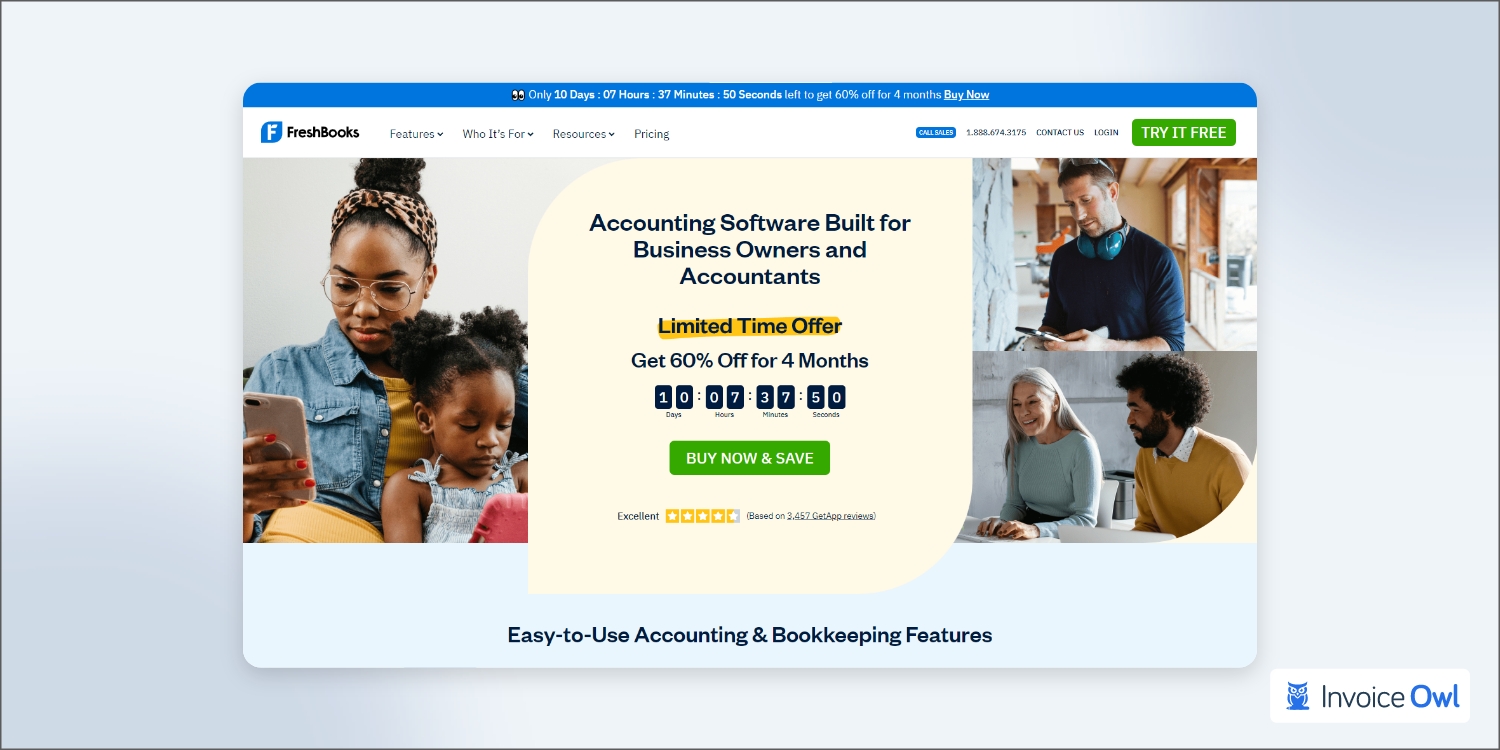
The FreshBooks invoicing software is undoubtedly among the best available today. Small businesses can use them to take on more extensive and demanding invoicing activities since they have over 5 million businesses in their network.
The application is handy for freelancers to present their businesses more professionally. How come? FreshBooks makes invoicing very quick and easy.
- Unlimited estimates and invoices
- Supports 14 languages
- Exceptional customer service
- Multi-business support is not available
- Limited payment gateway functionality
Zoho Invoice - Best for both small and large businesses
Zoho Invoice
Best for both small and large businesses
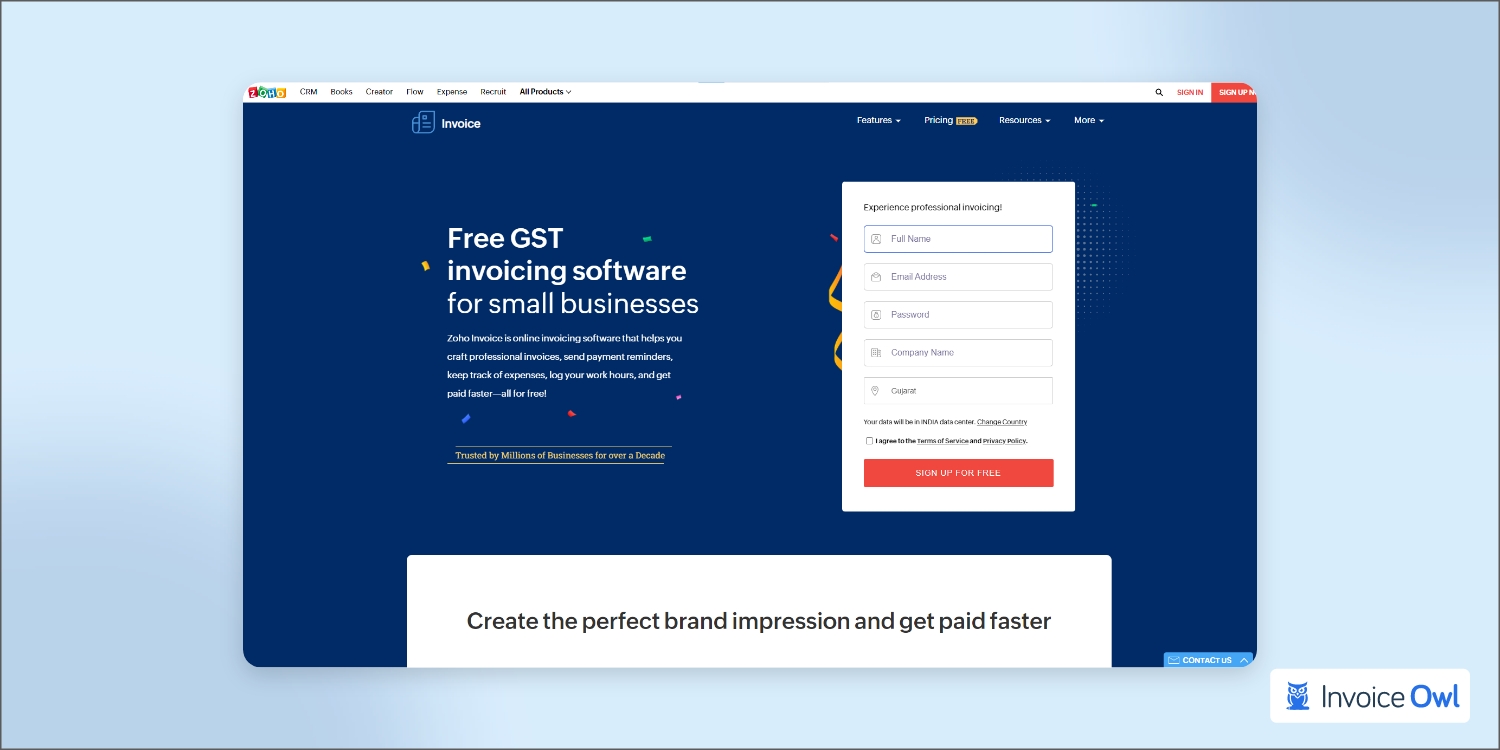
When choosing the best invoice management software for your business, you cannot neglect to implement Zoho Invoice in your list of considerations. The platform offers several free yet excellent automation and invoicing features for business owners.
Thus, it makes one of the best invoicing software applications for people looking to streamline their payment and workflow processes while also saving money.
Zoho invoice also offers a wide range of financial services and a platform for managing finances. You can customize your invoices and online payments using Zoho Invoice, which consists of a standalone application.
In addition to its automated features, Zoho Invoice offers a variety of functions that make it the right invoicing software for small businesses and entrepreneurs.
- Create and pay recurring invoices easily
- Automate internal and external processes
- Multi-currency invoice support
- Developer skills needed for custom automation
- Limit of ten workflows per module for automation
QuickBooks - Best for small and medium businesses
QuickBooks
Best for small and medium businesses
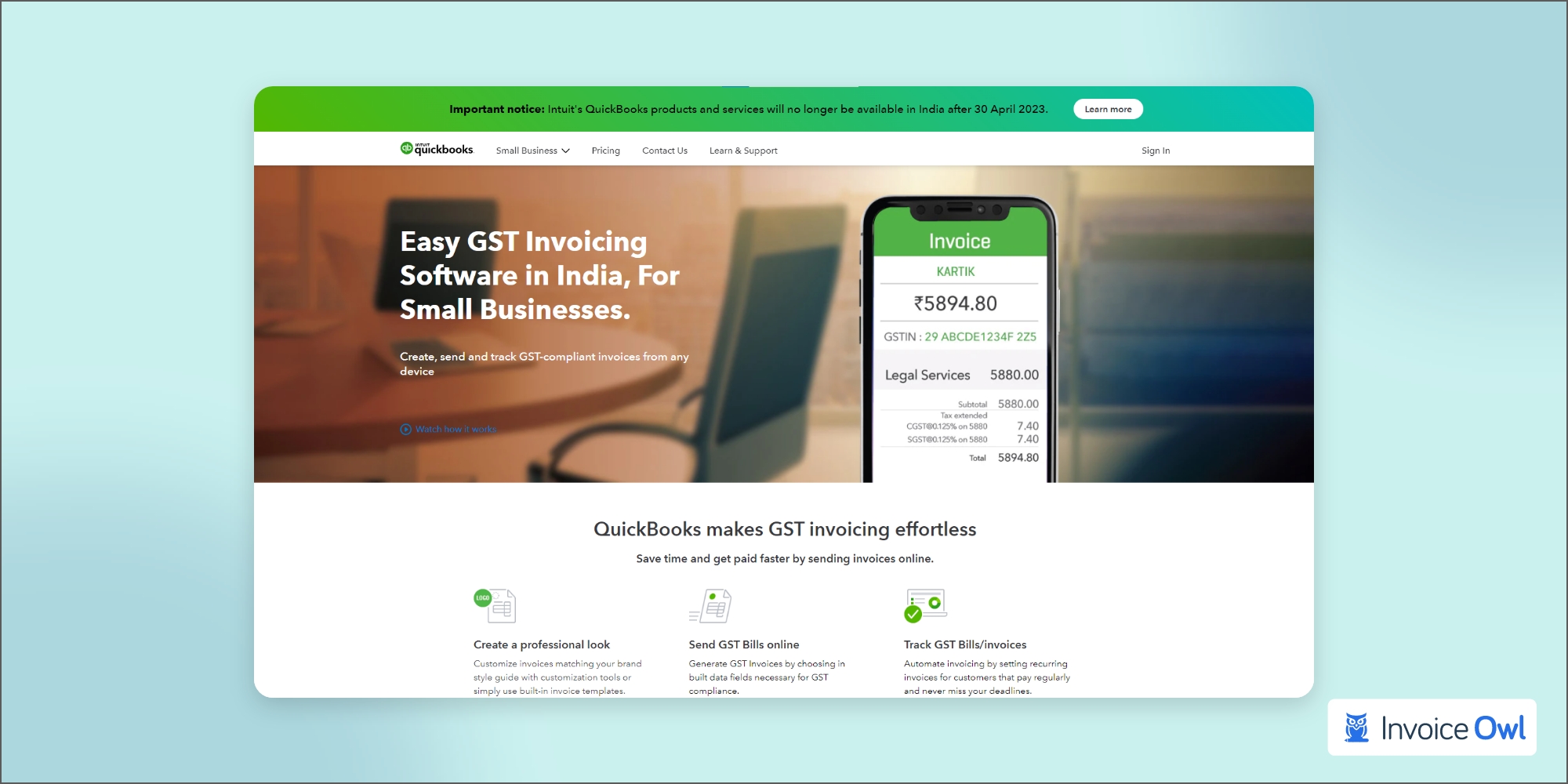
Small and not-so-small businesses alike have long used QuickBooks' invoicing management tools. The platform's ability to collect, organize, and report on business metrics attracts those looking to find better metrics for their businesses.
The invoicing functionality of QuickBooks lives up to its reputation of offering comprehensive accounting tools. Invoices can be customized and automated through a QuickBooks account, billable hours can be added, and similar invoices can be duplicated and sent to multiple customers.
- Customized reports available
- Access to other QuickBooks accounting tools
- Comprehensive resource center
- Higher cost than other invoicing options - consider an alternative to QuickBooks online for similar features at affordable prices
Square - Best for small businesses
Square
Best for small businesses
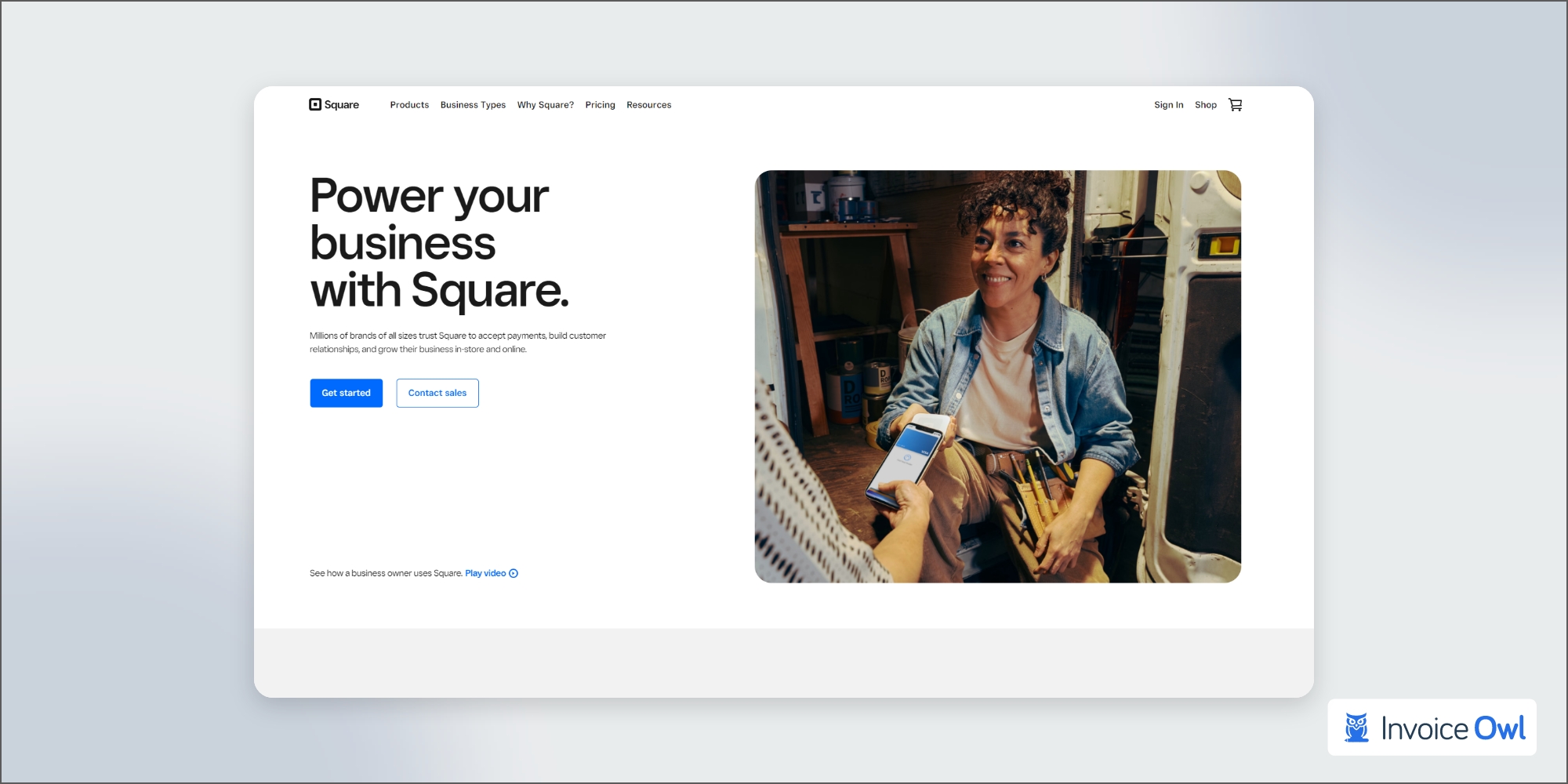
For small businesses who want to manage both online and in-person purchases, Square is very good. Square's streamlined approach handles invoice and payment processing, which is ideal for business owners.
Invoices can be customized, recurring billing can be set up, and invoice status can be monitored in real-time with Square Invoice. One-click payments from a phone or tablet facilitate approximately 75% of Square invoice payments within one day.
- Real-time tracking of professional invoices
- One-click payments available for customers
- No monthly fee charged
- Transaction-based fees can add up
- Limited invoice customization options
Field Promax - Best for businesses that need advanced capabilities
Field Promax
Best for businesses that need advanced capabilities
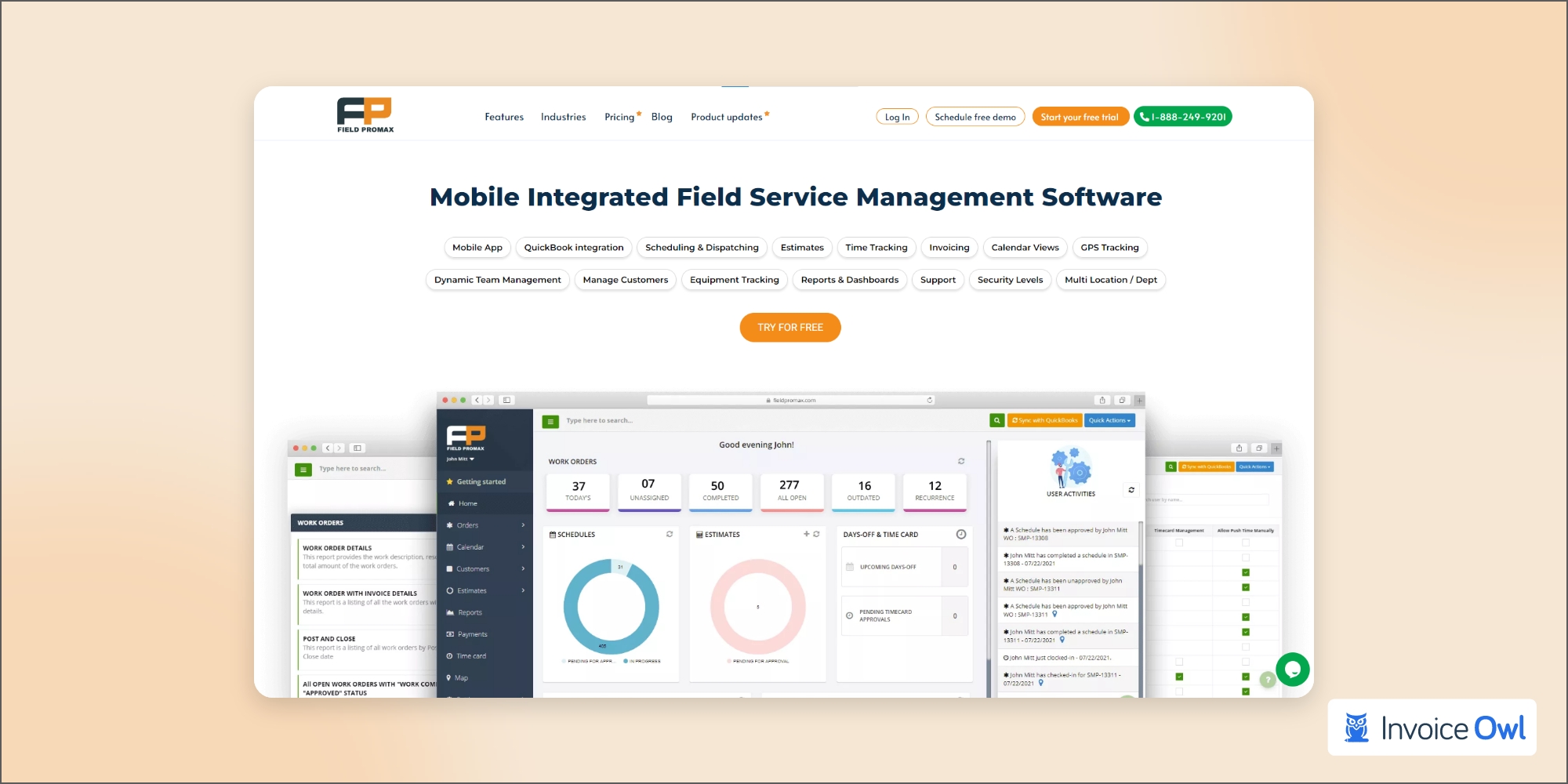
The Field Promax field service invoicing software is a leading product in the industry.
SMBs can leverage the capabilities of this software by providing adequate support and a sophisticated platform.
The software features customer management, scheduling, dispatching, equipment, and time management.
Many features are available to keep track of work orders, manage teams, create dashboards, and view reports.
You can count on Field Promax for fast and mobile invoice services. Invoices are refined, and field management is in your pocket to keep your finances on track.
- Easy to use, intuitive, and affordable
- Excellent customer support
- Can be a little slow sometimes
Medius - Ideal for medium-sized businesses
Medius
Ideal for medium-sized businesses
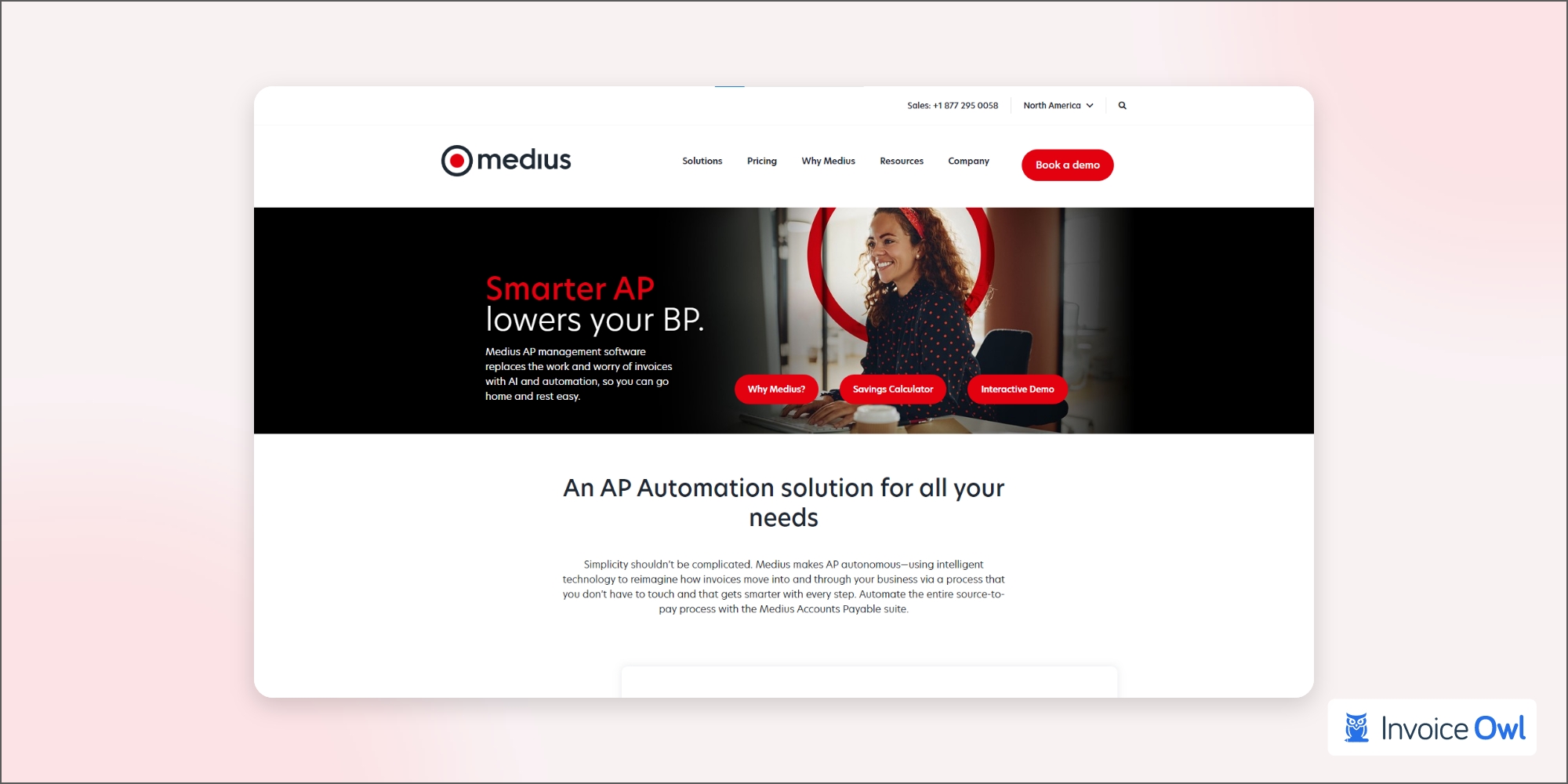
Medius is another worth-adding software to the top billing and invoicing software that can help you automate routine tasks, track spending, and make smarter spending decisions while working with your ERP system.
Using this invoicing and billing software, you can choose various software solutions based on the number of solutions required to stay in compliance and maintain control over your company's spending.
Medius automates accounts payable, procurement, supplier management, contract management, and payment automation, helping you maximize efficiency in these areas.
- Easy invoice tracking
- Real-time invoice monitoring
- Cannot make changes to invoices sent to payments
Wave - Best suited to those seeking a simple and free invoicing solution
Wave
Best suited to those seeking a simple and free invoicing solution
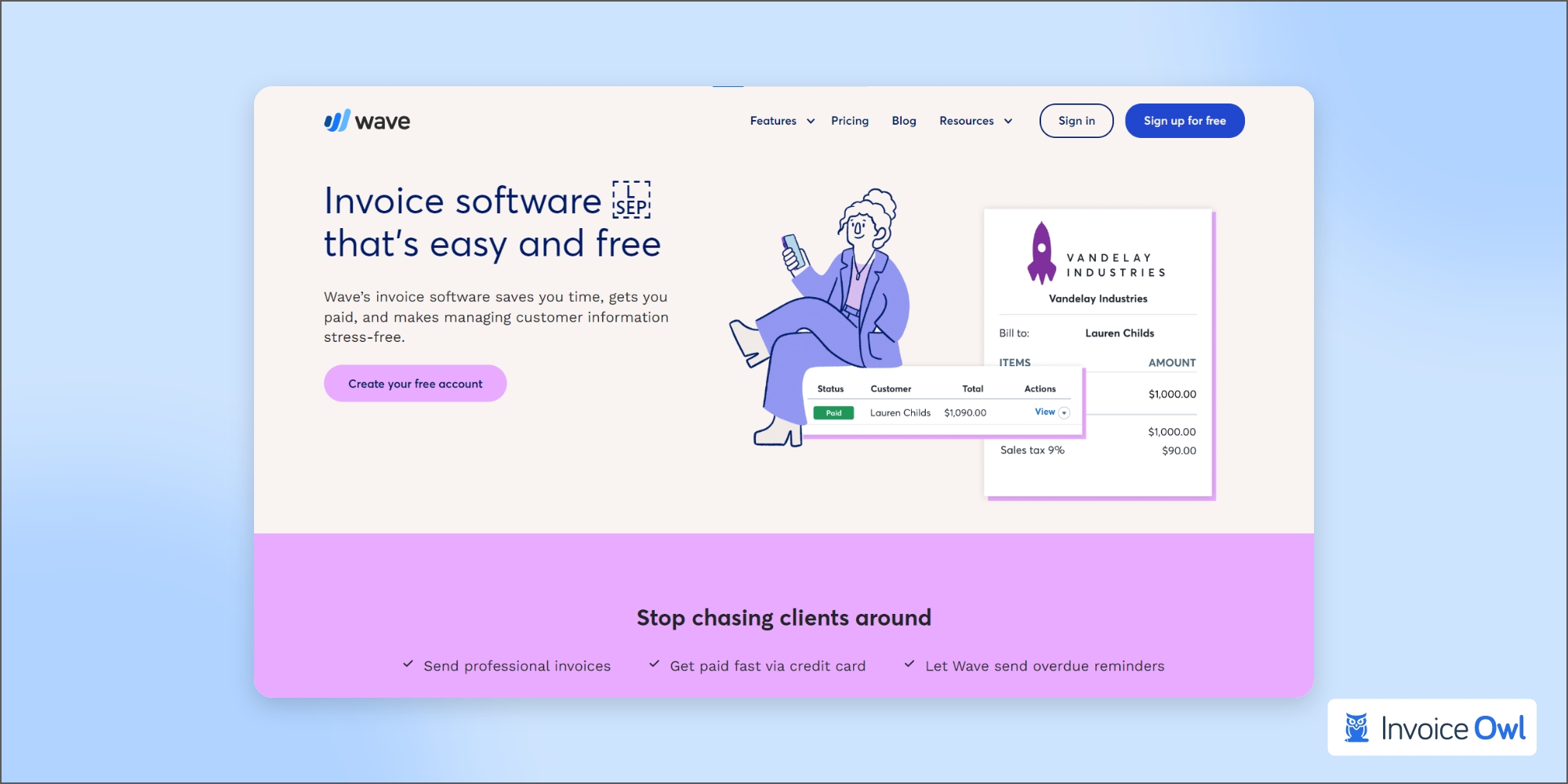
Wave is a time tracking, expense tracking, payments, and bookkeeping software to automate your bookkeeping all in one place. Additionally, it is free of charge, and it's perfect for freelancers and small businesses alike.
The billing software allows you to track your payments, bills, expenses, and receipts. Make your small business stand out with a professional invoice template.
- Send unlimited invoices
- Extensive library of customizable templates
- Some Wave tools require paid subscription
- Instant payments cost more
Refrens - Best for startups
Refrens
Best for startups
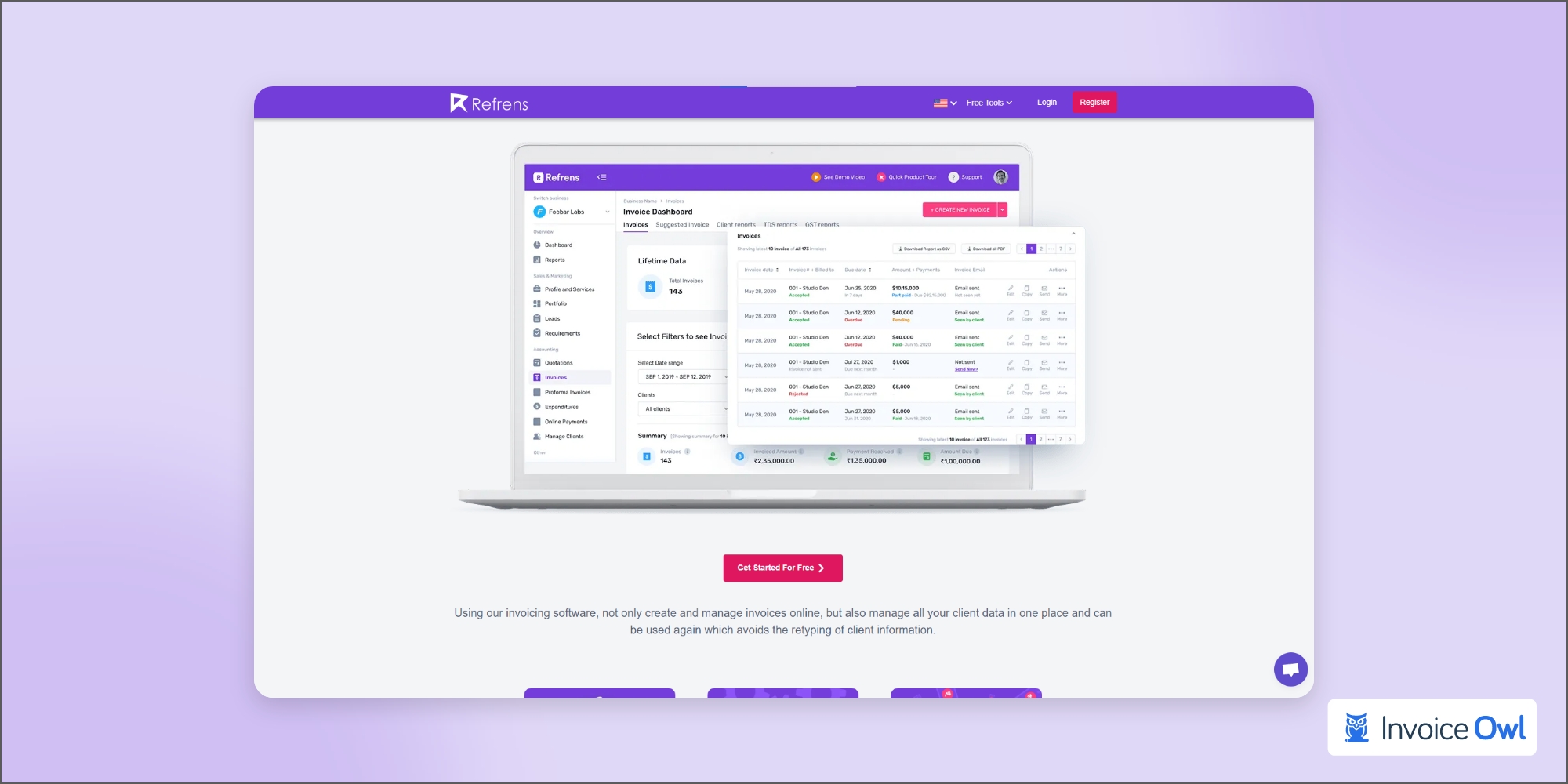
Invoices can be created for an unlimited number of clients without any payment through Refrens.
Deliveries, payment receipt builder, debit notes, and credit notes can all be created with one click.
Additionally, you can edit fields and columns freely and save the invoice as a PDF, email, or WhatsApp directly.
Creating invoices can be challenging, even if you're a business owner who generates bills at the end of each month.
- Comprehensive but straightforward business invoices
- Lower service fees than PayPal
- Small businesses may face structural issues
- Not enough template choices
InvoiceBerry - Ideal for freelancers and small businesses
InvoiceBerry
Ideal for freelancers and small businesses
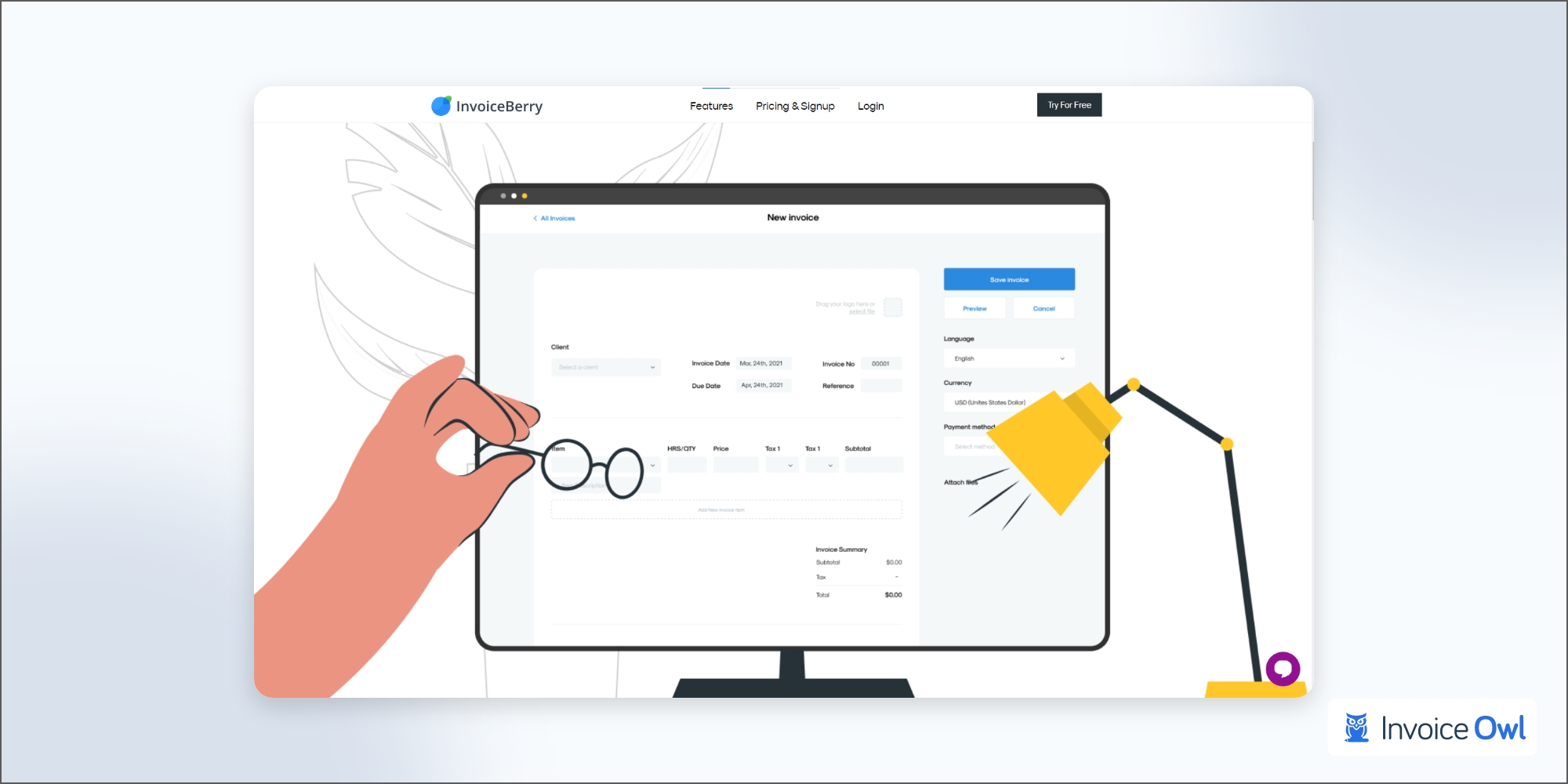
InvoiceBerry was created specifically for small businesses as the best invoicing software for small businesses. A professional-looking invoice is created and shared easily, simplifying and streamlining the entire invoicing process.
InvoiceBerry offers you a wide range of valuable features, such as automating your invoicing through billing recurring invoices to your repeat and regular clients and providing you with accurate reports regarding your clients.
- Send unlimited invoices
- Easily affordable
- Not enough invoicing template options
Hiveage - Best for all types of businesses
Hiveage
Best for all types of businesses
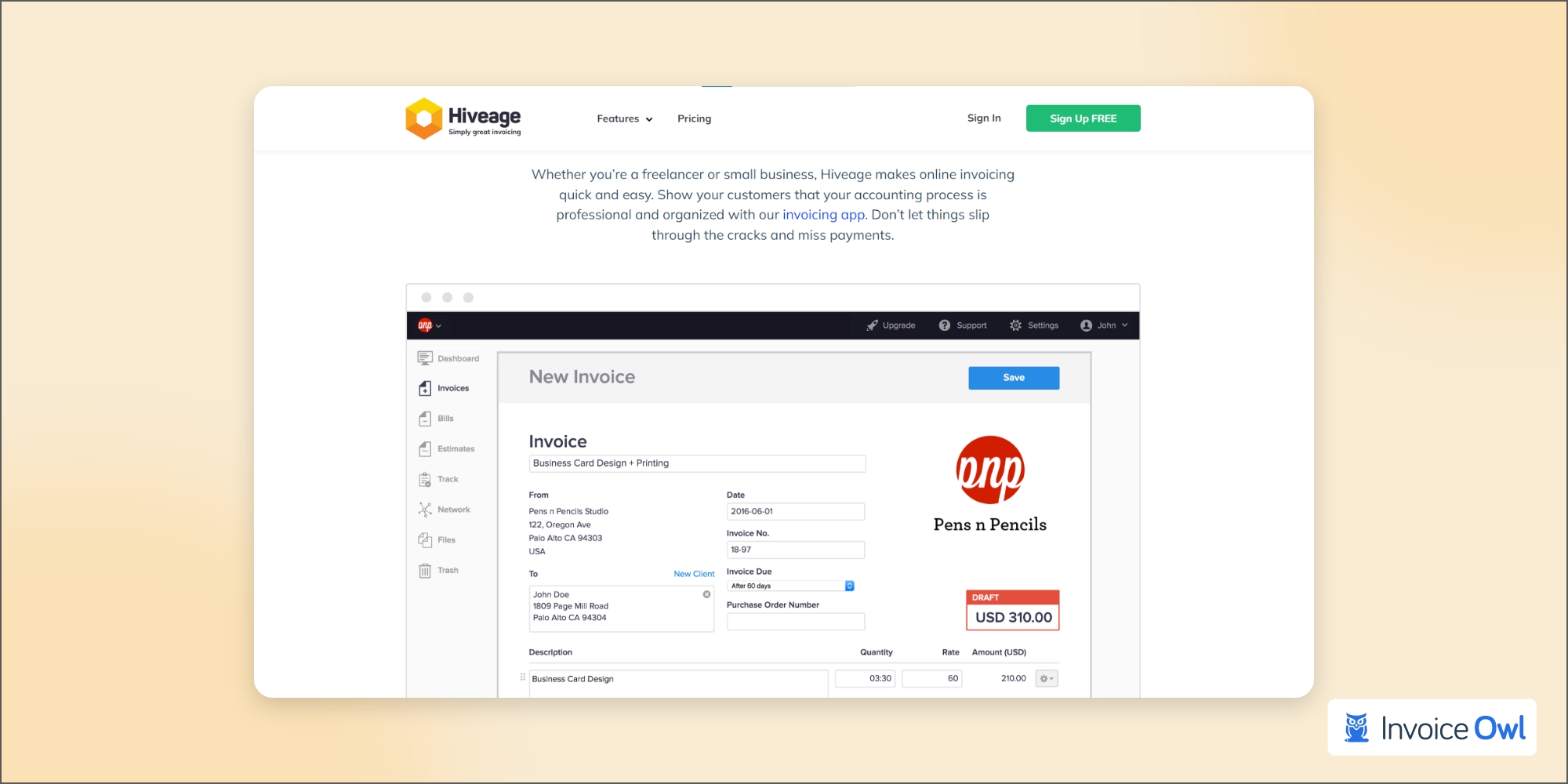
Assuming that you do not have any necessity for the extensive features offered by the billing and invoicing software solutions listed above, Hiveage could just be the best alternative you could try for your invoicing needs.
This is a simple and easy-to-use cloud-based invoicing and billing software that uses a dashboard that provides easy navigation and can be integrated with all the primary accounting and project management software tools currently available in the market.
- Set up recurring invoices and charge subscriptions
- Multi-payment gateway support with partial payments
- Competitors offer better customer service
- Not suitable for growing businesses
Harvest - Best for hourly basis invoices
Harvest
Best for hourly basis invoices
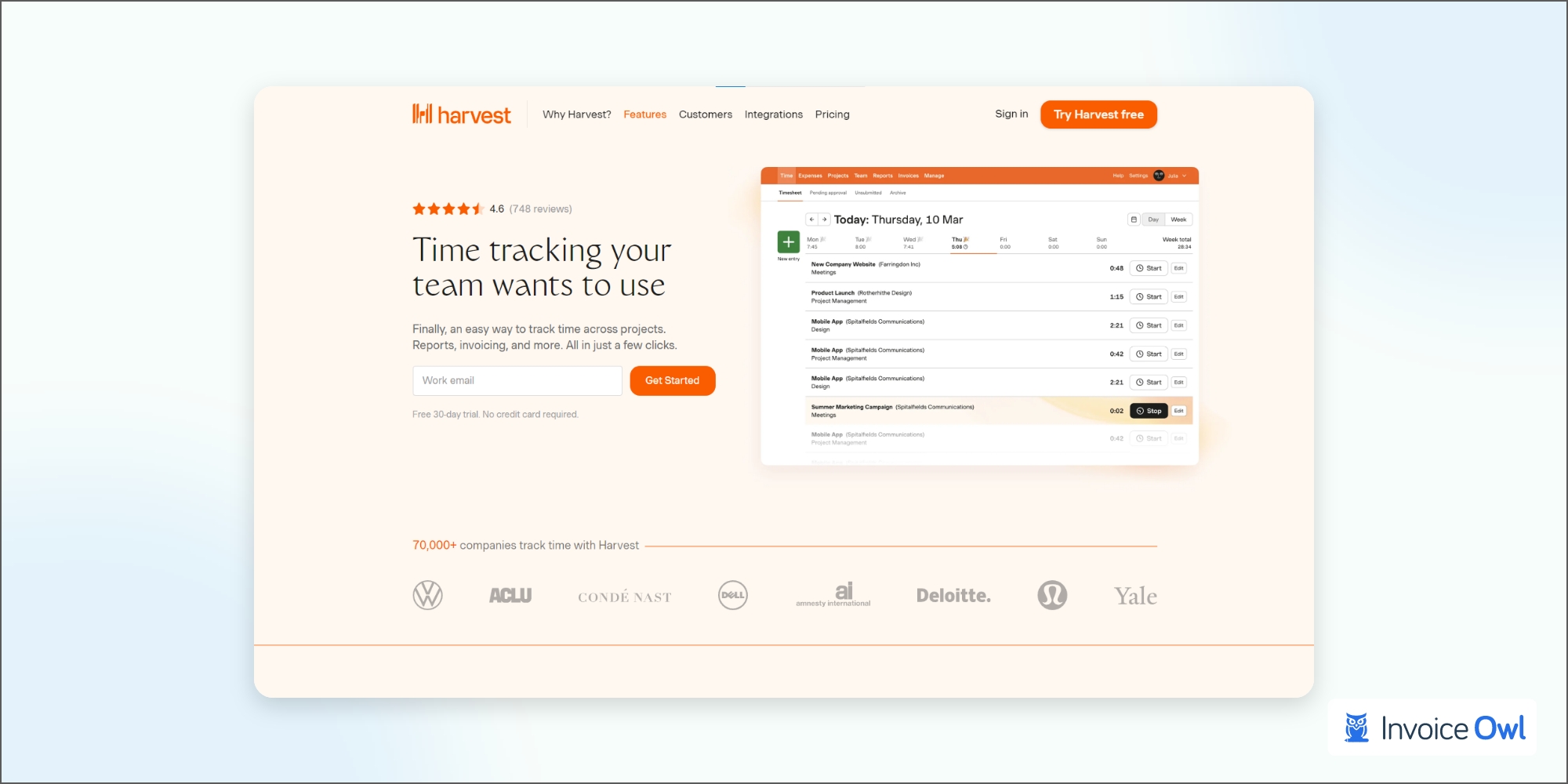
Billable time and expenses can be tracked automatically with Harvest time tracking and accounting software. Despite its simplicity, it is highly effective.
It is helpful for freelancers and small business owners who want to track the activities of remote teams. It allows team members to keep track of their time and mileage easily. Expenses can also be tracked by uploading receipts.
A few clicks can convert tracked time into invoices, which can then be sent to clients.
- Lightweight design with intuitive user experience
- Advanced time tracking features
- Automatic client payment reminders
- No template customization for free users
- Fixed price point limits flexibility
Invoice2go - Best for small businesses
Invoice2go
Best for small businesses
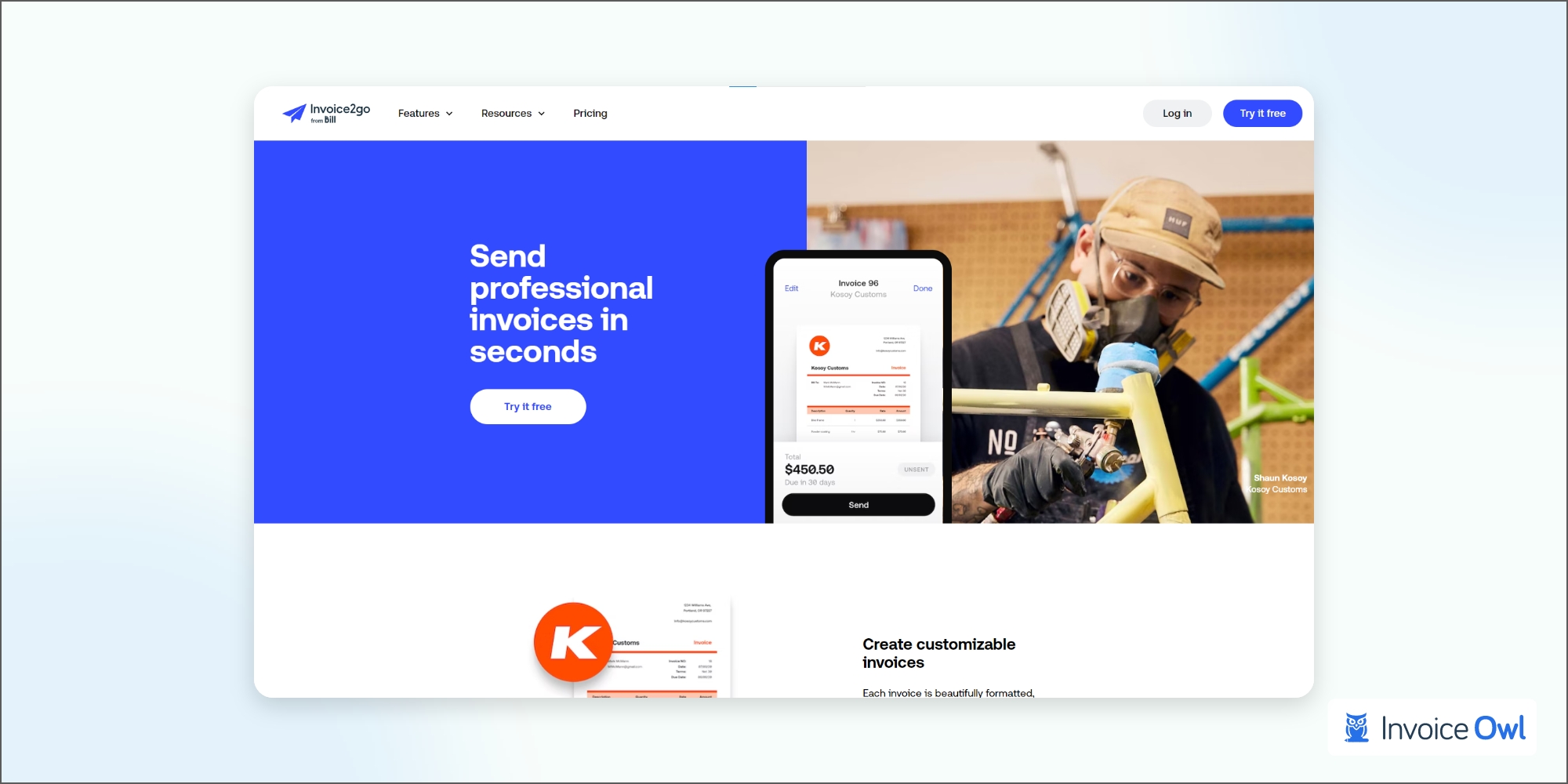
A contractor, freelancer, or small business will find it easy to use, affordable, and straightforward.
Using the billing and invoicing software, users can track time, and expenses, invoice and accept payments, and generate business reports. As well as creating instant websites, you can publish your profile to marketplaces that provide services.
- Affordability
- User-friendly and easy-to-understand
- Can be used for online marketing
- Cheapest plans have limited features
Key Considerations Before Choosing Your Invoice Software
All businesses need invoices, whether small businesses are making their first sale or prominent companies are reaching profitability thresholds that satisfy stockholders. Invoicing and billing software reduces errors, improves cash flow, streamlines invoice preparation and sending, and streamlines payment collection for companies to help them reduce time, improve cash flow, and stay organized financially.
Below are several things to consider when subscribing to invoice management software.
Flexible pricing
The demands of customers keep on fluctuating. If subscription-based businesses cannot anticipate and address their customers' needs, they will suffer a setback.
As a result, businesses should select subscription management software that accommodates their customers' needs and handles pricing changes.
Flexible price plans and seamless pricing changes are critical features of subscription billing software.
Supporting bulk operations
Changes in the outer world affect business changes. Additionally, product additions, removals, and price changes are constants.
Look for invoice management software that supports bulk operations to handle large-scale changes efficiently across your invoicing system.
Invoice branding feature
In today's competitive market, brands are proof of credibility and reflect professionalism.
Over 89% of marketers emphasize creating brand awareness before generating sales and leads.
Using corporate branding smartly allows a brand to build a relationship with its customers.
As a result, businesses often attach their logo to letterheads, business cards, marketing materials, and invoices to give them a professional look. A subscription billing platform enables businesses to get corporate branding printed on invoices.
Start Using InvoiceOwl Today to Create Customized and Professional Invoices
Try InvoiceOwl and start exploring a range of exclusive features like invoices, estimates, e-sign, and reporting!
Start Your FREE TrialFrequently Asked Questions
With a customized invoice template, you can create professional-looking invoices. If it is filled out in Word or Excel, you can email it as a PDF or print it out.
Among its many features, InvoiceOwl is one of the market's most popular invoicing and estimating software. It has replaced Microsoft Invoicing and comes with many templates, and it also helps in project management.
Client and customer invoice management refers to handling invoices and payments. During the billing process, the invoice will be sent, the client will receive the invoice, a payment due date will be established, payment will be received from the client, and payment will be recorded as part of the cash flow.
Conclusion
To help narrow your options, keep these things in mind when choosing invoice software. Choose an invoicing software that works for your business by comparing pricing, features, and other factors.