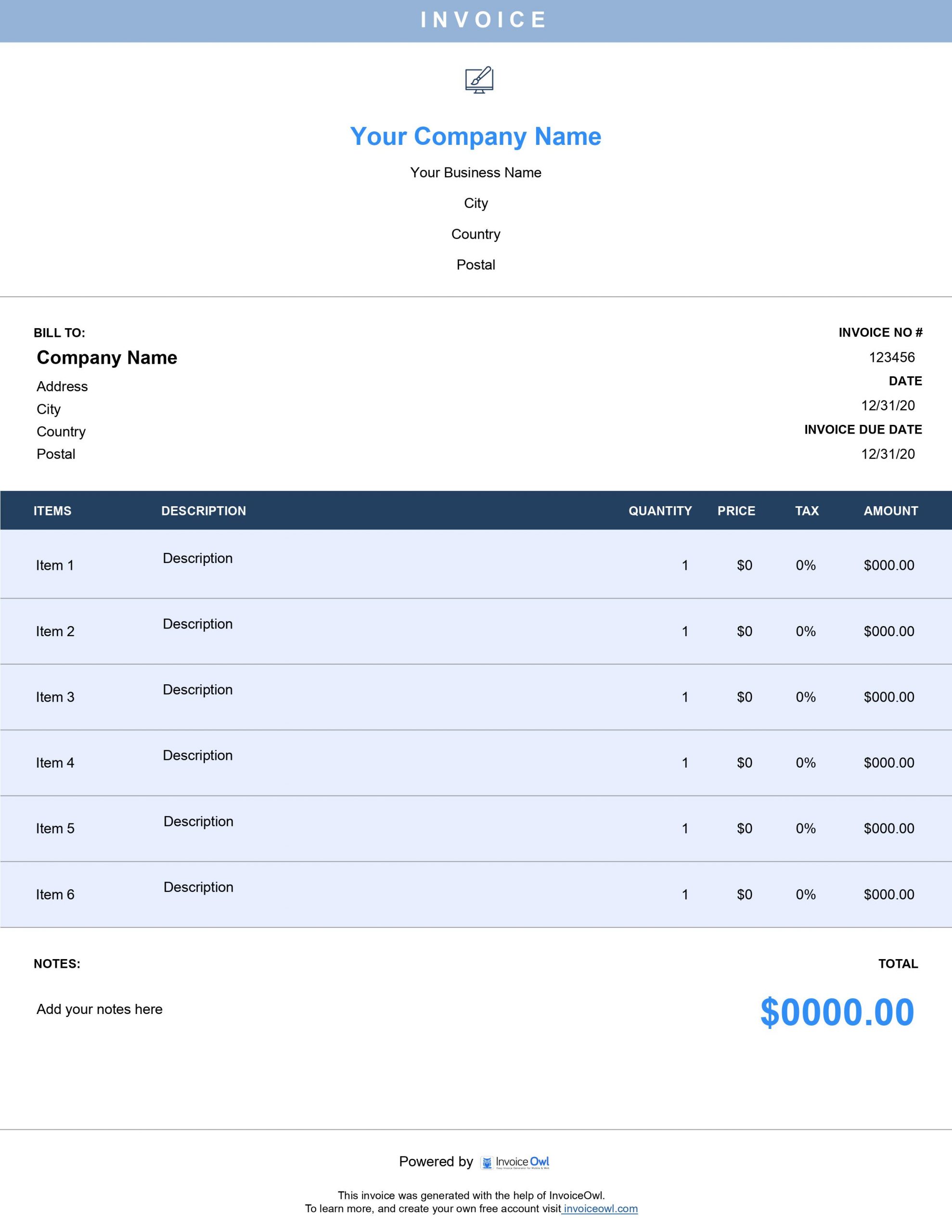
Free Web Design Invoice Templates to Download
Download customizable web design invoice templates for freelance designers and agencies. Professional invoicing for UI/UX work, development projects, and creative services made simple.
 Word
Word Excel
Excel PDF
PDF All
All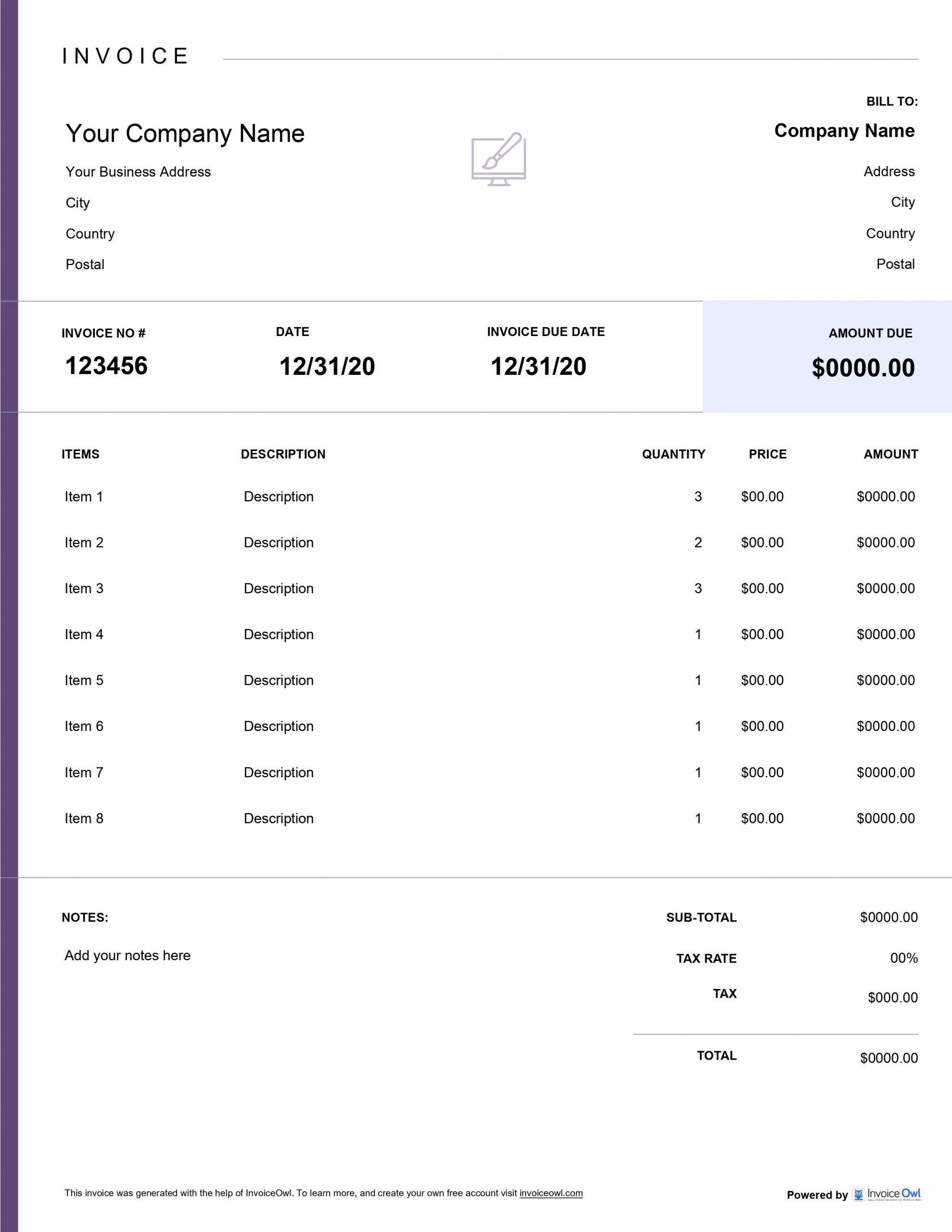
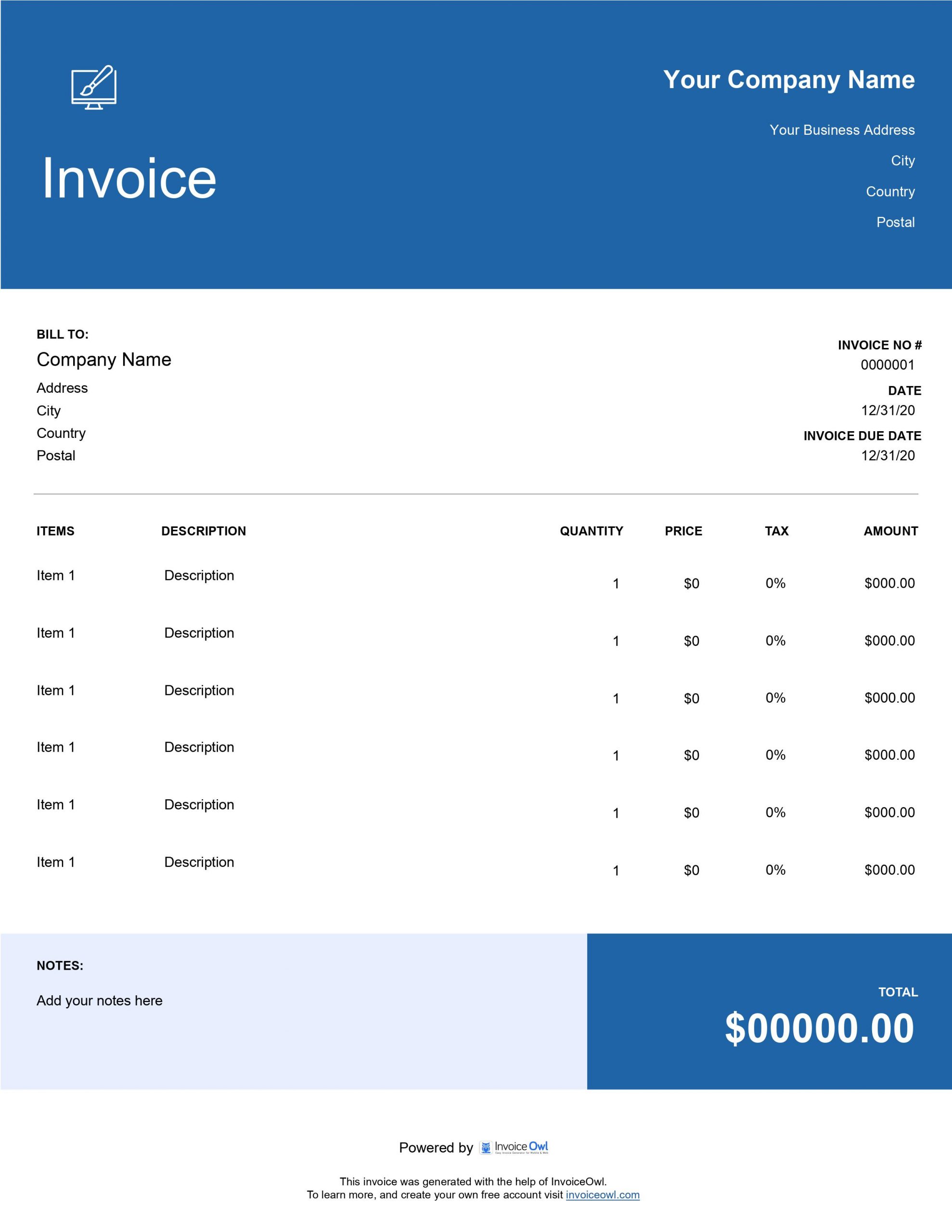
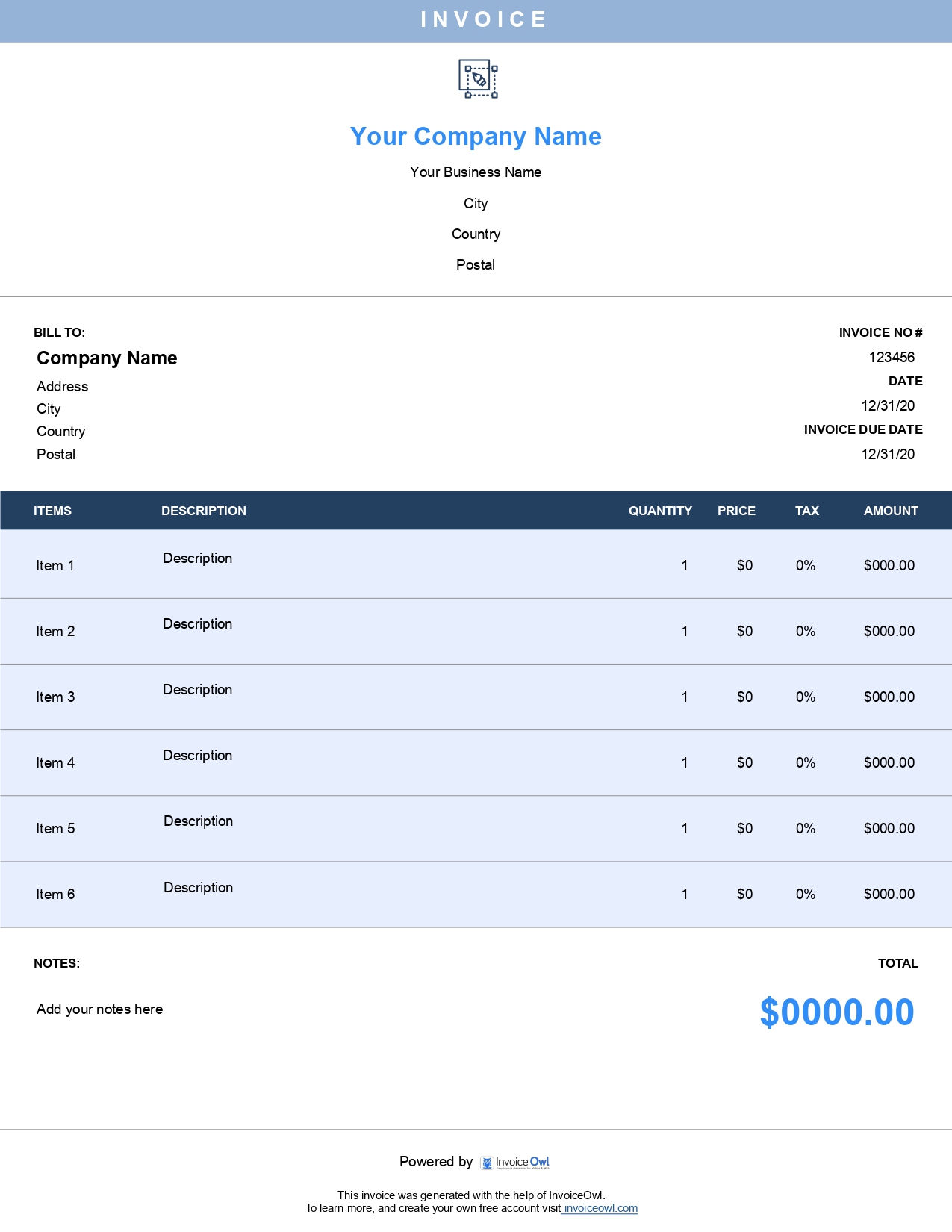
 Docs
Docs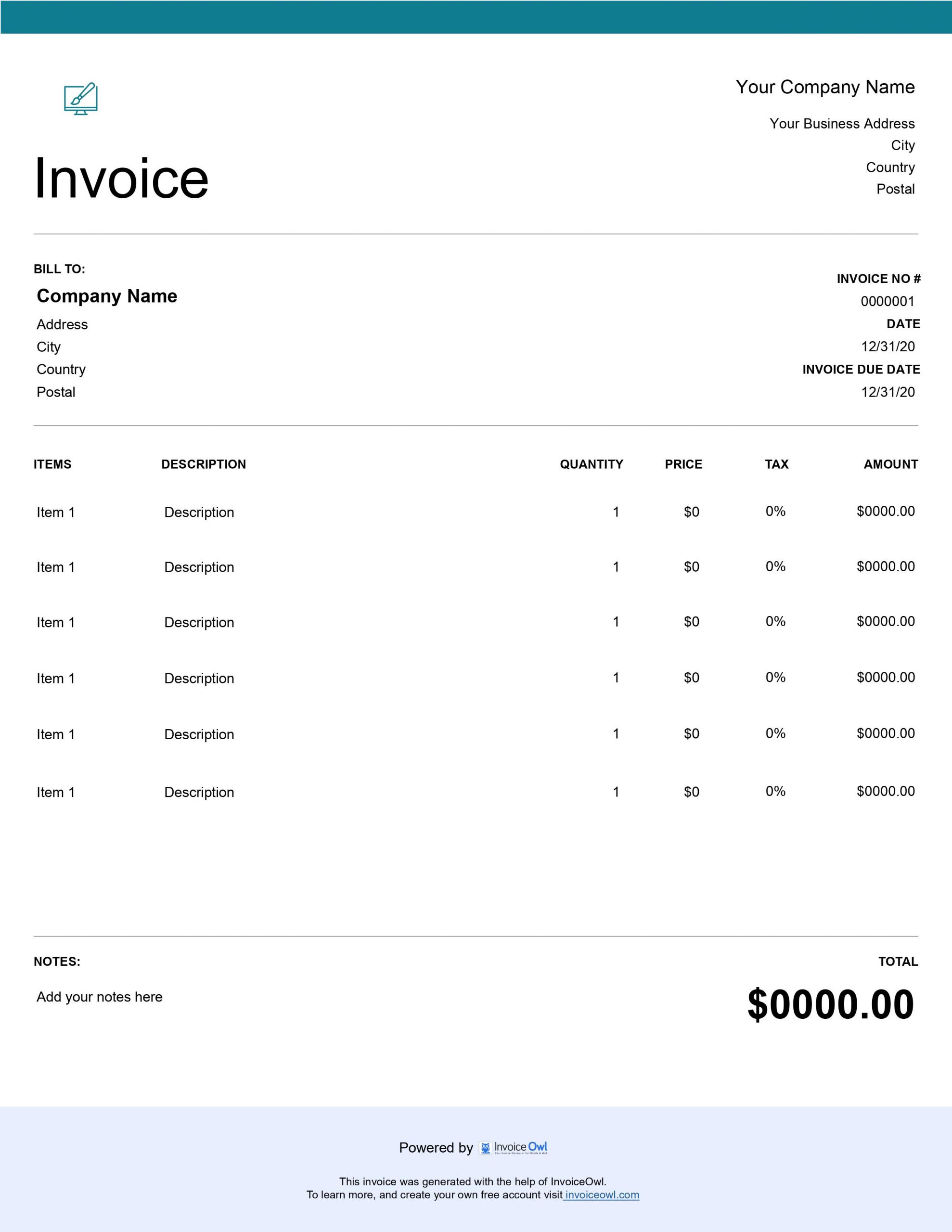
InvoiceOwl vs Free Web Design Invoice Template
See why professionals choose InvoiceOwl
Professional Web Design Invoice Templates - Free Download
You pour your creativity into crafting beautiful, user-friendly websites that captivate audiences and drive results. But when it comes time to bill your clients, invoicing shouldn't drain your creative energy. Our free web design invoice templates help you get paid faster while maintaining the professional image that reflects your design expertise.
Design Beautiful Websites, Not Invoices
Stop letting paperwork interrupt your creative flow. With our ready-to-use templates, you can bill clients immediately after delivering your design work and get back to what you love.
Our templates are available in versatile formats that match your workflow:
Microsoft Word - Complete customization to match your brand identity. Edit text, adjust colors, and add your logo with ease.
Microsoft Excel - Automatic calculations for complex project pricing. Perfect for tracking hours and calculating totals automatically.
Google Docs - Cloud-based collaboration and instant client sharing. Access your invoices from anywhere, anytime.
Google Sheets - Track multiple design projects simultaneously. Great for managing client databases and project histories.
Adobe PDF - Professional, print-ready presentation. Send polished invoices that look great on any device.
Why Web Designers Choose These Templates
Professional invoicing is essential for web designers who want to get paid quickly and maintain strong client relationships. Our templates are designed with your needs in mind.
Save Time on Administrative Tasks - Pre-formatted templates mean you can create professional invoices in minutes instead of hours. Download, customize with your project details, and send - it's that simple.
Maintain Your Professional Brand - Every client touchpoint matters. Our templates ensure your invoices look as polished and professional as the websites you design, reinforcing your credibility with every billing cycle.
Get Paid Faster - Clear, detailed invoices with itemized services help clients understand exactly what they're paying for, reducing confusion and speeding up payment collection.
Stay Organized - Keep track of all your design projects, billing rates, and client information in one consistent format. No more hunting through scattered documents come tax season.
Everything Your Web Design Invoice Needs
A professional web design invoice should include all essential information to ensure you get paid promptly and maintain clear communication with clients.
Your invoice must contain your business name, logo, and complete contact information, client details and project information, unique invoice number and date, clear payment due date, itemized list of design services (wireframes, mockups, revisions, etc.), hourly rates or project-based pricing, subtotals, tax calculations, and total amount due, payment terms and accepted payment methods, and a professional notes section for additional details.
How to Create Your Web Design Invoice
Creating a professional web design invoice is simple when you follow these steps.
Step 1: Download Your Preferred Template Format
Choose the format that works best for your workflow - Word for easy editing, Excel for automatic calculations, or PDF for a polished final product.
Step 2: Add Your Business Branding
Customize the template with your logo, business name, website, email, phone number, and business address. Make it uniquely yours.
Step 3: Enter Client and Project Details
Fill in your client's information, project name, invoice date, invoice number, and payment due date.
Step 4: List Your Design Services
Break down your work into clear line items - such as initial consultation, wireframing, UI design, responsive design, revisions, and final delivery. Include quantities, rates, and amounts for each service.
Step 5: Calculate Totals and Add Terms
Sum up your subtotal, add applicable taxes, apply any discounts, and calculate the final amount due. Include your payment terms, accepted methods, and any relevant notes.
Step 6: Review and Send
Double-check all details for accuracy, save a copy for your records, and send the invoice to your client via their preferred method.
Consider creating invoice templates for your most common service packages - like "Basic Website Design," "E-commerce Design," or "Website Redesign" - to make future invoicing even faster. Save these as separate files you can quickly duplicate and customize.
Common Web Design Services to Include
When creating your web design invoice, you'll typically bill for these common services:
Discovery & Research - Client consultations, competitor analysis, user research, and project planning. This foundational work sets the stage for successful design.
Design Concepts - Mood boards, style guides, color schemes, typography selection, and initial mockups. The creative exploration phase where ideas come to life.
UI/UX Design - Wireframes, user flows, interactive prototypes, and usability testing. Ensuring your designs are both beautiful and functional.
Visual Design - Homepage design, inner page layouts, mobile responsive designs, and custom graphics. The detailed visual execution of your design vision.
Revisions & Refinements - Client feedback rounds, design iterations, and final adjustments. Collaborative refinement to achieve the perfect result.
Asset Delivery - Design files, image exports, style documentation, and handoff to developers. Ensuring smooth project completion and implementation.
InvoiceOwl Invoicing Software vs Free Templates
Free invoice templates are an excellent starting point for freelance web designers and small studios. However, as your design business grows, you'll discover that dedicated invoicing software like InvoiceOwl transforms your entire billing workflow - just like the right design tools transform your creative process.
Real-Time Invoice Tracking - See exactly when clients open your invoices, so you know they've received them and can follow up at the perfect moment.
Automated Payment Reminders - Set up automatic reminders for overdue invoices. Never waste creative energy chasing late payments again.
Instant Receipt Generation - Automatically send professional receipts when payments arrive, keeping both you and your clients organized.
Comprehensive Financial Reports - Generate detailed reports on revenue, outstanding payments, taxes, and client history - essential for growing your design business.
Client Database Management - Store all client information in one place and reuse it instantly for future projects. No more re-typing the same details.
Mobile Access Anywhere - Create and send invoices from your phone, tablet, or computer. Bill clients on-the-go between design meetings.
Try InvoiceOwl and experience the complete invoicing solution designed for creative professionals. From creation to payment tracking, manage everything in just a few taps. Focus on designing beautiful websites while we handle your billing automatically.
Best Practices for Web Design Invoicing
Follow these professional tips to ensure smooth payments and maintain strong client relationships.
Invoice Promptly After Milestone Completion - Send invoices immediately when you complete project phases or deliver final files. The faster you bill, the faster you get paid.
Be Crystal Clear About Services Rendered - Use specific descriptions like "Homepage Hero Section Design - 3 concepts" instead of vague terms like "design work." Clarity prevents payment disputes.
Establish Clear Payment Terms Upfront - Discuss and agree on payment schedules, deposit requirements, and due dates before starting the project. Include these terms on every invoice.
Offer Multiple Payment Options - Make it easy for clients to pay by accepting various methods - bank transfers, credit cards, PayPal, or online payment platforms.
Keep Consistent Records - Save copies of all invoices and organize them by client and date. This makes tax time infinitely easier and helps track business growth.
Always discuss payment terms, rates, and deposit requirements with your client before starting any design work. Having a signed contract or agreement that outlines these details protects both you and your client from misunderstandings.
Frequently Asked Questions
Your web design invoice should include your business name, logo, and contact information (address, phone, email, website), client's name and contact details, unique invoice number for tracking, invoice date and payment due date, detailed description of design services provided (wireframes, mockups, revisions, etc.), hours worked or flat rate for each service, subtotal, applicable taxes, and total amount due, payment terms and accepted payment methods, and any additional notes or project details.
You can price web design work in several ways: Hourly Rate (charge by the hour for all design time, including consultations, design work, and revisions), Project-Based (offer a flat fee for the entire project based on scope and deliverables), Milestone Payments (break the project into phases - wireframes, design, revisions, final delivery - and invoice after each milestone), or Value-Based (price based on the value the design brings to the client's business). Choose the method that best fits your business model and clearly communicate it on your invoice.
The timing depends on your payment terms. For project-based work, send an invoice for a deposit (typically 25-50%) before starting, then invoice the remaining balance upon project completion. For milestone payments, invoice after completing each agreed-upon phase. For hourly work, invoice weekly, bi-weekly, or monthly depending on your agreement. For retainer clients, invoice at the beginning of each retainer period. Always discuss and agree on invoicing schedules with your client before starting work.
Common payment terms for web designers include Net 15 (payment due within 15 days of invoice date), Net 30 (payment due within 30 days - most common), Due on Receipt (payment expected immediately upon receiving the invoice), or 50% Deposit (half upfront before work begins, half upon completion). You can also offer early payment discounts (like 2% off for payment within 7 days) or late payment fees to encourage timely payment. Make sure to clearly state your terms on every invoice.
Speed up your payments with these strategies: Send invoices immediately when work is completed, make invoices clear and easy to understand with itemized services, offer multiple convenient payment options, include a specific due date (not just "Net 30"), send friendly payment reminders before and after the due date, consider offering a small discount for early payment, use invoicing software like InvoiceOwl to automate reminders and track payments, and build strong client relationships with clear communication throughout the project.
It depends on your business needs. Free templates are perfect if you have just a few clients, invoice infrequently, want a simple, no-cost solution, or are just starting your design business. Invoicing software like InvoiceOwl is better if you manage multiple clients and projects, want to automate payment reminders, need to track outstanding payments and revenue, desire professional reporting and analytics, or want to save time on repetitive administrative tasks. Many designers start with templates and upgrade to software as their business grows.
Absolutely! Customization is encouraged. Add your logo and brand colors, adjust fonts to match your website and marketing materials, include your tagline or brand message, modify the layout to suit your preferences, add custom sections for specific project details, and include links to your portfolio or social media. If using Word or Excel formats, you have complete control over the design. PDF templates offer less flexibility but maintain a professional appearance across all devices.