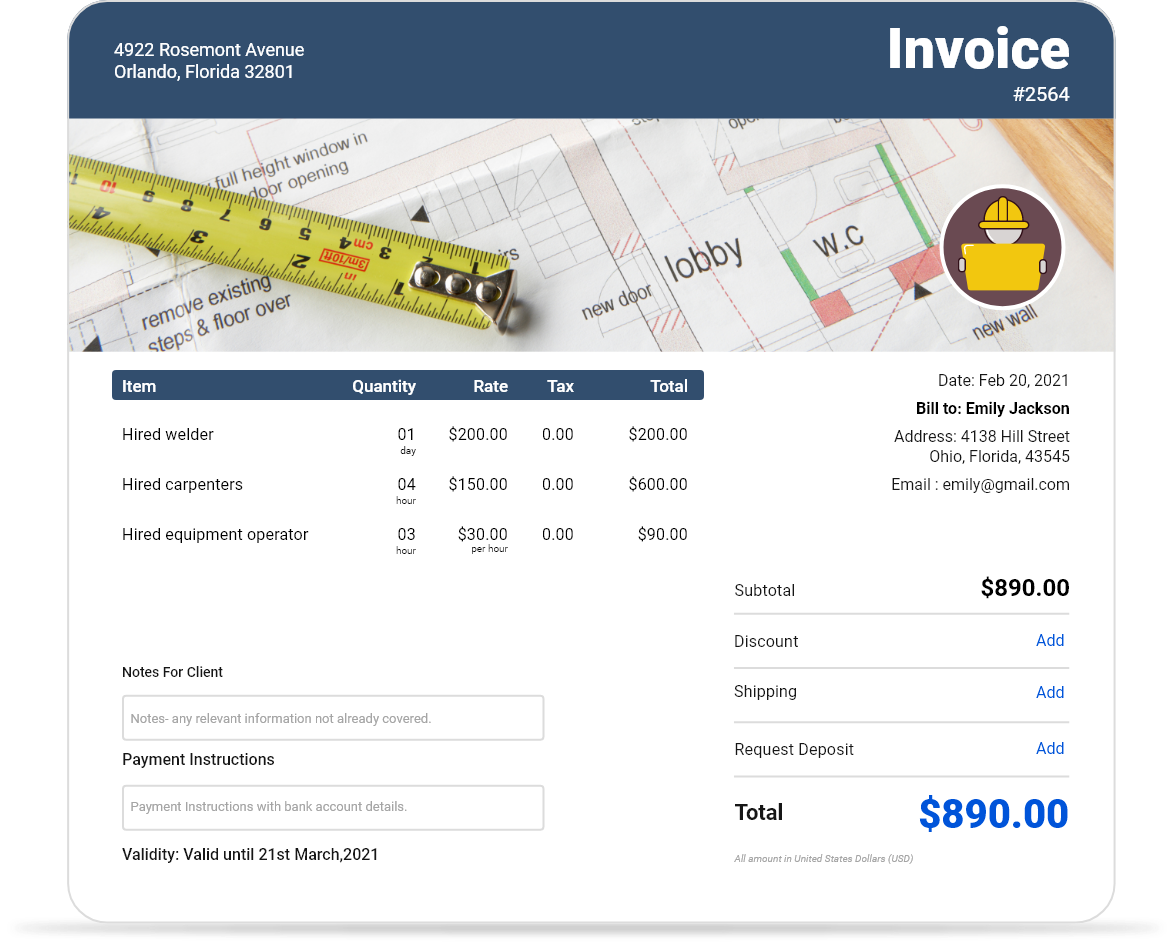
Free Downloadable Subcontractor Invoice Templates
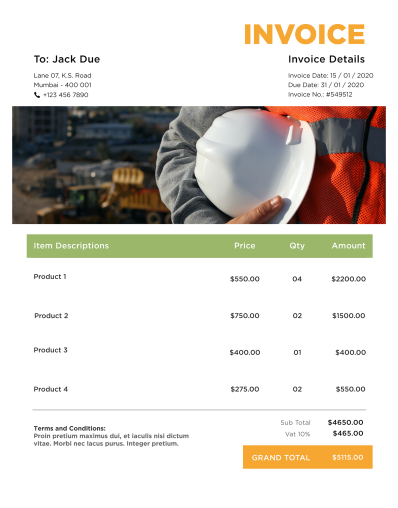
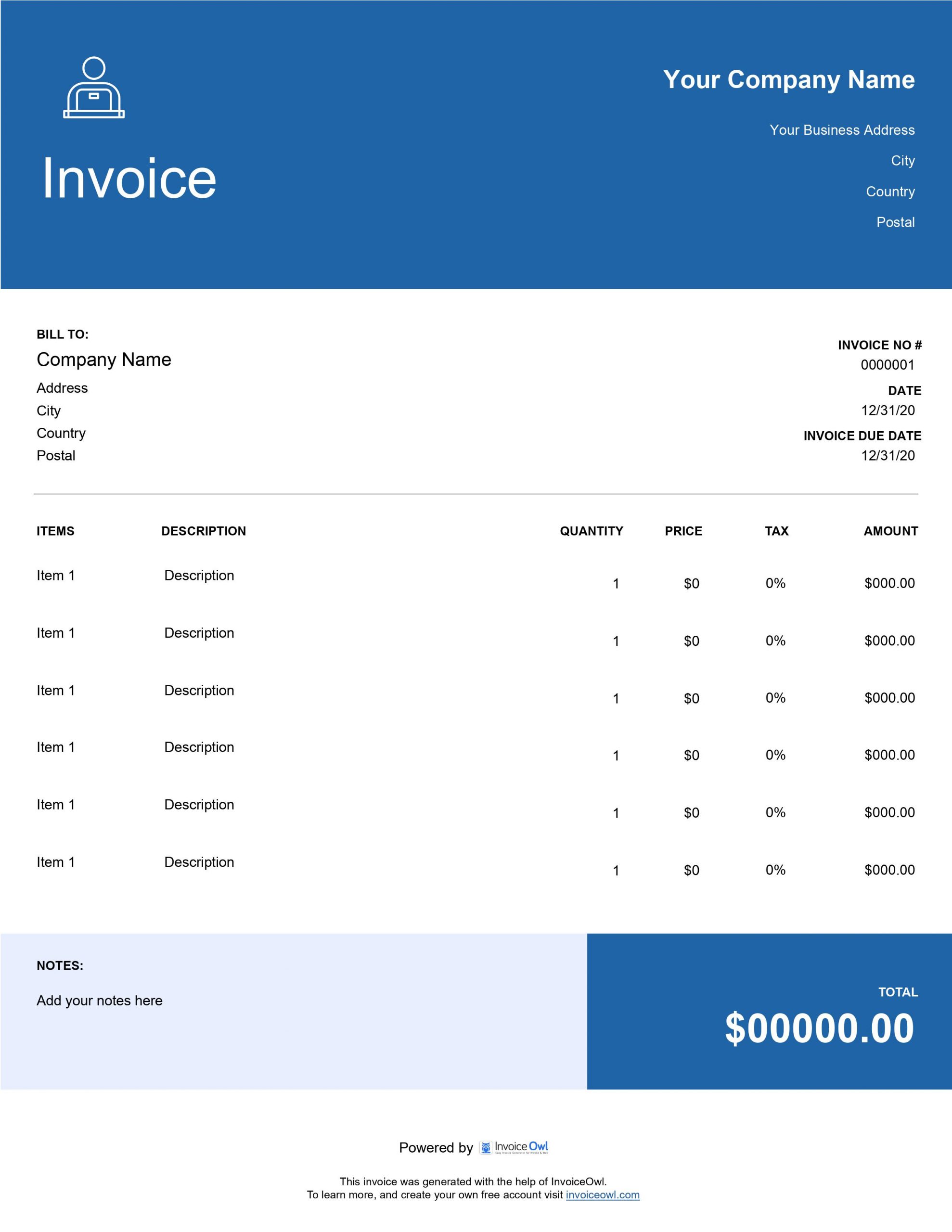
Download professional subcontractor invoice templates built for independent contractors and construction subcontractors. Available in Word, Excel, PDF, and Google Docs to streamline your billing and project invoicing.
 Word
Word Excel
Excel PDF
PDF Docs
Docs All
All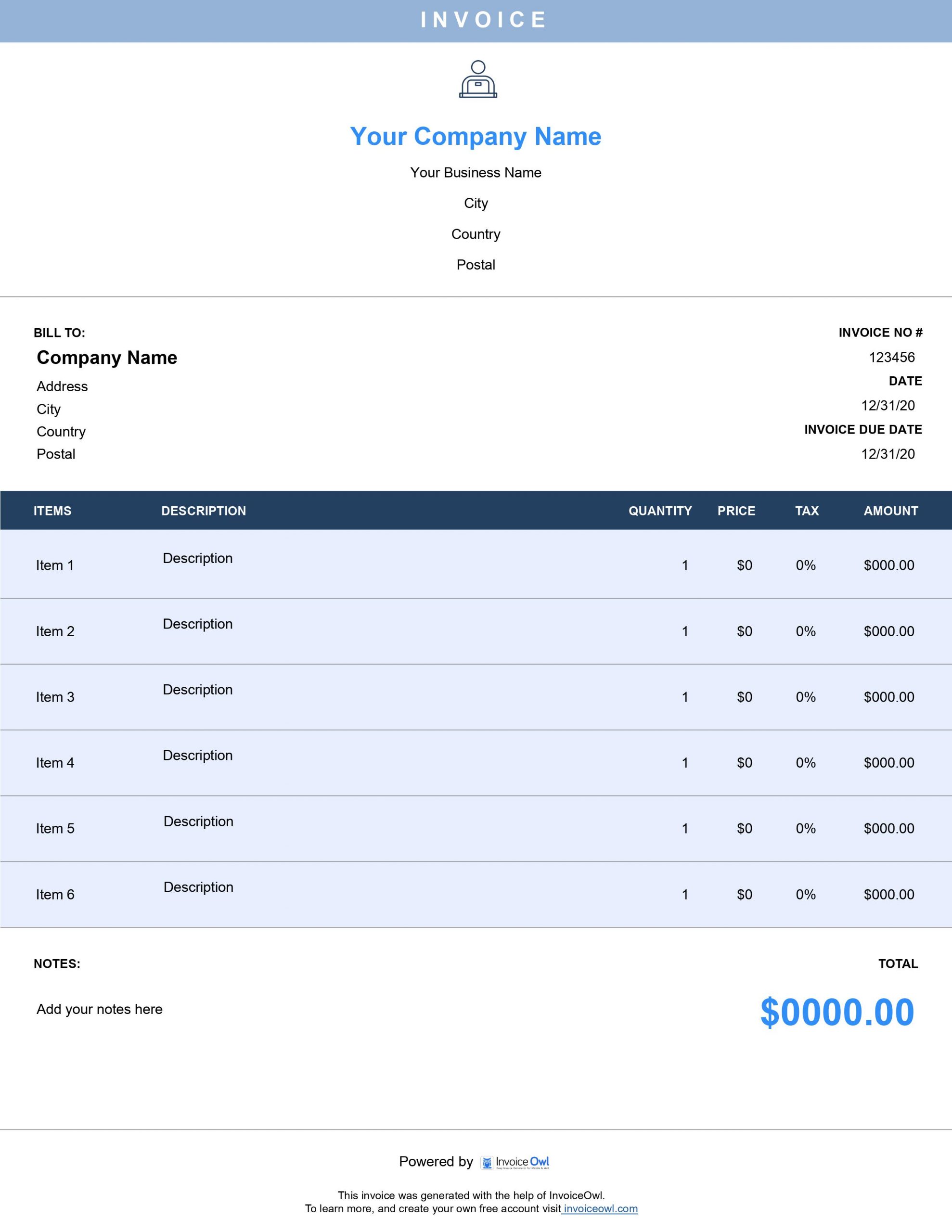
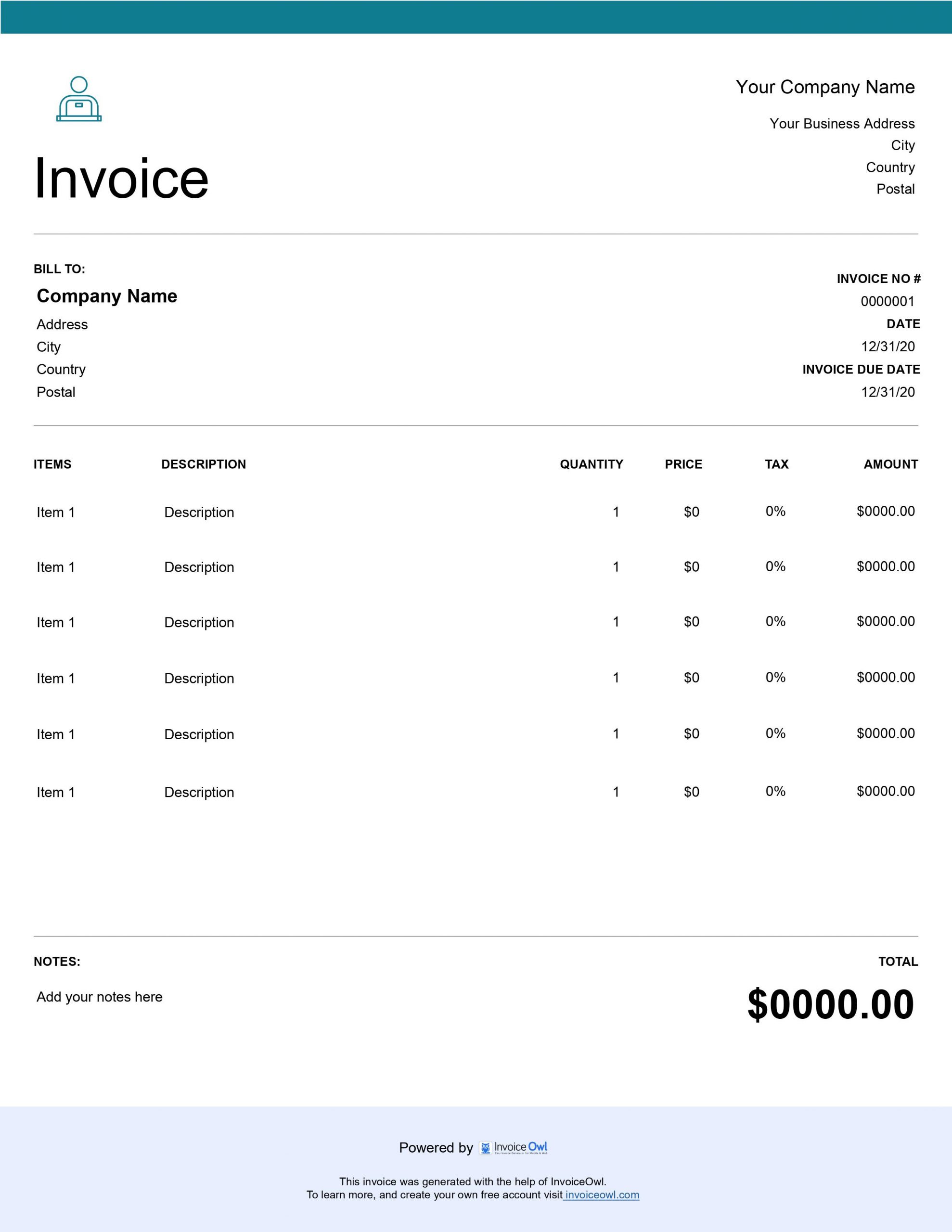
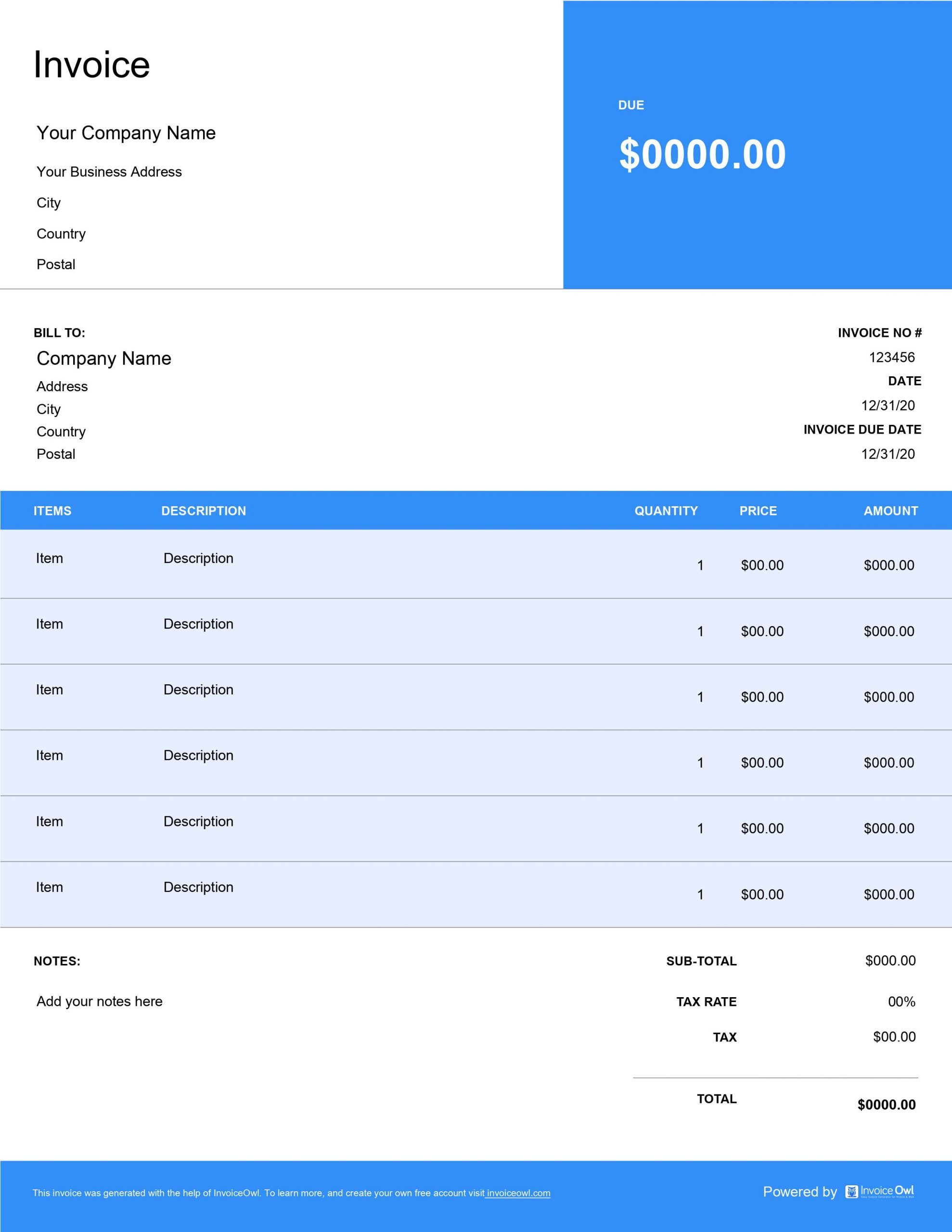
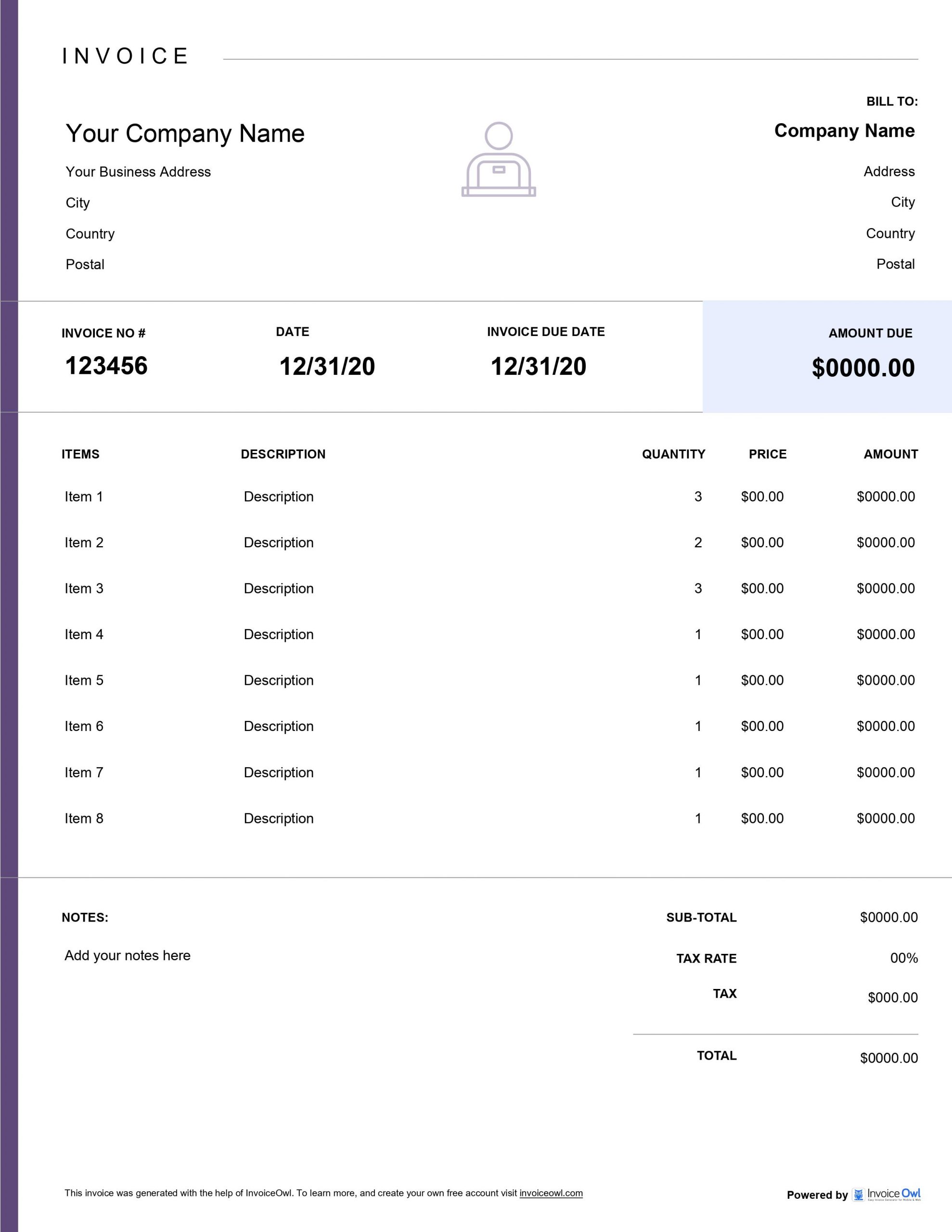
InvoiceOwl vs Free Subcontractor Invoice Template
See why professionals choose InvoiceOwl
Professional Subcontractor Invoice Templates - Simplify Your Billing
Creating invoices through pen-and-paper is the second most difficult task for subcontractors - the first being performing the contracting jobs themselves. Now that you've excelled at performing contracting work, let's make administrative tasks like invoicing easier, better, and more automated.
Free Templates in Five Popular Formats
To save time and win more leads, we recommend using custom invoice templates tailored to your requirements. Considering the demand from subcontractors, we offer five different invoice template formats:
Google Docs - Cloud-based editing and sharing that lets you access invoices from anywhere. Perfect for subcontractors who work on multiple job sites and need mobile access to their billing.
Google Sheets - Collaborative spreadsheet functionality for team-based invoice management. Share with your office staff or accounting team for real-time invoice tracking.
Microsoft Excel - Advanced calculation capabilities that automatically handle labor costs, materials, equipment rental, and subcontractor fees. Excel's formulas ensure accurate invoicing every time.
Microsoft Word - Full customization control to brand your invoices and adjust layouts. Add your contractor license number, insurance information, and company logo.
Adobe PDF - Professional, print-ready format that maintains formatting across all devices. PDFs are perfect for sending professional invoices that can't be accidentally modified.
Choose the format that best fits your workflow and start creating professional invoices in minutes.
InvoiceOwl Invoicing Software vs Free Invoice Template
What if we told you there's a lot more than just creating invoices or using invoice templates? You could unveil a series of benefits with invoicing software. Let's see what you get when subscribing to the software.
Automate Your Invoicing Process
Use InvoiceOwl software to avoid spending time in front of a desk on weekends. Automate your invoicing and reclaim your personal time while maintaining professional billing standards.
As a subcontractor, you need invoices that clearly communicate your work scope, labor hours, material costs, and payment terms. InvoiceOwl's subcontractor-specific templates include fields for project details, general contractor information, work completion dates, retention amounts, lien waiver information, and detailed line items for all services performed.
The software also helps you track which invoices have been paid and which are outstanding, send automated payment reminders to general contractors, generate professional receipts, maintain detailed financial records for tax purposes, and store all client and project information securely in the cloud.
Frequently Asked Questions
Since the market is crowded with subcontractors, you should stand out from your competitors. For this, you need to be quick and simple when it comes to billing your clients.
Your client should understand and know what service you have provided and for which service you are charging how much. When the description is clear and concise, releasing payments would not be a matter of concern.
Creating a subcontractor invoice that looks professionally built and simple is now a matter of seconds. Just download the subcontractor invoice, start adding information as asked, and share it with your clients.
Follow these steps to create your invoice: First, add your business name and contact details. Second, add your client's name and business details. Third, add a unique invoice number, invoice date and due date. Fourth, add goods/service under line items with quantity, price, and totals. Fifth, add payment terms clearly. Finally, share it with your clients.
Since you will be offering various types of contracting services, you may need different types of invoices. Here are the different types of invoices: Standard invoice, Recurring invoice, Prepayment invoice, Time-based invoice, Credit invoice, Debit invoice, and Mixed invoice.
There are five different types of invoice template formats, such as Adobe PDF, Google Docs, Google Sheets, Microsoft Word, and Microsoft Excel. You can choose the invoice template format as per your reference.