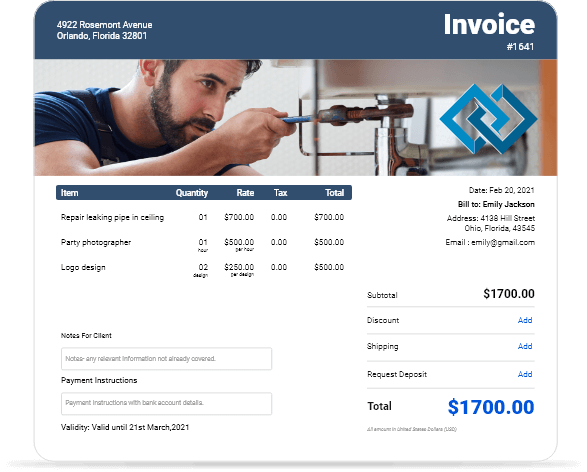
Download Free Small Business Invoice Templates
Get professional small business invoice templates designed to help entrepreneurs and SMBs streamline billing and get paid faster. Available in Word, Excel, PDF, and Google Docs formats for maximum flexibility.
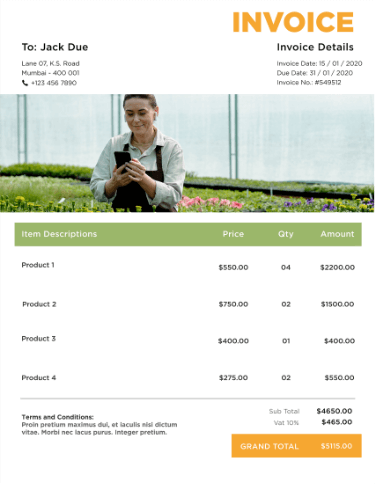
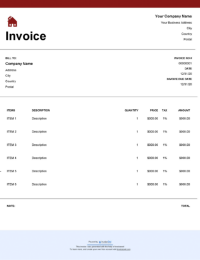
 Word
Word Excel
Excel PDF
PDF Docs
Docs All
All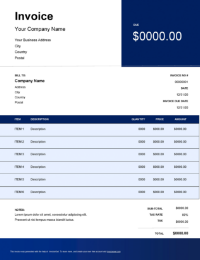
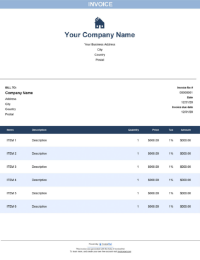
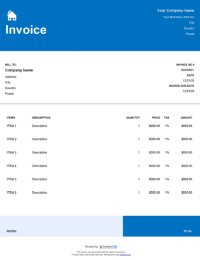
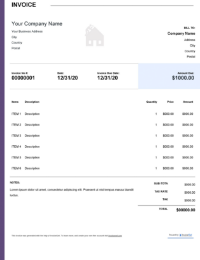
InvoiceOwl vs Free Small Business Invoice Template
See why professionals choose InvoiceOwl
Professional Small Business Invoice Templates - Free Download
Stop wasting hours on manual invoicing. Download free, professionally-designed small business invoice templates by InvoiceOwl and transform your billing process today.
Instant Download in Multiple Formats
Adobe PDF - Perfect for sending polished, uneditable invoices to clients. PDF format ensures your invoice looks exactly the same on any device and can't be accidentally modified.
Microsoft Word - Fully customizable for your specific needs. Edit fields, change layouts, and adjust formatting to match your business requirements.
Microsoft Excel - Ideal for businesses that need calculation flexibility. Excel templates automatically calculate totals, taxes, and subtotals.
Google Docs - Collaborate and access from anywhere. Store your invoices in the cloud and edit them from any device with internet access.
Each template is designed exclusively for small businesses, ensuring you can create professional invoices in minutes, not hours.
Why Small Businesses Choose Our Invoice Templates
Save Time on Every Invoice
Our invoice templates come pre-formatted with all essential fields, letting you focus on growing your business instead of formatting documents. No more starting from scratch or struggling with spreadsheet formulas.
Professional Appearance, Every Time
First impressions matter. Our templates give your invoices a polished, professional look that builds client trust and encourages prompt payment. A well-designed invoice reflects the quality of your work and establishes credibility with new and existing clients.
Get Paid Faster
Clear, well-organized invoices reduce payment confusion and speed up your cash flow. When clients can easily understand what they owe and how to pay, they're more likely to process payments quickly. Alternatively, create and send a free professional invoice directly to your clients using our invoice generator.
InvoiceOwl Invoicing Software vs Free Invoice Template
Want to take your invoicing to the next level? See how InvoiceOwl's full-featured software compares to traditional templates.
Unlock Advanced Invoicing Features
Real-Time Invoice Tracking - The InvoiceOwl invoicing software lets you create, send, and manage customized invoices for your business in just minutes. Track when clients open your invoices and get instant payment notifications. Know exactly which invoices are outstanding and which have been paid.
Automation That Saves Hours - Stop repeating the same work. InvoiceOwl automatically fills in client details, remembers your services, and can even send payment reminders on your behalf. Set it up once and let automation handle the repetitive tasks.
Cloud-Based Business Management - Access your invoices anywhere, anytime. All your billing data is securely stored in the cloud and ready when you need it. Work from your office, home, or on the go without missing a beat.
How to Create Your Small Business Invoice
Creating an invoice for a small business using a template is effective and efficient too. Follow these steps:
Step 1: Open the Downloaded Invoice Template
Download and open your chosen invoice template in the format that works best for you (PDF, Word, Excel, or Google Docs). Choose the format based on your needs - PDF for sending, Word or Excel for customization.
Step 2: Add the Customer's Details
Fill in your client's business name, contact person, address, email, and phone number. Having complete client information ensures invoices reach the right person and provides contact details for follow-up.
Step 3: Mention Invoice Dates
Include both the invoice issue date and the service or delivery date. The issue date marks when you sent the invoice, while the service date records when work was completed.
Step 4: Assign a Unique Invoice ID
Create a unique invoice number to help track payments and maintain organized records. A simple numbering system like INV-001, INV-002 makes it easy to reference specific invoices.
Step 5: Add All the Particulars
List all products or services provided, including descriptions, quantities, rates, and totals. Be specific in your descriptions so clients understand exactly what they're paying for.
Step 6: Highlight the Accounts Payable
Clearly show the total amount due, including any taxes, discounts, or additional fees. Make the final amount prominent so there's no confusion about what the client owes.
Step 7: Mention Due Date
Specify the payment due date and accepted payment methods, then send your professional invoice to clients. Common payment terms include Net 30 (due in 30 days), Net 15, or Due on Receipt.
Frequently Asked Questions
Creating an invoice for a small business using a template is effective and efficient too. Simply download the template, add customer details, mention invoice dates, assign a unique invoice ID, add all particulars, highlight accounts payable, mention the due date, and send professional invoices to your clients.
Yes, you can. The invoice templates from InvoiceOwl are 100% free. You can download them in any file format that is available without paying anything. For instance, shipping invoice templates are effective.
Yes, MS Word does have the invoice template and you can also generate an invoice template in word.
Yes. Check out our self-employed invoice template.