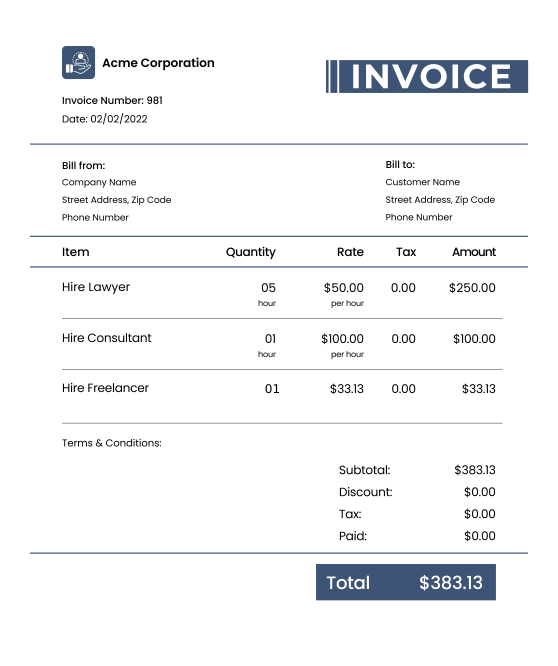
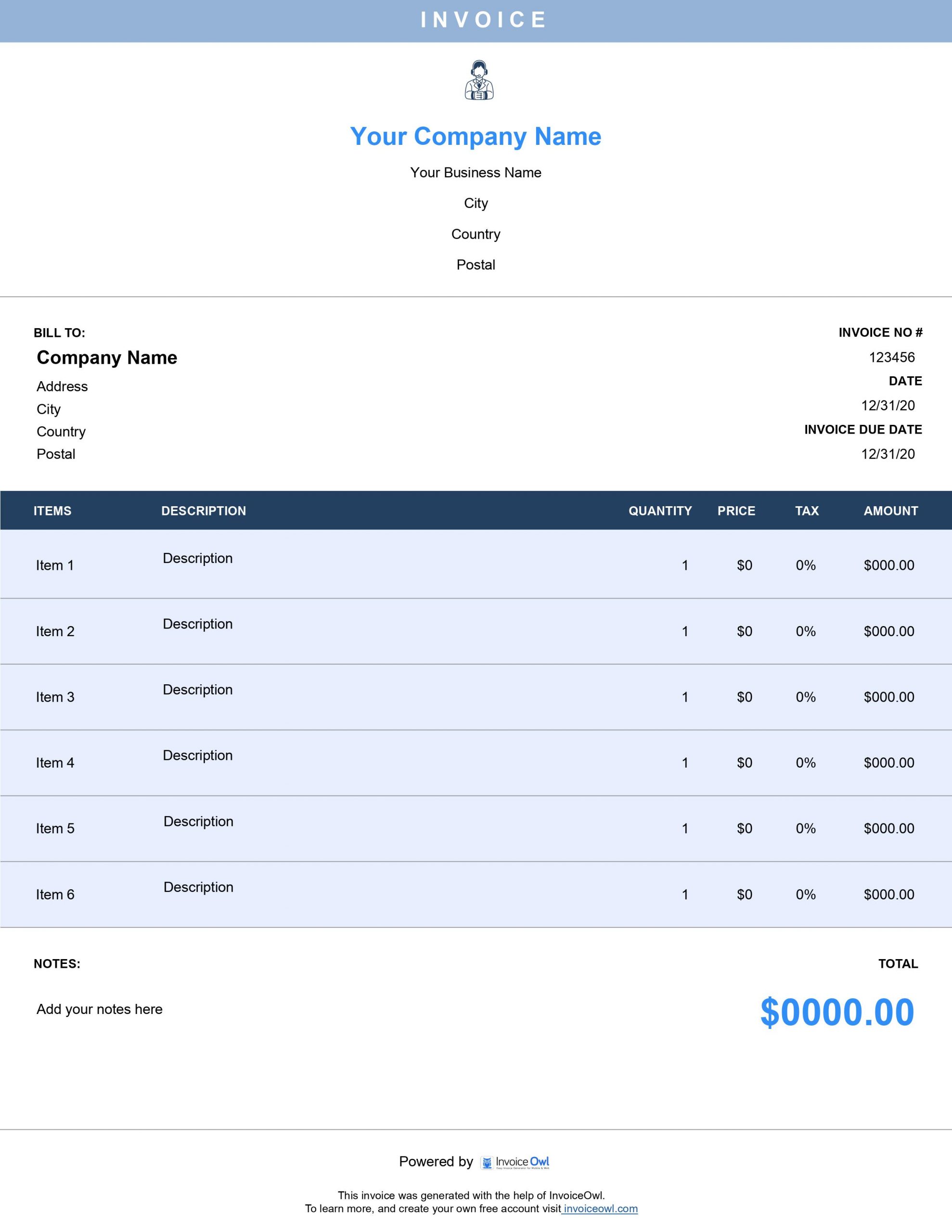
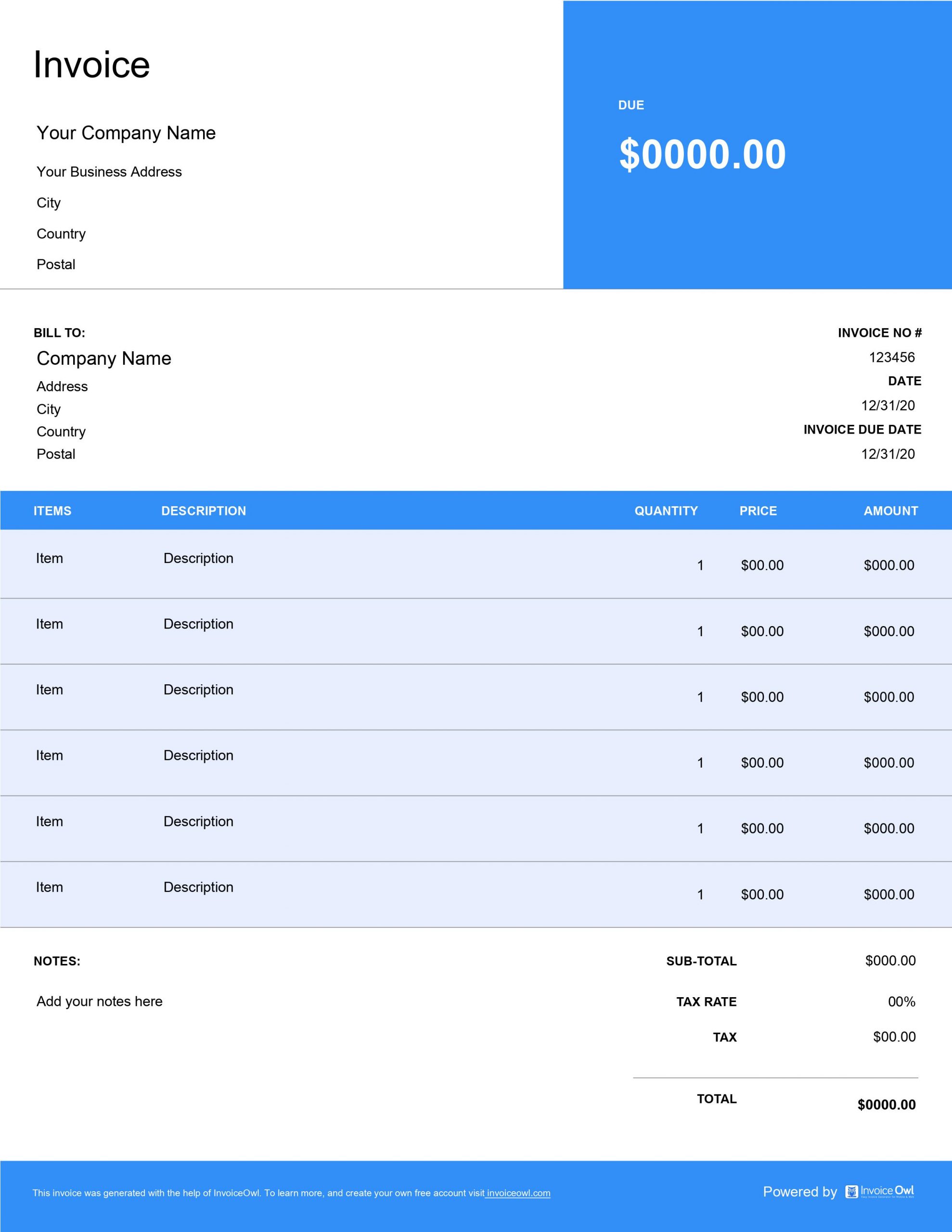
Free Downloadable Retainer Invoice Templates
Download professional retainer invoice templates designed for consultants, lawyers, and service professionals. Get instant access to Word, Excel, and PDF formats that simplify recurring billing and client management.
 Word
Word Excel
Excel PDF
PDF All
All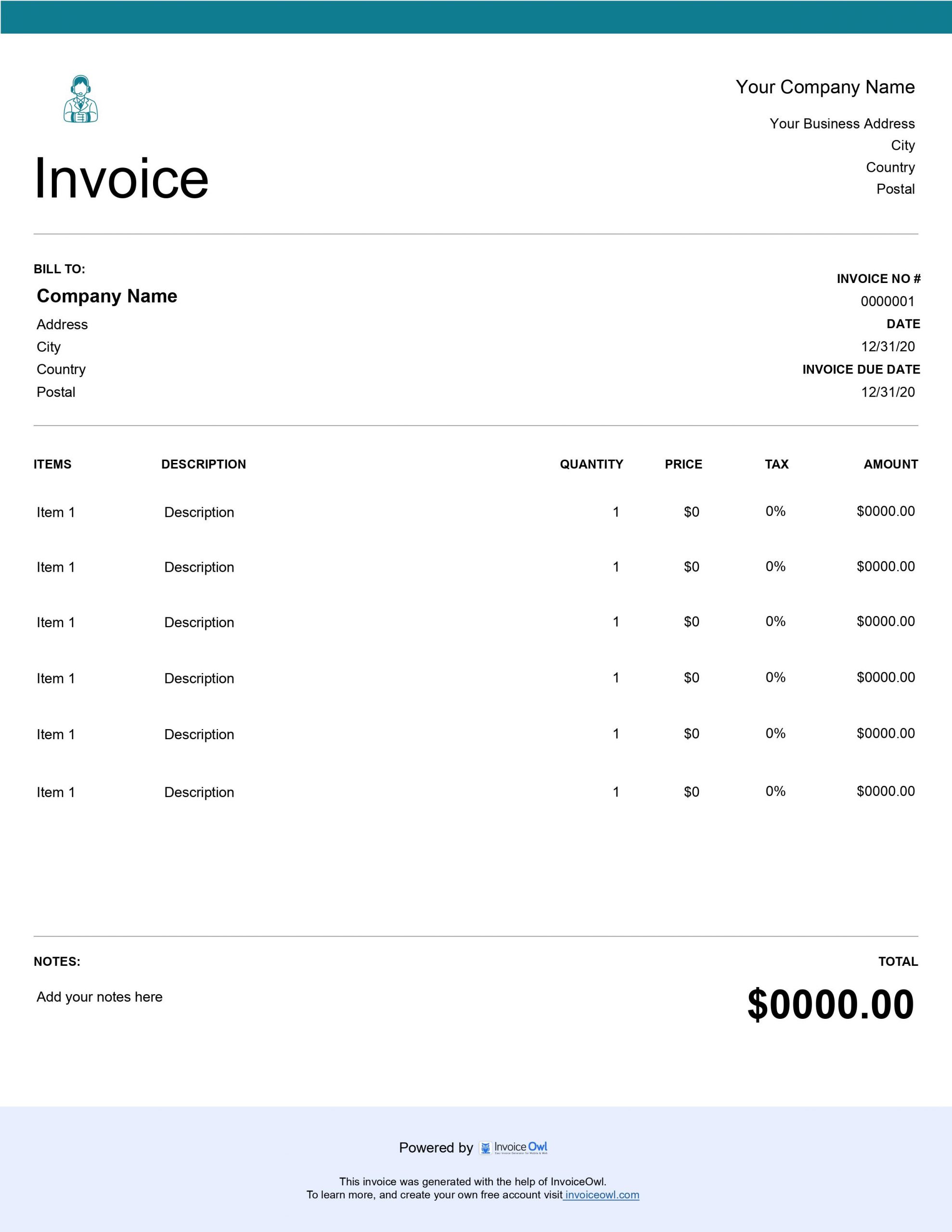
InvoiceOwl vs Free Retainer Invoice Template
See why professionals choose InvoiceOwl
Professional Retainer Invoice Templates - Download Free
Creating invoices shouldn't be as complex as the professional services you provide. Download these invoice templates and start billing clients with confidence and professionalism.
Choose the Format That Fits Your Workflow
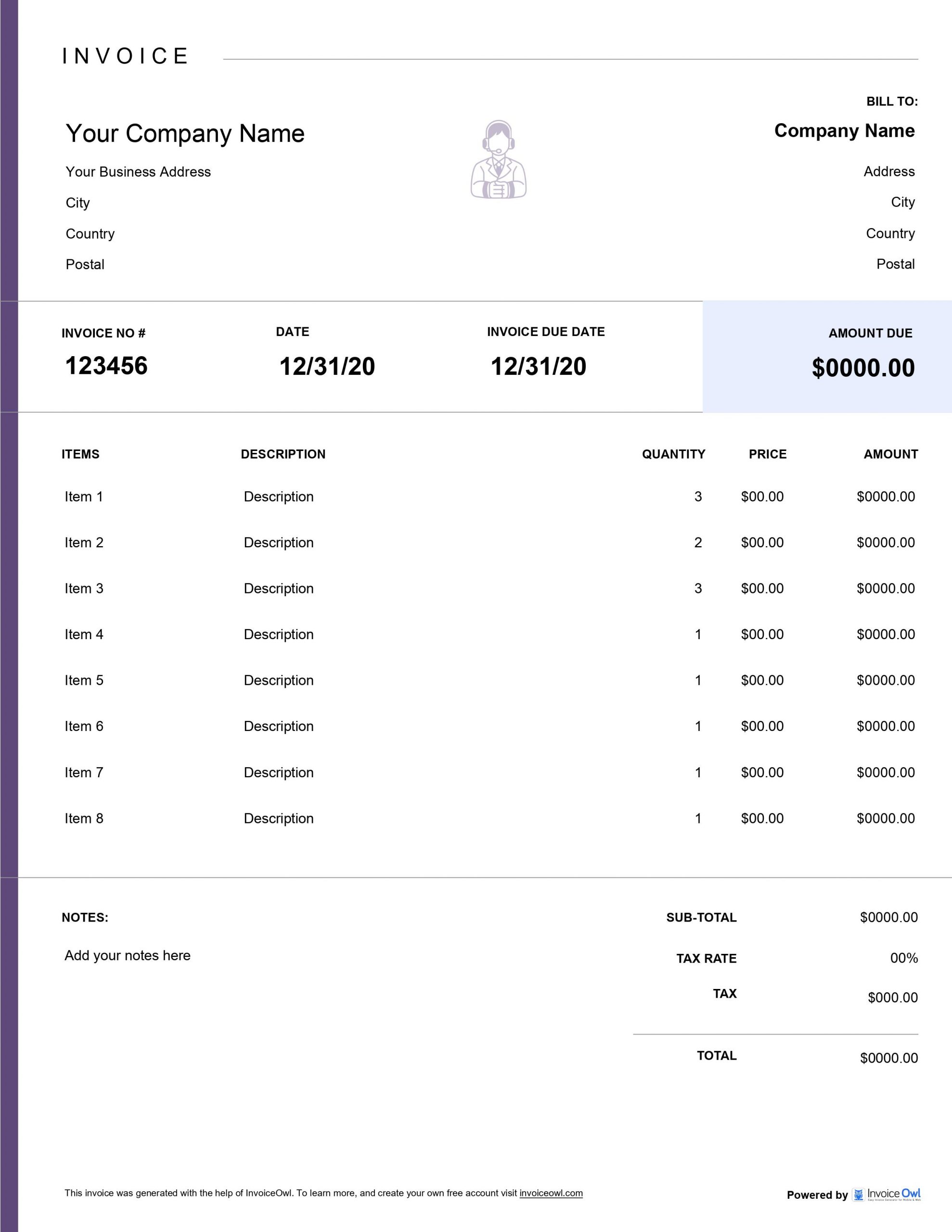
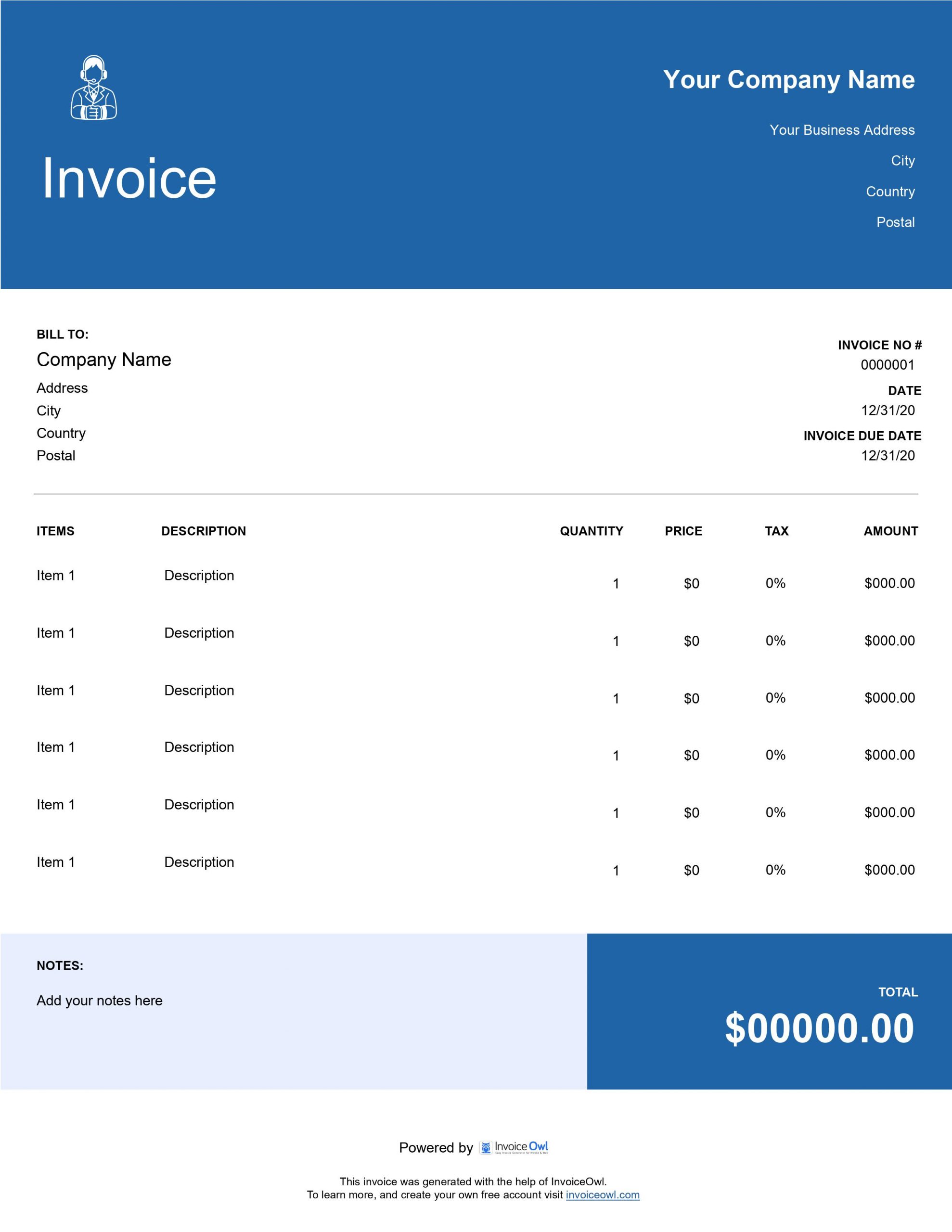
Our retainer invoice templates are available in multiple formats to seamlessly integrate with your existing workflow:
MS Word - Easy editing and quick customization for professionals who prefer familiar word processing tools.
MS Excel - Perfect for recurring retainer calculations with built-in formulas that automatically calculate totals, taxes, and balances.
Adobe PDF - Professional, print-ready invoices that maintain consistent formatting across all devices and platforms.
Each template is optimized for retainer billing scenarios and includes all the essential fields needed for professional service agreements.
Why Retainer Professionals Choose These Templates
Eliminate Invoice Creation Stress
Stop starting from scratch every billing cycle. Pre-formatted templates save you hours of administrative work so you can focus on delivering exceptional service. Whether you're a consultant, lawyer, freelancer, or small business owner, these templates handle the formatting while you focus on your expertise.
Maintain Professional Standards
Your expertise deserves professional presentation. Consistent, polished invoices reinforce the value of your retainer services and strengthen client relationships. A well-designed invoice reflects the quality of work you deliver and helps establish your credibility in your field.
Simplify Recurring Billing
Retainer agreements mean regular invoicing. Templates make monthly or quarterly billing effortless - just update the dates and send. This consistency ensures you never miss a billing cycle and helps maintain steady cash flow for your business.
InvoiceOwl Invoicing Software vs Free Invoice Template
Enjoying our retainer invoice templates? You'll love our complete invoicing software even more. With InvoiceOwl, creating, managing, and sending professional retainer invoices becomes completely effortless.
Designed for Retainer Professionals
Unlimited invoice sending with real-time tracking - Create and send as many invoices as you need and see exactly when clients open them.
Automated payment reminders - No more manual follow-ups. The system automatically reminds clients about upcoming and overdue payments.
Instant downloadable invoices - Professional PDFs at your fingertips, ready to send at a moment's notice.
Automatic receipt generation - Receipts send when payments arrive, providing immediate confirmation to both you and your clients.
Sales and tax reporting - Complete financial overview instantly. Track your revenue, expenses, and tax obligations all in one place.
Client management - Store all client information securely, including contact details, payment history, and service agreements.
Looking for More Than Just Templates? Then Use InvoiceOwl
Our one-stop invoicing solution lets you create, manage, and send professional invoices from anywhere in just a few clicks. Whether you're at the office, meeting with clients, or working remotely, InvoiceOwl keeps your billing process running smoothly.
Frequently Asked Questions
No, you don't need any special software to access or use the retainer invoice templates we have provided here. Since they come in 3 formats – MS Word, MS Excel, and Adobe PDF – you will only need office software.
To create an accurate invoice, include the following details in your retainer invoice template:
Your name (and logo, if applicable)
Your and your client's address
Invoice number, invoice creation date, and payment due date
Information such as service provided, price, tax, and total amount
Other charges
Payment details such as accepted payment methods and overdue charges
Yes, you can use these retainer invoice templates as many times as possible, even for multiple clients. Just make sure that you fill in the correct details each time you use it to avoid any issues later on.
Once you have sent an invoice created using a retainer invoice template, you can't undo it. To make any changes, you will need to contact your client to wait for the updated invoice.
However, if you use invoice software like InvoiceOwl, you can use the feature of "Change Order" to make any updates to the existing invoice.
You should use the retainer invoice template when your client has agreed to hire and pay you for your service. So, usually, you will need to create the invoice before you start providing your services to a client.