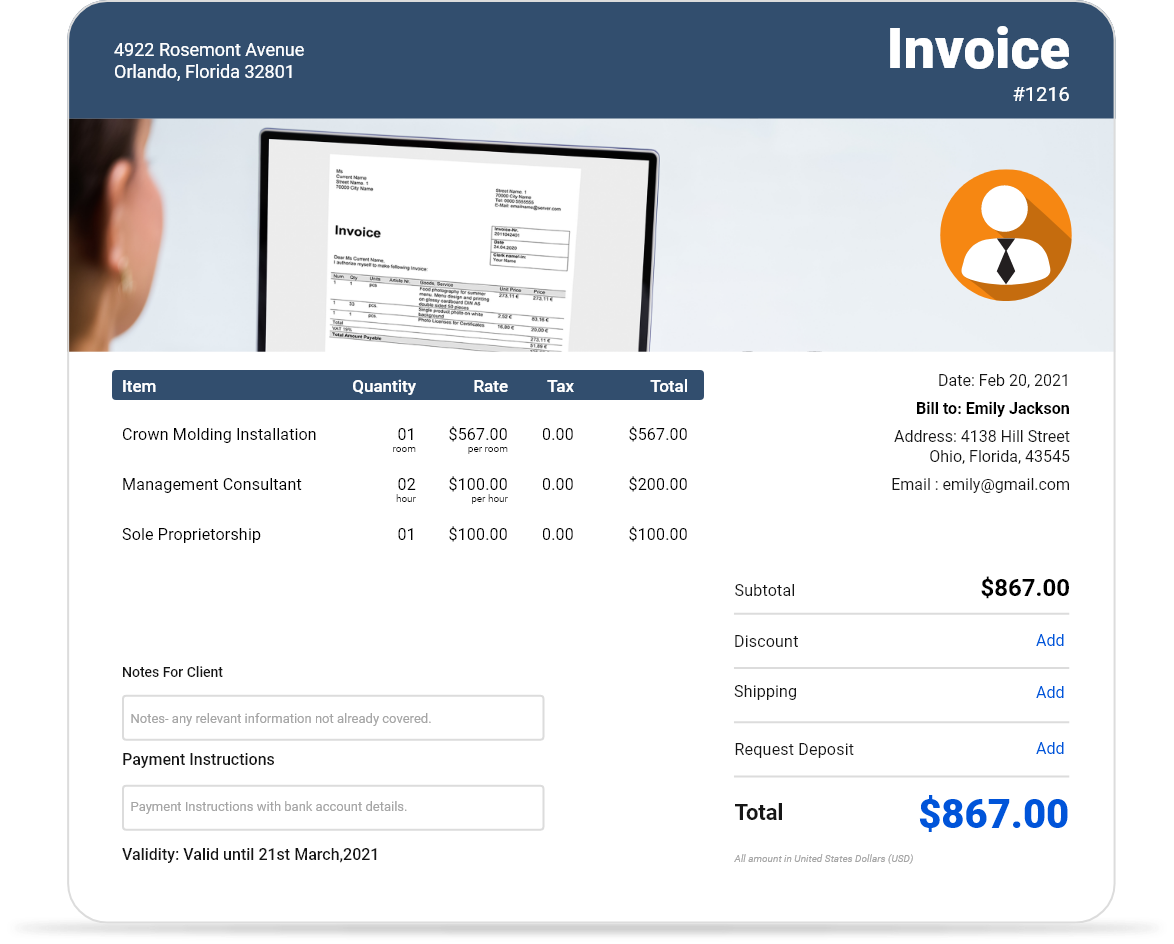
Free Downloadable Professional Invoice Templates
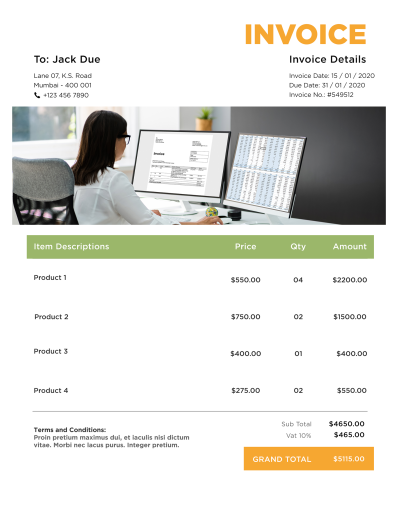
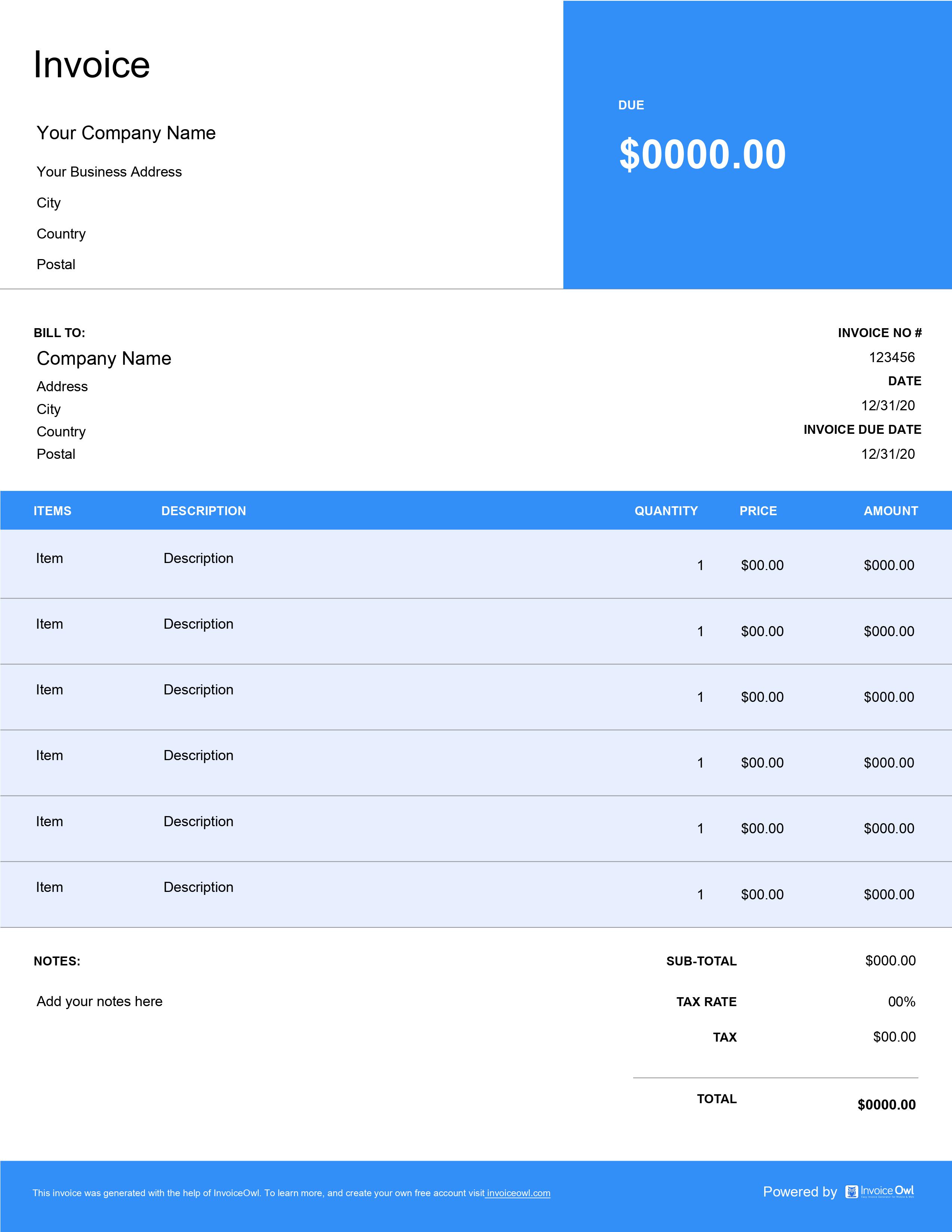
Download free professional invoice templates suitable for all business types and industries. Create polished, business-ready invoices in Word, Excel, PDF, and Google formats with customizable professional designs.
 Word
Word Excel
Excel PDF
PDF Docs
Docs All
All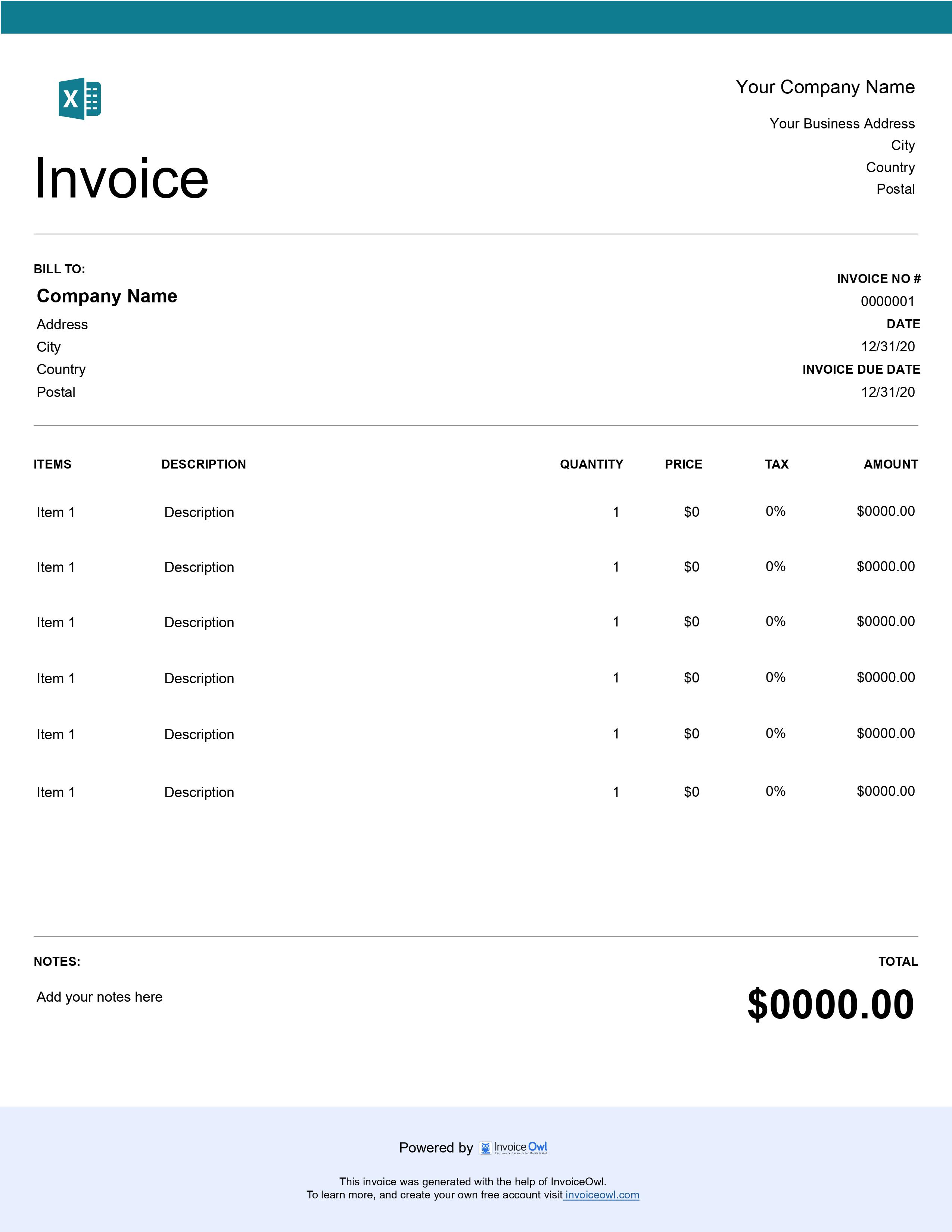
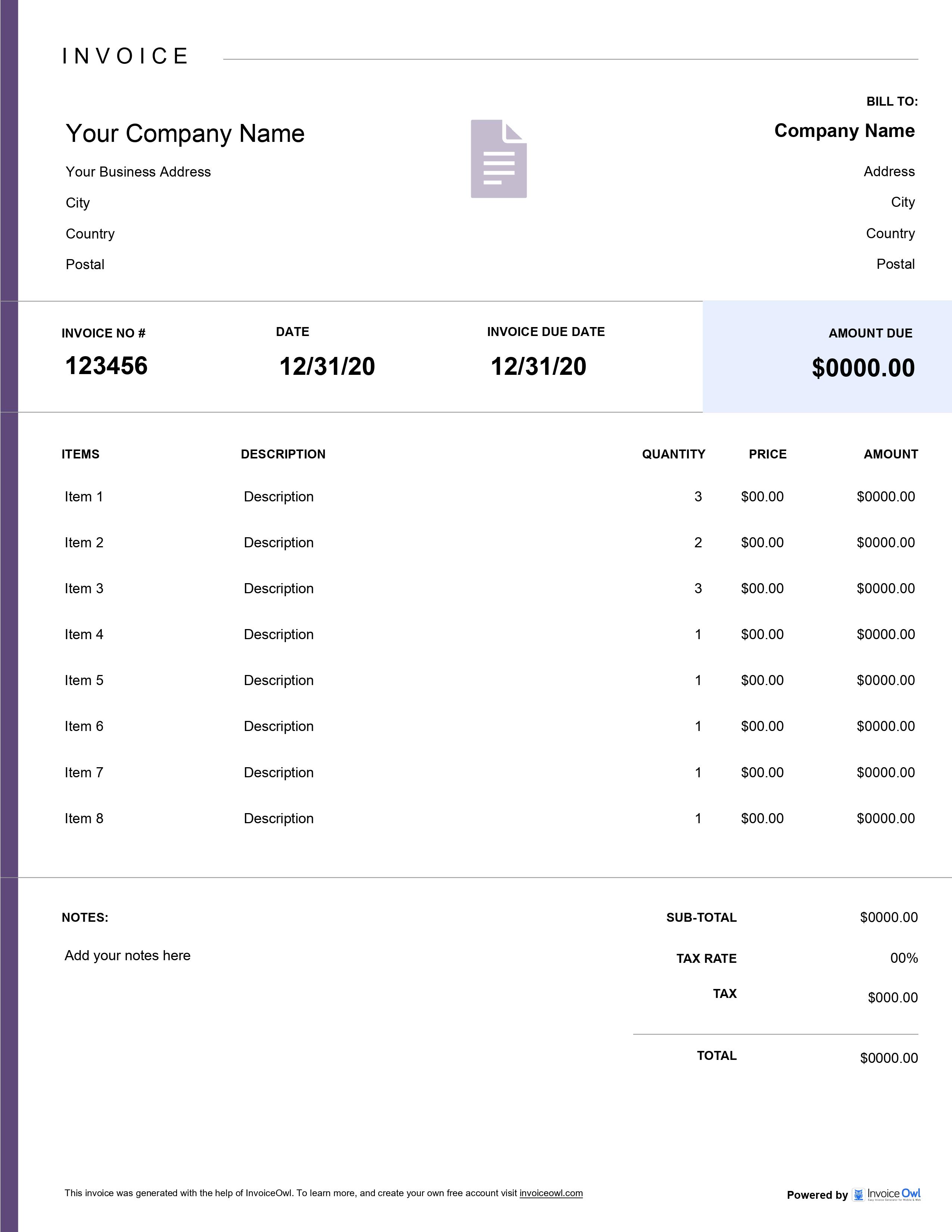
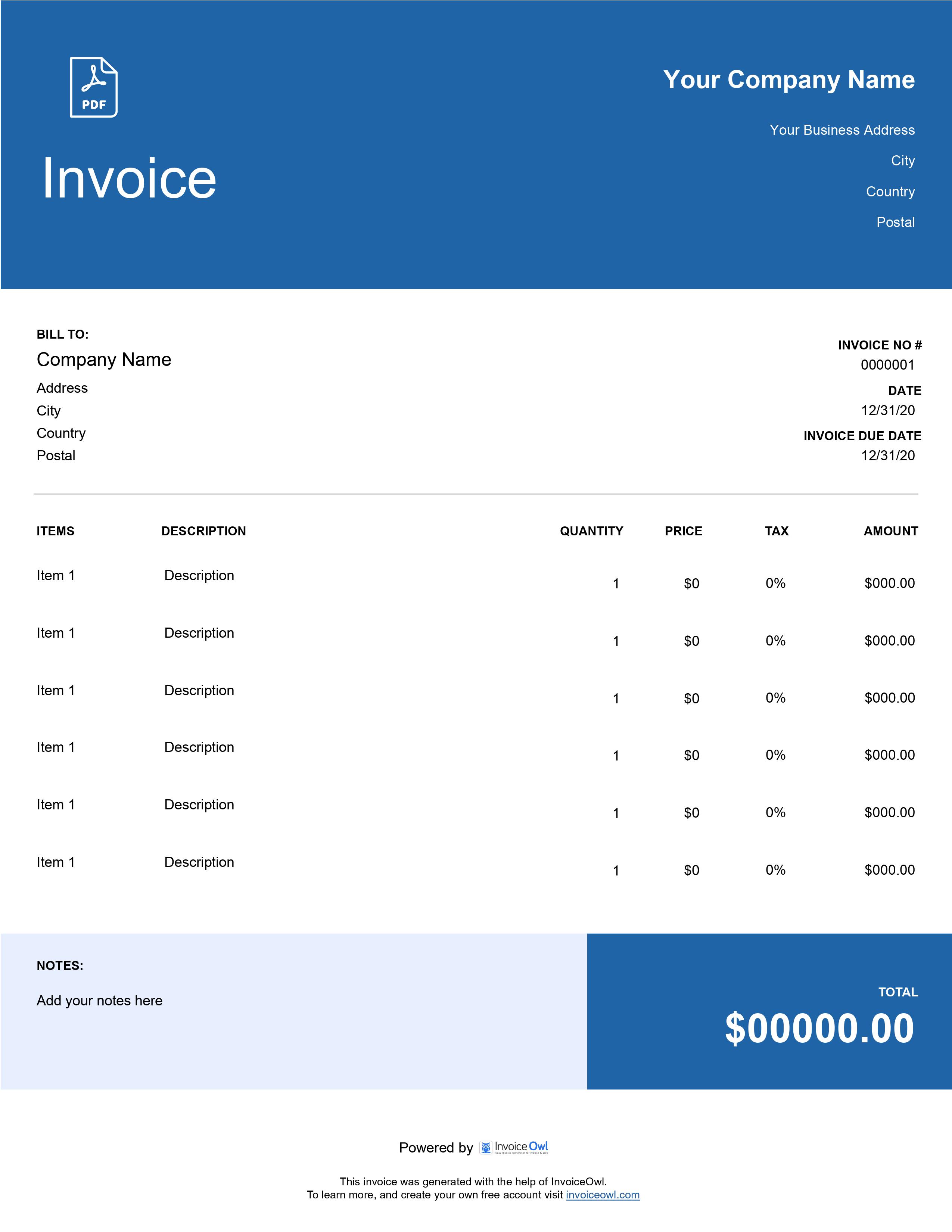
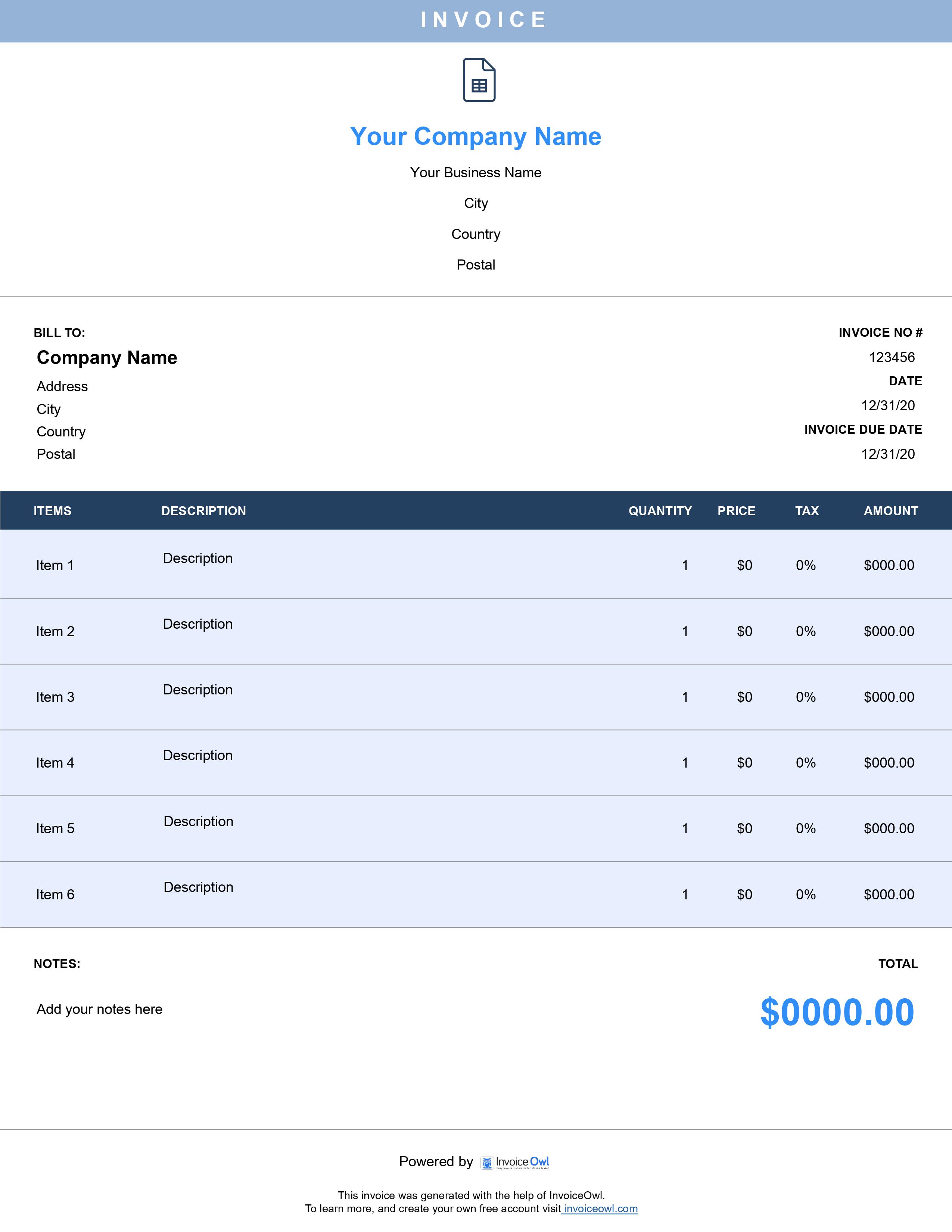
InvoiceOwl vs Free Professional Invoice Template
See why professionals choose InvoiceOwl
Download Professional Invoice Templates
Professional invoice templates, also known as custom invoice templates, are worth downloading and sharing with your clients. The flexibility to download and customize at your convenience is one of the biggest benefits you shouldn't ignore.
Five Professional Formats Available
Our professional invoice templates are available in multiple formats to match your business needs:
Google Docs - Cloud-based editing with real-time collaboration features for team access.
Microsoft Excel - Advanced calculations and data management with automatic formulas.
Microsoft Word - Complete customization and formatting control for branded invoices.
Adobe PDF - Professional, uneditable final documents that maintain formatting.
Google Sheets - Spreadsheet functionality with cloud storage and instant updates.
The availability of professional invoice templates in multiple formats is an added advantage for businesses of all sizes.
InvoiceOwl Invoicing Software vs Free Invoice Template
Invoicing software customizes invoices much better than free invoice templates. Plus, the software opens up more horizons that benefit your business more than simply downloading templates.
Impress Your Clients With Professional Invoices
Get access to advanced customization with InvoiceOwl's ample features. Make your professionally-looking invoices and accelerate your payment schedules.
Frequently Asked Questions
Along with faster payments, a professional invoice template brings many more benefits to the table. It eliminates human errors through automated calculations and structured formats that reduce mistakes in invoicing. It provides efficiency and effectiveness with a streamlined invoicing process that saves time and improves productivity. It keeps record of delayed payments so you can track payment history and identify overdue invoices easily. It wins trust and builds reputation because professional appearance demonstrates credibility to clients. Finally, it stands your business out of the crowd with polished invoices that create a memorable impression.
PDF format of the professional invoice template is one of the best formats to download and create invoices. Since this PDF is not editable, no tampering is possible. Another reason to opt for a PDF format invoice template is that everyone across the globe trusts PDF invoice templates.
Upon downloading a free invoice template, you must customize it at your convenience. First, add your business information including every single detail about your business like address and contact details. Second, add your customer's details including their name, address, and contact details. Third, enter a unique invoice number to keep track of your invoices in a systematic way or chronological order. Fourth, enter the invoice date (when you create the invoice) and payment due date (the deadline for your customers to pay). Fifth, add services or goods under line items where you mention details about the services rendered. Sixth, enter how you charge including the price, quantity, taxes, and subtotals. Finally, add payment terms and conditions with information related to payment details.
Asking for payment for your auto repair service varies from situation to situation. When the job is simple, you may ask it upon the completion of the job. On the other hand, if the client renders multiple services, you may request a deposit when sending an estimate for the same job.
When there are several services availed by the client, you must elaborate on all the services in the invoice to make the client understand each of them.