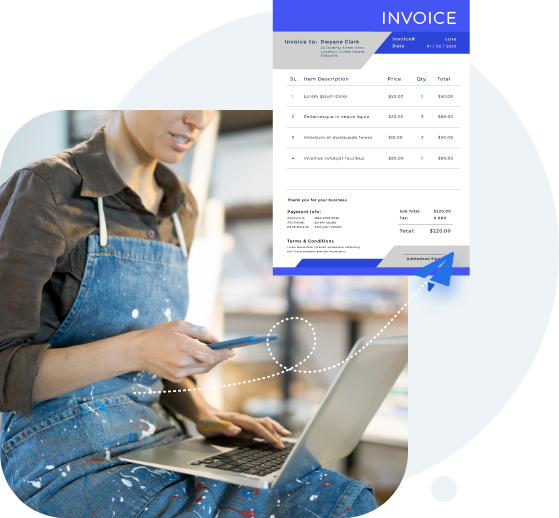
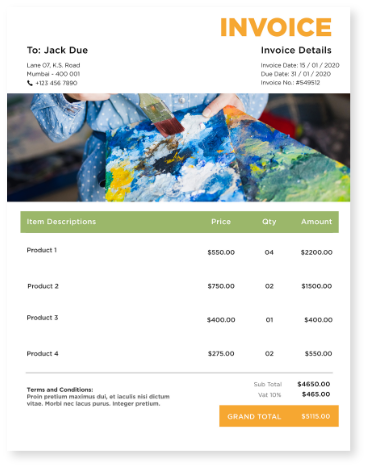
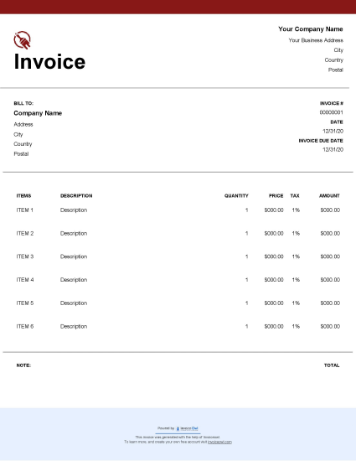
Free Downloadable Painting Invoice Templates
Download free painting invoice templates for residential, commercial, and specialty painting contractors. Professional billing for house painting, interior work, and exterior projects available instantly.
 Excel
Excel PDF
PDF Docs
Docs All
All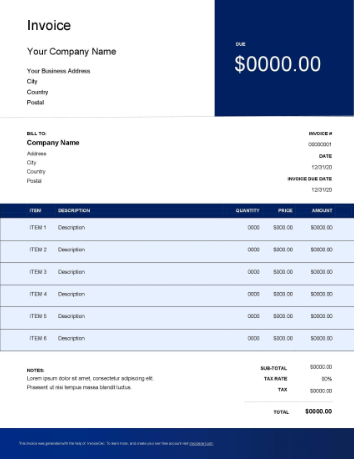
 Word
Word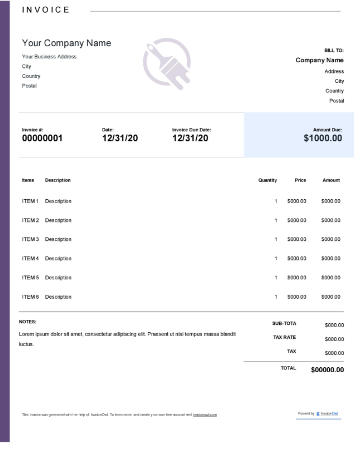
InvoiceOwl vs Free Painting Invoice Template
See why professionals choose InvoiceOwl
Professional Painting Invoices Made Simple
Starting from scratch leaves room for costly invoicing mistakes that can delay payments and damage your reputation. As a small business, freelancer, contractor, or self-employed painter, you need a solution that's both professional and affordable.
Free Painting Invoice Templates provide the perfect answer. They make invoicing as simple as applying a fresh coat of paint—no complex software, no steep learning curve, just clean, professional results.
Ready to streamline your painting business invoicing? Our free templates are designed specifically for painters who want to get paid faster and spend more time on the work they love.
Create Professional Painting Invoices in 3 Simple Steps
Creating a painting invoice shouldn't require expertise in accounting software or design tools like MS Word, Excel, Photoshop, or Illustrator. These programs demand significant time investment and can be expensive for independent painters.
That's why we created invoice templates by InvoiceOwl—to help you generate professional painting invoices quickly and efficiently.
Step 1: Choose Your Template Format
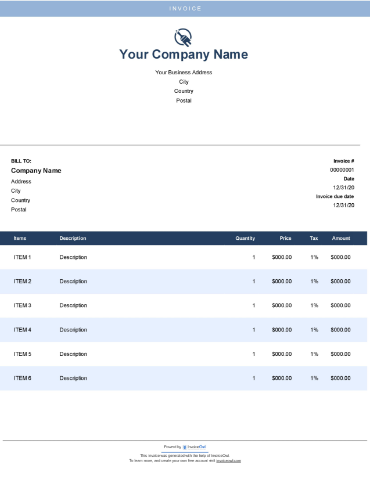
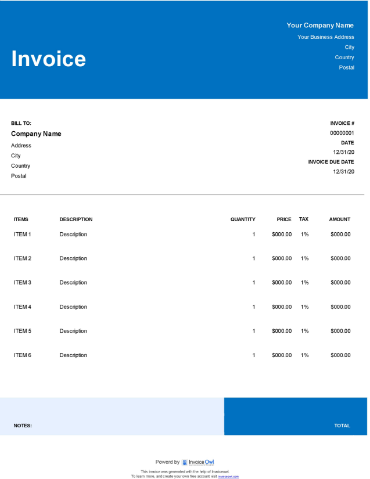
Download the InvoiceOwl painter invoice template in your preferred format—ready to customize immediately. Choose from MS Word, MS Excel, or PDF formats depending on your needs.
Step 2: Customize Your Invoice Details
Brand your invoice professionally by adding your painting business name, logo, tagline, address, and contact details. Include a unique invoice number for easy organization and management. Enter all customer information including name, customer ID, and contact details.
Detail your services by creating an itemized list of all painting services provided. Include materials used with descriptions, quantities, rates, and costs. Show labor charges clearly using hourly rate or project-based pricing.
Step 3: Finalize and Send
Complete the payment information by calculating and displaying the total amount after discounts and applicable taxes. State all payment instructions, accepted methods, and due dates clearly.
Download the invoice to save and print, or send directly through email or your invoicing tool. Wasn't that simple? Anyone—with or without accounting skills—can effortlessly generate professional invoices.
Download Your Painting Invoice Template Today
Why start from scratch when you can download for free? The InvoiceOwl invoicing app offers multiple professionally designed templates in your choice of file formats.
MS Word - Easy text editing and customization. Perfect for painters who want full control over invoice appearance.
MS Excel - Automated calculations for accurate billing. Great for tracking multiple projects and calculating totals automatically.
PDF - Professional presentation ready to send. Polished invoices that maintain formatting across all devices.
These billing templates aren't just free—they're completely customizable. Adjust colors, layouts, and fields to match your brand identity. Download now and start creating unlimited professional painting invoices effortlessly.
Maximize Your Painting Business with Professional Invoices
Professional invoicing helps painting businesses succeed by streamlining operations and improving cash flow.
Billing Clients Efficiently - A well-designed painter invoice enables you to bill clients instantly and accurately. Clear, detailed invoices help clients understand exactly what they're paying for, eliminating confusion and encouraging prompt payment.
Accepting Online Payments Made Easy - Modern painter invoices include convenient 'Pay Now' buttons, giving clients multiple payment options including credit and debit cards, net banking, Stripe and PayPal integration, and traditional offline payment methods. This flexibility helps you manage all payments effortlessly while providing clients with their preferred payment method.
Tracking Transactions Automatically - Keeping track of paid and unpaid transactions can be overwhelming for self-employed painting businesses. Painter invoices automate this process, eliminating the need for manual transaction logging and reducing administrative burden.
Simplifying Tax Preparation - Accurate business tax filing requires comprehensive financial information. Without proper invoicing, gathering this data becomes a time-consuming challenge. Painter invoices automatically organize the information you need, making tax preparation straightforward and stress-free.
Generating Insightful Sales Reports - Sales reporting is a repetitive task that's perfect for automation. Painter invoices enable effective bookkeeping and help you generate detailed sales reports—either for specific time periods or individual clients—giving you valuable business insights at a glance.
Specialized Invoice Types for Painting Businesses
Not all painting jobs require the same invoice format. Choose the right template for your specific service type.
Service-Based Painting Invoices - As a painting business, you charge clients for various specialized services including interior painting, exterior painting, corporate painting, design and staging, and specialty finishes and orders. Painters typically bill based on square footage painted or time invested. Choose invoice templates designed specifically for service-based billing to accurately reflect your work.
Product Sales Invoices - Not every customer needs your painting services—some simply purchase paints and painting accessories. For product sales, use modern invoice templates designed for retail transactions. These flexible templates accommodate various tax structures and international payment methods, helping you expand your customer base.
Expert Invoicing Tips for Painting Contractors
After consulting with seasoned professionals in the painting industry, we've compiled these essential invoicing tips to help you get paid faster and maintain professional relationships with clients.
Provide Detailed Cost Breakdowns - Explaining the cost of every item with complete details eliminates doubts and justifies your total charges. Show clear calculations of applied taxes and discounts that sum to the final payable amount. Transparency builds trust and speeds up payment.
Use Unique Invoice Numbers - Assigning unique numbers to every invoice is essential for organization and record-keeping. The simplest numbering system uses the date of generation—for example: 2025/12-001. This makes sorting and finding invoices effortless.
Brand Every Invoice - Branding is an integral part of marketing. Customize your invoices with your brand colors, logo, and watermarks—not just your business information. Consistent branding reinforces your professional image with every invoice you send.
Include Complete Payment Details - Never forget to specify all payment terms and conditions. Clearly state accepted payment methods, payment modes (online/offline), due date for payment, and late payment fees if applicable. Clear terms prevent misunderstandings and encourage timely payment.
Want to know what's best for your painting business? Compare the free invoice template with the InvoiceOwl invoicing app to see the advanced advantages professional software provides.
Frequently Asked Questions
To make an invoice for a paint-work, you need to charge the client based on the area painted or on time taken to finish the work in addition to the materials used. And to create a perfect invoice without much effort and time, you can make use of painting invoicing software.
Yes, you can! The popular invoicing app —InvoiceOwl lets you create your invoice without any accounting skills from your side. Once you have made the invoice of your taste, it lets you download it for free. Moreover, it enables you to send an invoice to your clients by simple swipe gestures.
There are thousands of invoice template generators, but I recommend using InvoiceOwl as it is free to use. So, you can try and experience it on your own.
Creating a painting invoice takes no time with the use of an invoice template or invoicing software. But when you are creating a painting invoice from scratch, you must spend a lot of time on it. In the advanced world, we would suggest using either an invoice template or software. Here are the steps with which you would be able to create invoices:
- Either download invoice templates or subscribe to invoicing software
- Add your business details and logo
- Add your client's details
- Add a unique invoice number
- Add invoice date and due date
- Add line items (under which you can add goods/services)
- Add rate, quantity, and totals
- Add taxes and discounts
- Save and share it with your clients
A professional invoice should include a list of essential things. Add the below-mentioned details to make it look professionally built:
- Client's details (name, address, and contact details)
- Your company details (name, address, and contact details)
- Invoice number, date, due date, and payment term
- Line items (rate, quantity, and totals)
- Add taxes, discounts, and shipping charges
- Notes & payment terms and conditions
- Request deposits
- Add photos and attachments
Optional elements in a professional painting invoice include:
- Add photos and attachments
- Thank you note
- Promotional message
The best alternative to invoice templates is invoicing software. You can try an emerging invoicing platform that has budget-pricing plans and lets you reap the benefits of an administrative and accounting platform. InvoiceOwl is a platform worth giving a try since you can subscribe at the rate of two cups of coffee. Besides, several attention-worthy features can upscale your painting business. Several painting business owners have been using this software for a long time now.
The best invoicing template is the one that allows you to edit, add, or delete fields, allows you to share it with your customers, and comes at zero-price. Check for these features to select an invoice template for your painting business.
With the help of professional invoices, the chances of getting paid increase more than with manually created invoices. Another benefit professional invoices bring to the table is trustworthiness. You can personalize it at your convenience. Therefore, it is advisable to use professional invoices for your painting business.
Software made explicitly for painting contractors to handle their business operations, such as scheduling, invoicing, and expense tracking is known as painting contractor software.