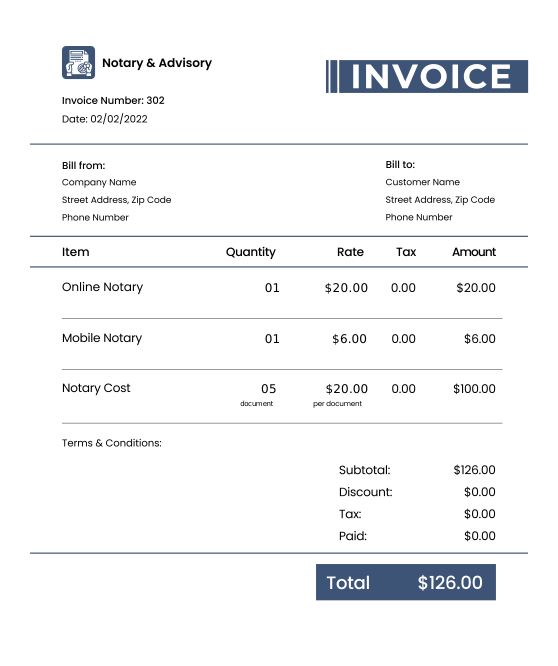
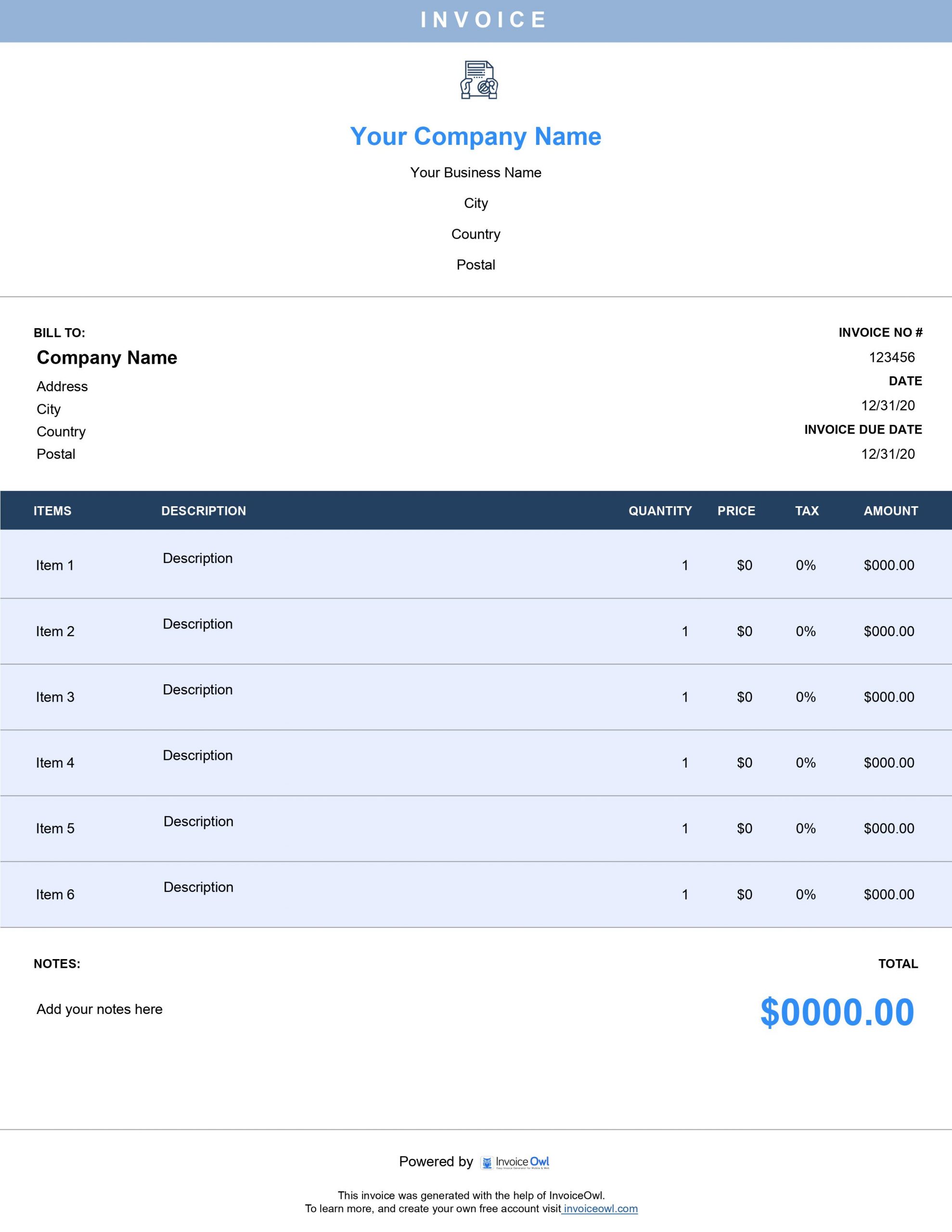
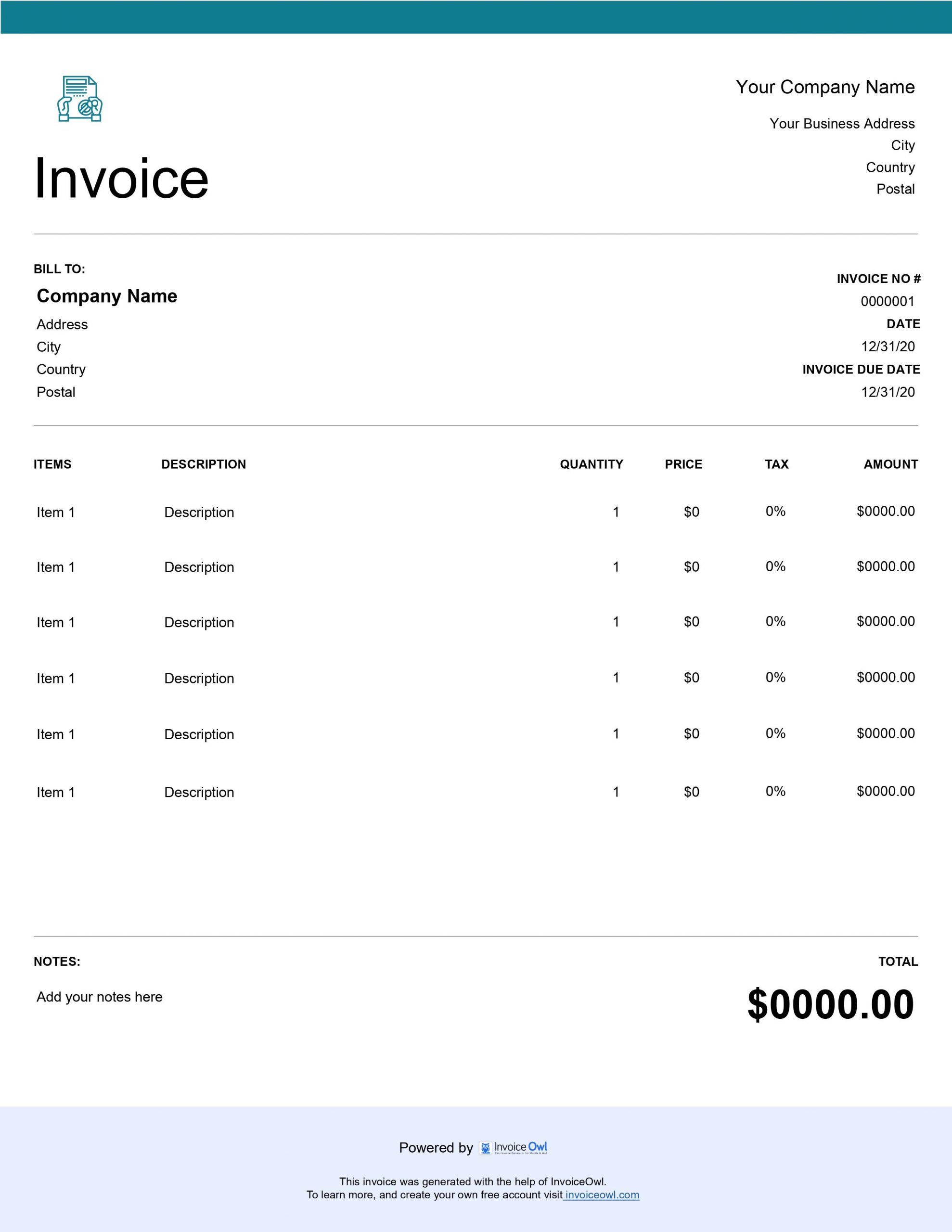
Download Free Notary Invoice Templates
Get professional notary public invoice templates for mobile notaries and notarization services. Download customizable templates in Word, Excel, and PDF to streamline your notary billing process.
 Word
Word Excel
Excel PDF
PDF All
All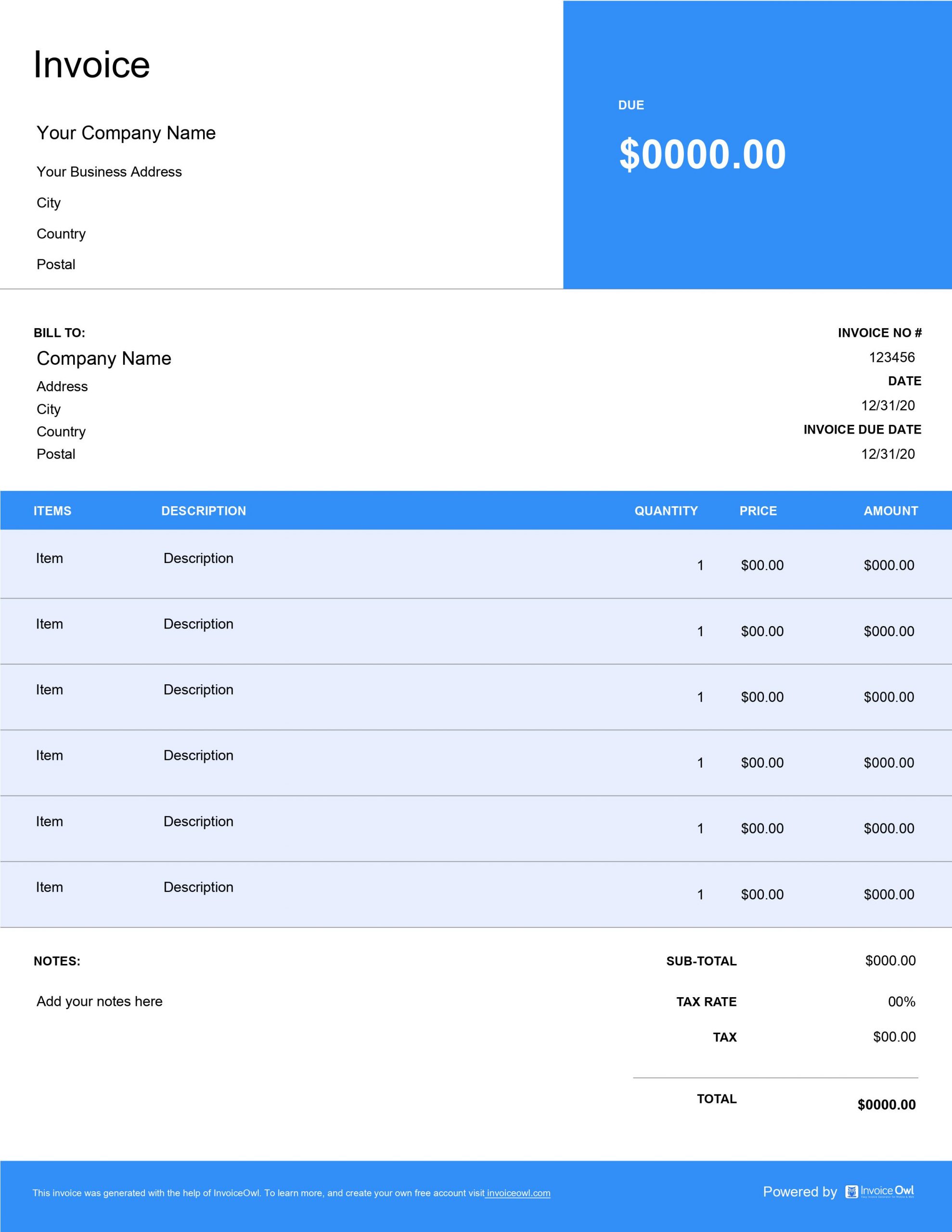
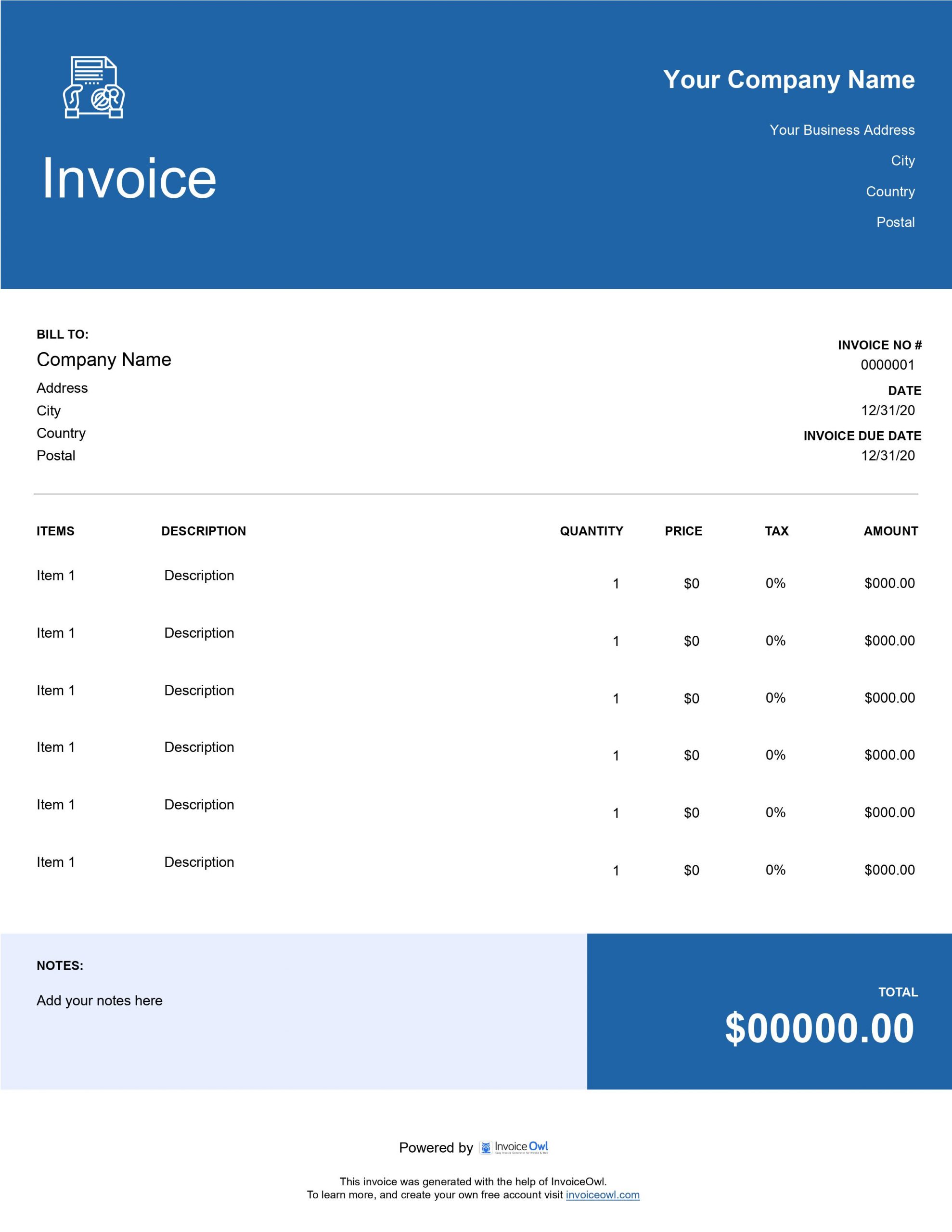
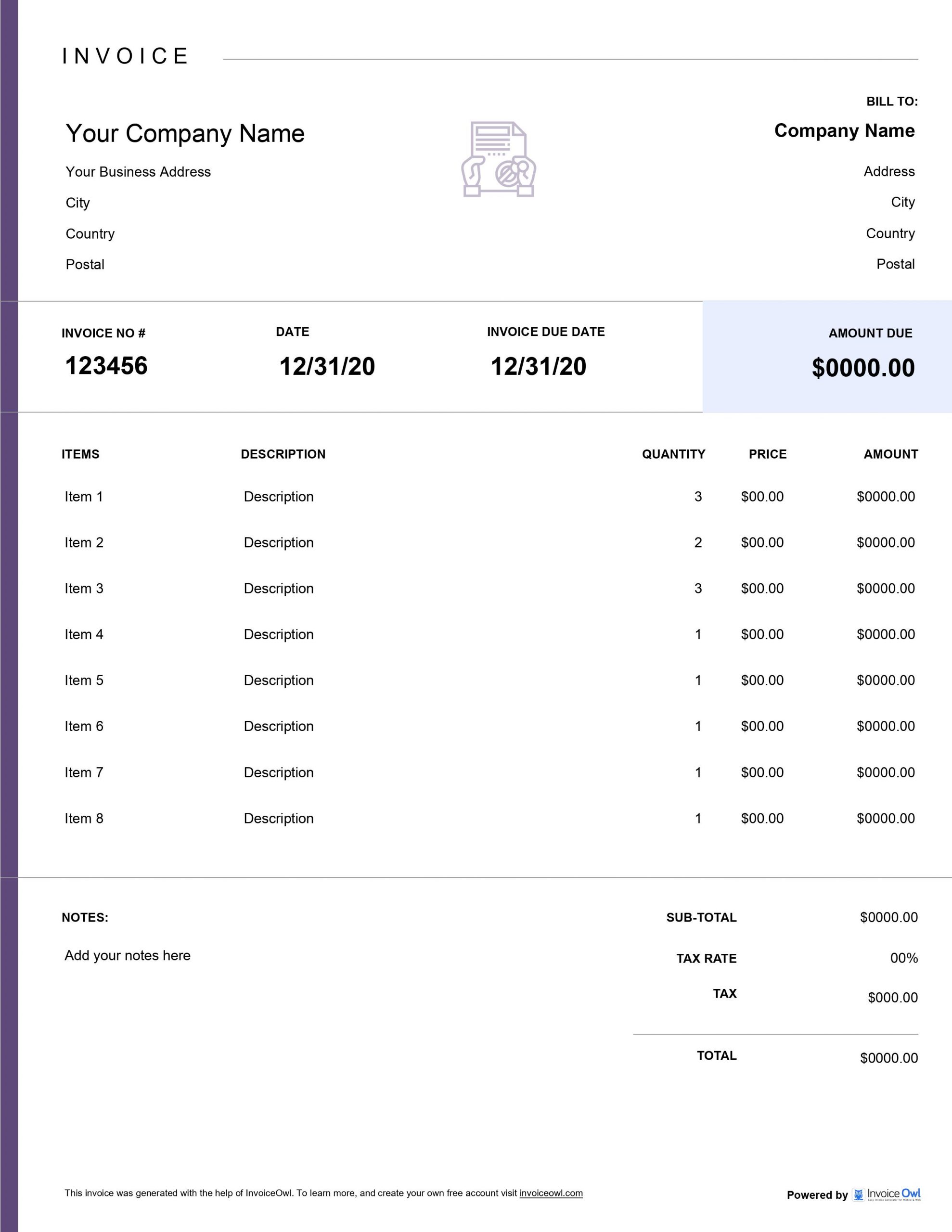
InvoiceOwl vs Free Notary Invoice Template
See why professionals choose InvoiceOwl
Professional Notary Invoice Templates - Download Free
Your expertise lies in verifying legal documents and preventing fraud, not wrestling with invoicing paperwork. Our easy-to-use, fully customizable notary public invoice templates help you create organized, professional invoices with all the pertinent details of your crucial services.
Available in different file formats like Microsoft Excel, Microsoft Word, and Adobe PDF, these free customizable invoice templates fit seamlessly into your notary workflow.
Specialized Templates for Notary Services
Notary Public - General notarization services for standard document witnessing, signature verification, and acknowledgments.
Retainer Fees - Ongoing notary service agreements for law firms, real estate offices, and businesses requiring regular notarization services.
Affidavits - Sworn statement notarization invoices designed for legal affidavits and sworn testimony documents.
Oaths and Affirmations - Ceremonial service billing for administering oaths, affirmations, and verbal declarations.
Copy Certifications - Document certification invoices for verifying and certifying true copies of original documents.
Multiple Format Options
Select the format that works best for your practice:
Microsoft Excel - Perfect for fee calculations and record-keeping. Track your notarization volume and revenue with built-in spreadsheet functionality.
Microsoft Word - Easy editing and customization to add your business branding and personalize for different service types.
Adobe PDF - Professional, client-ready invoices that maintain consistent formatting across all devices and platforms.
Key Elements of a Notary Invoice
Business and Client Information
Add your notary business name, logo, contact information, and address. Additionally, mention the client's name, address, and contact information.
Invoice Date and Unique Invoice Number
Add a unique invoice number along with the invoice date. These details help in tracking the invoices and ease the process of follow-up.
Description of Notary Services
Offer a brief description of notary services provided like document notarization, mobile notary services, or loan signing.
Itemized Fees and Rates
List all the services separately along with additional fees. Additionally, itemize fees for every notary service like notarization of various documents and travel fees.
Total Amount Due
Calculate and showcase the total amount due, including any taxes or applicable fees.
Payment Terms and Due Date
Mention the payment terms like net 15 or net 30 days, and clearly state the due date for payment.
Why Professional Notary Invoices Matter
Financial Accuracy
Sending professional invoices offers you financial accuracy by listing all services, rates, and additional fees. It also reduces the chances of any errors and eases the process of tracking revenue and maintaining accurate records for bookkeeping.
Enhanced Trust with Clients
A professional invoice plays an essential role in building a client's trust by specifying the services offered and related costs. This transparency showcases that your organization is reliable and organized.
Faster Payment Processing
Creating professional invoices with clear payment terms results in quicker payment processing. Specify the due dates and accepted payment methods to ensure timely payments from your respective client.
Improved Brand Image
Sending branded invoices improves your brand image and makes you stand out from your competitors. A customized invoice with your business logo and professional formatting leaves a long-lasting impression on clients.
InvoiceOwl Invoicing Software vs. Free Invoice Template
Using free invoice templates provides polished and well-designed notary invoices. But what if you could expand this advantage and boost your notary business? InvoiceOwl Invoicing Software takes your invoicing to another level.
Advanced Features for Notary Professionals
Unlimited invoice sending - Send unlimited invoices with real-time delivery tracking to monitor when clients receive and open your invoices.
Automated payment reminders - Stop manual follow-ups and let the system remind clients automatically according to your preferred schedule.
Instant downloadable invoices - Professional PDFs ready to send at any time, perfect for mobile notary services.
Automatic receipt generation - Receipts issue automatically when payment clears, maintaining organized financial records.
Comprehensive sales reporting - Get complete financial insights for your notary business, including revenue tracking and service breakdowns.
Secure client management - Keep all client information organized in one place with detailed service history and contact information.
What's Better Than Automating the Manual Methods of Invoicing?
InvoiceOwl helps you get leverage over the time-consuming and tedious tasks of creating detailed invoices. Create, customize, and send professional invoices to clients and get paid faster.
Frequently Asked Questions
Your notary invoices should include the following information:
Official's contact details: Business name, business address, phone number, and email address of notary public official.
Client information: Client's name, address, phone number, and email address
Invoice number: The unique identifier for the invoice
Invoice date: The exact date on which service was delivered, and the invoice was raised.
Description of services: Detailed description of the services provided.
Hourly rate or flat fee: Rate charged for the services rendered.
Total amount due: The total amount payable by the client against services.
Payment terms: payment due date, payment methods accepted, any late payment fees or discounts
Additional information: Tax identification number or a thank-you note, if necessary.
Using the customizable invoice template, you can ensure that all of these elements are included and presented in a professional manner over the manual methods of creating invoices.
To create a notary, public invoice follows this process:
Download the notary invoice template from InvoiceOwl.
Open the template and add all the essential details like the business name, logo, business address, website address, contact details, and other business related important information. You may select the colour as per your own wish and suitability. Opt for the one that best matches your brand.
Add the service description, such as invoice date, unique invoice number, the total price of each item, payment due date, payment method, and payment terms for clarity.
Calculate and add the total amount to the final bill.
Save the template and send it to the client via email.
Notary public officials should send professional invoices to clients for the following reasons:
To establish credibility
Streamlined and organize business operations
Saves time, energy, and effort
Help avoid disputes over the invoicing terms
Various types of notary invoices are
Standard Notary Public Invoices
Notary Oaths and Affirmations Invoices
Signature Witnessing Notary Invoices
Copy Certifications Notary Invoices
Jurat Notary Invoice
Affidavit
Most commonly notarized documents include
Legal Affidavits
Articles of incorporation.
Wills and Trusts
Powers of attorney
Deeds and Mortgages
Vehicle title transfers
Loan documents
Adoption papers
Immigration Documents.
Whenever you want any of your legal documents notarized, you must sign that document in the presence of a notary public official. He witnesses and certifies your signature on a legal document, and then only the document is considered notarized.