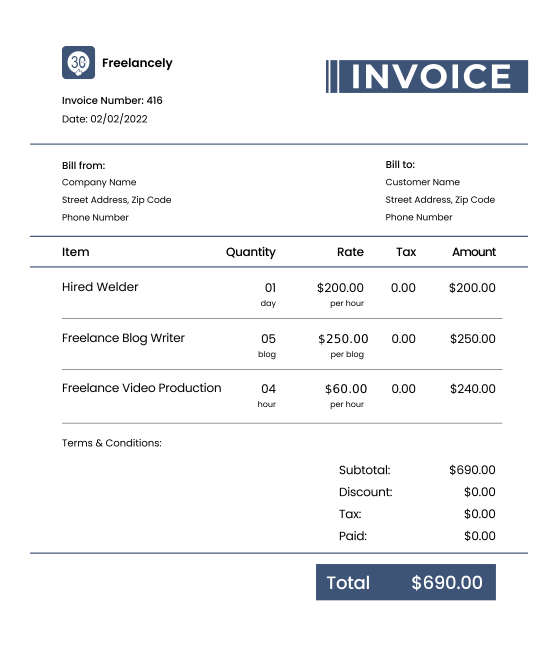
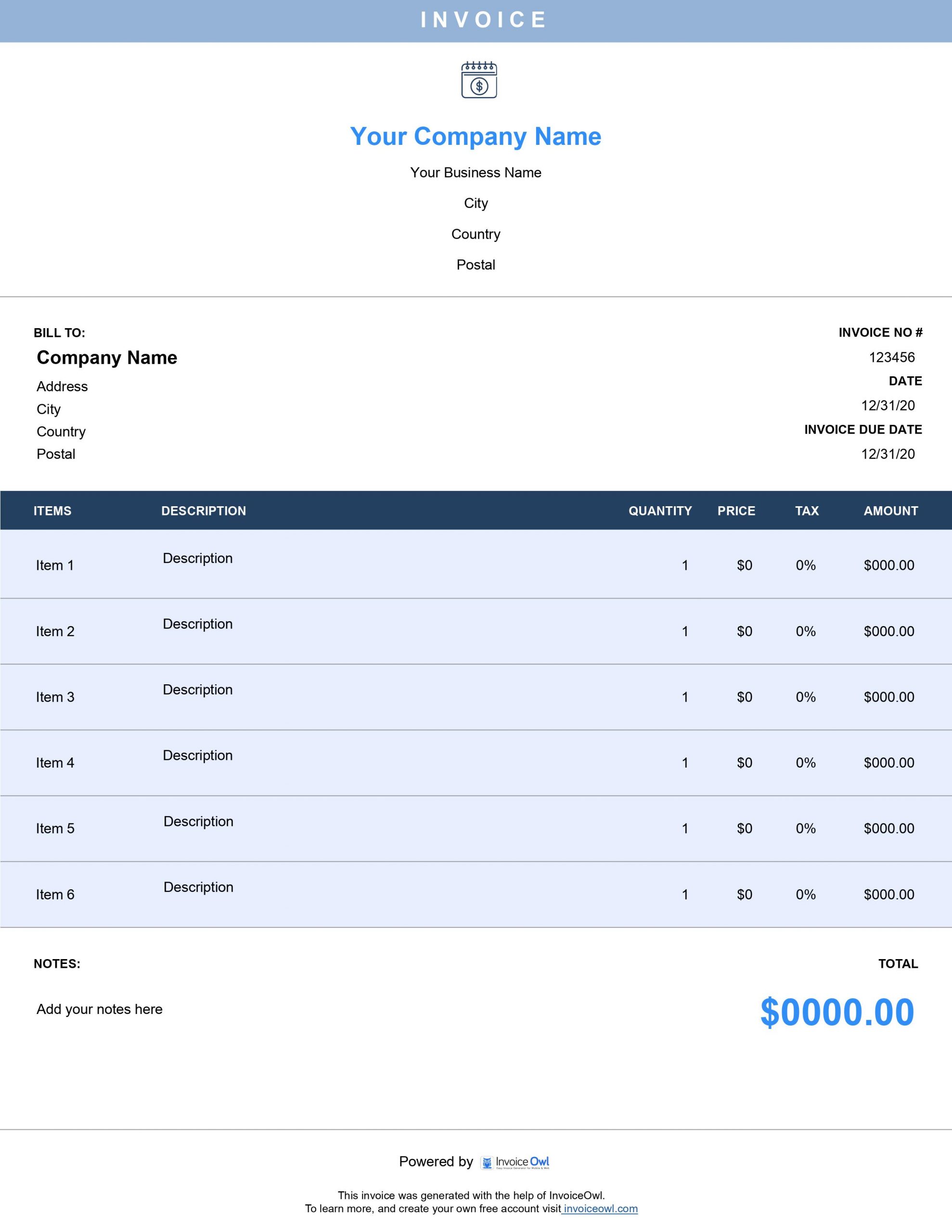
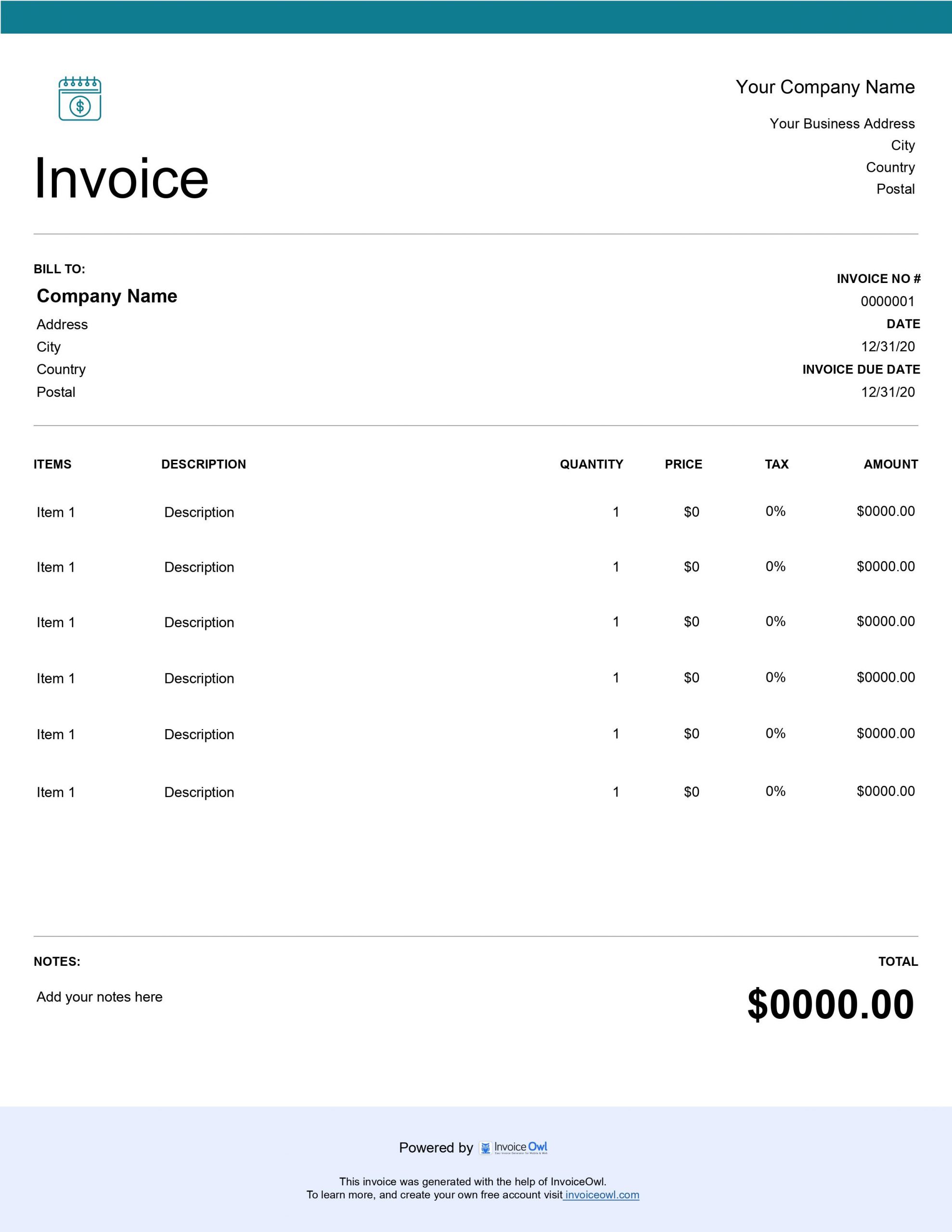
Free Net 30 Invoice Templates - Instant Download
Download free Net 30 invoice templates with pre-set payment terms for clear billing expectations. Perfect for businesses that offer 30-day payment terms to clients and need standardized invoicing.
 Word
Word Excel
Excel PDF
PDF All
All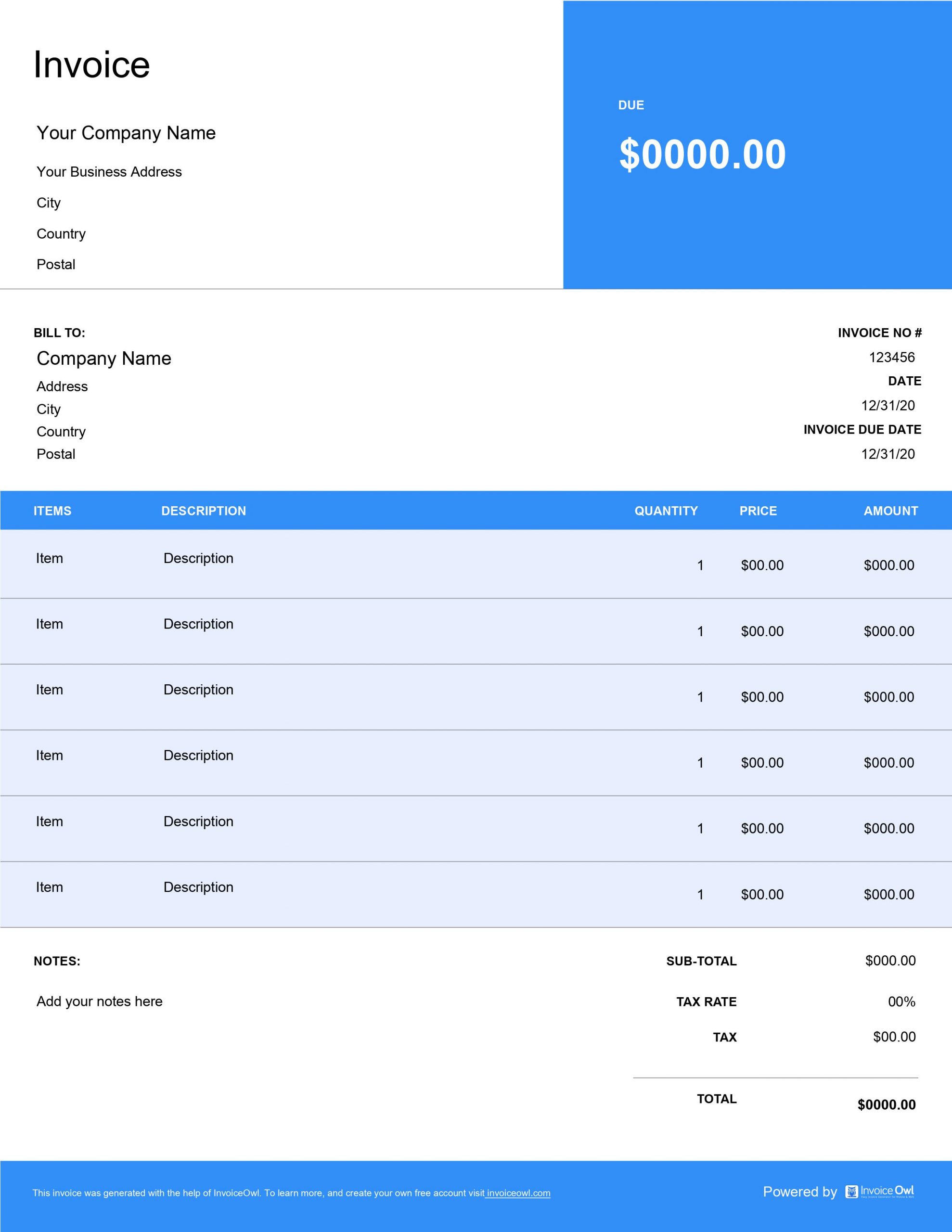
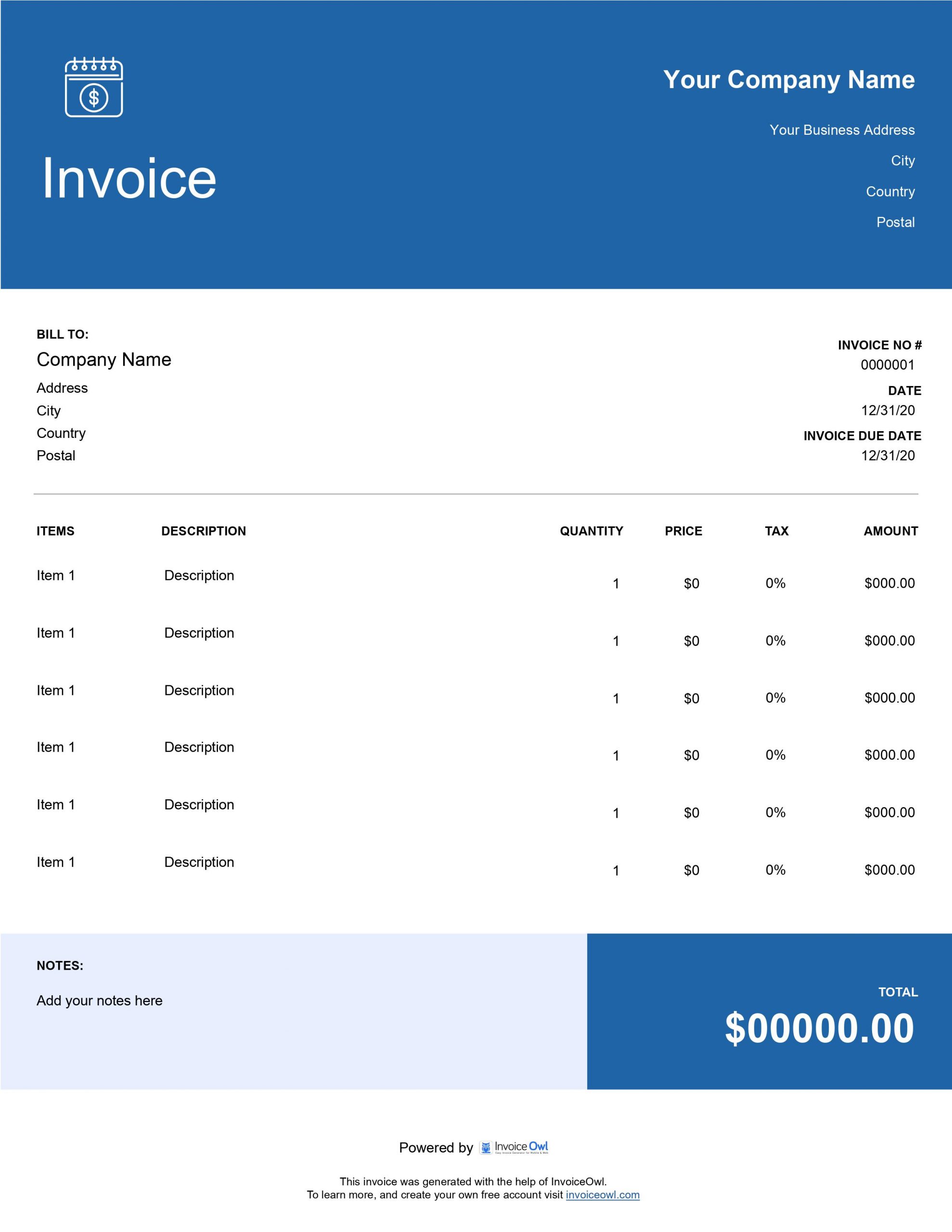
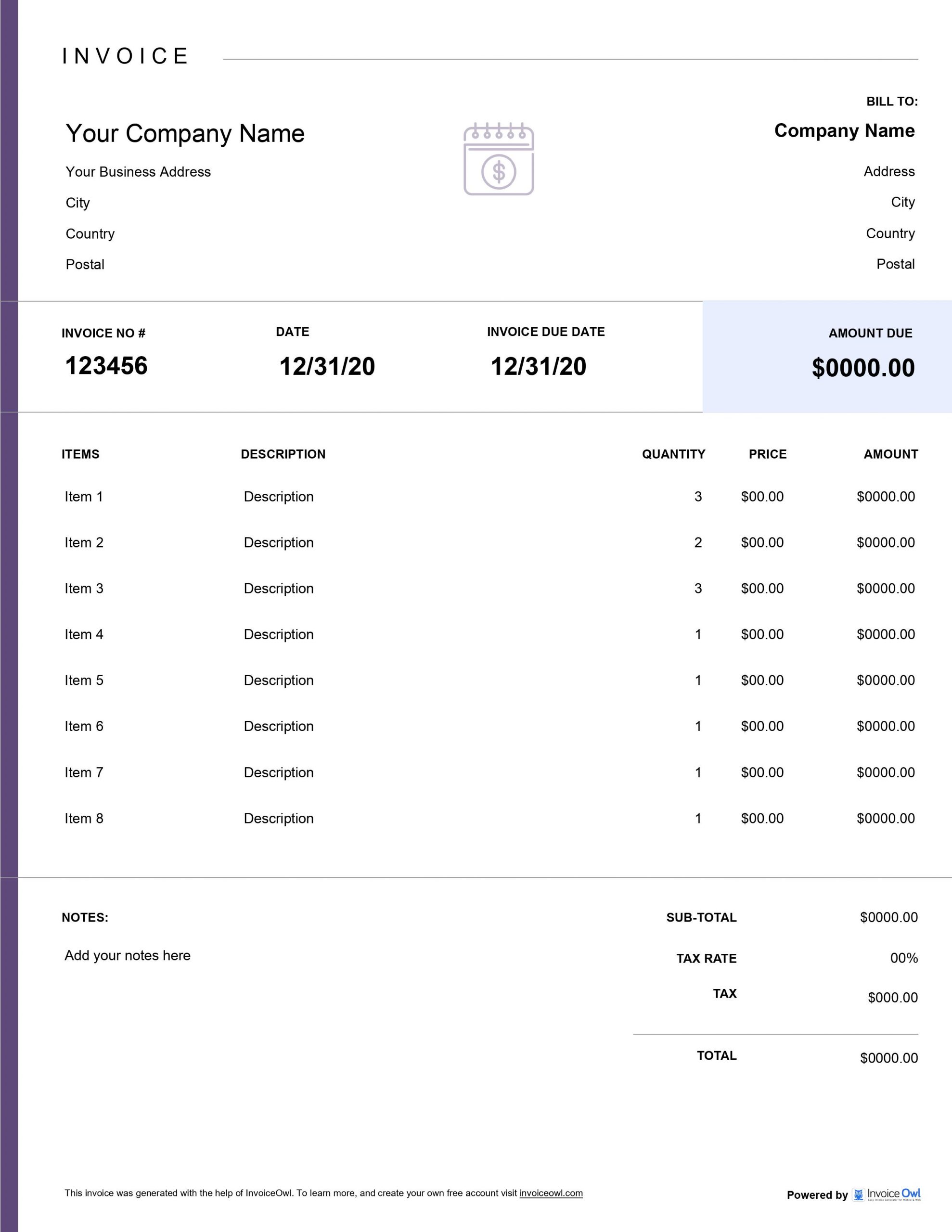
InvoiceOwl vs Free Net 30 Invoice Template
See why professionals choose InvoiceOwl
Get Paid Faster with Professional Net 30 Invoice Templates
Stop wasting time creating invoices from scratch. Our free invoice templates make it simple to send polished, professional net 30 invoices that get you paid on time.
Choose Your Preferred Format
MS Word - Perfect for easy text editing and customization. Ideal for businesses that need flexible document editing capabilities.
MS Excel - Ideal for automatic calculations and formulas. Best for businesses that need built-in mathematical functions for complex billing.
Adobe PDF - Best for professional, print-ready invoices. Perfect for sending finalized invoices that maintain formatting across all devices.
Download instantly and start invoicing in minutes.
Why Use Net 30 Invoice Templates?
Save Time on Every Invoice
Pre-designed templates eliminate repetitive work. Simply fill in your business details, customize with your branding, and you're ready to send professional invoices. No more starting from scratch every time.
Maintain Brand Consistency
Every invoice you send reinforces your professional image. Templates ensure consistent formatting, layout, and design across all your client communications. Build brand recognition with every invoice.
Reduce Payment Delays
Clear, professional invoices with well-defined payment terms help clients understand exactly when payment is due, reducing confusion and late payments. Net 30 terms set clear expectations from the start.
InvoiceOwl Invoicing Software vs. Free Invoice Template
Ready to take your invoicing to the next level? While net 30 invoice templates streamline creation, InvoiceOwl completely digitizes your entire invoicing workflow.
What You Get with InvoiceOwl:
- Real-time invoice tracking - Know exactly when clients view your invoices
- Automated payment reminders - Never chase late payments manually again
- Cloud-based storage - Access your invoices anywhere, anytime
- Instant receipt generation - Automatically issue receipts when payments arrive
- Comprehensive reporting - Track sales, taxes, and revenue at a glance
- Client management - Store all customer information in one secure place
Focus on Growing Your Business. Leave Invoicing to Us
Stop wrestling with invoicing hassles. InvoiceOwl is the only tool you need to completely digitize your invoicing process, save hours every week, and get paid faster.
Frequently Asked Questions
A net 30 invoice provides a standard period of 30 days for your customers to pay their dues. It is a convenient way to:
- Ensure prompt payment
- Reduce the need for frequent follow-up on payments
- Improve cash flow for small business owners
To ensure timely payment for your net 30 invoices, it is important to communicate payment expectations clearly with your customers.
You can also send reminders before the payment due date and follow up promptly on late payments.
If any of your clients fail to pay a net 30 invoice on time, you should follow up with reminders and give them a small extension on the deadline to make the payment. You can even charge late payment fees if such a term is mentioned in the invoice.
If they continue to delay payment, you may need to take legal action or work with a debt collection agency to collect the payment.
They can be used for almost all types of business transactions. However, since net 30 invoices emphasize a 30-day payment deadline, it may not be ideal for some businesses as they may require shorter or longer payment terms.
Sure, a sample payment term to include in a net 30 invoice can be:
"Payment is due within 30 days of the invoice date. Late payments will be subject to a late fee of 2% per month or the maximum rate allowed by law, whichever is lower.
If payment is not received within 60 days of the invoice date, we reserve the right to take legal action to recover the outstanding amount.
Please contact us if you have any questions or concerns about payment. We appreciate your business and look forward to continued collaboration."
Use invoicing software such as InvoiceOwl. It allows you to track payment due dates, send reminders, and generate reports on overdue payments on top of creating professional invoices.