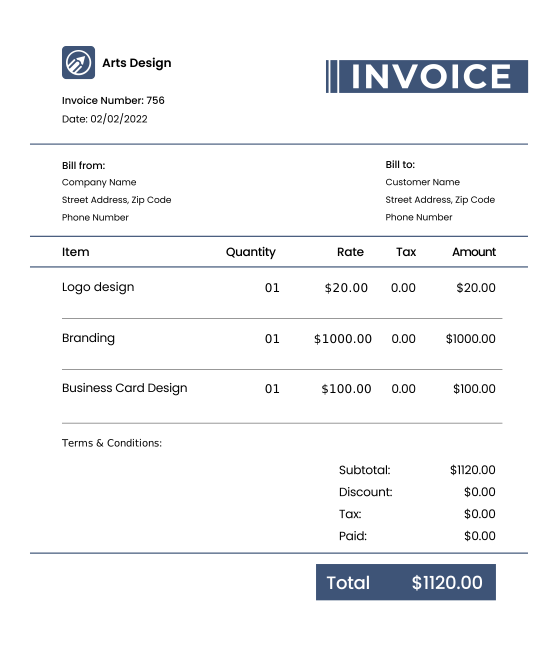
Free Logo Design Invoice Templates for Designers
Download professional logo design and branding invoice templates for creative professionals. Ideal for graphic designers, branding agencies, and freelance logo designers seeking polished billing solutions.

 Word
Word Excel
Excel PDF
PDF All
All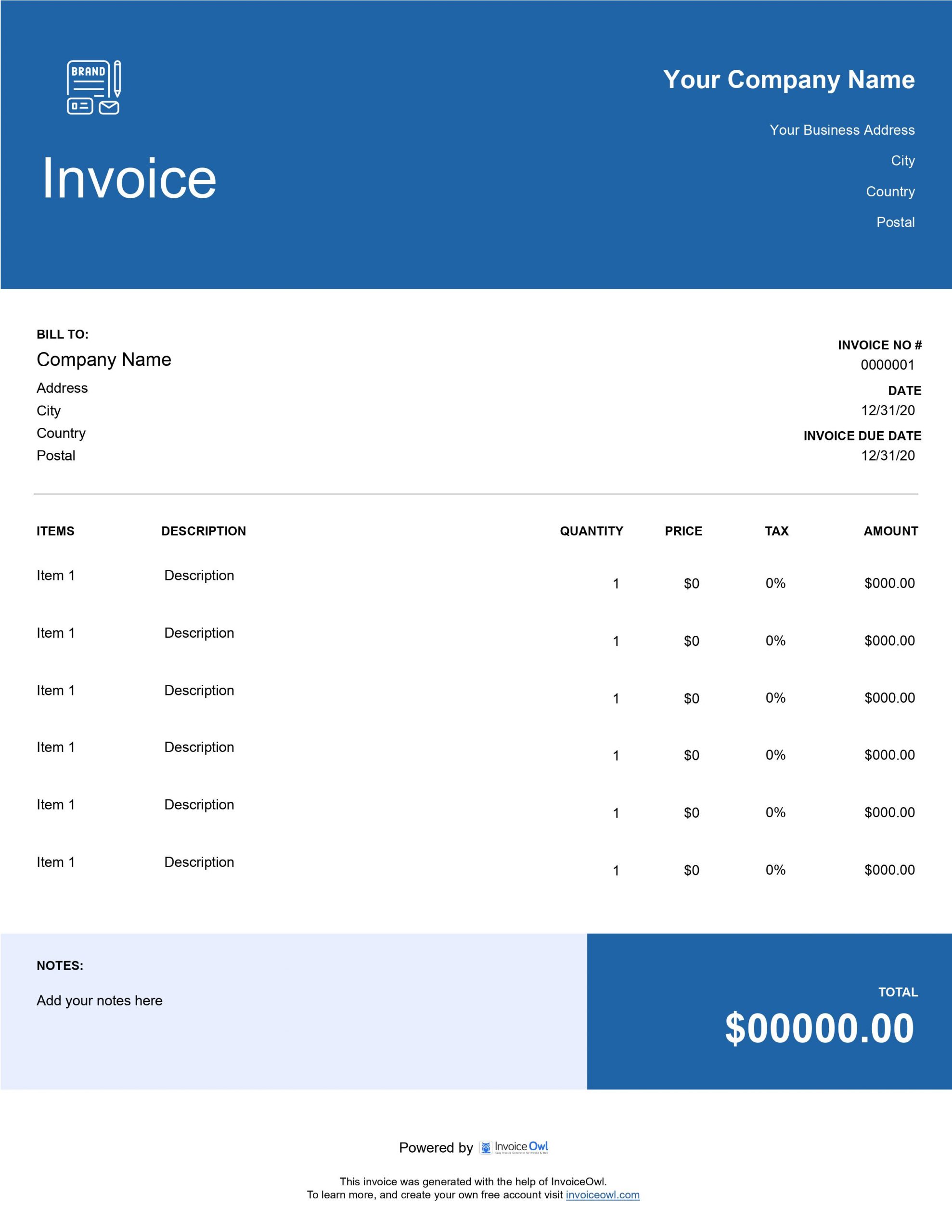
InvoiceOwl vs Free Logo Design Invoice Template
See why professionals choose InvoiceOwl
Free Logo Design Invoice Templates for Creative Professionals
Your clients expect nothing less than perfection in every logo you create. Your invoices should reflect that same level of professionalism. Use these logo invoice templates to create professional-looking invoices easily and maintain your reputation as a top-tier designer.
Flexible Format Options for Every Designer
Adobe PDF
Perfect for client-ready, professional presentations. PDF format ensures your invoices look polished on all devices and platforms.
Microsoft Word
Easy customization and quick editing. Modify templates quickly to match your branding and project requirements.
Microsoft Excel
Automatic calculations for complex projects. Perfect for itemized billing with multiple design revisions and add-ons.
Each format is designed to make logo designers look as professional on paper as they are in design.
Stand Out with Professional Logo Design Invoices
Your Invoice is Your Brand
Every touchpoint with clients matters. Professional invoices demonstrate attention to detail and reinforce the quality of your logo design services.
Save Creative Energy for Design Work
Pre-formatted templates eliminate the grunt work of invoice creation. Spend your time creating stunning logos, not formatting invoices.
Get Paid Faster with Clear Billing
Detailed, professional invoices reduce confusion and payment delays. Clients appreciate transparency and respond with faster payments.
InvoiceOwl Invoicing Software vs. Free Invoice Template
Ready for something even better than templates? InvoiceOwl eliminates invoicing hassles by completely digitizing your invoicing process from start to finish.
Designed for Creative Professionals
Unlimited Invoicing
Send unlimited invoices with real-time delivery tracking. Monitor when clients open your invoices and follow up strategically.
Automated Payment Reminders
Focus on design, not collections - automatic reminders handle follow-ups. Set up reminders once and let the software do the work.
Instant Downloadable Invoices
Send professionally branded PDFs instantly. Create and send invoices in minutes, not hours.
Automatic Receipt Generation
Client pays, receipt sends instantly - no manual work required. Streamline your payment processing completely.
Sales and Tax Reporting
Complete financial overview at a glance with detailed reports. Track income, expenses, and taxes effortlessly.
Client Management System
All contact info in one secure location for easy access. Build a database of clients for repeat business.
Ease Your Invoicing Hassles with InvoiceOwl
Make your invoicing effortless with our complete invoicing software. Get your free trial today and start experiencing true convenience.
Frequently Asked Questions
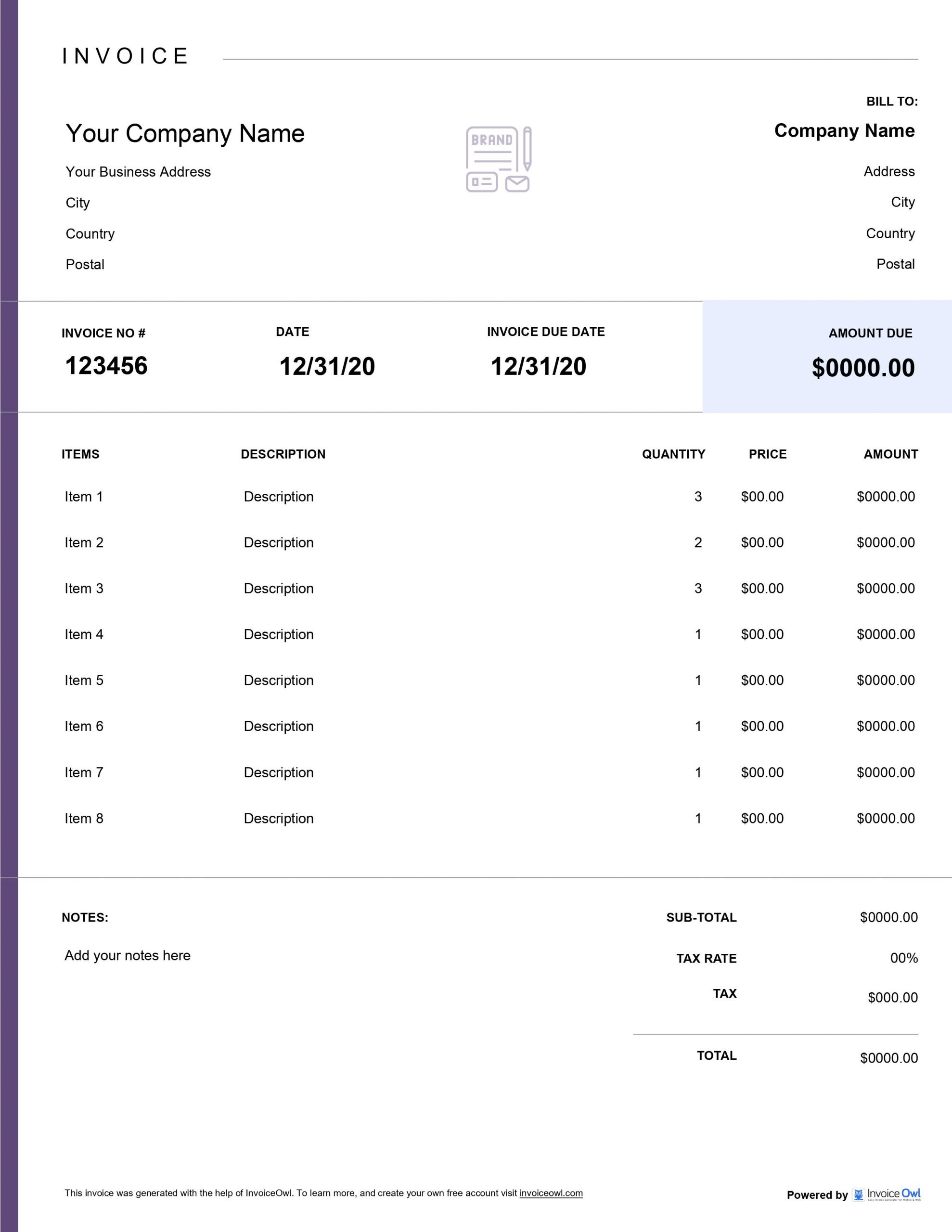
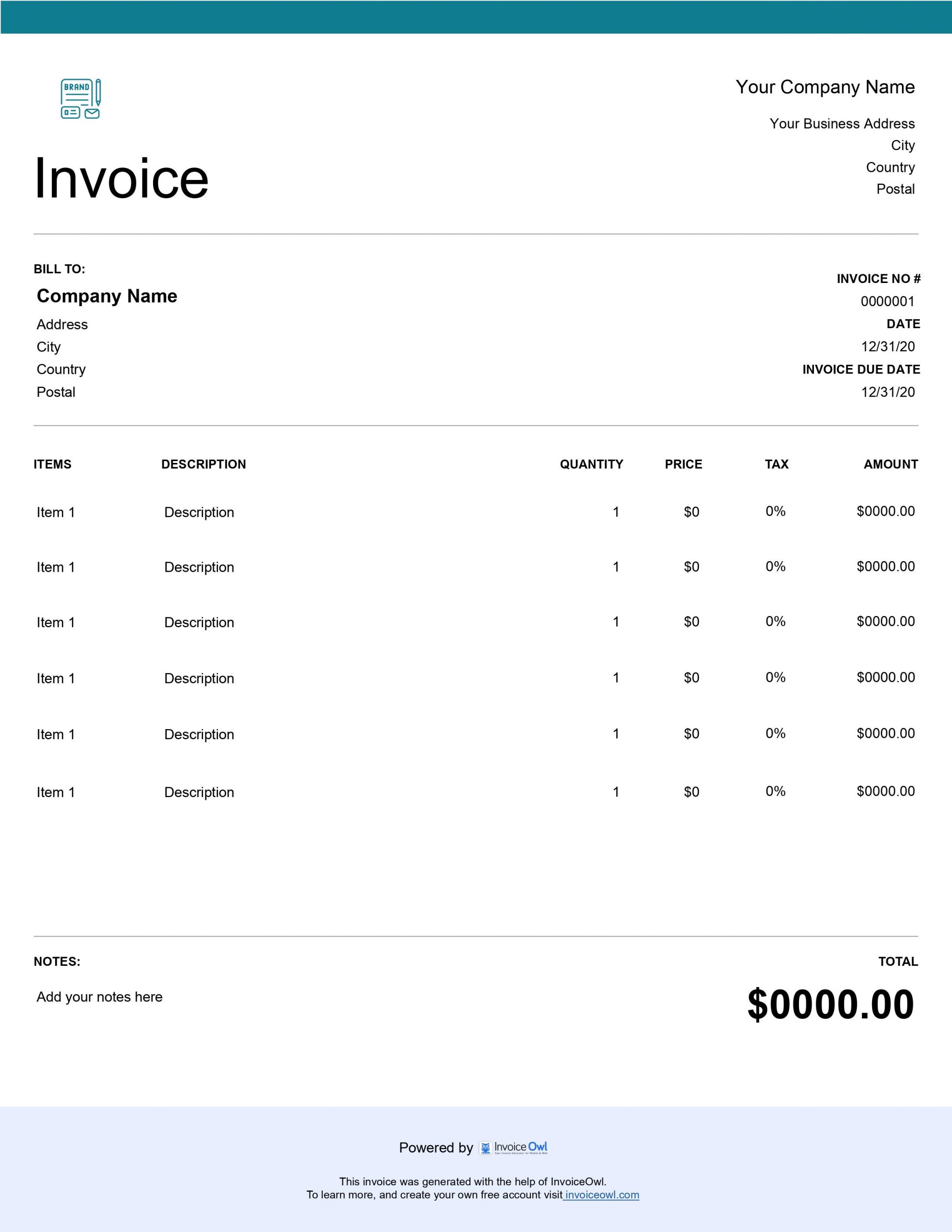
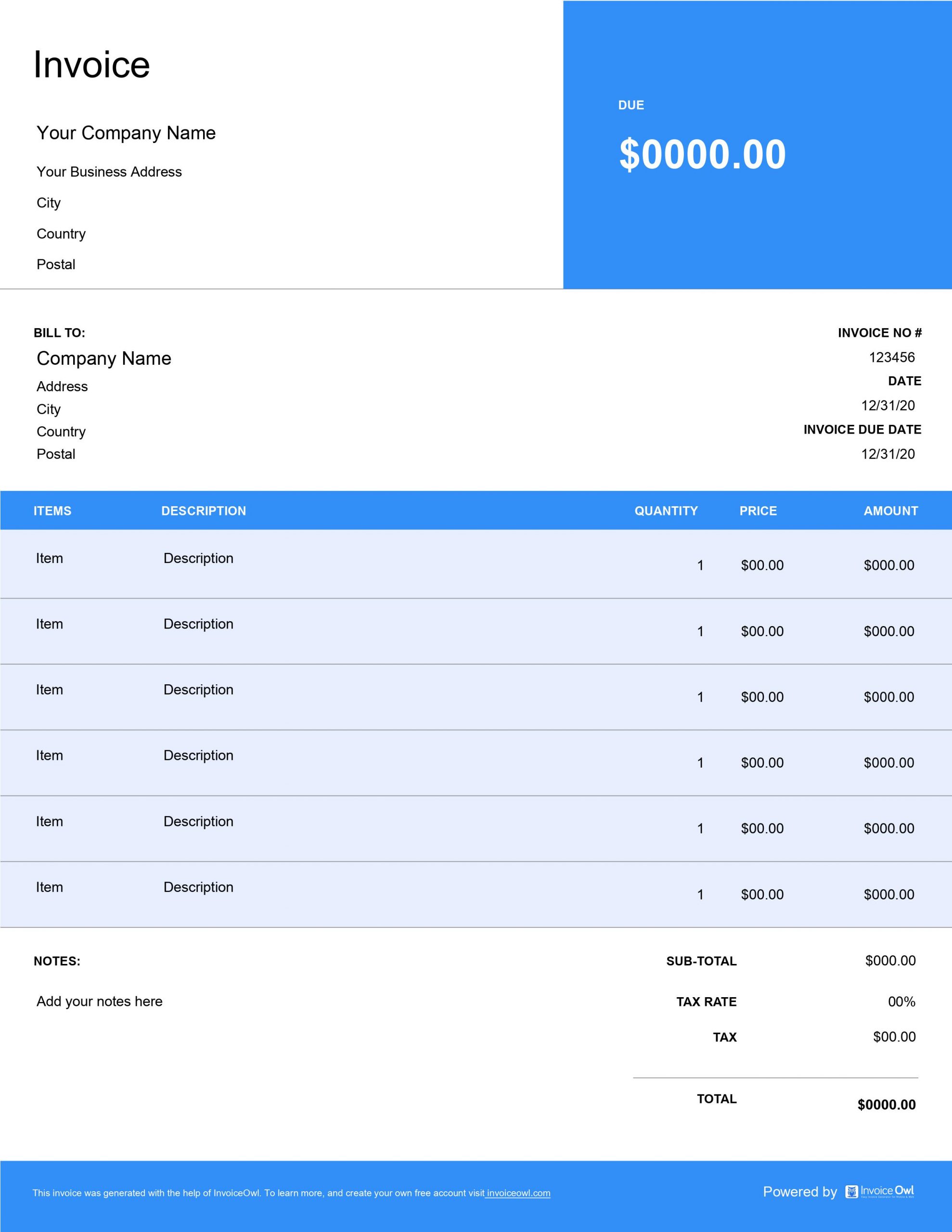
Your logo design invoice should include the following details: your business logo, your business name and contact information, your client's name and contact information, invoice number and date, a description of the services provided, the total cost of the project, and payment terms and due date.
To create an accurate invoice, include the following details in your retainer invoice template: your name (and logo, if applicable), your and your client's address, invoice number, invoice creation date, and payment due date, information such as service provided, price, tax, and total amount, other charges, and payment details such as accepted payment methods and overdue charges.
A logo design invoice template is essential for any designer or freelancer who provides logo design services. It removes all the hassle of creating a professional-looking invoice and saves you time.
With the template, you don't need to create it from scratch. You just need to fill in the invoice details, and you are done.
To use a logo design invoice template, follow these steps: First, download the template in your preferred format (PDF, Word, or Excel). Second, enter your business name and contact information, as well as the client's name and contact information. Third, fill in the details of the project, including the number of hours worked and the total cost. Finally, save the invoice and send it to your client. That's it. It is that simple.
You can send a logo design invoice to your client by emailing it for quick and convenient digital delivery, printing and mailing it as a traditional hard copy for formal documentation, or using invoicing software for automated delivery with tracking and reminders. Take note to include all relevant details and payment instructions before sending it. Then follow up with the client (if needed) to ensure payment is received on time.