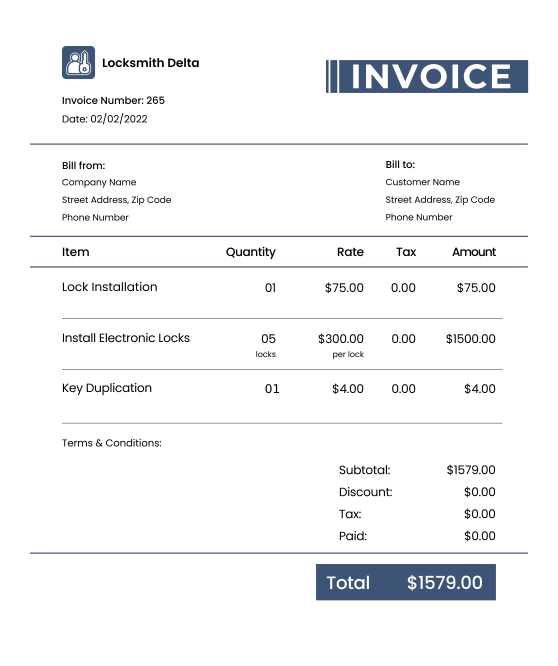
Download Free Locksmith Invoice Templates
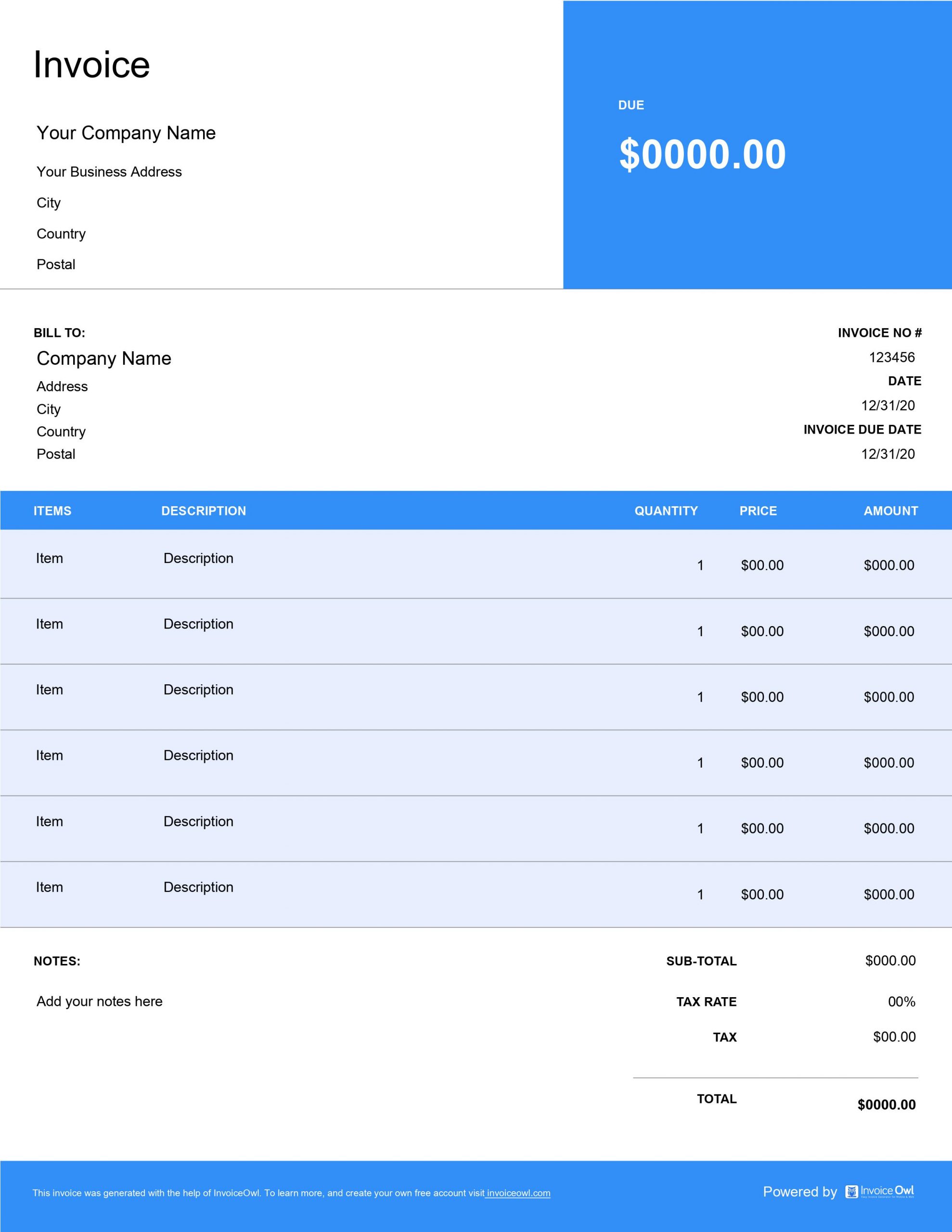
Access ready-to-use locksmith invoice templates in Word, Excel, and PDF formats. Ideal for residential locksmiths, commercial security specialists, and emergency lockout services needing professional billing solutions.

 Word
Word Excel
Excel PDF
PDF All
All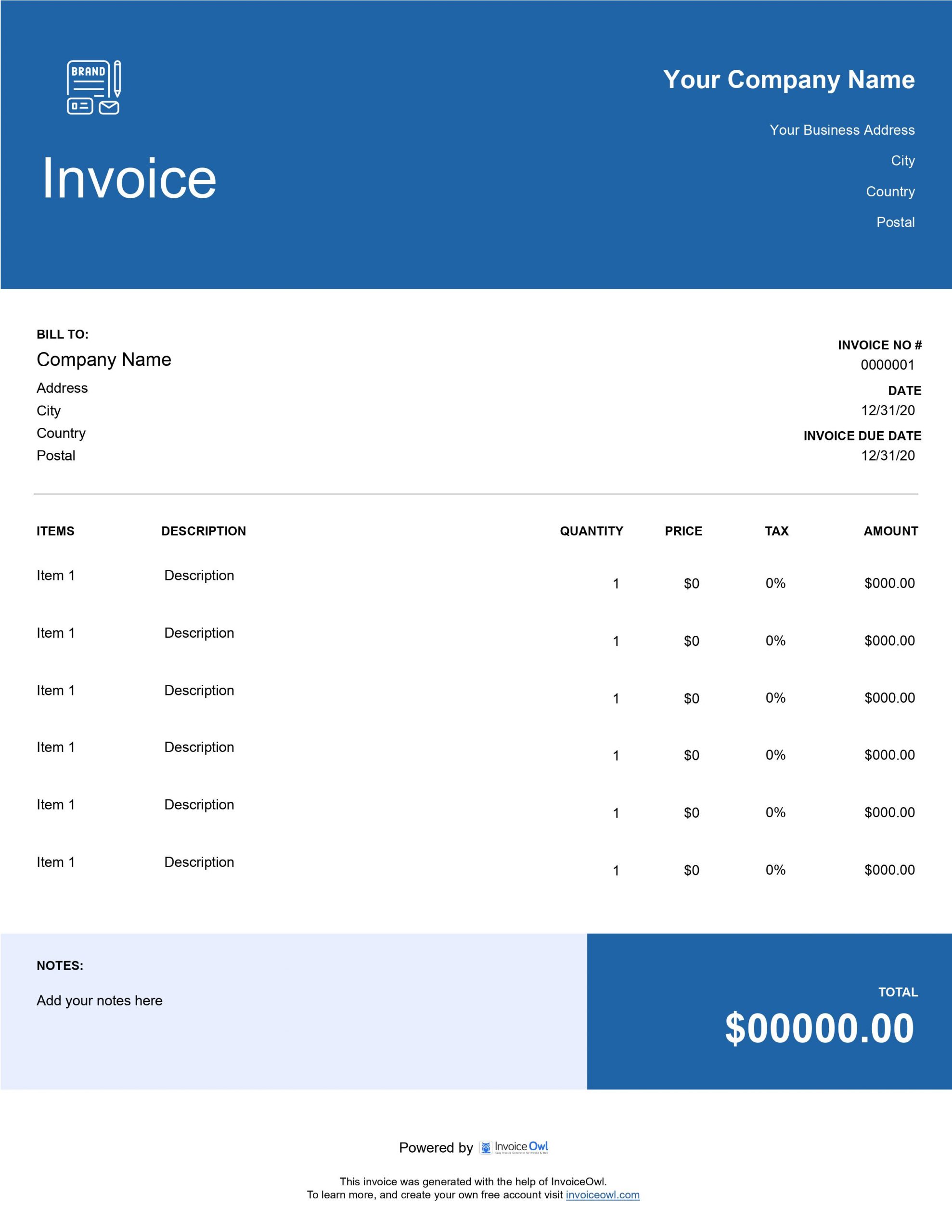
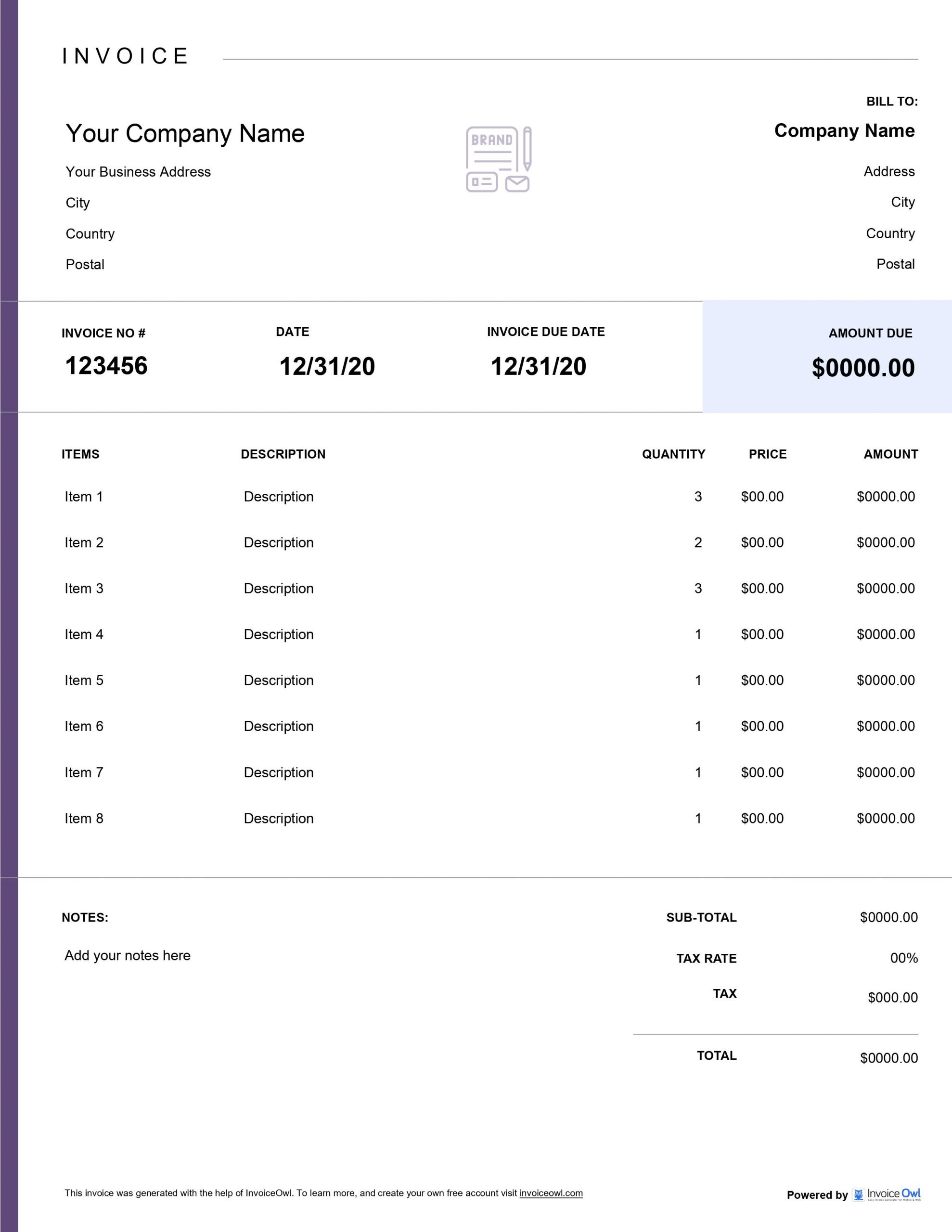
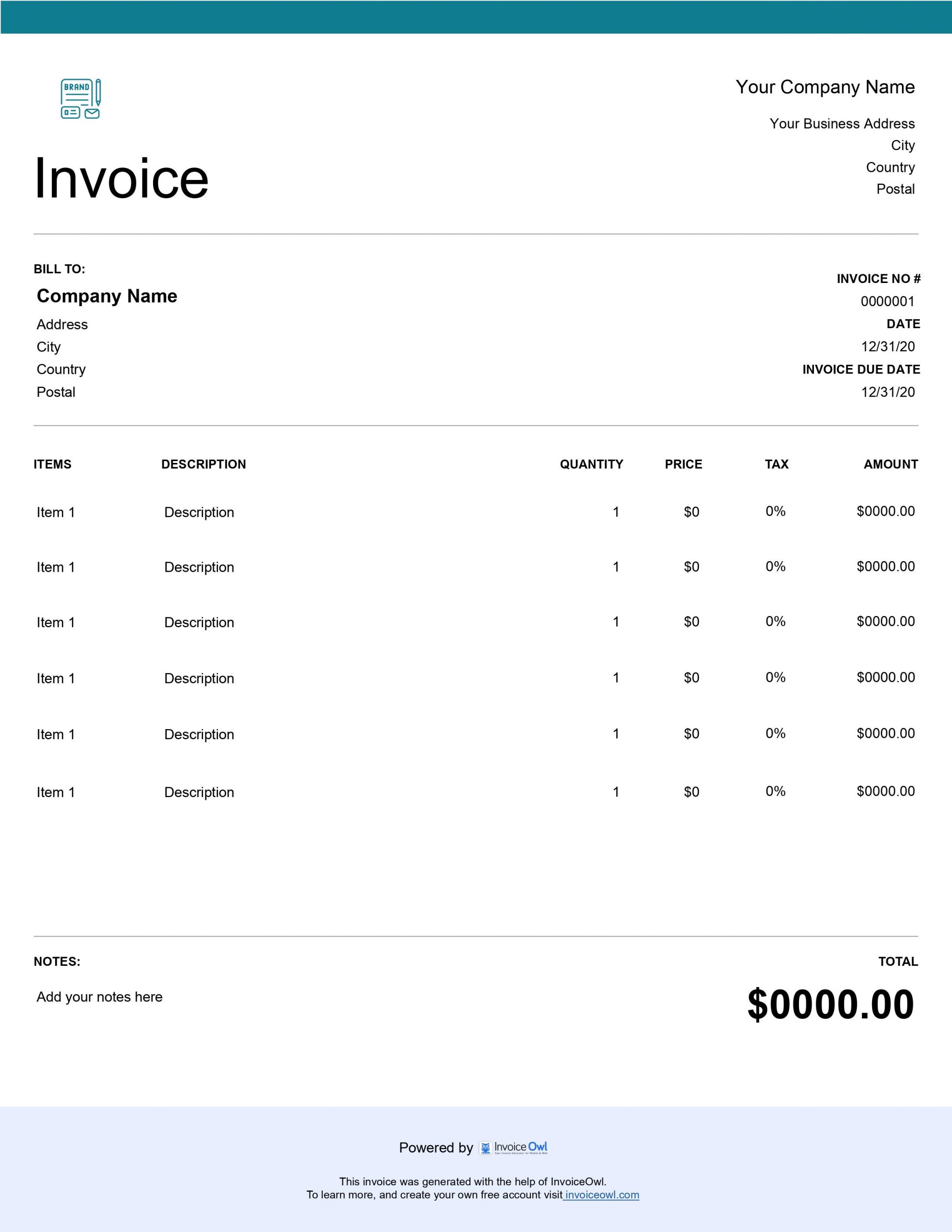
InvoiceOwl vs Downloadable Locksmith Invoice
See why professionals choose InvoiceOwl
Professional Locksmith Invoice Templates - Free Download
Struggling to create invoices for your business? Our free locksmith invoice templates make professional billing effortless. No more starting from scratch - just download, customize, and send.
Choose from three convenient formats: MS Word, MS Excel, or Adobe PDF. Add your locksmith business details, customize the layout to match your brand, and you're ready to send professional invoices that get you paid faster.
Why Use Customizable Locksmith Invoice Templates
Delivering excellent locksmith services is only half the battle - getting paid promptly requires professional invoices. That's where customizable templates become essential for your business success.
InvoiceOwl's locksmith templates are trusted by contractors nationwide because they're completely free and fully customizable. Personalize your invoices with your preferred colors, layouts, and file formats to match your brand identity.
Select from multiple file formats including PDF, Word, Excel, Google Docs, or Google Sheets. Each format is designed for easy customization while maintaining a professional appearance that builds client trust.
Benefits of Using Locksmith Invoice Templates
Professional Appearance Builds Trust
Pre-designed templates provide a polished, consistent layout that immediately conveys professionalism. When clients see well-organized invoices, they're more likely to trust your business and pay promptly.
Save Valuable Time
Stop creating invoices from scratch for every job. Customizable templates eliminate repetitive work, freeing up your time to focus on serving clients rather than managing paperwork.
Easy Branding and Customization
Make each invoice uniquely yours by adding your logo, service descriptions, and personalized payment terms. Templates adapt to your specific business needs for seamless, branded transactions.
Reduce Costly Errors
Pre-set fields handle calculations for taxes, totals, and line items automatically. This minimizes manual errors that can damage client relationships and delay payments.
How to Create a Locksmith Invoice
Choosing the right locksmith invoice template requires considering your specific business needs. Follow these steps for optimal results:
Step 1: Choose a Template
Download your preferred template in PDF, Word, Excel, Docs, or Sheets format. Select the format that best fits your workflow and technical comfort level.
Step 2: Add Business Details
Include your business name, contact information, and physical address. Clear contact details make it easy for clients to reach you with questions or concerns.
Step 3: Enter Client Information
Address the invoice to your client with accurate details including their name, contact information, and service location. Precision here prevents payment delays.
Step 4: List Services and Charges
Detail each locksmith service provided along with corresponding costs, applicable taxes, and any discounts. Transparency builds trust and reduces billing disputes.
Step 5: Save and Share
Review the completed invoice carefully, save it in your preferred format, then share it with your client via email or deliver a printed copy in person.
Locksmith Invoice Template Customization Tips
Define Clear Payment Terms
Highlight payment terms and accepted methods prominently to prevent confusion. Clear expectations reduce late payments and improve cash flow.
Add Applicable Taxes
Include tax information and calculations to comply with legal regulations. Proper tax documentation protects your business and provides transparency.
Detail Your Services
Include comprehensive service descriptions to ensure charge transparency. When clients understand what they're paying for, they're more likely to pay promptly.
Maintain Consistent Formatting
Use consistent formatting with aligned text, tables, and numbers throughout. A clean, organized look reinforces your professional image.
Create and Save for Reuse
Save your customized template for quick edits on future invoices. Reusable templates make ongoing invoicing smooth and efficient.
InvoiceOwl Invoicing Software vs Free Invoice Template
Free templates are helpful, but InvoiceOwl's invoicing software is a complete game-changer. Beyond creating invoices, it helps you manage them efficiently with powerful automation features.
Try InvoiceOwl - the invoicing solution that lets you create, send, and manage accurate invoices so you get recognized as a trusted locksmith brand in your market.
Frequently Asked Questions
To ensure accuracy and prompt payment, you should include the following information in your invoice: Your company name, address, and contact information, customer's name and address, date the service was provided, invoice number, description of the services performed including any parts used and labor costs, total amount due including any applicable taxes and fees, and payment terms and due date.
In such cases, it is important to communicate with them quickly and professionally. Provide your customer with a detailed explanation of the services provided and the charges incurred. If necessary, you may even need to negotiate for a settlement.
Yes, you can use these locksmith invoice templates for both residential and commercial clients, unless otherwise mentioned.
Start using the free invoice templates that we have provided you as they are designed to look professional. To go even further, you can use invoicing software such as InvoiceOwl.
You can keep track of your invoices and monitor payment status by using any of these 2 ways: A spreadsheet to manually record invoice data and payment status, or an invoicing software that allows you to create, send, and track invoices digitally.