
Download Free Hourly Invoice Templates
Access professional hourly invoice templates for freelancers, consultants, and service providers. Track billable hours accurately and bill clients for time-based services with transparent, detailed invoicing formats.
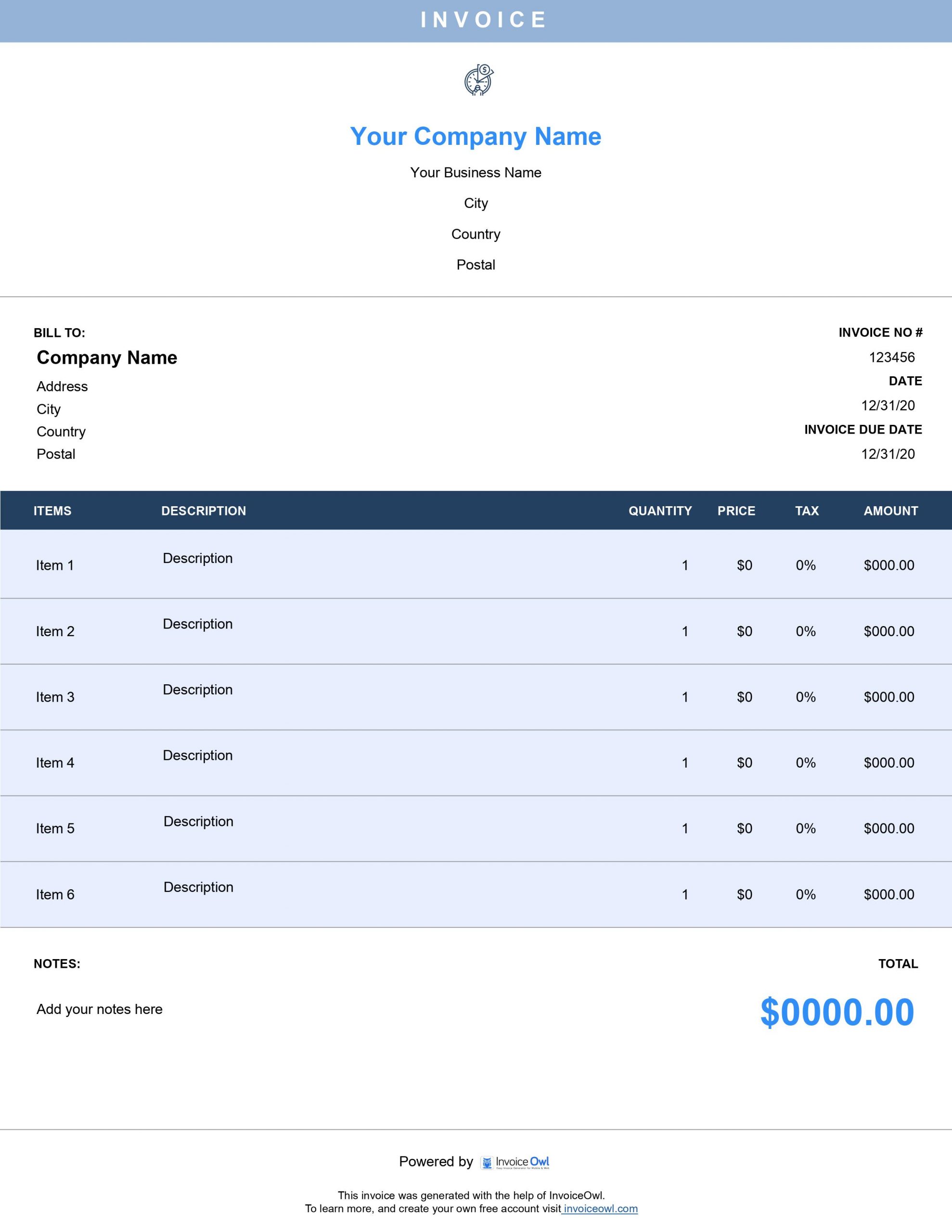
 Word
Word Excel
Excel PDF
PDF All
All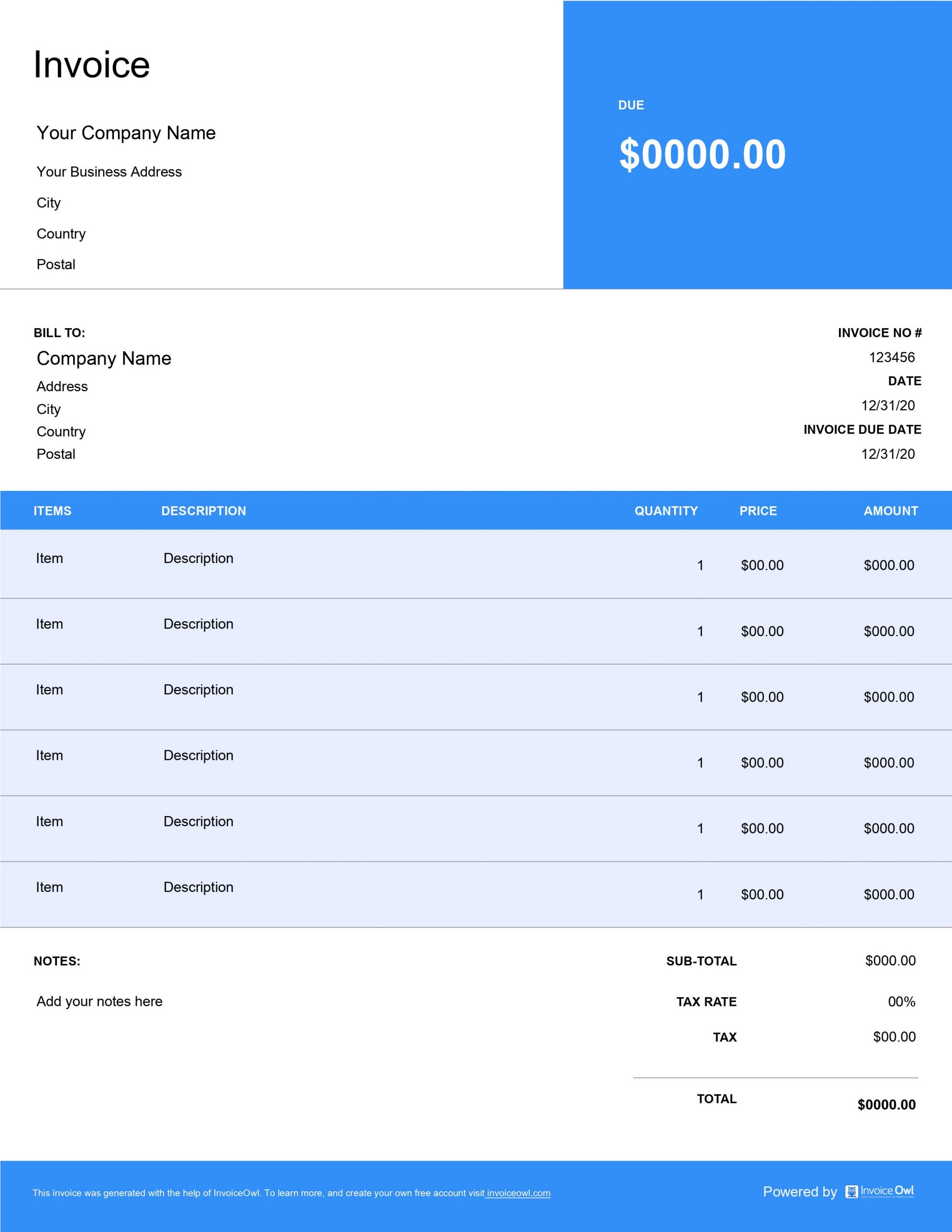
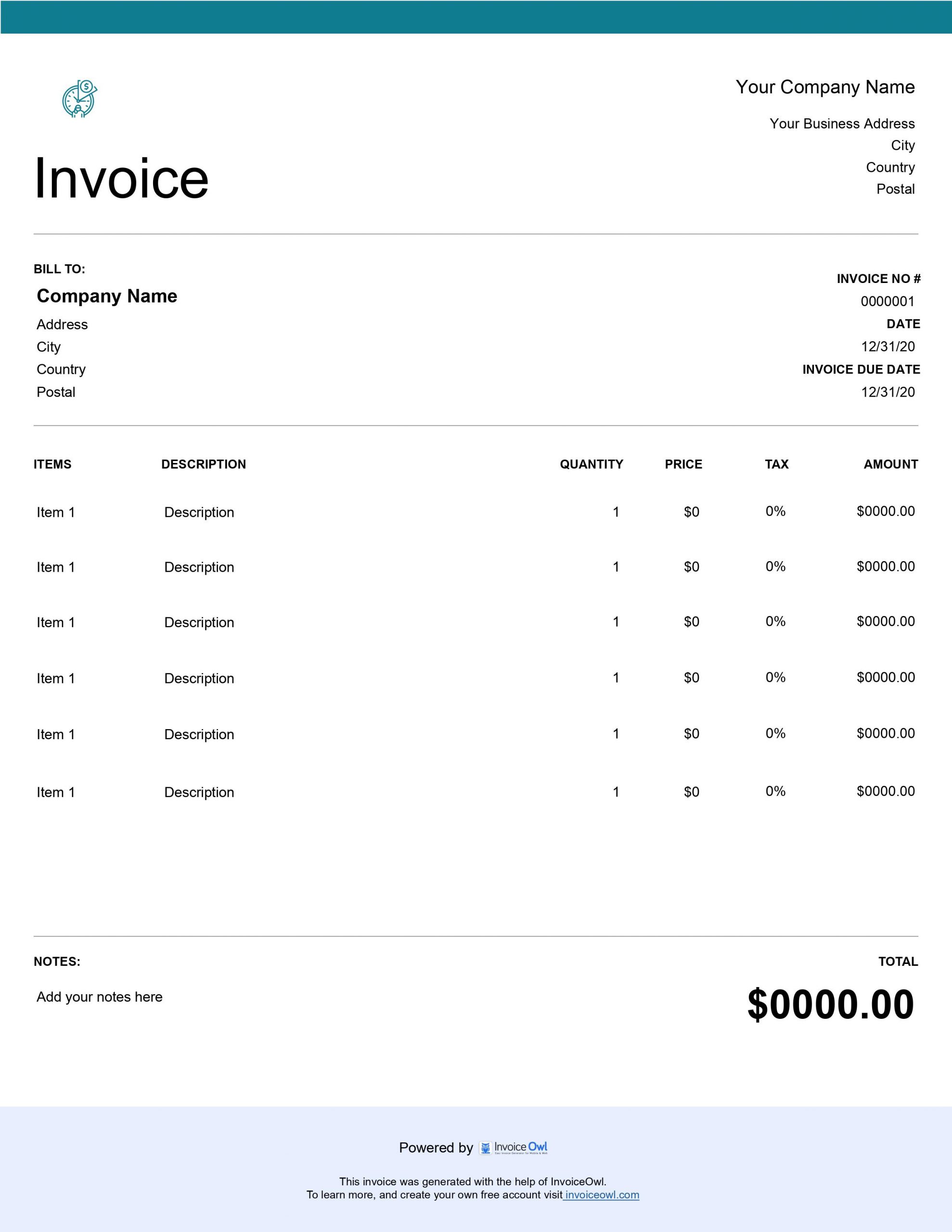
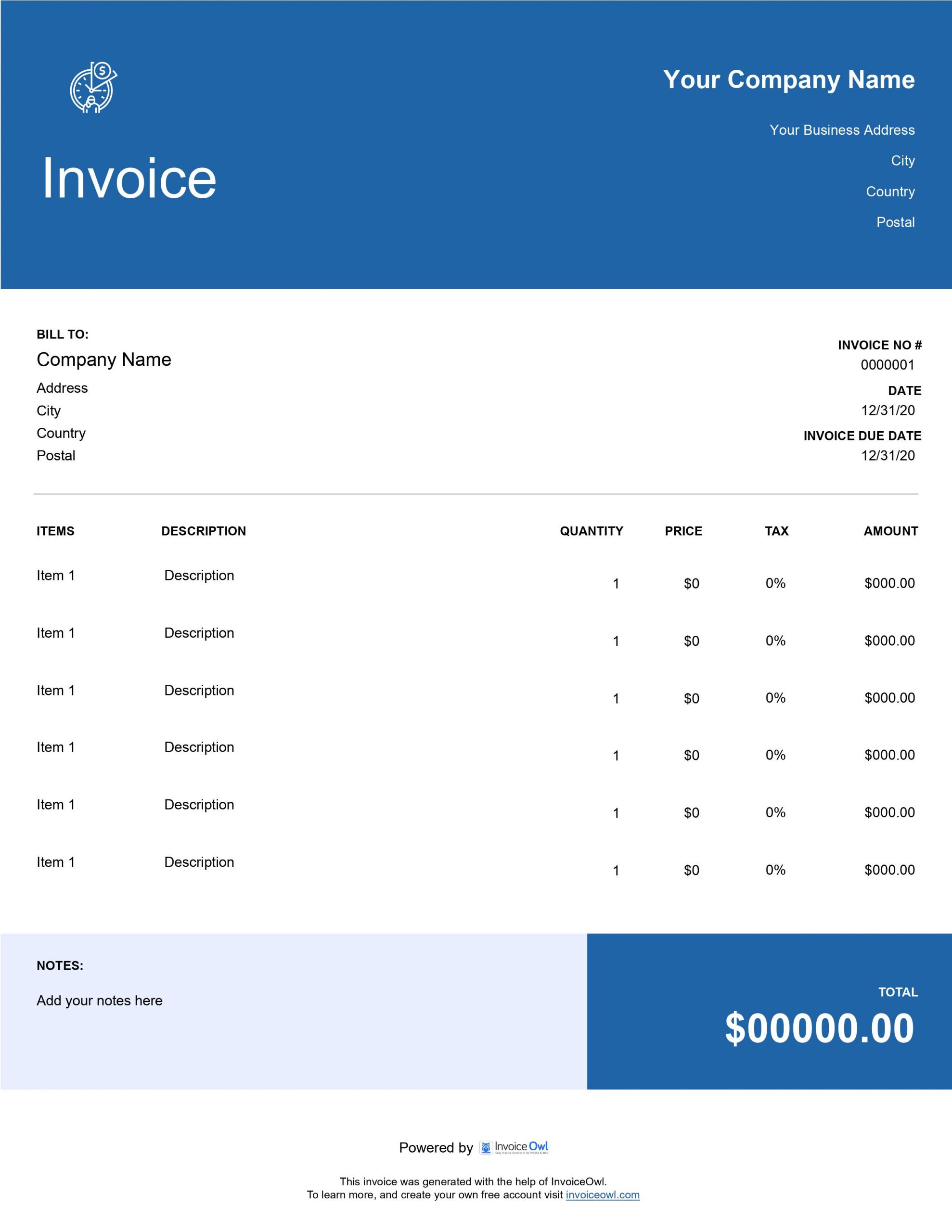
InvoiceOwl vs Free Hourly Invoice Template
See why professionals choose InvoiceOwl
Instant Download: Free Hourly Invoice Templates
Focus on generating billable hours, not creating invoices. As a professional who bills clients hourly, your time is valuable - our templates help you reclaim it.
Our hourly rate invoice template helps you create standardized invoices with a professional touch in minutes. For maximum ease and flexibility, choose from different file formats including Google Docs, Microsoft Word, Microsoft Excel, Google Sheets, and Adobe PDF.
Select the format that best suits your workflow and start creating professional hourly invoices today.
Customizable Invoice Templates for Every Professional
Transform your billing process with InvoiceOwl's free, customizable templates trusted by hourly professionals worldwide.
Delivering the best service is halfway to getting paid faster. The other half is creating and sending professionally-built invoices that reflect your expertise. That's where invoice templates play a significant role.
InvoiceOwl has been helping contractors and hourly professionals for years. Professionals consistently choose our templates because they're completely free and fully customizable.
Easy Personalization
Match your business identity with customizable color schemes. Our templates feature optimized designs specifically for hourly billing, and you can deliver invoices seamlessly in multiple file formats.
Who Should Use Hourly Professional Invoice Templates?
An hourly invoice template is designed for individuals and service providers who charge clients based on hourly rates. This includes freelancers, contract employees, and small business owners across various industries.
Use free hourly invoice templates to send professional invoices that enhance your brand's competence. Track the hours spent on specific jobs to ensure you're compensated fairly for every minute of work.
When documenting your tasks, clarify the exact status of each task - whether it's in progress or completed. Add how long every task took to complete using an invoice generator for accurate billing.
Professionals Who Benefit from Hourly Templates
- Writers and content creators
- Graphic designers and illustrators
- Virtual assistants
- Moving companies
- Cleaning services
- Consultants and advisors
- Business coaches
- Contractors and tradespeople
- Photographers and videographers
- IT specialists and developers
- Tutors and educators
- Trainers and coaches
- Legal advisors and paralegals
What Does an Hourly Invoice Consist of?
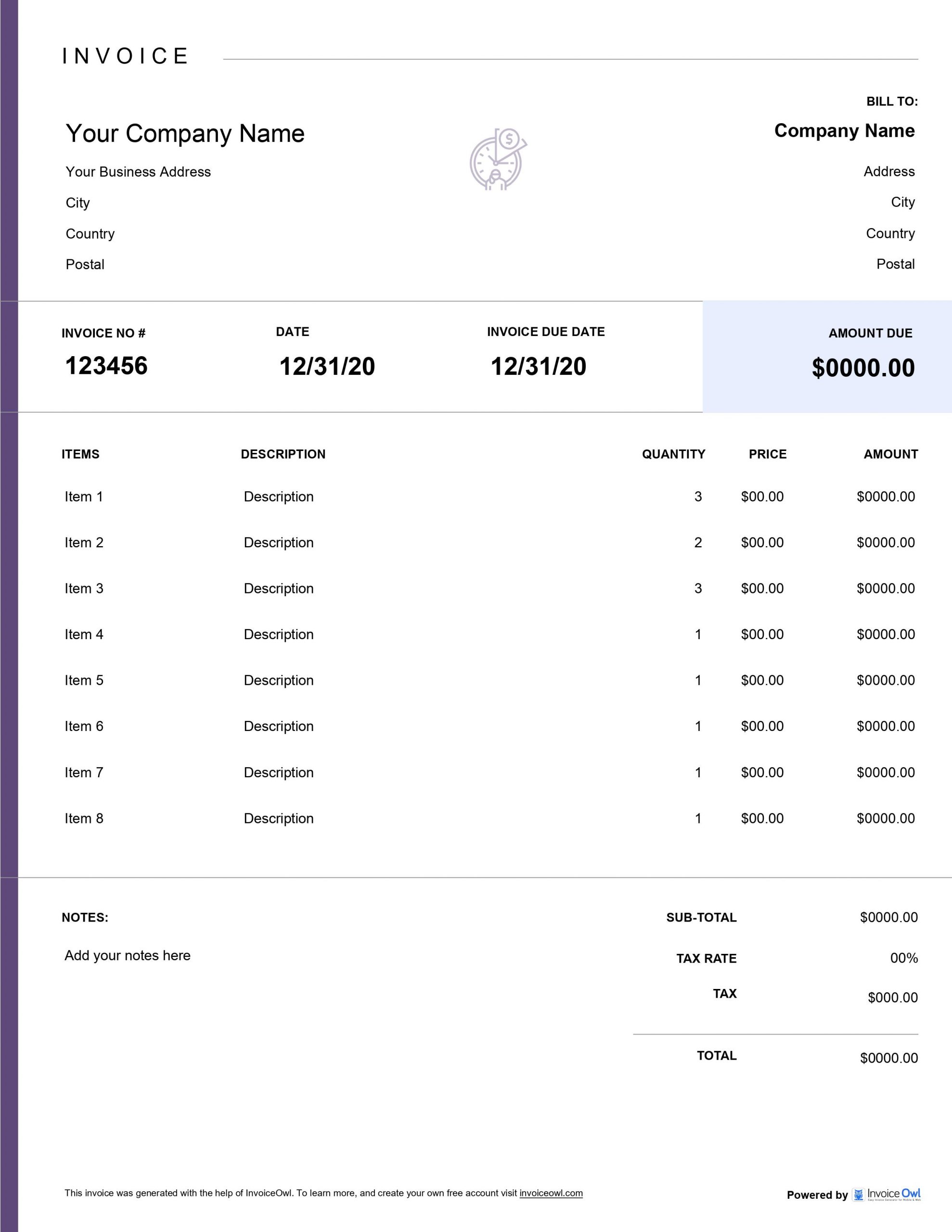
An effective hourly invoice typically includes these essential components:
Title and Description
Add the project name and describe the type of work being billed. This immediately provides context for your client.
Business Details
Include your business name, phone number, address, and business logo to establish your brand identity and professionalism.
Customer Details
Add your customer's name, address, and contact information in the "Bill To" section for accurate record-keeping and delivery.
Invoice Number
Assign a unique invoice number based on the customer and sequence number, which helps you track invoices efficiently for accounting purposes.
Dates
Clearly state the invoice issue date and the payment due date to establish clear payment expectations.
Line Items
Add a new line for every product or service delivered. Include a short description, hours worked, hourly rate, and total price for each item.
Subtotal
Before adding tax, create a subtotal of your goods and services to provide transparency in pricing.
Tax
Specify the tax rate added to the subtotal. Add tax details per American tax regulations and include information about your business location and tax requirements.
Total
Include the total amount due after adding applicable tax rates. Make this prominent and easy to identify on the invoice.
Notes
Add important information for your customer, including terms of service, accepted payment methods, and refund policy to prevent misunderstandings.
Streamline your billing process with our easy-to-use hourly invoice template designed for professionals.
Complete Guide to Hourly Invoicing
Using our user-friendly invoice templates requires no advanced skills. Follow these simple steps:
Step 1: Download the Template
Start by downloading the hourly invoice template in your preferred format (Excel, Word, Google Docs, or PDF). Open the file and begin customizing it for your needs.
Step 2: Input Your Data
Add your organization name, address, email, phone number, and logo in the respective fields. This creates a professional and personalized look for your invoice.
Step 3: Calculate the Total
After adding hours and rates, the invoice template will automatically generate the subtotal. Add any discounts or taxes like sales tax, and the final payment amount will be calculated.
Step 4: Send to Client
Double-check all information for accuracy. Once everything looks correct, save the invoice as a PDF or email it directly to the client for prompt payment.
What Charges Should Be Included in Hourly Invoice Templates?
When creating an hourly invoice template, include these essential charges:
Hourly Rate Charges
Specify the amount billed for each hour of work, along with a detailed description of the tasks performed during that time.
Freelancers and Specific Billing Methods
A writer charging per blog post might offer volume discounts, resulting in multiple line items for different types of work on their invoice.
Additional Services
Any extra services or products provided should be listed as separate line items with their unit price and total cost. This itemization ensures complete transparency with clients.
Subtotal
The total of all charges for hourly rates, additional services, or products before taxes are applied. This subtotal offers a clear picture of the work's base cost.
Taxes
Any applicable federal, state, and local sales taxes based on American tax regulations, clearly listed to show exactly how much tax is being added to the subtotal.
Total Amount Due
The final amount including all charges, taxes, and any discounts or late fees. Display this total prominently in a larger font for immediate visibility.
How Do You Send an Invoice for Hourly Work?
Sending invoices professionally and efficiently ensures timely payment. Here's the proven approach:
Step 1: Download Free Templates
Use free templates from InvoiceOwl to simplify your invoicing process and ensure compliance with billing standards.
Step 2: Create a Professional Invoice
Use a detailed template with all necessary information, ensuring compliance with U.S. regulations like the Fair Labor Standards Act (FLSA) for proper hourly billing.
Step 3: Choose the Right Format
Save your invoices in PDF format to maintain professionalism and prevent unauthorized edits to your billing information.
Step 4: Send Digital Invoices
Email your invoices or use invoicing software like InvoiceOwl, which offers FLSA-compliant templates for easy, secure billing and payment tracking.
Step 5: Set Payment Reminders
Follow up with clients using polite email reminders or automated alerts if payment is not received by the due date.
Get paid for every minute with InvoiceOwl's hourly invoice templates that track time accurately and present it professionally.
Frequently Asked Questions
The hourly service invoice template should include the following elements:
Company information: Business name, logo, address, and contact information of the service provider. Client information: Name, address, and contact information of the client. Invoice number and invoice date: A unique invoice number and the date when the invoice is issued. Service description: Mention the detailed description of the services you provide, including the date and time worked, plus the hours charged. Hourly rate: The rate per hour charged for the services rendered should be specified. No of hours worked: The total number of hours worked should be clearly stated. Taxes: Any applicable taxes should be added and clearly stated.
Small business owners or any service providers who work on hourly billing methods should start using these professional invoice templates for their own good. Know how:
Using a free invoice template saves time and reduces the chance of errors, freeing up time to focus on other important aspects of the business. Presenting a professional invoice to clients boosts the confidence and credibility in your reputation and expertise work. Accurate time tracking option as it keeps a record of billable hours, ensuring that you charge the clients for the correct amount of time worked. Online invoicing templates allow service providers to create and send personalized invoices from anywhere with an internet connection.
Yes, there is always a substitute. For creating an hourly invoice, using invoicing software such as InvoiceOwl works best if you are ready to adopt a completely personalized invoicing solution.
With InvoiceOwl, you can:
Track the status of your invoices in real-time, ensuring that you get paid on time with zero overdue. Gather the essential client details in one place. Quick payment reminders. Easily manage tax and discount requirements. Generate sales reports to know the financial health of the business. Can maintain multiple companies.