Free Downloadable Graphic Design Invoice Templates
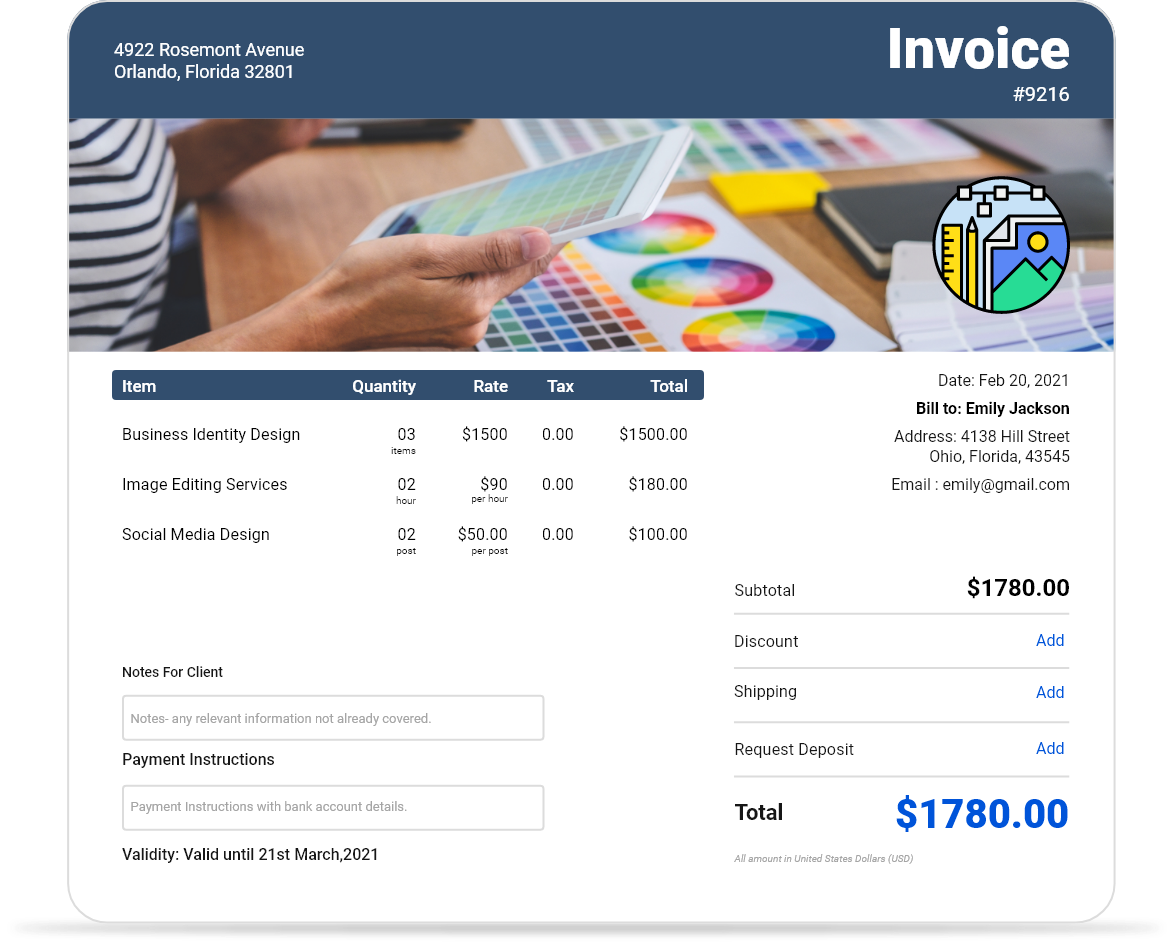
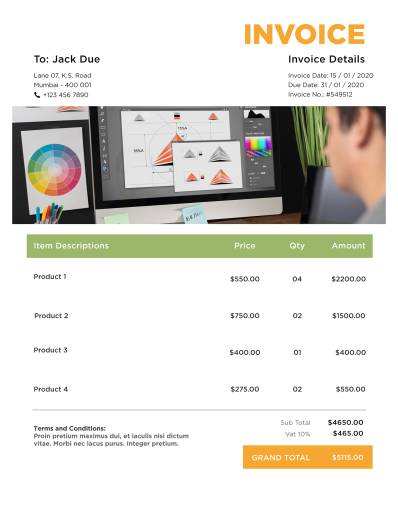
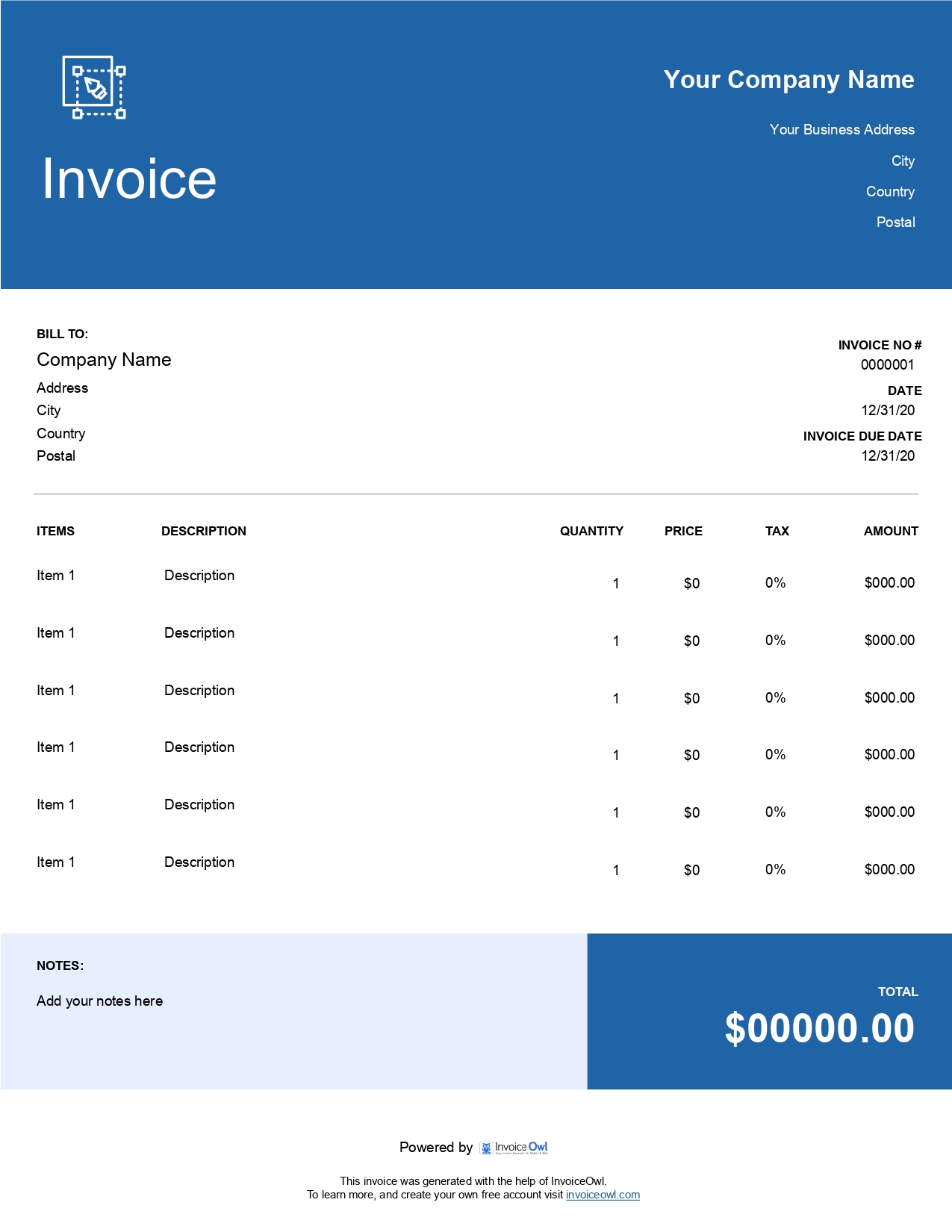
Access free graphic design invoice templates for designers, illustrators, and creative agencies. Streamline billing for logo design, web design, animation, and all creative services with professional templates.
 Word
Word Excel
Excel PDF
PDF Docs
Docs All
All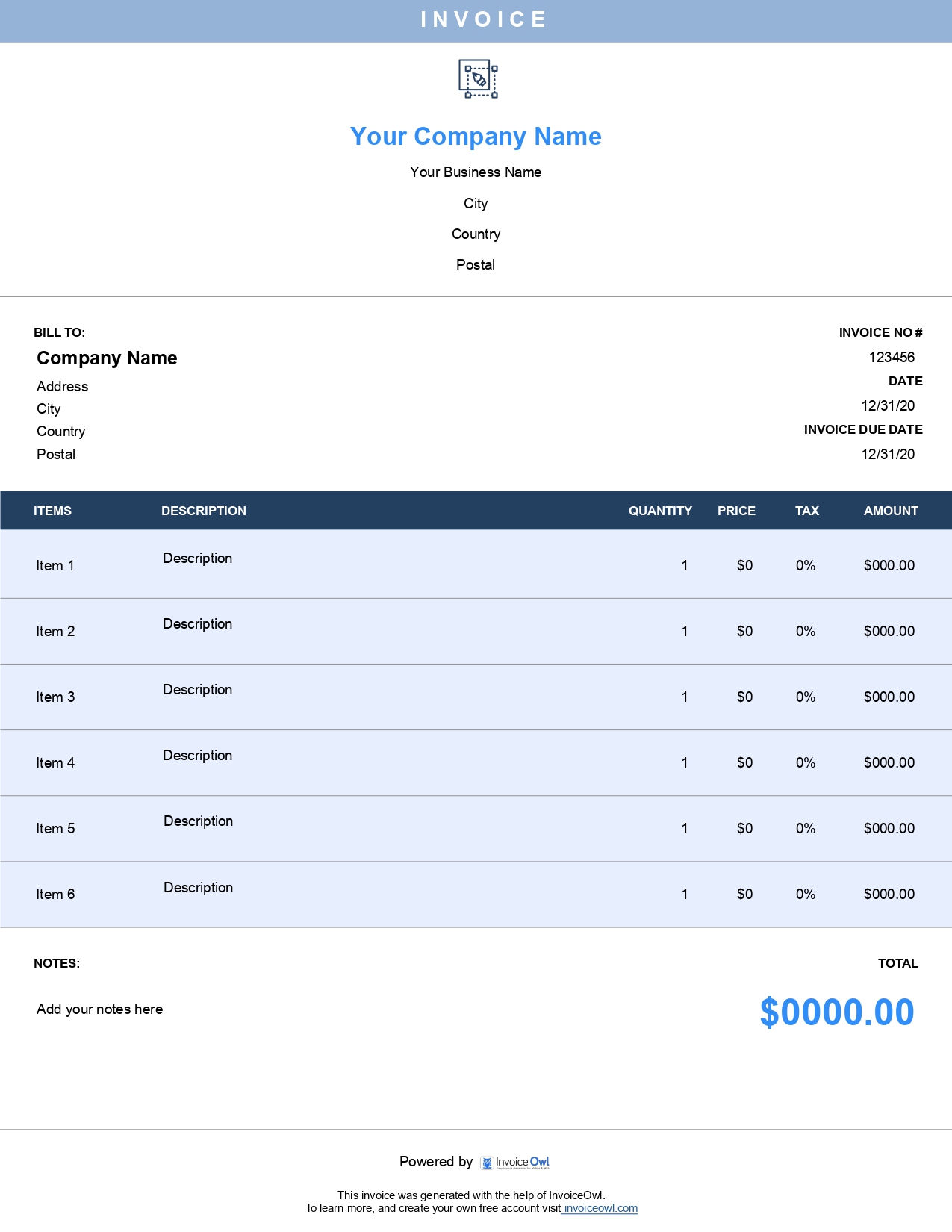
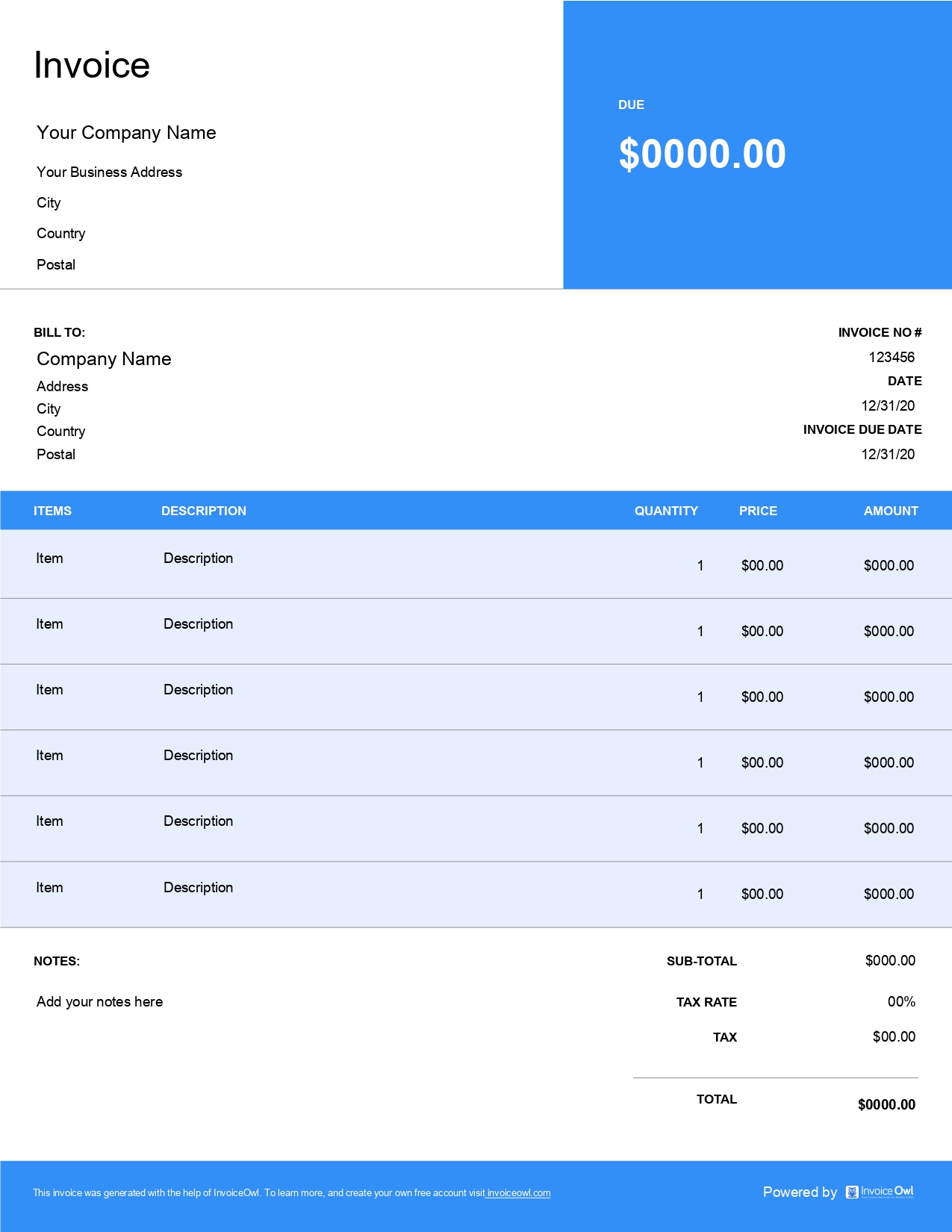
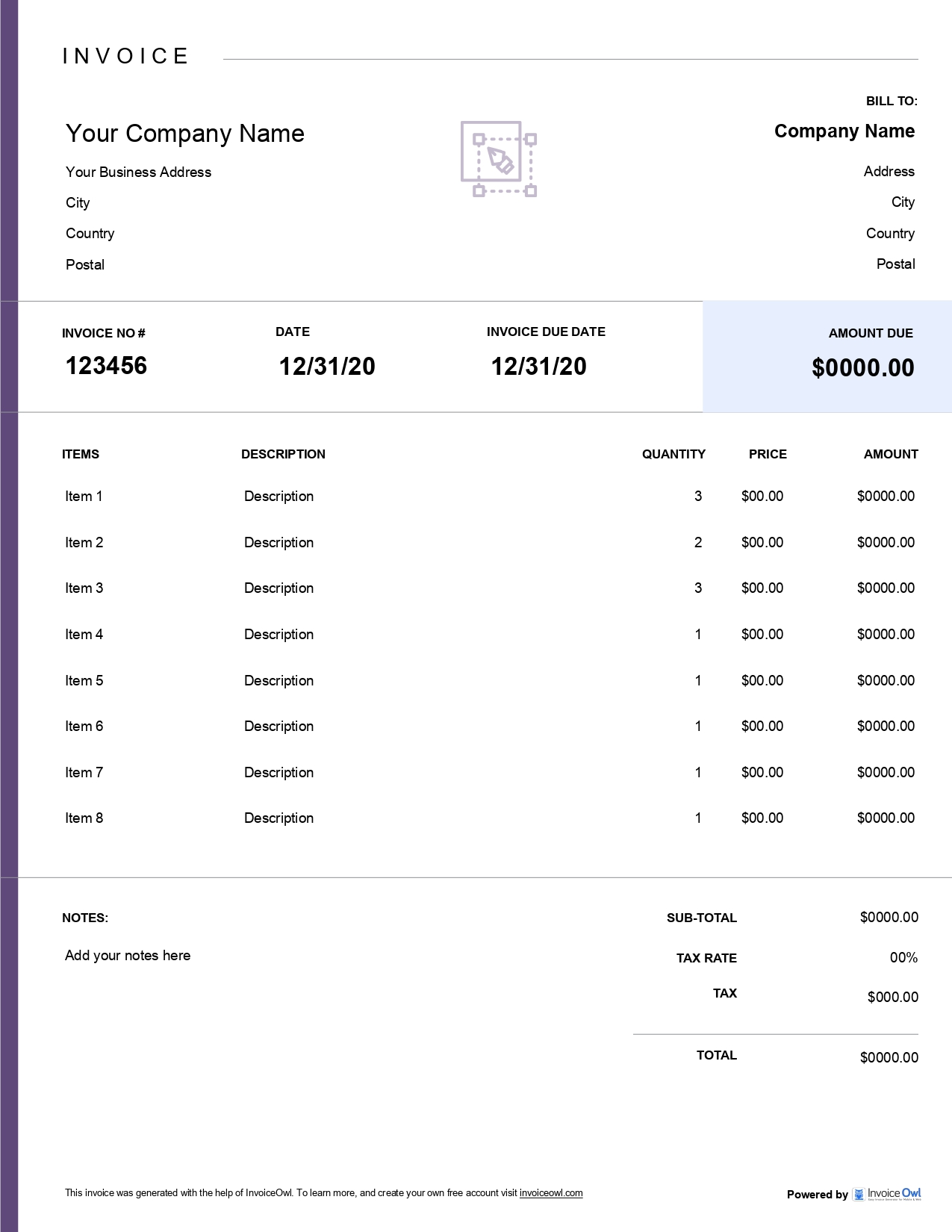
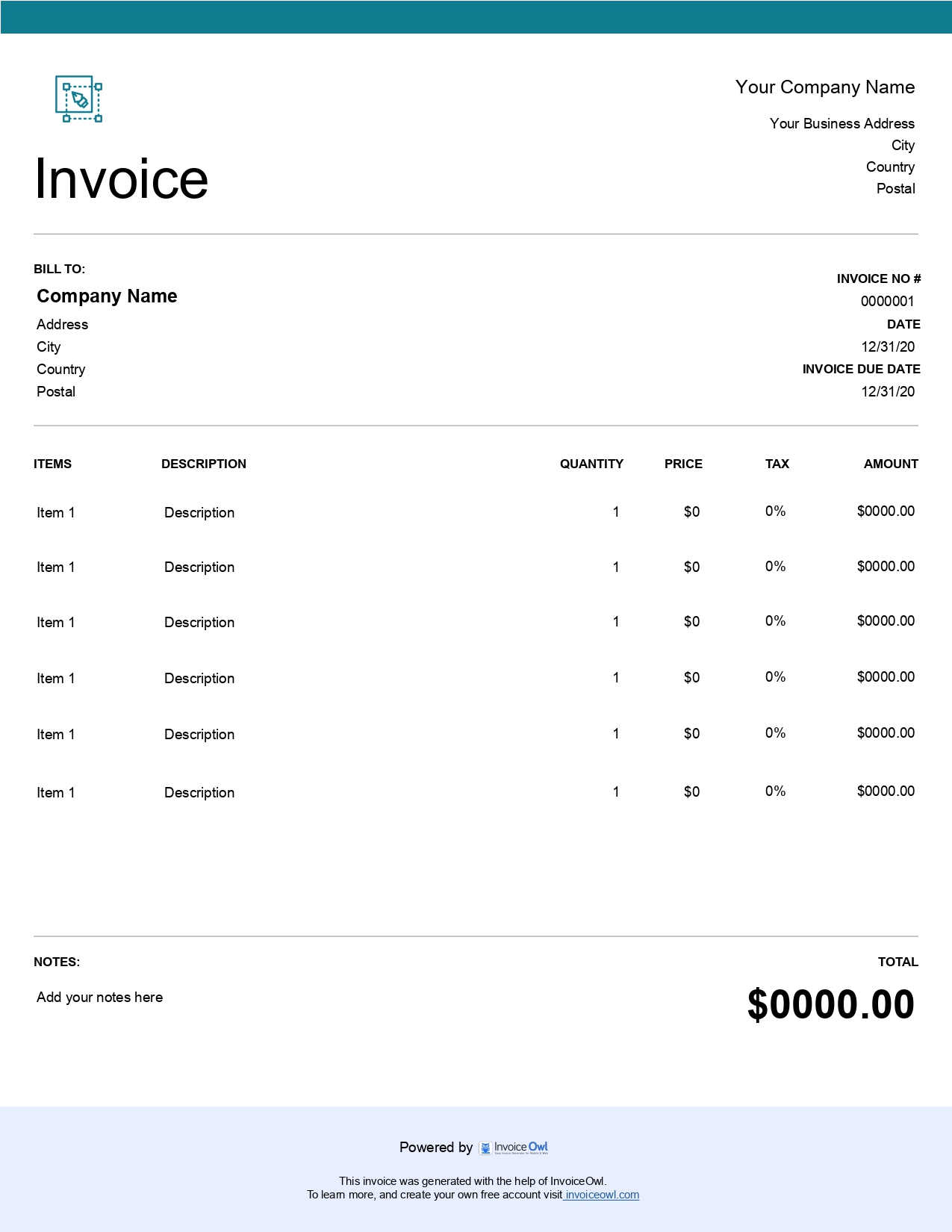
InvoiceOwl vs Free Graphic Design Invoice Template
See why professionals choose InvoiceOwl
Professional Invoice Templates for Graphic Designers
You excel at creating stunning visuals for your clients—but invoicing shouldn't take time away from your creative work. Our free graphic design invoice templates help you bill professionally and get paid faster, so you can focus on what matters most: designing.
Spend More Time Designing, Less Time on Paperwork
Stop letting invoice creation slow down your payment process. With our ready-made templates, you can submit payment requests immediately after delivering your design work.
Choose from five versatile formats tailored to your workflow:
Microsoft Word - Full customization for your brand. Add your logo, colors, and design elements to match your portfolio.
Microsoft Excel - Built-in formulas for complex pricing. Perfect for hourly rates, project-based fees, and revision charges.
Google Docs - Cloud-based editing and instant sharing. Access and send invoices from any device, anywhere.
Google Sheets - Perfect for tracking multiple client projects. Organize all your billing in one centralized location.
Adobe PDF - Print-ready, professional presentation. Deliver polished invoices that reflect your design expertise.
Designed by Designers, for Designers
Each template is professionally built with clean layouts and logical organization. The pre-formatted structure saves you hours each month while ensuring your invoices look as polished as your design portfolio.
InvoiceOwl Invoicing Software vs Free Invoice Template
Free invoice templates are great for getting started, but invoicing software takes your business to the next level. Just like graphic design has endless creative possibilities, InvoiceOwl offers powerful features to transform your billing process—from automated payment reminders to detailed financial reporting.
Send Professional Invoices to Get Paid Faster
Delight your customers with exceptional designs and streamline payments with InvoiceOwl's professional invoice templates. Turn your invoicing from a chore into a seamless part of your creative business.
Frequently Asked Questions
Yes, there are alternatives to invoice templates, which come in the form of automated software and loads of benefits. With an invoice template, you only add information and send it to your client via your preferred medium.
Contrary to this, if you are using automated software, not only creating invoices becomes feasible but also accepting payments, accepting customer reviews, and preparing accounting statements are convenient.
Yes, you must either use an invoice template or add invoicing software to your asset list. Creating and sending invoices to your clients will help you at the taxation time to evaluate financial health, listing down graphic design services you offer, gain knowledge of payments due and outstanding, know when to send follow-up emails, become organized and trustworthy, have an easier book-keeping process, and track graphic design business performance.
One of the common things between graphic design and invoice is that everything goes step-by-step. When creating an invoice, you must start by adding your business name, logo, and contact details. Next, add the client's name and contact details. Then include the invoice date, number, and due date. After that, list down contracting services, price, quantity, and subtotals. Add taxes, shipping charges, and deduct discounts. Finally, add notes and payment terms and conditions.