Download Free Google Sheets Invoice Templates
Get free Google Sheets invoice templates with auto-calculating formulas and cloud-based access. Perfect for businesses that need powerful spreadsheet billing capabilities.
 Word
Word Excel
Excel PDF
PDF Docs
Docs All
All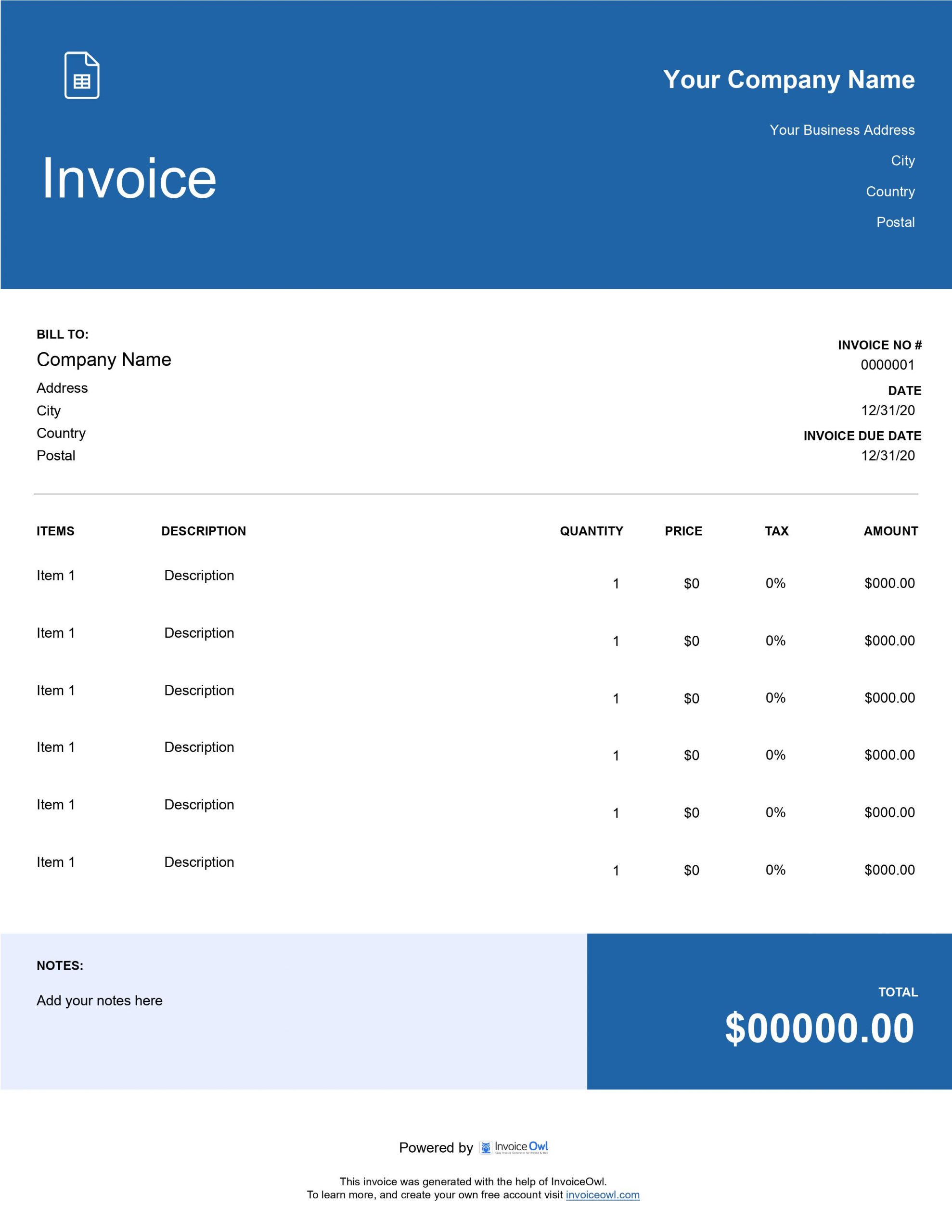
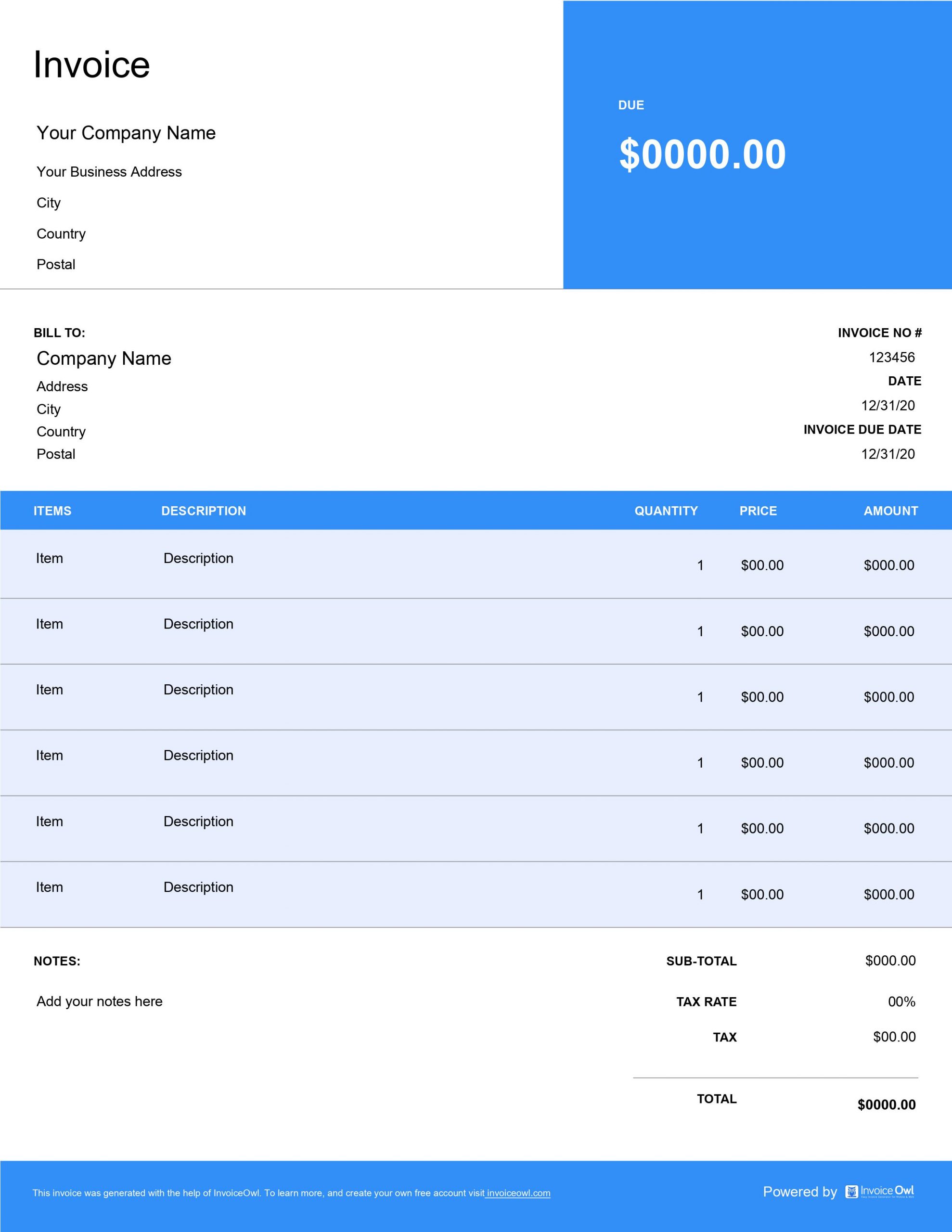
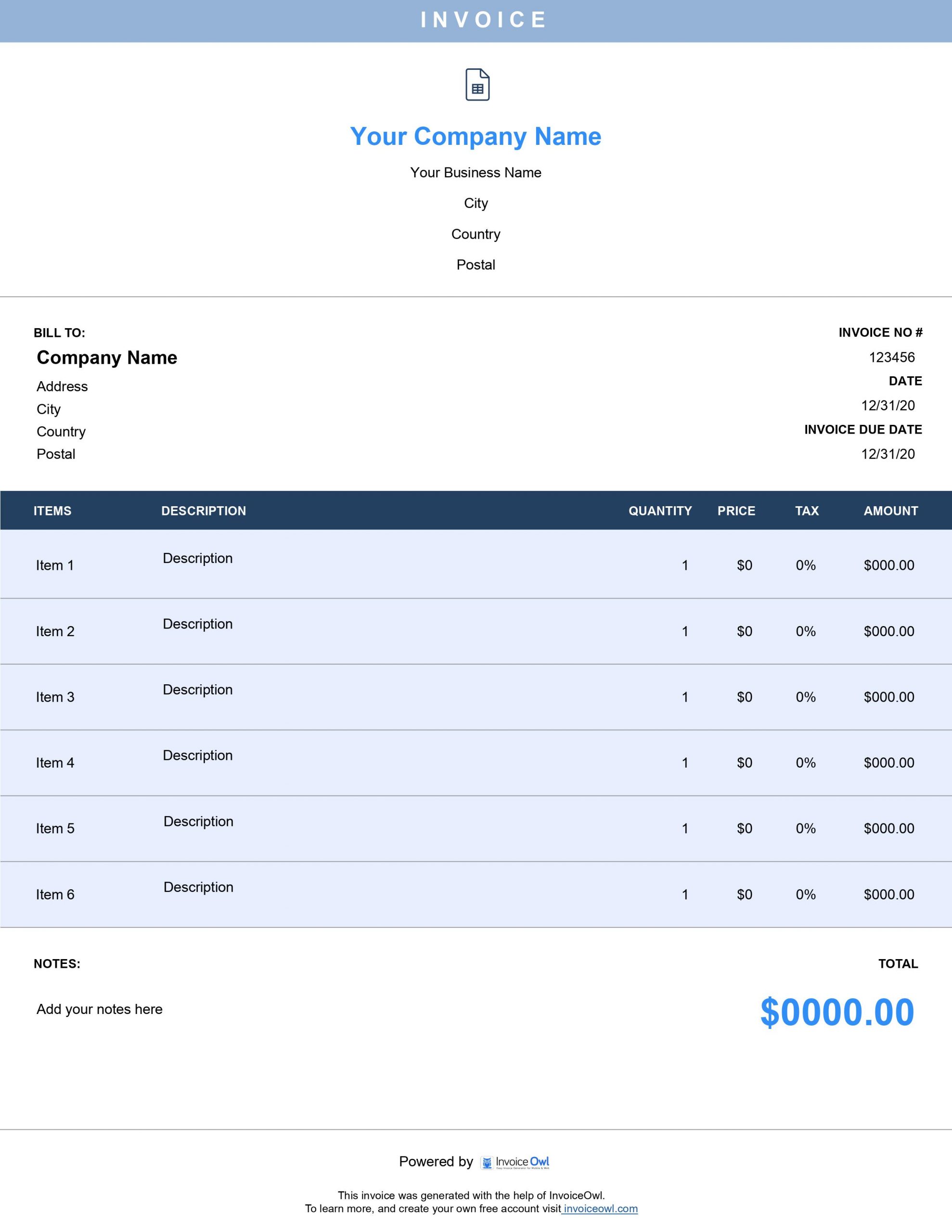
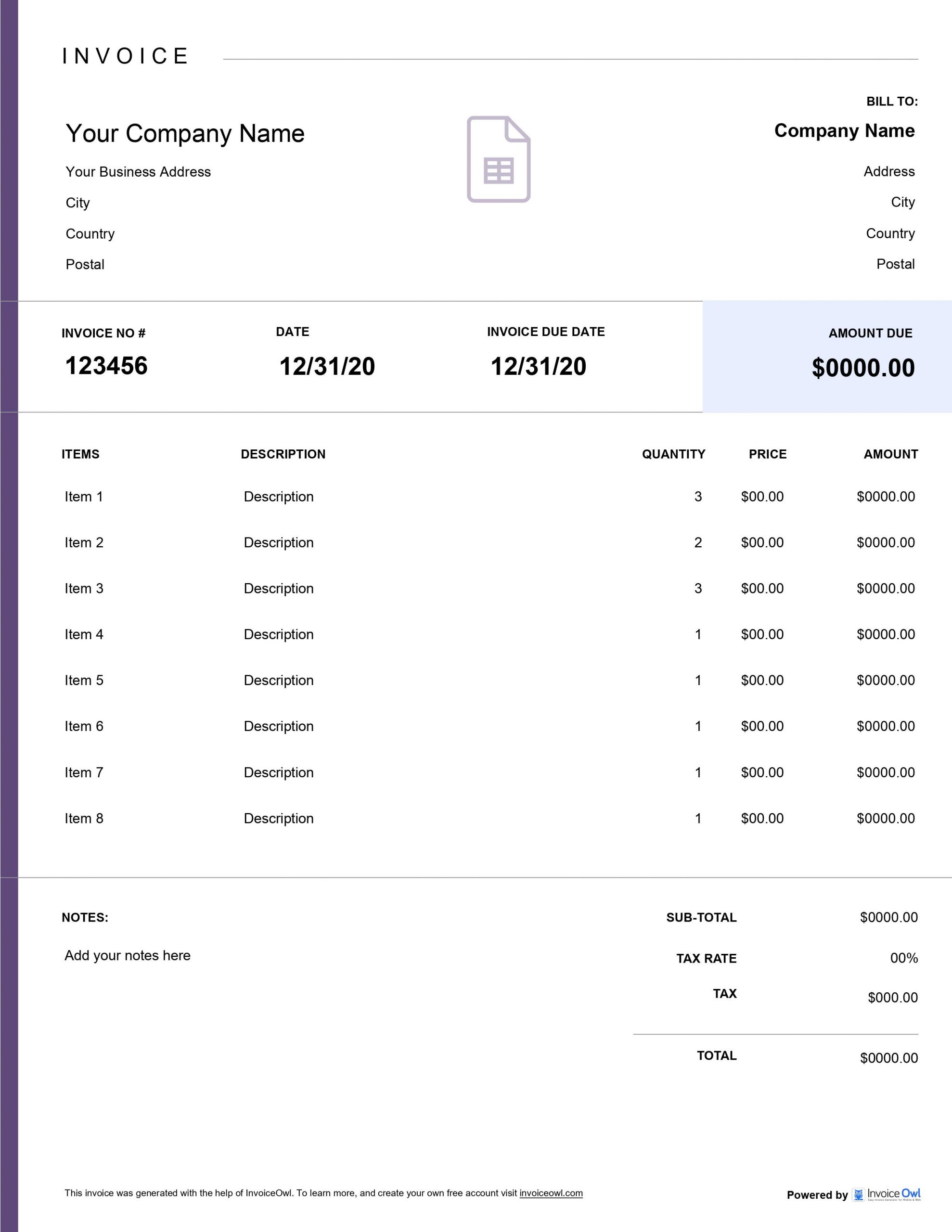
InvoiceOwl vs Free Google Sheets Invoice Template
See why professionals choose InvoiceOwl
Professional Google Sheets Invoice Templates
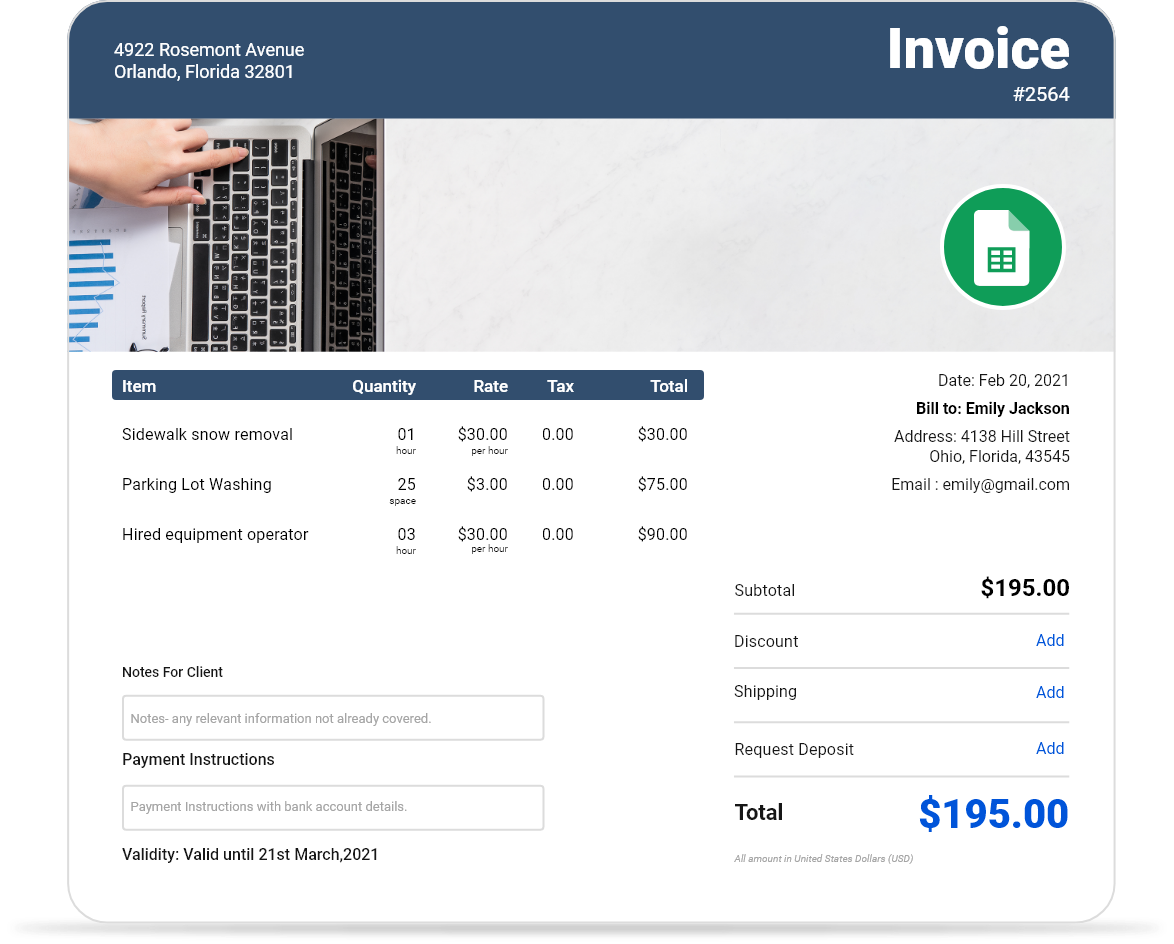
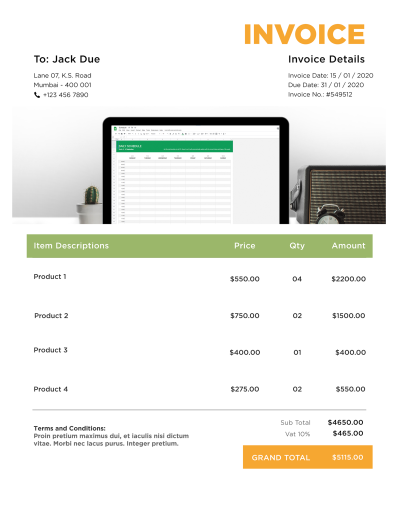
When complex calculations are essential for your billing, Google Sheets provides the perfect solution. Download our pre-made invoicing templates in Google Sheets format to eliminate calculator errors and save valuable time—time you can spend with family or growing your business.
Google Sheets invoice templates combine powerful spreadsheet functionality with cloud-based convenience, making them ideal for businesses that need automated calculations, real-time collaboration, and accessible invoicing from anywhere.
Multiple Format Options for Maximum Flexibility
Choose the format that best fits your workflow. InvoiceOwl offers invoice templates in Google Docs, Microsoft Word, Microsoft Excel, and Adobe PDF—giving you complete flexibility to work in the environment that suits your business best.
Explore our other specialized invoicing templates designed for different business needs:
- Google Docs invoices - Perfect for text-heavy billing and simple invoices
- Printable invoices - Professional hard copies for in-person transactions
- Blank invoice templates - Complete customization from scratch
- PDF templates - Universal compatibility across all devices
Each format offers unique advantages depending on your specific invoicing requirements and client preferences.
Why Google Sheets Invoices Work Better
Google Sheets combines the best features of three powerful platforms, creating a versatile invoicing solution that adapts to your business needs:
Excel-like Calculations
Handle complex pricing for construction, tiling, and specialized jobs with powerful built-in formulas. Automatically calculate subtotals, taxes, discounts, and final amounts without manual math. Create custom formulas for your specific pricing models and business requirements.
Auto-save like Google Docs
Never lose your work with automatic cloud storage that saves every change instantly. Your invoices are always backed up and accessible from any device with internet connection. No more worrying about lost files or unsaved changes.
Design Flexibility like Word
Customize layouts and add client-specific details with easy formatting options. Adjust column widths, merge cells, add color coding, and create professional-looking invoices that match your brand identity.
Benefits of Google Sheets Invoice Templates
Google Sheets offers unique advantages that make it an excellent choice for business invoicing:
Collaborative Invoicing
Multiple team members can work on invoices simultaneously. Share invoices with accountants, partners, or employees for real-time collaboration and review. Track changes and see who made updates with version history.
Accessible Anywhere
Access your invoices from any device—desktop, tablet, or smartphone. Work from the office, job site, or home without being tied to a single computer. All you need is an internet connection.
Free to Use
Google Sheets is completely free with a Google account. No software purchases or subscription fees required. Create unlimited invoices without worrying about licensing costs.
Powerful Automation
Set up formulas once and reuse them for every invoice. Automate tax calculations, discount applications, and total summations. Create dropdown menus for frequently used services or items to speed up invoice creation.
What to Include in Google Sheets Invoice Templates
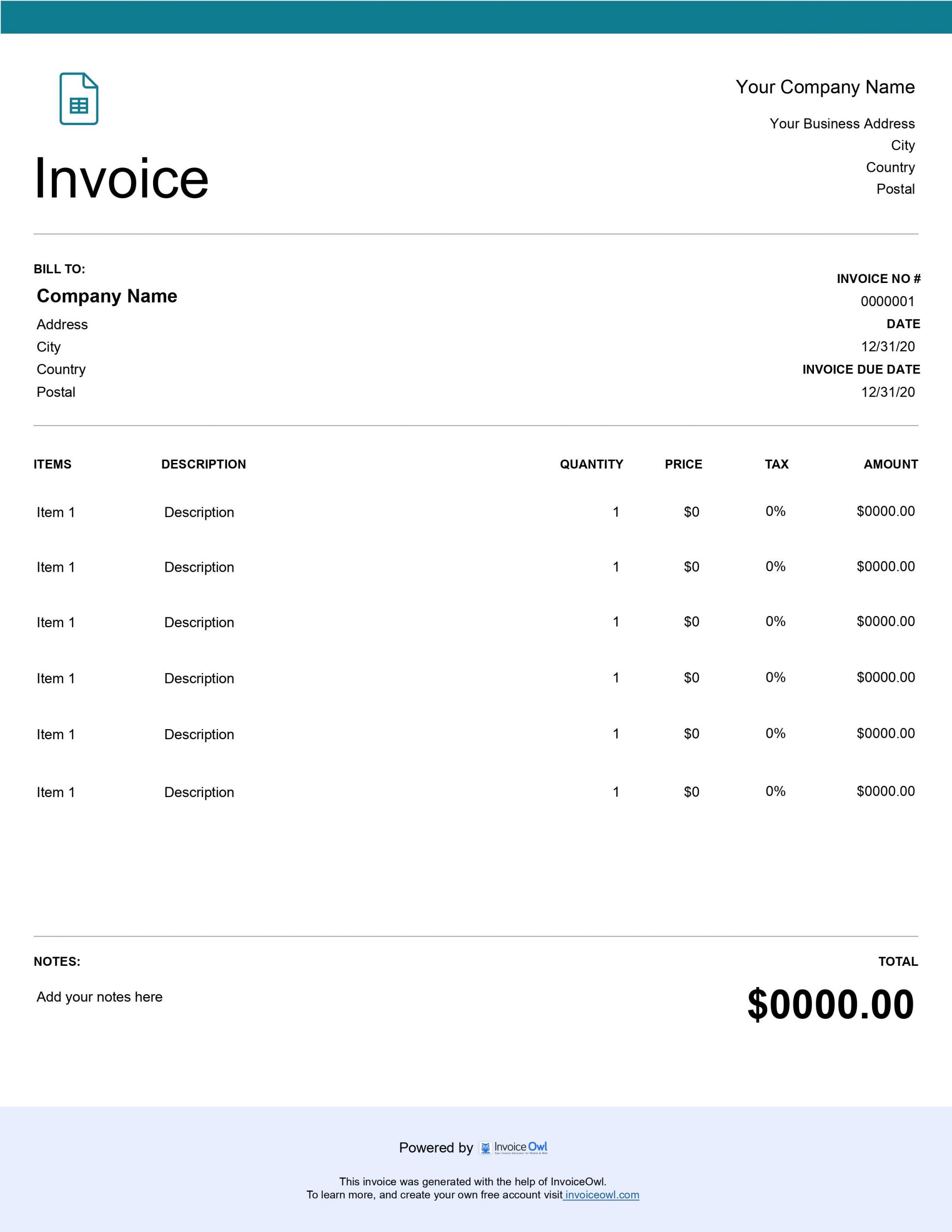
Just like any professional invoice template, your Google Sheets invoice should include essential business information to ensure timely payment and maintain professional standards:
- Client details - Full name, company name, contact number, and address
- Invoice number - Unique identifier for tracking and organization
- Due date and invoice date - Clear payment timeline expectations
- Your business information - Company name, logo, contact details, and address
- Line items - Detailed description of goods and services provided
- Pricing details - Price, quantity, and subtotals for each line item
- Taxes and fees - Add applicable tax rates and shipping charges
- Discounts - Deduct any promotional or negotiated discounts
- Payment terms - Clear instructions on payment methods and conditions
These fundamental elements ensure your Google Sheets invoice template communicates all necessary information professionally and completely.
When to Send Google Sheets Invoice Templates
An ideal time to share invoices with your client is as soon as you complete your contracting job. One of the main advantages of using modern invoicing methods is the ability to create and send invoices quickly.
With Google Sheets invoice templates, you can:
- Generate invoices immediately upon job completion
- Send invoices while details are fresh in everyone's mind
- Improve cash flow by accelerating the payment timeline
- Demonstrate professionalism with prompt billing
- Reduce the administrative burden of delayed invoicing
Don't wait days or weeks to invoice your clients. Since you're leveraging modern methods to create invoices, send them as soon as possible. After all, healthy cash flow is essential to run a successful business.
Google Sheets vs Other Invoice Formats
Understanding the differences between invoice formats helps you choose the right tool for your business needs.
Google Sheets vs Google Docs
Out of both platforms, neither is inherently superior to the other. Each serves different invoicing needs:
Google Sheets advantages: Pre-set rows and columns, automatic calculations, formula support, data organization, and easy sorting of multiple invoices.
Google Docs advantages: More flexible text formatting, better for detailed service descriptions, easier to create narrative-style invoices, and superior for complex terms and conditions.
Choose based on whether you need calculation power (Sheets) or formatting flexibility (Docs).
Benefits of Using Google Sheets
The biggest benefits of using Google Sheets for invoicing include:
- Organized data management - Keep all invoice information structured and easy to find
- Real-time editing and analysis - Edit and format files instantly with changes saved automatically
- No training required - Intuitive interface that anyone can use without special training
- Sharing and collaboration - Easily share with clients, accountants, or team members
- Free and accessible - No cost, works on any device with a browser
InvoiceOwl Invoicing Software vs Free Google Sheets Templates
Free Google Sheets invoice templates allow you to add information and send to clients manually. Professional invoicing software brings comprehensive benefits that transform your entire billing process.
With InvoiceOwl invoicing software, you get advanced features beyond what free templates can offer:
- Automated payment reminders for overdue invoices
- Real-time invoice tracking and payment status
- Automatic receipt generation when customers pay
- Comprehensive sales tax recording and reporting
- Client database with complete customer information
- Professional branding and customization options
- Mobile app for invoicing on the go
While Google Sheets templates are excellent for getting started, dedicated invoicing software provides the automation and professionalism that growing businesses need.
Frequently Asked Questions
With Google Sheets, you enjoy the power of three different platforms combined. Complex calculations that come up mostly in construction or tiling jobs benefit from Excel-like formula capabilities. Just like Google Docs, Google Sheets automatically saves everything you create, protecting your work from loss. You can design Google Sheets the way you want, similar to Microsoft Word's formatting flexibility. Additionally, you can add detailed information that your clients need to understand, making Google Sheets invoice templates versatile and powerful for professional invoicing.
Just like any other invoice template, you must add comprehensive information including client details, contact number, and address; invoice number, due date, and invoice date; your business name, logo, and contact details; line items that include goods and services; price, quantity, and subtotals of line items; applicable taxes and shipping charges; and any discounts. These fundamental elements ensure your Google Sheets invoice template is complete and professional.
The ideal time to share invoices with your client is as soon as you complete your contracting job. Modern invoicing methods allow you to create and send invoices quickly, unlike obsolete paper-based methods that could take several days. Since you're leveraging efficient methods to create invoices, send them immediately to improve cash flow. Timely invoicing is essential for maintaining healthy business finances.
Neither platform is inherently superior—each serves different purposes. Google Sheets excels with pre-set rows and columns for structured data and calculations, while Google Docs allows you to customize your invoice layout more freely for text-heavy content. Choose based on whether you need calculation power and data organization (Sheets) or formatting flexibility and narrative content (Docs).
The biggest benefit of using Google Sheets is that your data remains organized and structured. You can edit and analyze every piece of information easily, evaluate and format files in real time, and collaborate with team members or clients. Google Sheets requires no specialized training—it's intuitive and user-friendly. Plus, it's completely free, cloud-based, and accessible from any device, making it an excellent choice for business invoicing.