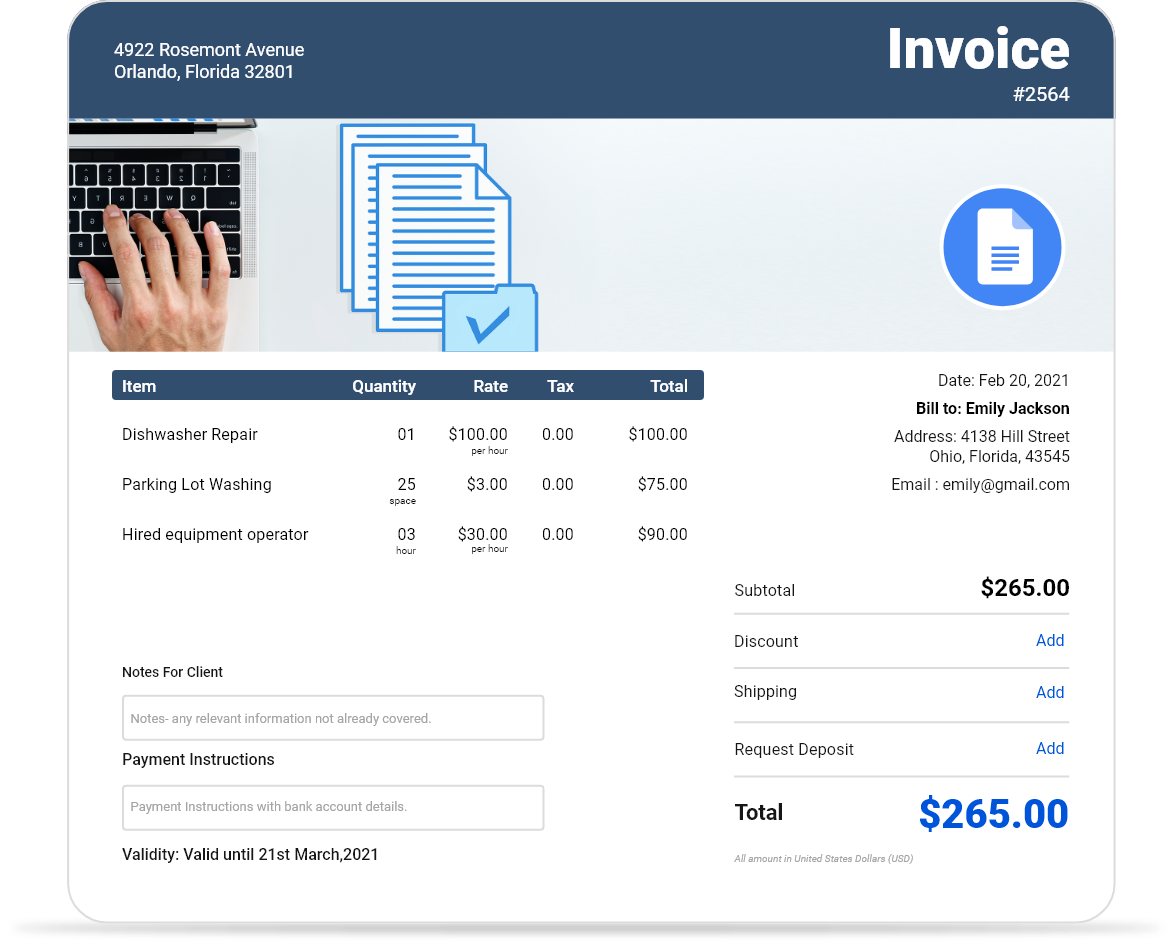
Free Downloadable Google Docs Invoice Templates
Access free Google Docs invoice templates you can edit and share online instantly. Perfect for businesses that prefer cloud-based invoicing with real-time collaboration.
 Word
Word PDF
PDF Docs
Docs All
All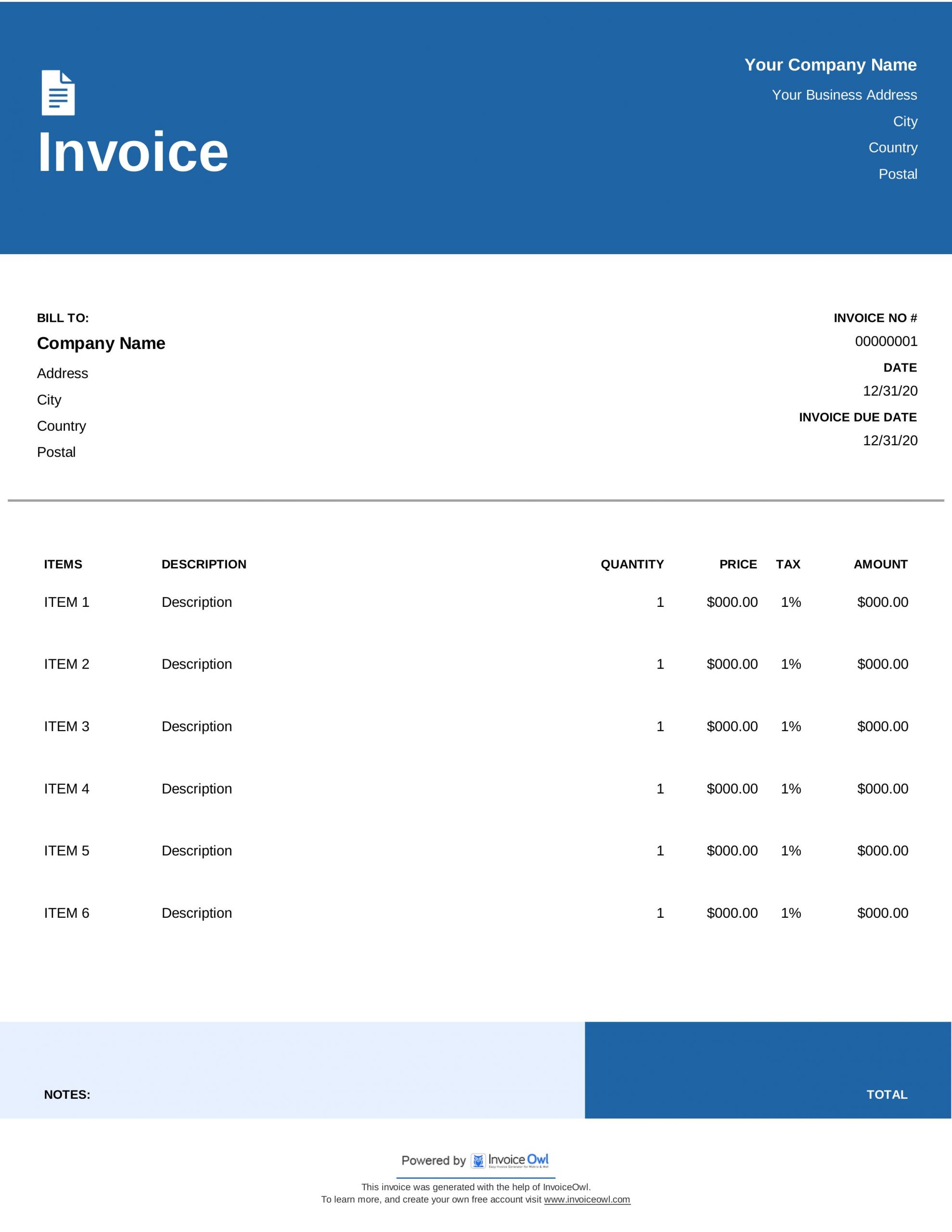
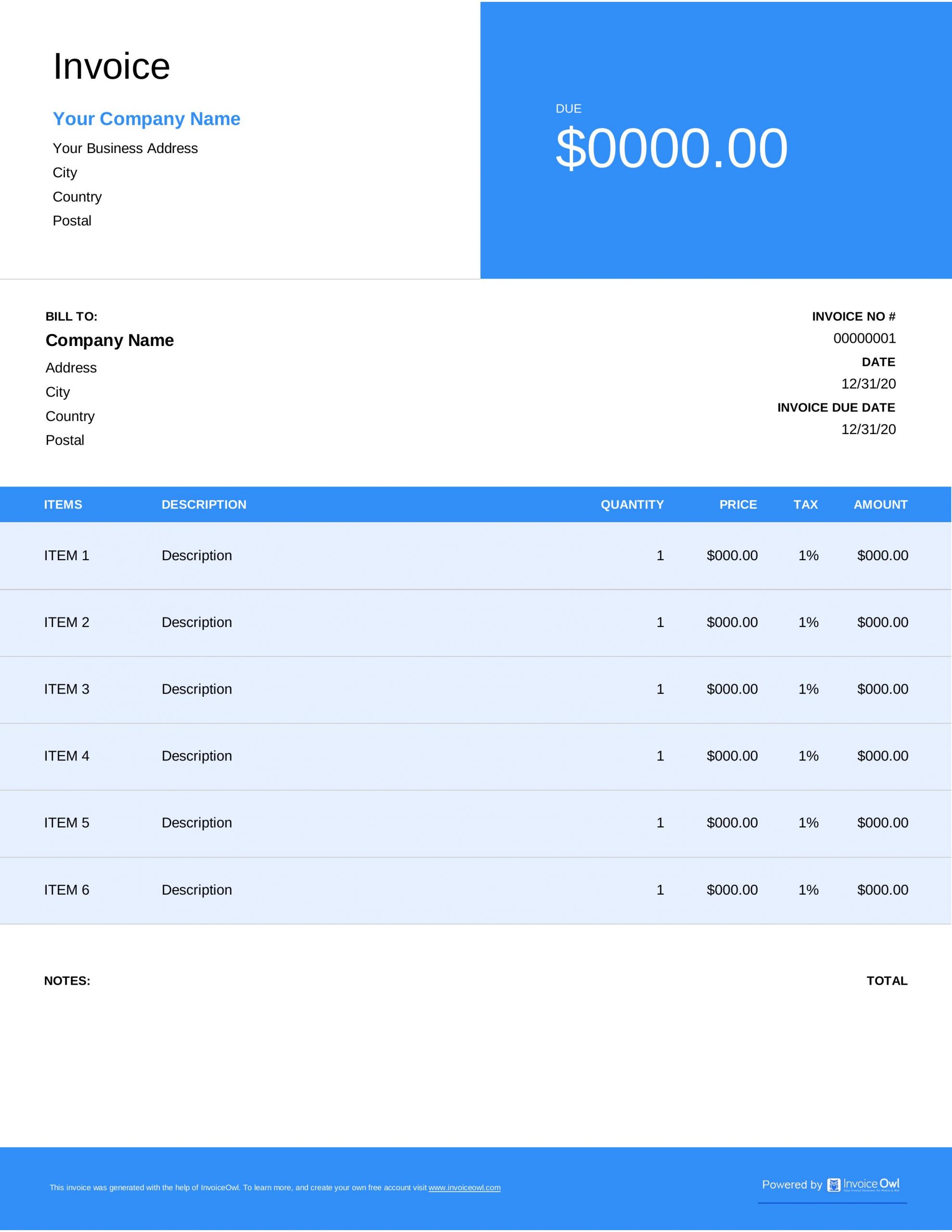
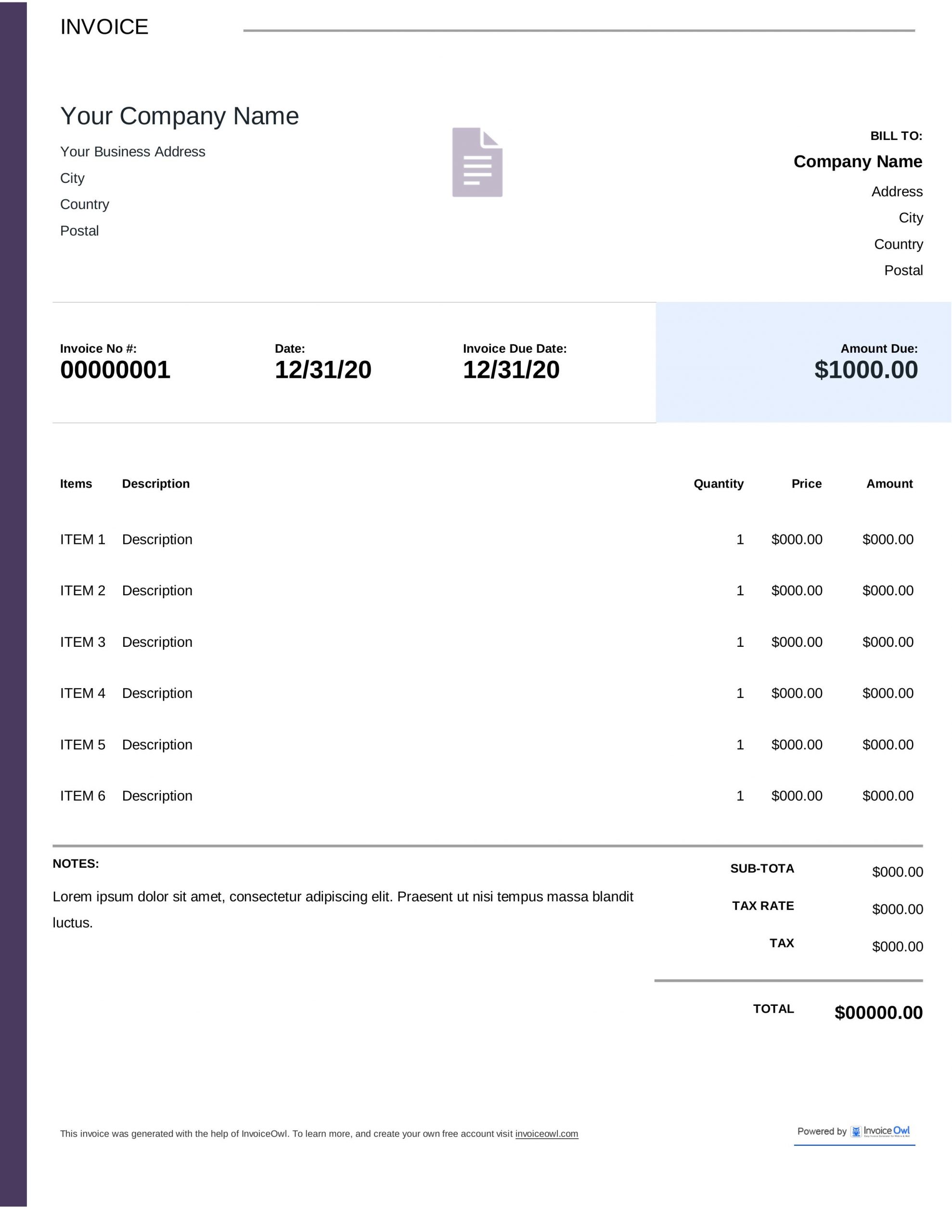
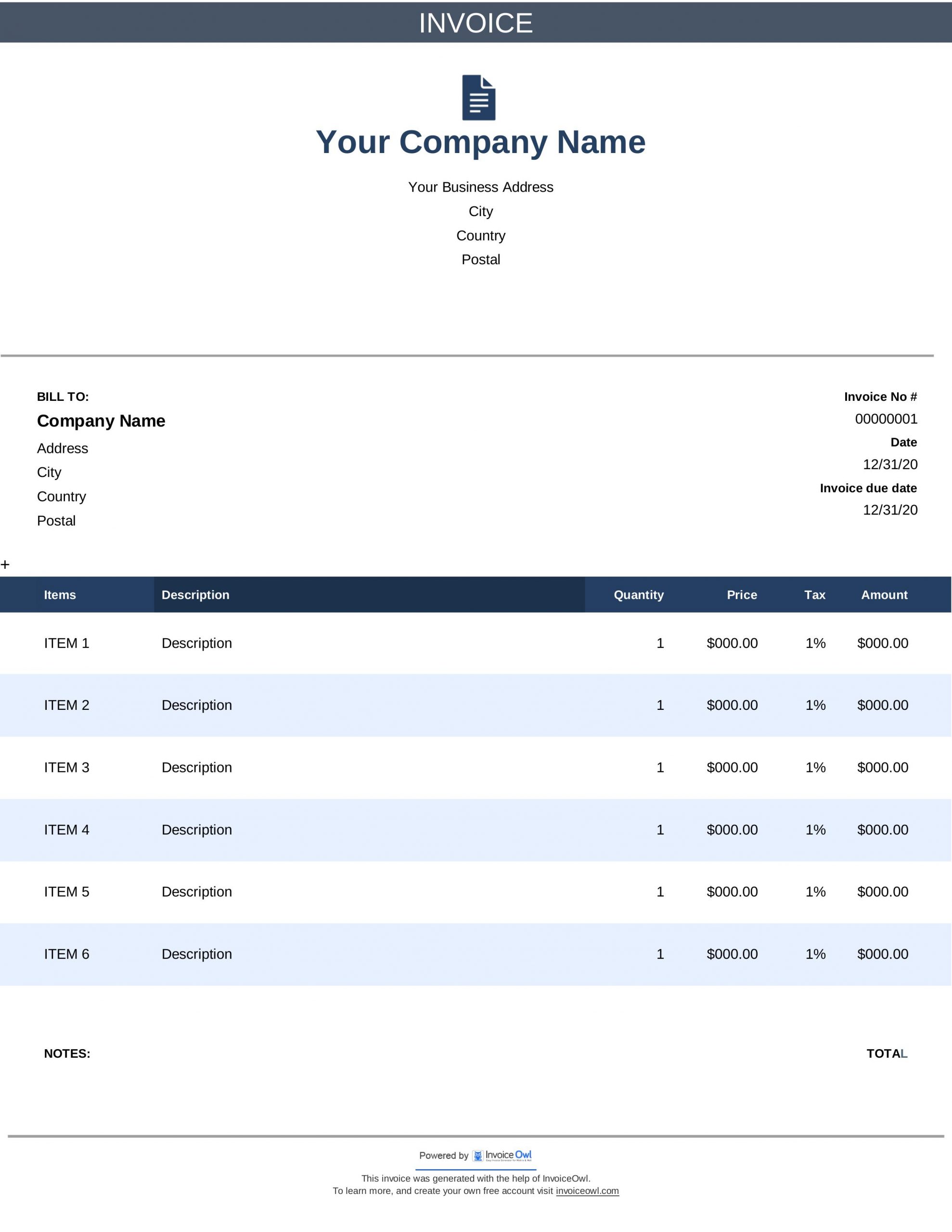
InvoiceOwl vs Free Google Docs Invoice Template
See why professionals choose InvoiceOwl
Free Google Docs Invoice Templates - Download Now
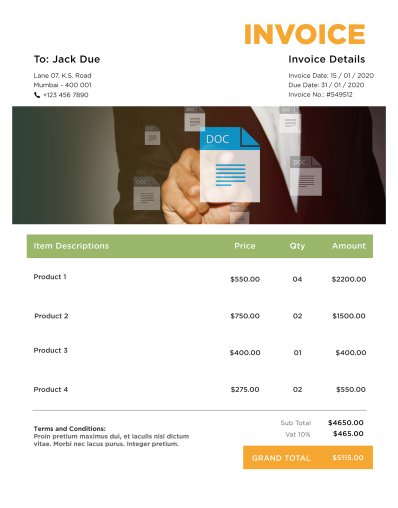
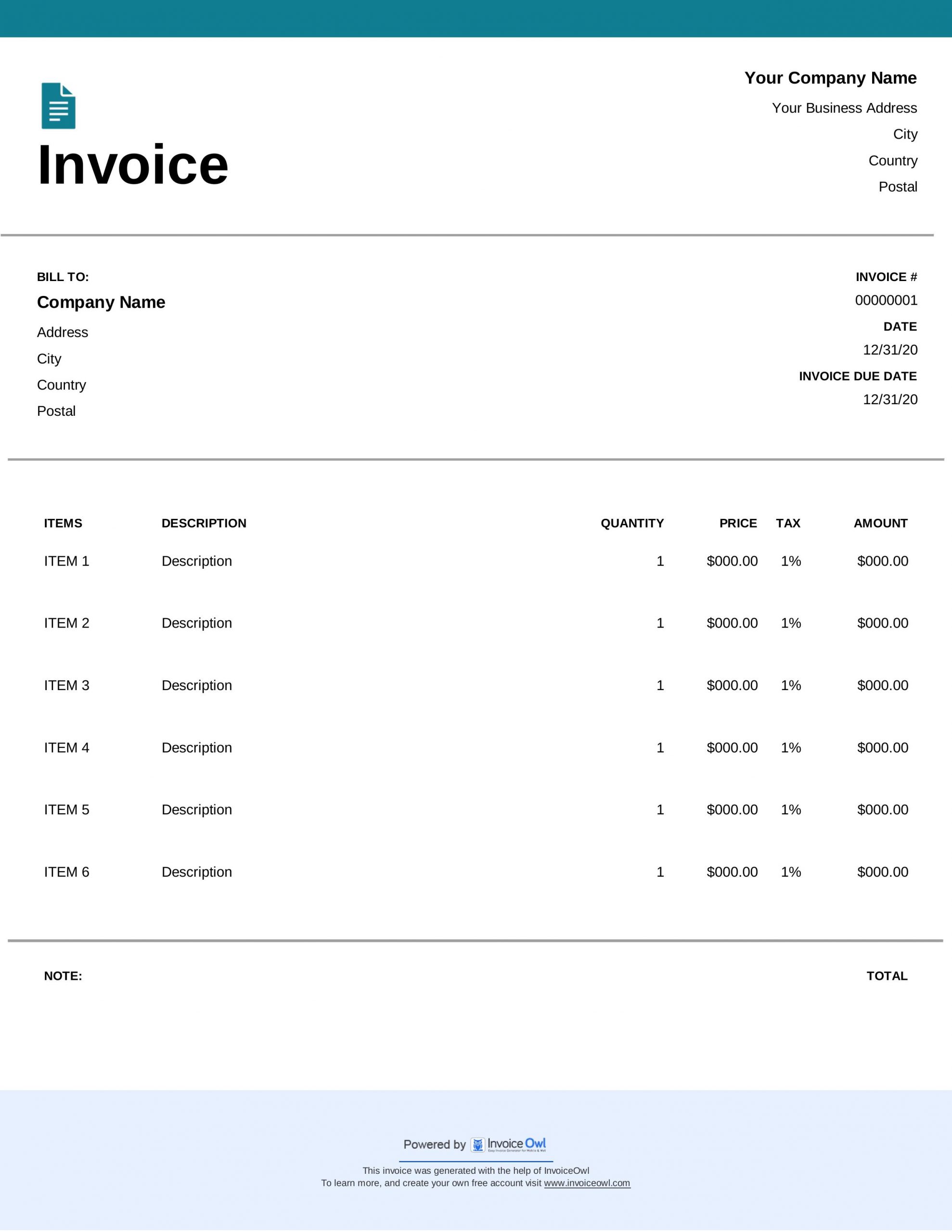
Google Docs invoice templates are one of several types available from our free invoicing template gallery. Create professional invoices that gain client trust and accelerate your payment process.
Get fully customizable Google Docs invoice templates where you can add or delete fields to match your exact business needs. Share them with your clients and get paid faster than the traditional pen and paper method.
All Template Formats Available
Our Google Docs invoice templates are available in multiple formats to suit your workflow preferences:
Google Docs - Cloud editing with real-time collaboration features that let you work from anywhere with internet access.
Google Sheets - Spreadsheet functionality with formulas for automatic calculations and easy data management.
Microsoft Word - Complete customization control with familiar editing tools for detailed formatting.
Microsoft Excel - Advanced calculations and data management capabilities for complex invoicing needs.
Adobe PDF - Professional, print-ready documents that maintain formatting across all devices.
Each format is designed to help you create professional invoices quickly and efficiently.
InvoiceOwl Invoicing Software vs Free Invoice Template
Invoice templates let you download and share invoices in a click, but invoicing software multiplies the benefits exponentially. Unveil how the modern approach to invoicing could benefit your business.
Automated Invoice Creation
Forget the hassle of pen and paper and start using invoicing software to create professional invoices in seconds. Automated systems streamline your workflow and reduce manual data entry.
Real-Time Tracking
Send unlimited invoices and track them in real-time to stay on top of your business finances. Know exactly when clients view and pay their invoices.
Payment Automation
Automate reminders for late payments and issue receipts automatically when customers pay. Never miss a follow-up or forget to send payment confirmation.
Comprehensive Reporting
Record sales and sales taxes, and generate detailed reports for better business insights. Make informed decisions based on accurate financial data.
Frequently Asked Questions
Yes, Google Docs have invoice templates for any type of business. Just log into your Google Docs account and check for a button in the home section named Template Gallery. Click and choose the right invoice template matching your business preferences and create invoice accordingly.
No, Google doesn't have an invoice generator. The extension was previously available, but now it has been taken over. So, if you want to create professional invoices using Google Docs, you must download them from the available invoice templates.
Yes, Google Sheets have invoice templates. Go to Google Sheets and check for the Template gallery in the home page section. You will find several templates falling into different categories. Choose one that matches your business requirement and create an invoice accordingly.
Using Google Docs templates, it hardly takes a minute to create a professional-looking invoice. No matter if you are managing multiple projects or a sole proprietor, invoicing with a Google Docs template would be quicker and better.
In a blank invoice template, you must add the following things to make it look professional: invoice number, invoice date, and client address; a line items section with goods/services including price, quantity, and totals; notes and payment terms and conditions; taxes and discounts; photos and attachments if any; and an e-signature before sending it to your client. All these fields are important, so do not skip any one of them. Adding all the fields will get you paid faster.