Download Free Excel Invoice Templates
Get professionally designed Excel invoice templates with built-in formulas for automatic calculations. Ideal for businesses that prefer spreadsheet-based invoicing and easy customization.
 Excel
Excel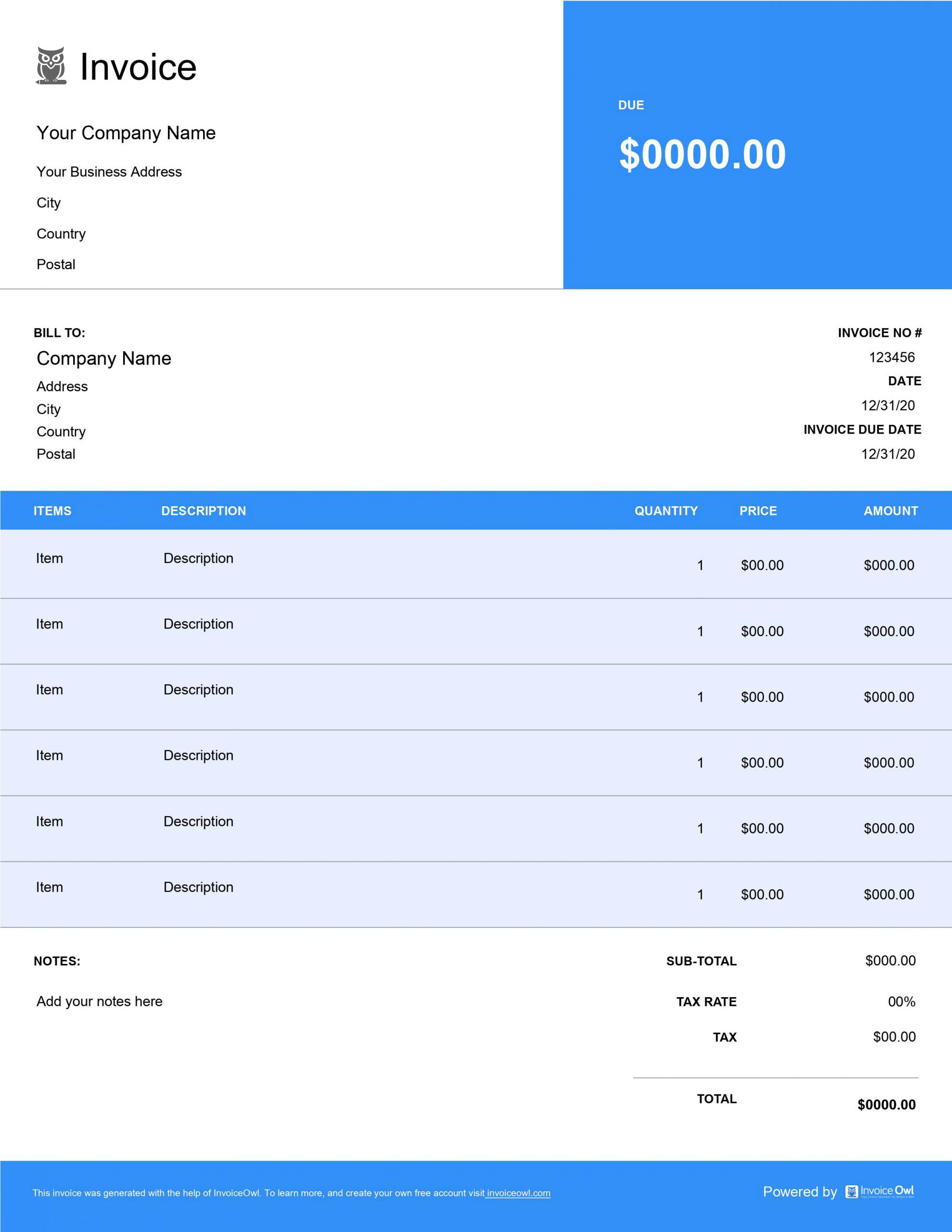
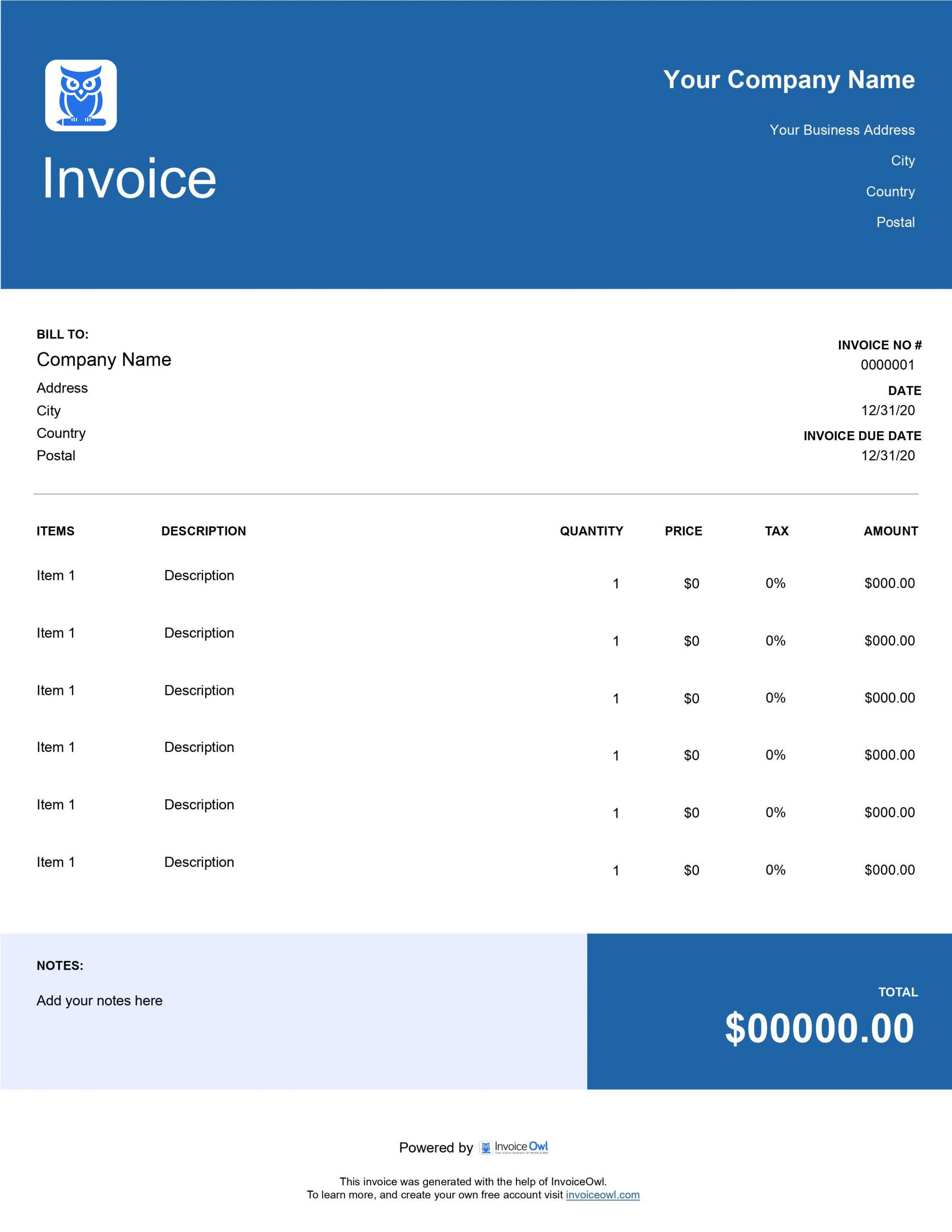
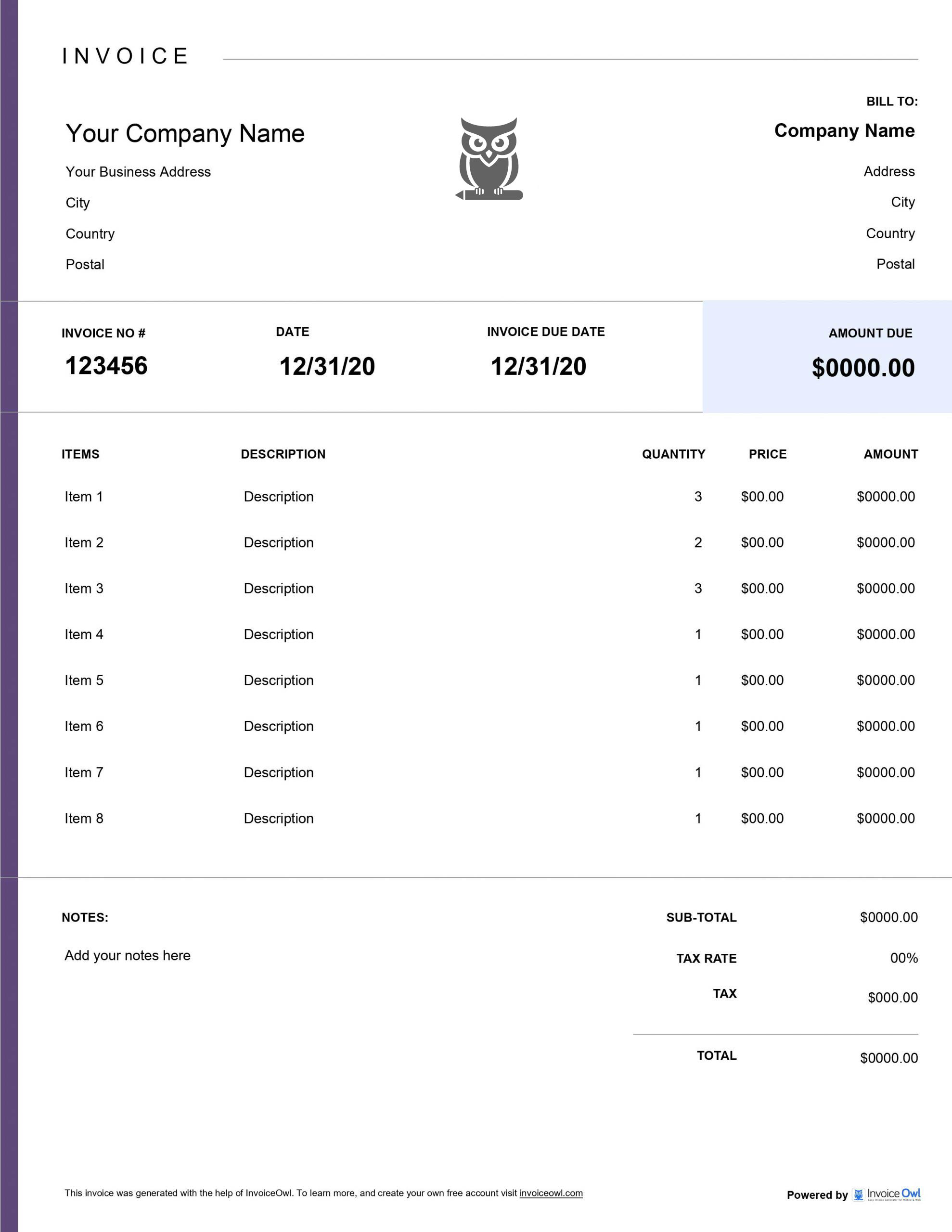
InvoiceOwl vs Free Excel Invoice Template
See why professionals choose InvoiceOwl
Professional Excel Invoice Templates - Free Download
Stop chasing payments and reduce billing stress. Juggling core business tasks is demanding enough without worrying about invoice creation.
Alleviate this challenge with InvoiceOwl's readily downloadable Excel invoice templates. Reduce delayed payments, discrepancies, and inaccurate financial records. Click the 'download' button to select your preferred template and accelerate your payment cycle instantly.
Customizable Excel Invoice Templates
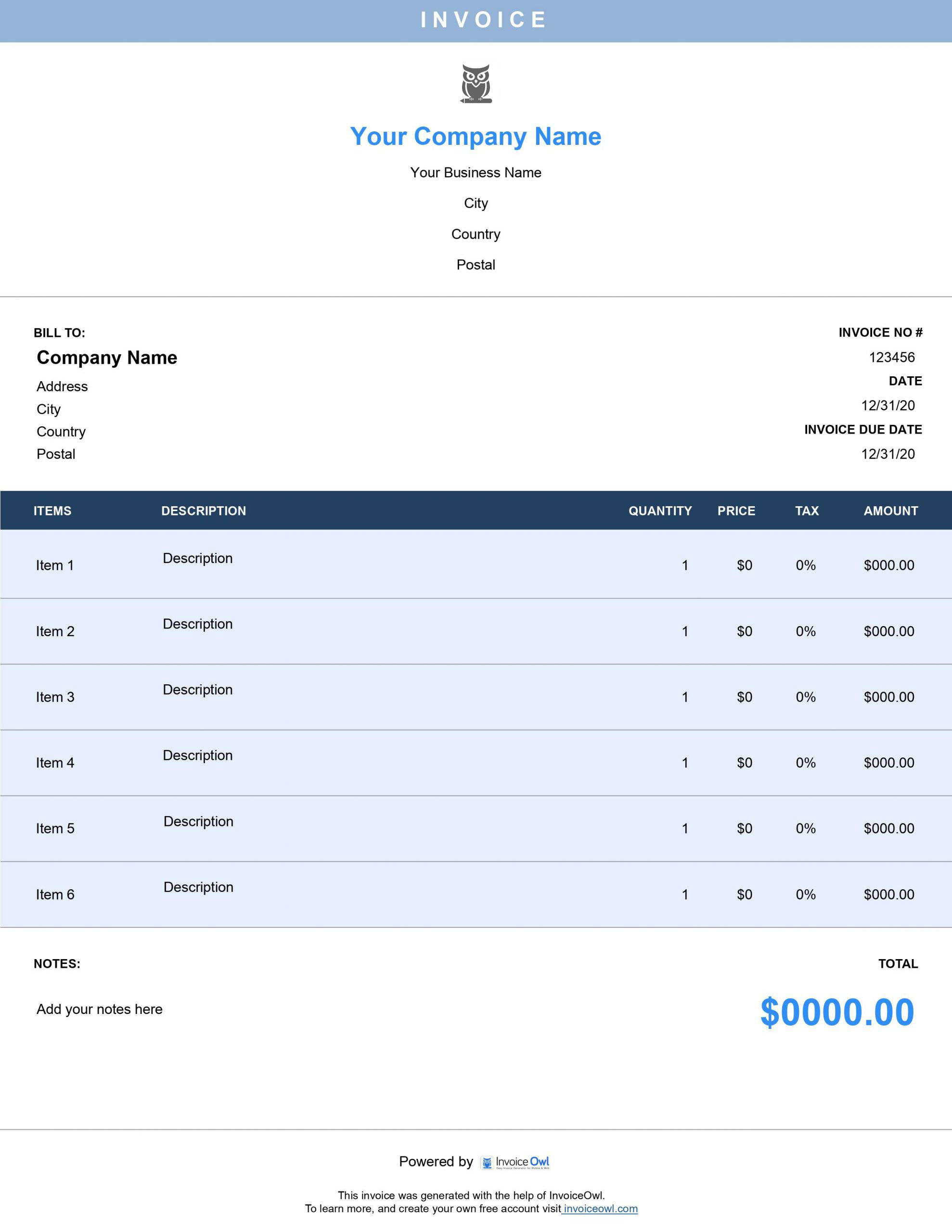
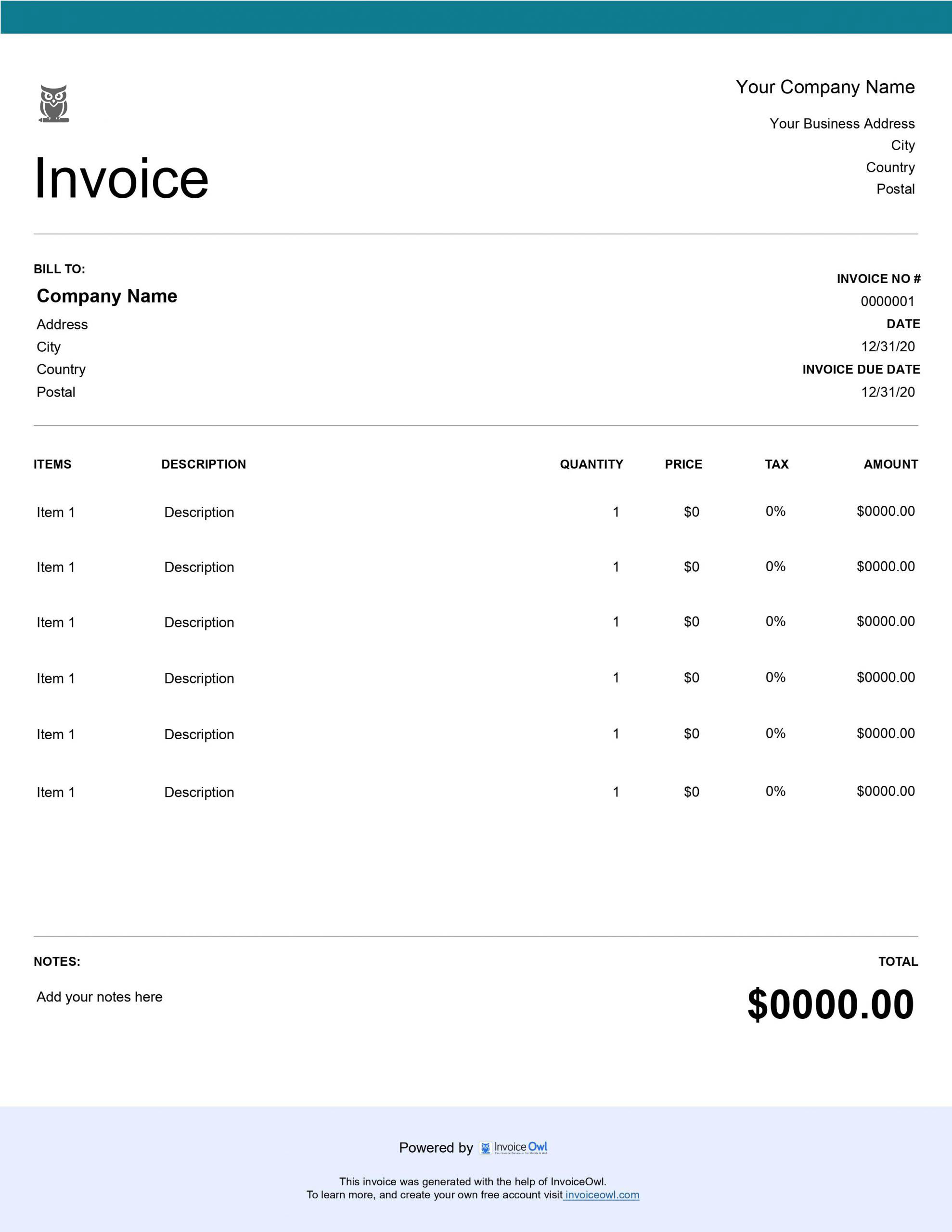
Tailor invoices to your business brand without wasting valuable time. Choose from our range of free customizable Excel templates and experiment with colors to find the perfect match for your business identity.
Whether you're a freelancer, small business owner, or contractor, these Excel invoice templates provide the flexibility you need to create professional invoices that reflect your brand.
Step-by-Step Guide to Creating Professional Invoices
Download the free invoice template or create an invoice instantly using InvoiceOwl's online invoice generator. Follow these simple steps:
1. Download and Open Template
Open the downloaded template in Microsoft Excel as an .xls file format.
2. Add Business Information
Input your company name, address, contact information, and logo for professional branding.
3. Add Line Items
Include necessary information about services or products rendered with corresponding prices for each item.
4. Apply Tax Rates
Tax rates are auto-calculated when applicable, eliminating manual calculation errors.
5. Add Payment Terms
Include payment instructions, terms, or notes in the designated section for clear communication.
6. Save Your Template
Save the template with a descriptive invoice name for easy future reference.
How to Send an Excel Invoice to Clients
Open your saved Microsoft Excel file and double-check all essential details are correctly entered. Attach the file to your email draft or print it for physical delivery. Send to your client and follow up at regular intervals for prompt payment.
Key Elements That Enhance Your Invoicing with InvoiceOwl
InvoiceOwl's invoice templates provide powerful invoice elements that revolutionize your invoicing experience:
Sleek Professional Design
Impress clients with professionally designed templates that enhance your brand image. Every invoice you send reinforces your business credibility and professionalism.
Additional Fields
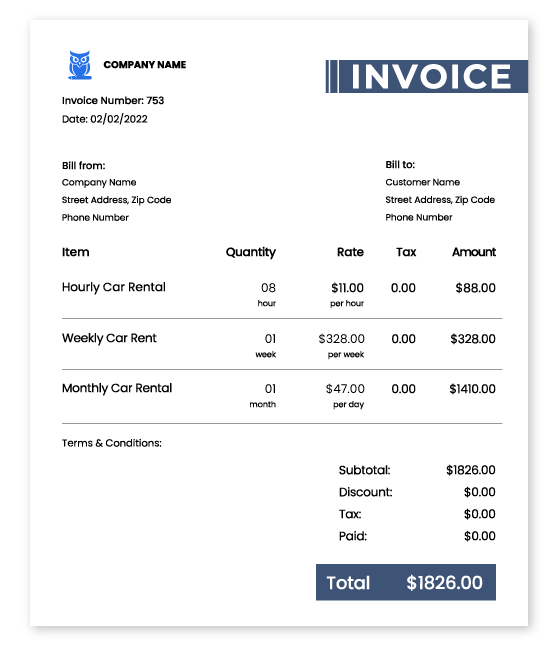
Include company details, client information, invoice numbers, dates, products, services, and prices. All essential invoice elements are pre-formatted for easy data entry.
Customizable Fields
Match your exact brand identity with fully customizable template fields. Add your logo, choose your colors, and personalize the layout to fit your business style.
Built-in Formulas
Ensure error-free totals, taxes, and discounts with accurate automated calculations. Pre-programmed formulas eliminate the risk of mathematical errors.
Real-time Calculation
Totals calculate automatically as you input quantities, prices, and tax percentages. Save time and reduce errors with instant calculations.
Itemized Lists
Clearly present products or services with detailed descriptions and rates. Help clients understand exactly what they're paying for with transparent itemization.
Payment Details
Include due dates and accepted payment methods for clear payment expectations. Set clear terms to encourage timely payments.
Additional Notes
Add personalized communication and important details for your clients. Include special instructions, thank you messages, or relevant terms and conditions.
Enhance Your Invoicing with InvoiceOwl: Software vs. Free Downloadable Templates
While free Excel invoice templates offer convenience, InvoiceOwl's specialized invoicing software takes your business operations to the next level. Compare both to see which fits your needs best.
InvoiceOwl provides automated features like real-time tracking, payment reminders, and cloud storage that free templates simply cannot offer. Streamline your entire invoicing workflow with professional software designed for growing businesses.
Frequently Asked Questions
There are three different ways of generating professional-looking Excel invoices: using customizable invoice templates, using an online invoice generator, or integrating efficient invoicing software.
There are different invoice template formats available apart from MS Excel. The alternatives are cloud-based invoice templates via tools like Google Sheets, a dedicated invoicing software like InvoiceOwl for seamless invoicing. These are pre-designed and customizable templates with automated calculations, recurring invoices, and client management features.
As a small business owner, you might have other important tasks to perform. So, if you have the option to get over the manual tasks of processing the invoices, it's better to grab one. Using these readily available templates you will surely be able to create professional and accurate invoices instantly.
Because of the default formulas set within the templates, you can just enter the numbers, and the built-in formulas will automatically calculate the totals, applying the rates, taxes, and discounts. The automated calculation of these templates will ensure minimal errors in your invoicing process, streamlining all your business finances.
Tracking these free invoice templates will be quite difficult. You can only download, edit, and, send these templates. However, to keep records of the invoices and track the payments, switch to InvoiceOwl, an efficient estimating and invoicing software.
It can not only help you create accurate invoices but can also keep a record of payment status and due dates, assisting you in tracking payment receipts and generating reports.
Yes, our invoice templates for Excel support multiple tax rates. You can easily specify different tax rates for various items or services listed on the invoice.
Yes. These templates are designed for both digital and print use. It allows you to save electronic copies as well as generate professional-looking hard copies to mail to your client.
No, the templates do not support multiple currency options. However, you can freely sign up for InvoiceOwl to get that additional customization. It can help you create invoices with various currency formats and date formats, among other additional benefits such as recording payments and receipts, tracking them, and generating reports at regular time intervals.
The benefits of using Excel templates are many. They start with flexibility, automation, and efficiency because of the in-built formulas for automatic calculations. This reduces errors and saves time. The templates are easily customizable and allow you to tailor fields, add branding, and reuse layouts. Their compatibility with various systems makes them ideal for businesses seeking a simple, cost-effective invoicing solution.
The unique feature of InvoiceOwl is that the platform helps small and independent businesses streamline their invoicing process. It enables users with options such as customizable invoice templates, automated reminders, and expense tracking, which ultimately help you create invoices effortlessly. Its mobile-friendly design allows on-the-go access, with features like client management, real-time payment tracking, and integrations with accounting tools.