Free Event Planner Invoice Templates - Download Now
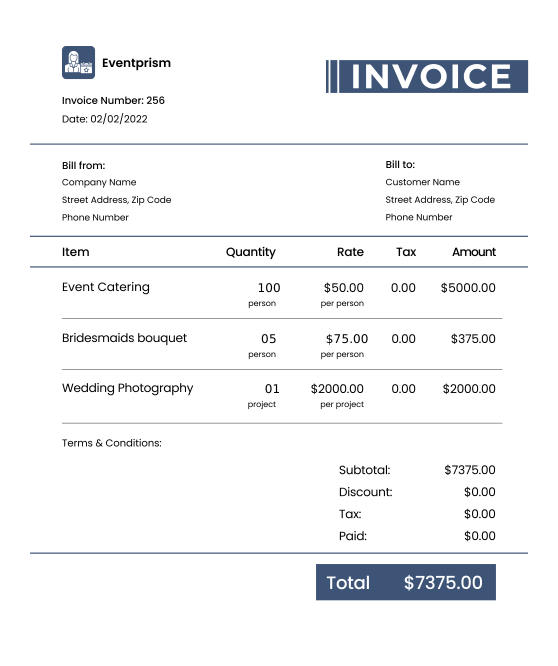
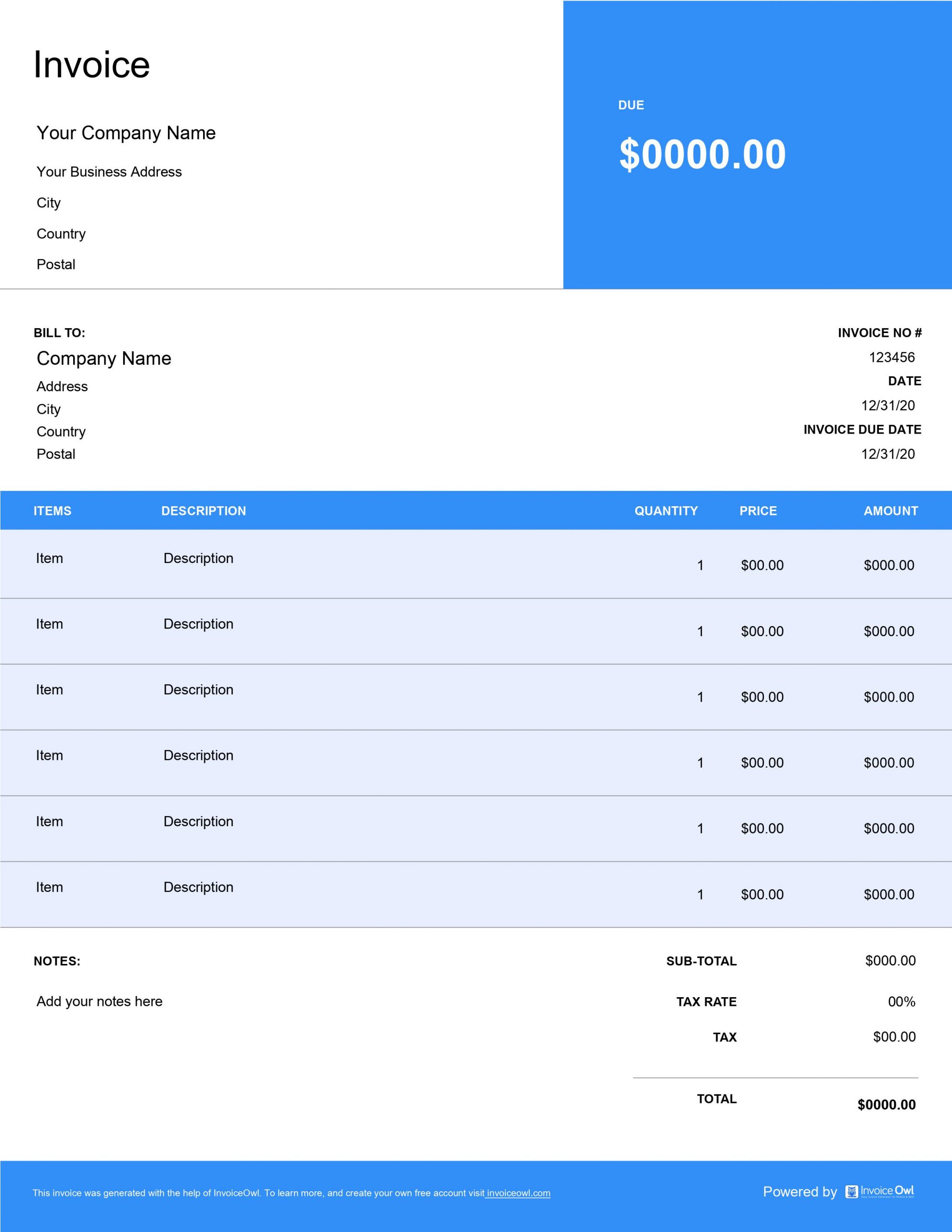
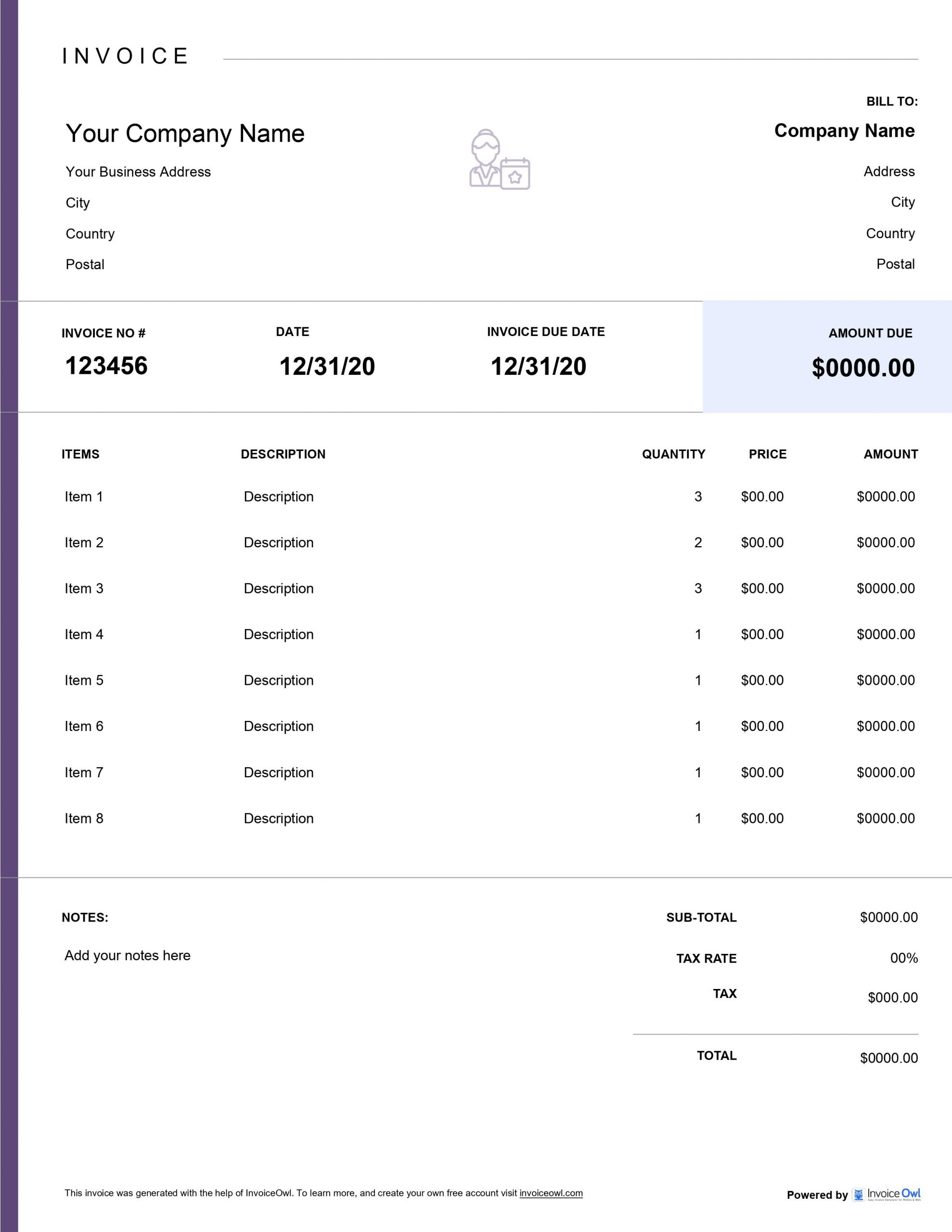
Download professional event planner invoice templates for weddings, corporate events, catering services, and event management companies. Customizable formats help you bill clients efficiently for planning fees, vendor coordination, and event production services.
 Word
Word Excel
Excel PDF
PDF All
All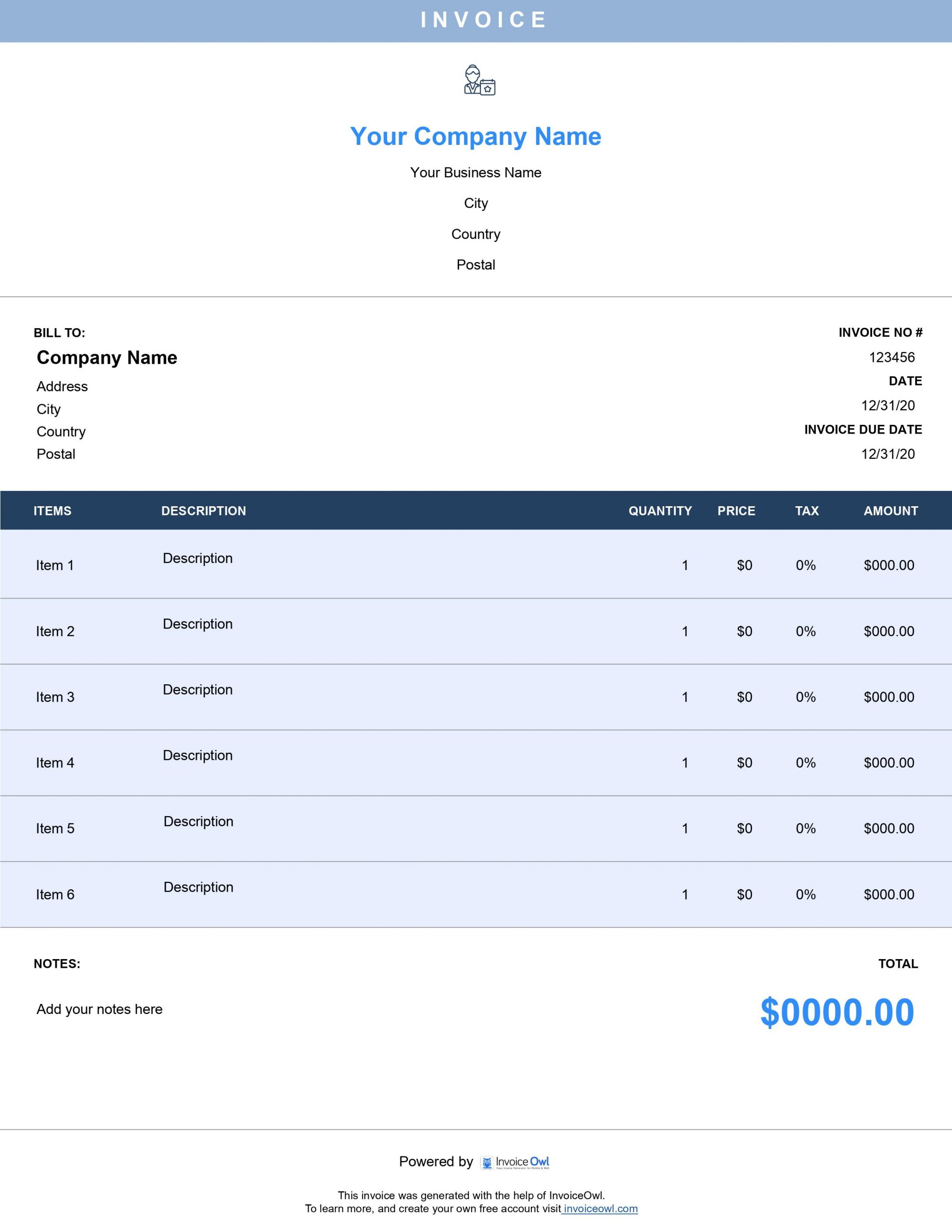
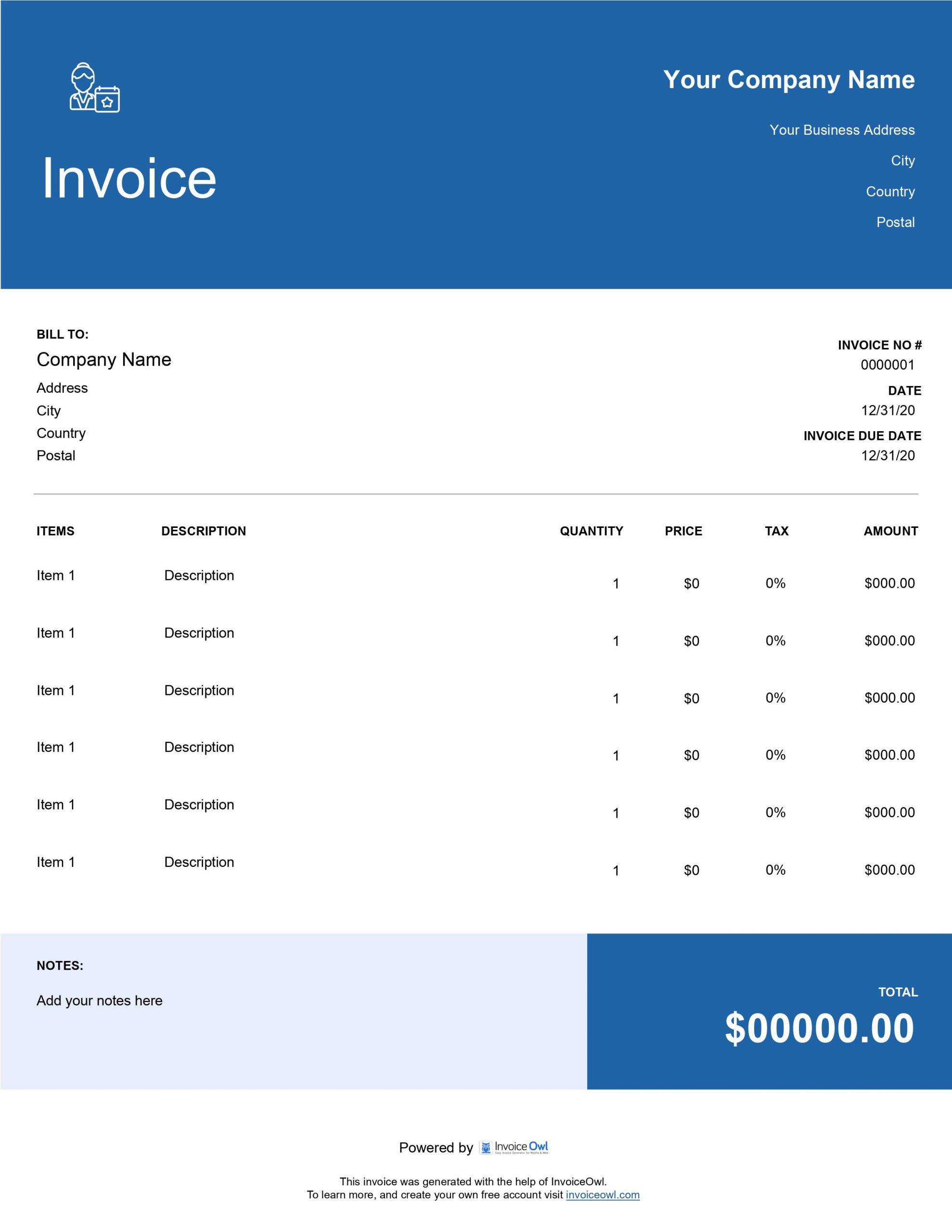
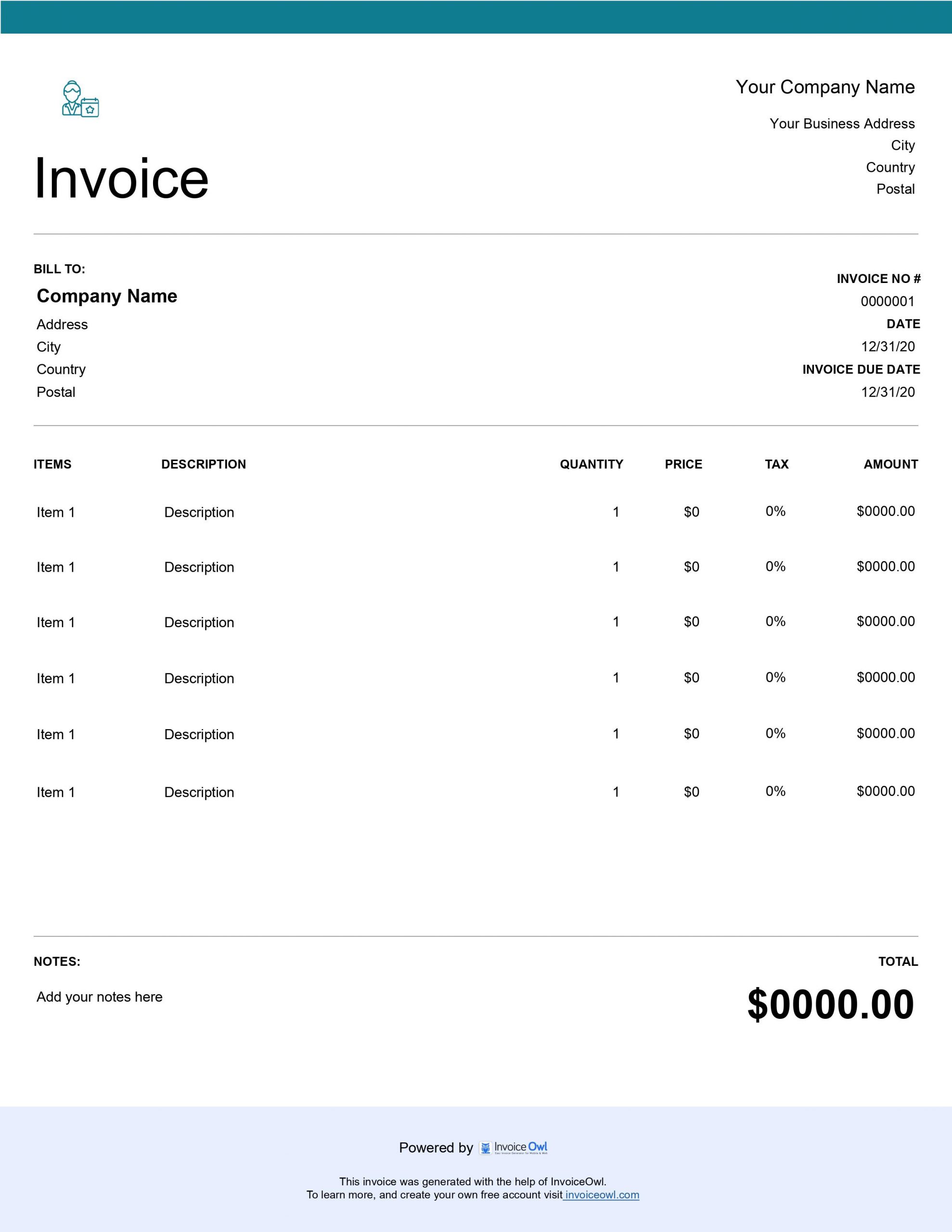
InvoiceOwl vs Free Event Planner Invoice Template
See why professionals choose InvoiceOwl
Professional Invoice Templates for Event Planners
Slow, inaccurate billing can quickly erode the trust you've worked hard to build while organizing successful events. Professional event planner invoice templates provide the solution you need.
InvoiceOwl's templates help you create various invoice types tailored for your event planning clients. Available in three convenient formats—Adobe PDF, Microsoft Word, and Microsoft Excel—these templates make it easy to find the ideal invoicing solution for your business.
Download Customizable Event Planner Invoice Templates
Delivering exceptional event services is only half the equation for getting paid promptly. The other half is creating and sending professionally designed invoices that inspire confidence and prompt payment.
Invoice templates play a crucial role in this process. For maximum convenience, use our invoice template download options to streamline your entire billing workflow.
InvoiceOwl has been supporting event planning contractors for years. One key reason why most contractors prefer our templates: they're completely free and fully customizable. Personalize your invoices by selecting custom colors, professional layouts, and your preferred file format—creating a consistent brand experience with every client interaction.
Why Choose InvoiceOwl for Event Planner Invoicing?
User-Friendly Templates Designed for Event Professionals
InvoiceOwl offers pre-designed, intuitive templates customized specifically for the unique requirements of your event planning business. These templates are exceptionally easy to use and streamline your entire invoicing process, saving you valuable time.
Generate Invoices Instantly
With InvoiceOwl, create professional invoices effortlessly within minutes. The software automates complex calculations and provides error-free results—helping busy event planners manage tight schedules while maintaining billing accuracy.
Comprehensive Customization Options
InvoiceOwl's customization features allow you to add your company logo, select specific brand colors, and adjust fields to perfectly reflect your brand image. These professionally tailored templates make your invoices look polished while addressing each client's specific needs.
Secure Cloud Storage
Save your invoices online and access them from any device with InvoiceOwl's cloud storage. This powerful feature enables you to access, edit, and send invoices securely from anywhere—backing up records safely while ensuring compliance with data protection laws like CCPA.
Step-by-Step Guide to Using Event Planner Invoice Templates
Step 1: Select Your Perfect Template
Choose an event planner invoice template that matches your specific business requirements. Select the format that best suits your workflow—PDF for professional presentation, Word for easy editing, or Excel for calculation flexibility.
Step 2: Customize Your Template
Once downloaded, open the template and personalize it by adding your organization's details, detailed pricing breakdowns, and specific client notes. Make each invoice uniquely yours while maintaining professional standards.
Step 3: Add Unique Invoice Numbers
Assign a unique invoice number to every event planning invoice for accurate record-keeping and easy tracking. This systematic approach helps both you and your clients reference invoices for future inquiries or disputes.
Step 4: Include Billable Hours and Rates
Detail the billable hours and rates for all services provided. The template enables you to break down services by hours worked or project phases—ensuring complete clarity and transparency for clients.
Step 5: Specify Payment Terms
Add clear payment terms, due dates, and any additional fees for late payments. Setting clear expectations from the start helps prevent misunderstandings and encourages prompt payment.
Step 6: Finalize and Send Your Invoice
Always review all important information twice before sending. Save the updated template for future use and efficiency. Share the final invoice via email or provide a printed copy to clients for quick approval and payment.
InvoiceOwl Software vs. Free Invoice Template
Want even more powerful features for managing invoices from anywhere? InvoiceOwl software delivers comprehensive invoice tracking, accessibility, and automation that free templates simply can't match.
Sign up today and start creating professional invoices for your event planning business—saving time and effort while boosting efficiency and getting paid faster.
Frequently Asked Questions
Event planner invoice templates offer several key benefits: They save you time since you don't have to create invoices from scratch. They increase the trust factor of your event planning business brand name. They minimize inaccuracies in professional invoices. They are customizable as per your brand, so you can make the right impression. They make invoice management easier, and the event runs smoothly.
Invoice templates are great for creating invoices. However, it is still hard to track them once you have sent them. So, we recommend you record invoicing data in spreadsheets for it.
Better yet, you can try our invoice software, InvoiceOwl, which removes all your labor for tracking invoices.
Fill in the boxes that we have included in the templates: Your business name and contact information, client name and contact information, invoice details such as invoice number, invoice date, and due date, description of the services provided such as the date and charges, and the total amount due.
You can send invoices manually using mail or email. However, it can take up a lot of your time when serving many clients. In that case, try automating sending invoices and reminders using invoicing software.