
Free Downloadable Construction Invoice Templates
Download professional construction invoice templates for contractors, builders, and construction companies. Bill for labor, materials, and project milestones with industry-standard formats.
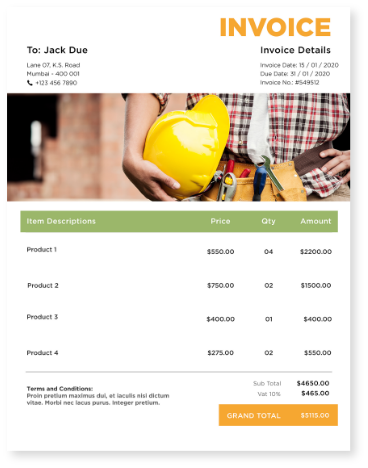
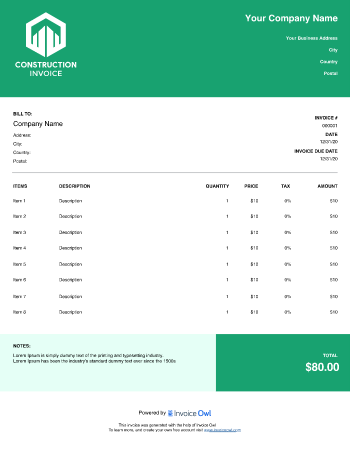
 Word
Word Excel
Excel PDF
PDF Docs
Docs All
All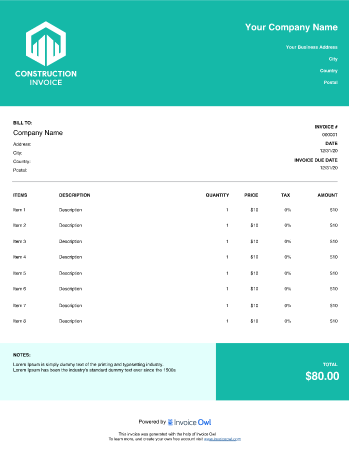
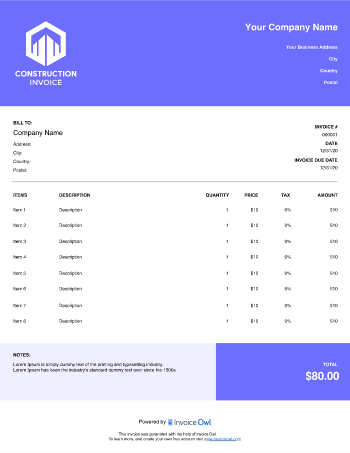
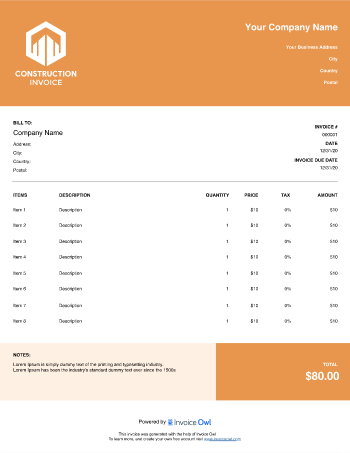
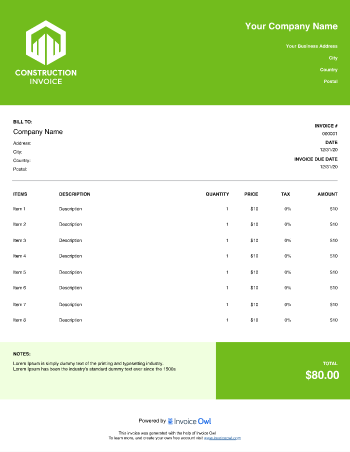
InvoiceOwl vs Free Construction Invoice Template
See why professionals choose InvoiceOwl
Get Paid Faster with Professional Construction Invoices
Most small business owners struggle with creating invoices from scratch—it's time-consuming and leaves room for costly errors. That's why smart construction companies create professional construction invoice templates online that are fully customizable and include all essential elements needed for their projects.
Free invoice generators help construction businesses calculate amounts accurately, streamline the billing process, and open effective payment collection channels without hassle or complexity.
Get paid faster for your hard work with InvoiceOwl's free construction invoice template.
Download Professional Construction Invoice Templates
Running a successful construction company demands tremendous effort and time. A well-designed construction invoice template helps you spend more hours on what matters most—building great projects and growing your business.
Personalizing your invoice templates maintains your brand style and reinforces professionalism with every client interaction. Access templates in multiple formats:
Available Template Formats
Google Docs - Perfect for collaborative editing with your team. Work together on invoices from anywhere.
Google Sheets - Advanced calculations and data management. Track multiple projects simultaneously.
MS Word - Easy customization for your brand. Complete control over design and layout.
MS Excel - Powerful data organization tools. Automated formulas save time and reduce errors.
PDF - Professional presentation ready. Polished invoices that look great on any device.
Complete Step-by-Step Construction Invoicing Guide
As a construction business owner designing and building large projects daily, creating commercial invoices shouldn't demand extensive effort from you or your team. With powerful tools available today, professional invoicing becomes remarkably simple.
We've created a comprehensive guide specifically for construction businesses, helping you modify professional construction invoices for free and send them in just a few clicks.
Step-by-Step Invoice Creation
Step 1: Download Free Invoice Templates - Available for both Windows and Mac systems in multiple formats.
Step 2: Add Your Business Details - Include company name, logo, and complete contact information.
Step 3: Insert Client Information - Add client's name (or firm name) and contact details.
Step 4: Create Unique Invoice Numbers - Assign a distinct number to each invoice for easy tracking.
Step 5: Include Essential Dates - Add invoice issue date and payment due date.
Step 6: Itemize Products and Services - List each item separately with detailed descriptions and costs.
Step 7: Calculate the Grand Total - Include all sales taxes and applicable charges.
Step 8: Add Payment Terms - Insert precise payment conditions and instructions.
Step 9: Review Thoroughly - Double-check all details for accuracy.
Step 10: Send the Invoice - Deliver directly to the client via email or postal mail.
With construction business invoice templates, you can focus on delivering exceptional projects while skipping the complex invoicing hassles. Word, PDF, and Excel formats allow complete customization to serve both your needs and your clients' requirements.
Include comprehensive service and product descriptions so clients understand exactly what they're paying for. Clear payment mode instructions and due dates help ensure timely payment. Following these basic steps delivers professional invoices efficiently. Invoice templates for consulting services provide similar benefits.
Streamline Your Construction Business with InvoiceOwl
Automated Invoicing Features - InvoiceOwl's invoicing software simplifies your entire invoicing process with powerful automated features. Create professional invoices in just a few clicks, resulting in fewer errors and dramatically reduced manual data entry time.
Payment Processing Integration - Easily integrate with popular payment systems like PayPal and Stripe. This seamless integration enables clients to pay directly from invoices, resulting in significantly quicker payment collection for your construction business.
Why Construction Businesses Need Professional Invoices
As part of managing construction projects, you need effective ways to bill clients and keep meticulous track of your finances. Professional, organized invoicing is essential to running a successful construction business—ensuring you get paid on time, every time, for the hard work you deliver.
Business owners juggle numerous responsibilities while keeping clients satisfied. Poor invoicing practices shouldn't hold your business back. Construction invoice templates provide the easiest solution for hassle-free billing.
Centralized Invoice Management - Manage all your invoices from a single platform for complete oversight.
Proper Subcontractor Billing - Include appropriate invoice details for all subcontractor transactions.
Streamlined Client Management - Handle all client information with ease and efficiency.
Post-Construction Financial Tracking - Maintain complete project oversight throughout the lifecycle.
Comprehensive Transaction History - Track every transaction throughout every project phase.
Construction invoice templates in Excel, PDF, and Word formats make creating and customizing invoices easier than ever. These templates support multiple aspects of construction jobs and companies including organized transactions, secure payment storage, due date monitoring, tax preparation, debtor tracking, and inventory management.
Construction invoices typically include products and/or services, labor costs, quantities, sales taxes, payment details, total amounts, payment due dates, instructions, and other information relevant to the construction billing industry.
Including all relevant basic information ensures clients easily understand every charge for services rendered. Clear communication helps companies avoid confusion regarding missed payments and prevents troubles during tax season—lifting the extra weight from your shoulders and making construction business operations trouble-free.
Creating professional construction templates becomes effortless when you focus on what you do best—building exceptional projects. Don't waste precious time worrying about construction invoice template creation—we've got you covered with this comprehensive article and ready-to-use templates.
Choosing the Right Construction Invoice Type
As a construction business owner, choose unique and appropriate invoice types to bill clients effectively. The right invoice design makes a significant difference in payment speed and client satisfaction.
There's no "one design fits all needs" in construction work—different project types require different approaches. Ensure your chosen invoice is highly customizable and helps you complete billing quickly and accurately.
Standard Invoice - The basic, straightforward template for construction work. Includes essential details about how much the customer owes for completed work. Perfect for simple, one-time projects.
Recurring Invoice - Used for accepting ongoing payments from customers. Ideal for collecting money from recurring construction services or retainer agreements.
Prepayment Invoice - A prepayment invoice requests an advance deposit or down payment before work completion or final payment. Essential for managing cash flow on large projects.
Time-Based Invoice - Bills customers for services charged by tracking hours worked. Considered an ideal invoice for hourly work on construction projects.
Credit Invoice - States a credit balance for refunds credited to the client's invoice account. Displays transaction information like a receipt in refund situations.
Debit Invoice - Adds balance owed after project requirement changes or cost adjustments. When project scope changes and unit prices adjust, include all modifications in the debit invoice.
Mixed Invoice - Similar to a statement, includes details about all transactions (credit and debit) in the client's account, showing the final balance due.
Interim Invoice - An interim invoice collects payments for every milestone of large projects. Breaks large amounts into smaller payments and maintains healthy cash flow throughout project duration.
Comfortable with construction invoice templates? Also explore HVAC, roofing business, handyman, contract labor, and plumbing contractor invoice templates—saying goodbye to time-consuming invoicing forever.
Best Practices for Construction Business Invoicing
Once you've downloaded your invoice template, ensure it includes all basic elements for professional, complete billing. Follow these proven best practices to maximize your invoicing efficiency and get paid faster.
Keep Digital Records - Maintain digital copies of all generated invoices stored on virtual cloud platforms. Never lose invoices and avoid digging through piles of paperwork when you need critical billing information.
Avoid Hidden Charges - Discuss all costs and charges before starting work. Hidden charges damage client trust and cause payment delays—transparency builds lasting business relationships.
Proofread Invoices Twice - Review invoices carefully twice before sending to clients. This simple practice reduces invoice correction costs and enhances your reputation as a professional, detail-oriented brand.
Want to know what's best for your construction business? Compare the free invoice template with the comprehensive InvoiceOwl invoicing app to discover the powerful advantages professional software delivers.
Frequently Asked Questions
Invoicing a subcontractor is similar to sending it to any other type of client. The only difference in this template is, in the client's template there will be services included, and in the subcontractor's template there are products/materials, and labor costs included.
The most essential elements of construction invoices comprise the business and client information, the issued date, a unique invoice number, and a detailed breakdown of services and materials. Last but not least, add payment terms and the due date, for example, Net 30 to set certain expectations. In addition, ensure to add all these elements to your invoice to streamline payment and avoid potential disputes.