You can receive two types of notifications with InvoiceOwl software: Push and Email notifications.
To enable them, follow the steps listed below.
Web App
- Go to Settings
- Click on Notifications
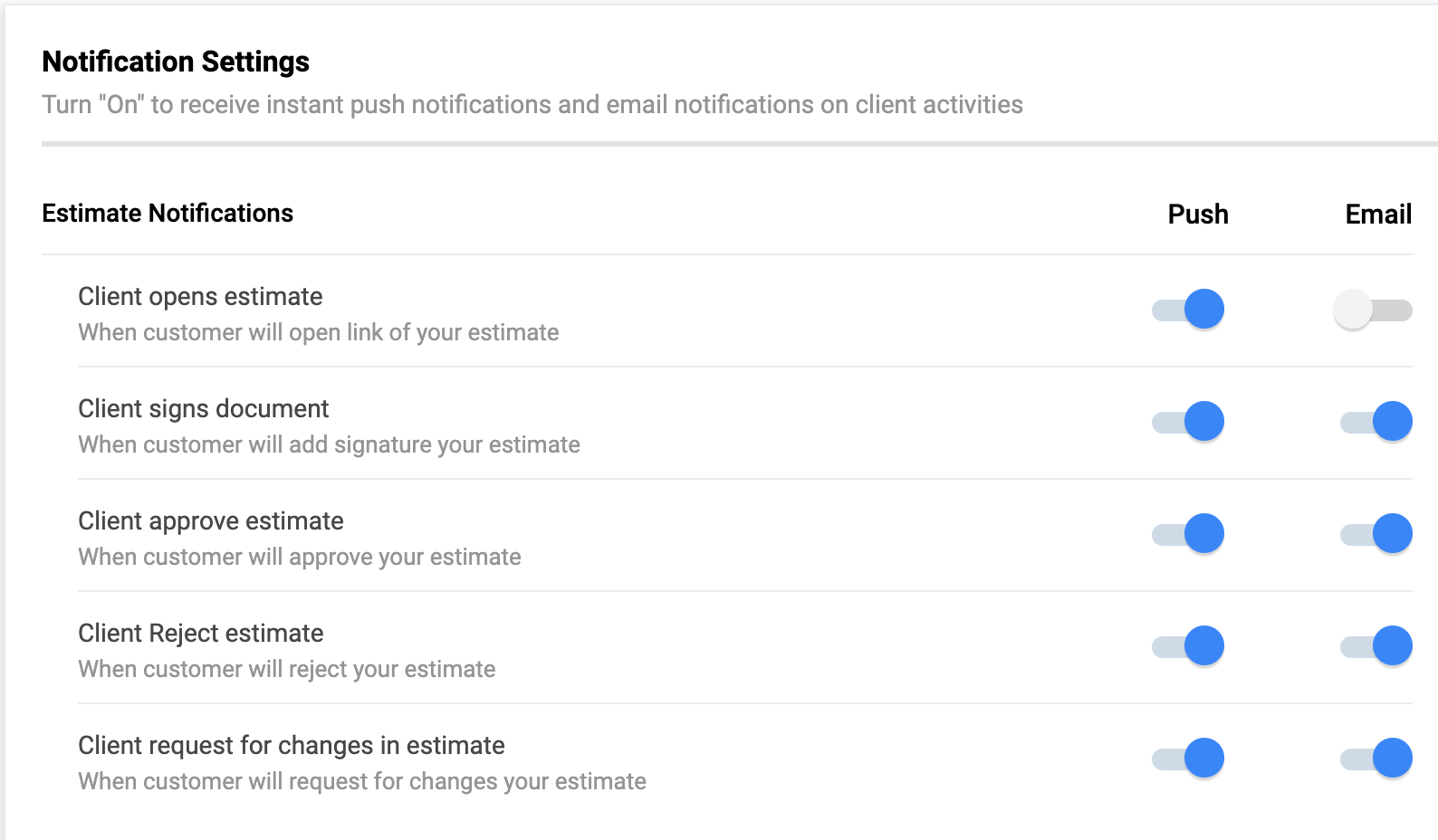
A list will pop up mentioning different notifications for estimates, invoices, purchase orders, and credit memos.
iOS/Android
- Tap on Settings
- Click on Notification Settings
Enable or disable as per your convenience