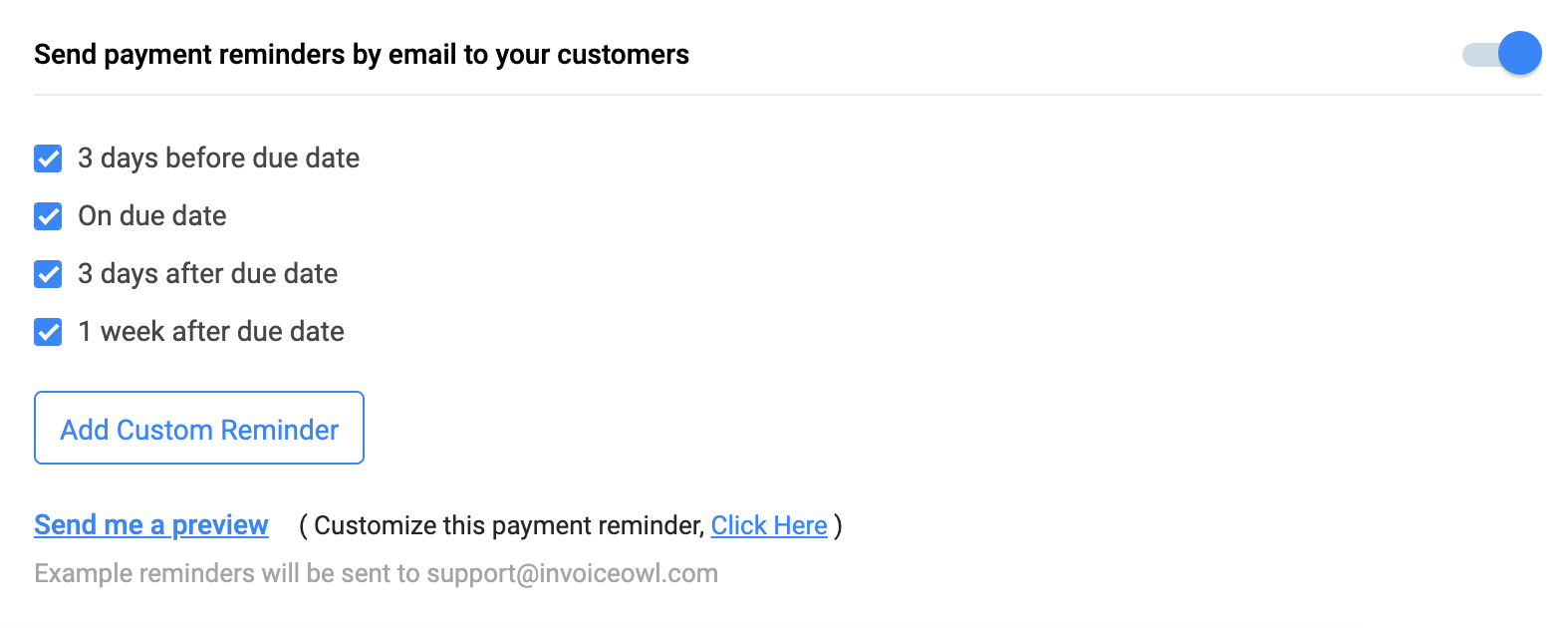
Firstly, the payment reminders feature is enrolled in the web app version only. There is no such feature in the iOS or Android applications.
To send payment reminders via a web app, just follow these simple steps.
Web App
- Go to Settings
- Click on Reminders
- Enable the “Send payment reminders by email to your customers” button
- Check the boxes below the button as per your preferences
You can even set your payment reminder frequency by clicking on the “Add Custom Reminder” button. Besides, you can even customize the payment reminders email and add your message. Below is the screenshot for both things: