Here you will be able to remind your customers about the estimates that are yet to sign.
Web App
- Go to Settings
- Under Document Settings, tap on Reminders
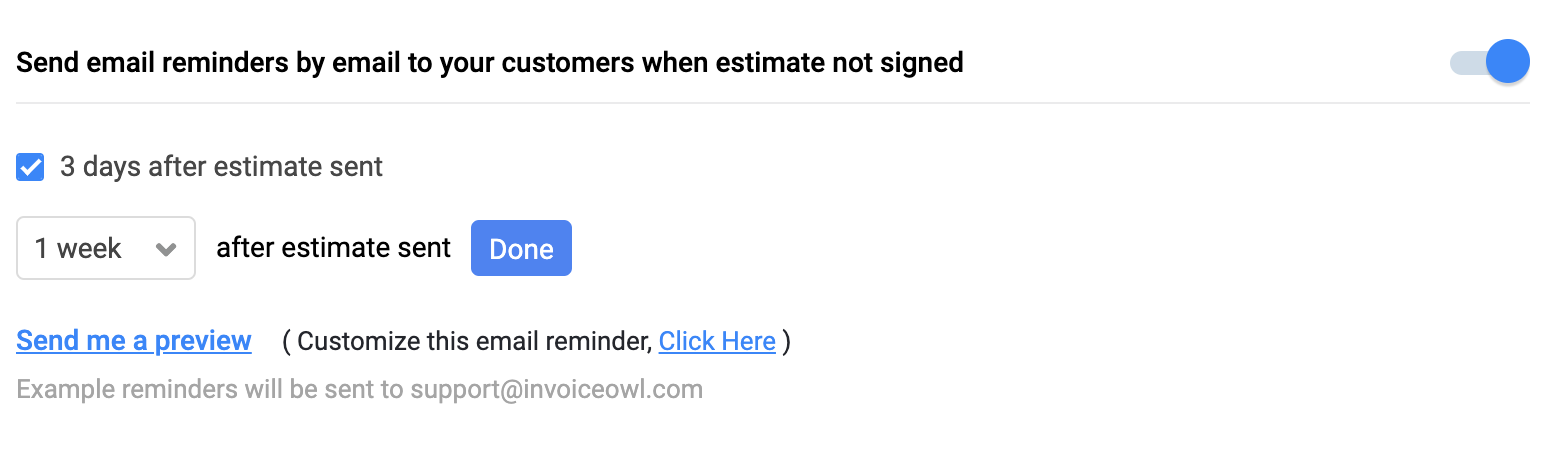
- Enable the “Send email reminders by email to your customers when estimate not signed”
You can even set the days so that the reminders are sent as per settings. Besides, you can even customize the email reminders. Below is the screenshot for both things:
For the mobile app, the feature is yet to roll out.