QuickBooks Integration
QuickBooks Online Sync With InvoiceOwl
Automate and simplify your bookkeeping by syncing your InvoiceOwl account with QuickBooks Online. Say goodbye to manual data entry and hello to streamlined accounting.
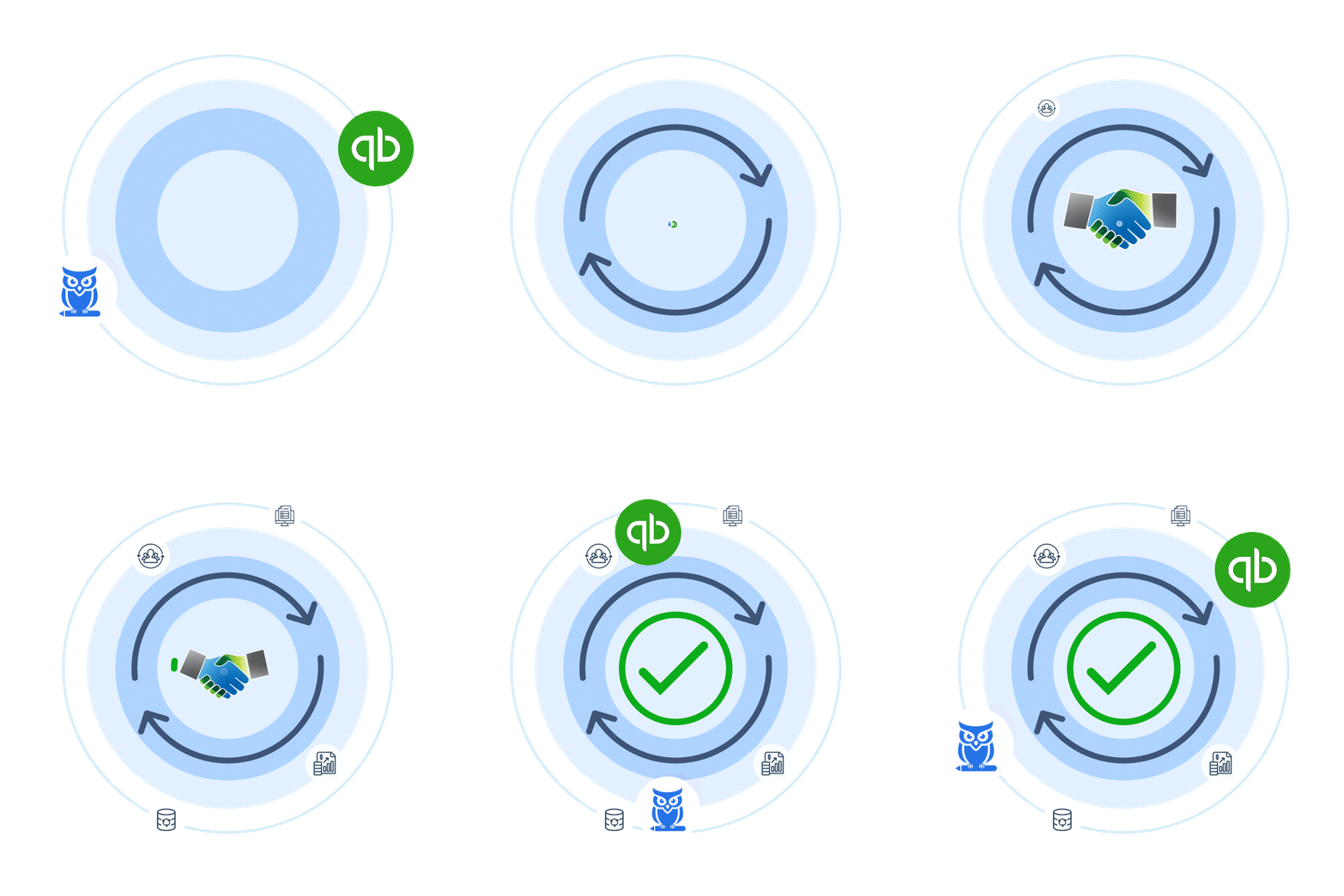

Free Yourself From Manual Data Entry
Monotonous tasks take a toll but don't worry since we have brought up something exciting. If it's you managing accounts or working with an accountant, this integration breaks the notion of mundanity. Agile syncing with a single-entry method eliminates duplication and saves ample time.
QuickBooks Integration
Benefits of Accessing Two Platforms at a Single Click
Duplication - No Longer Exists
Single-entry method eliminates duplicate data across platforms.
Error-Free Data Sync
Automatic synchronization ensures accurate data transfer.
Automatic Record Estimates/Invoices
Your estimates and invoices are automatically recorded.
Measures Business Performance
Get insights into your business performance with unified data.
Easier Tax Filing
Streamlined data makes tax time a breeze.
Updated Accounting Books
Your books are always up-to-date automatically.
Easier Accounting & Manageable Financing Tasks
Consider spending hours on accounting tasks a thing of the past with InvoiceOwl integration with QuickBooks Online. 50,000+ Active Clients already trust us.
Sync NowBefore & After InvoiceOwl Integration With QuickBooks
See the dramatic difference QuickBooks integration makes for your workflow.
Before Integration
- Manual & double data entry across platforms
- Requires manual intervention to update accounting books
- Complicated and time-consuming tax filing procedure
- Risk of errors and data inconsistencies
- Hours spent on repetitive bookkeeping tasks
After Integration
- Single-time data entry synced automatically
- Automatically updates accounting books in real-time
- Time-saving and streamlined tax filing process
- Error-free data with automatic synchronization
- More time to focus on growing your business
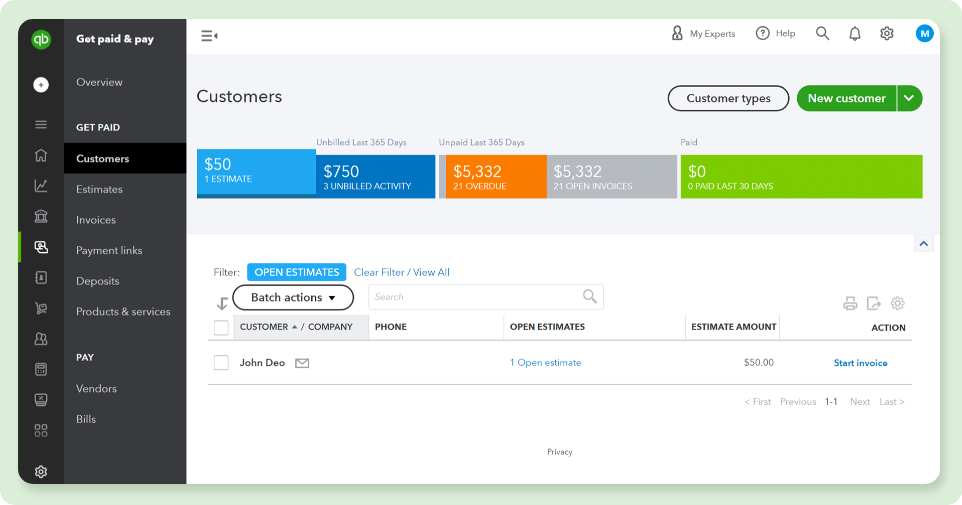
How It Looks After Syncing
See your data seamlessly synced between InvoiceOwl and QuickBooks Online. Switch between views to see how customers, invoices, and estimates appear after synchronization.
Frequently Asked Questions
Ready to Automate Your Bookkeeping?
Join thousands of contractors who've streamlined their accounting with InvoiceOwl and QuickBooks integration. Start your free trial today.