Downloadable Credit Memo Templates
Irrespective of defects, shipping mishaps, miscalculated discounts, or any other discrepancies - quickly make things right with our free printable credit memo template. It swiftly turns apologies into action.
No more manual processing of individual credit memos & refunds. InvoiceOwl's customizable credit memo templates allow you to easily edit and tailor the template that matches your brand identity. These industry-specific templates are available in different file formats like Microsoft Word, Microsoft Excel, and Adobe PDF.
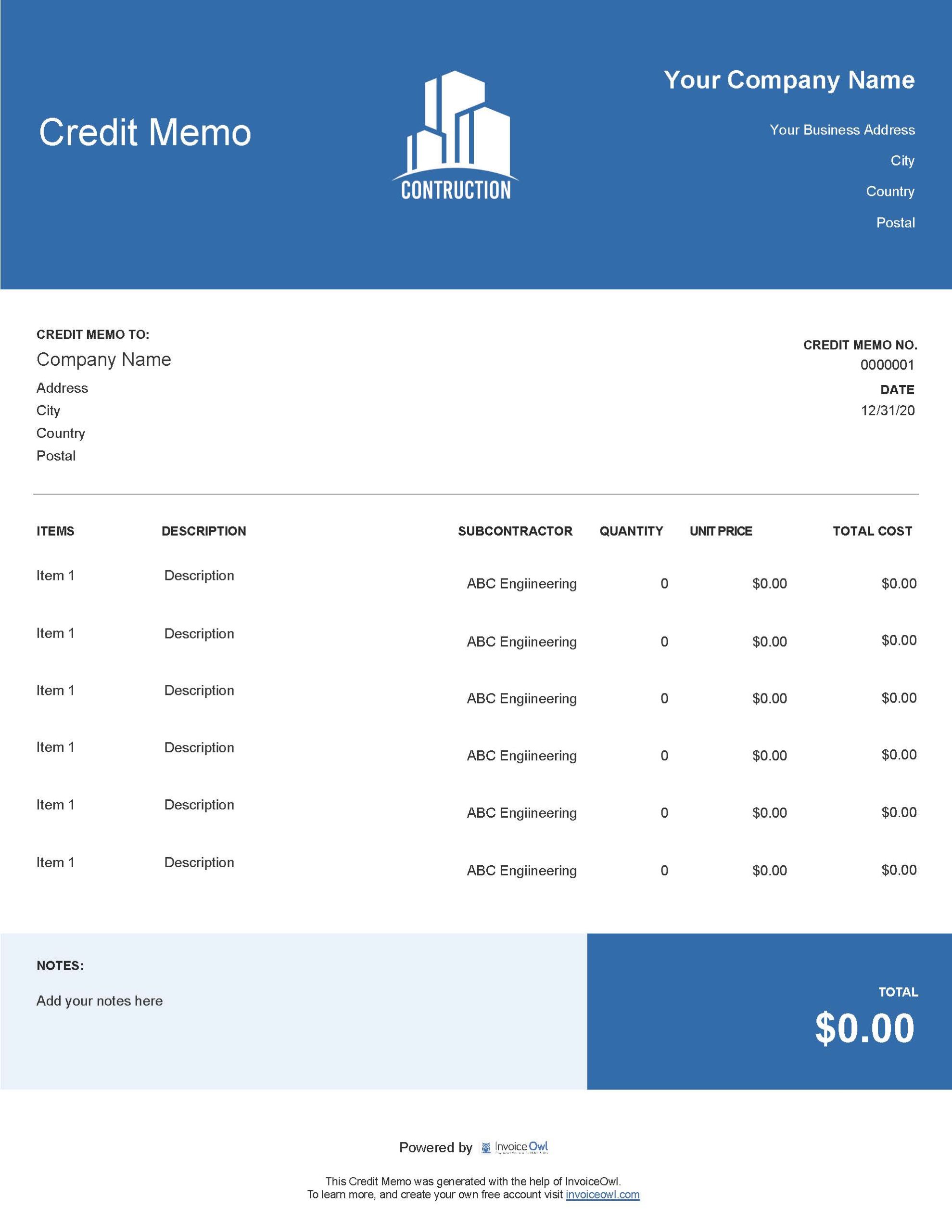
Construction Credit Memo
Free templates:
 All
All
HVAC Credit Memo
Free templates:

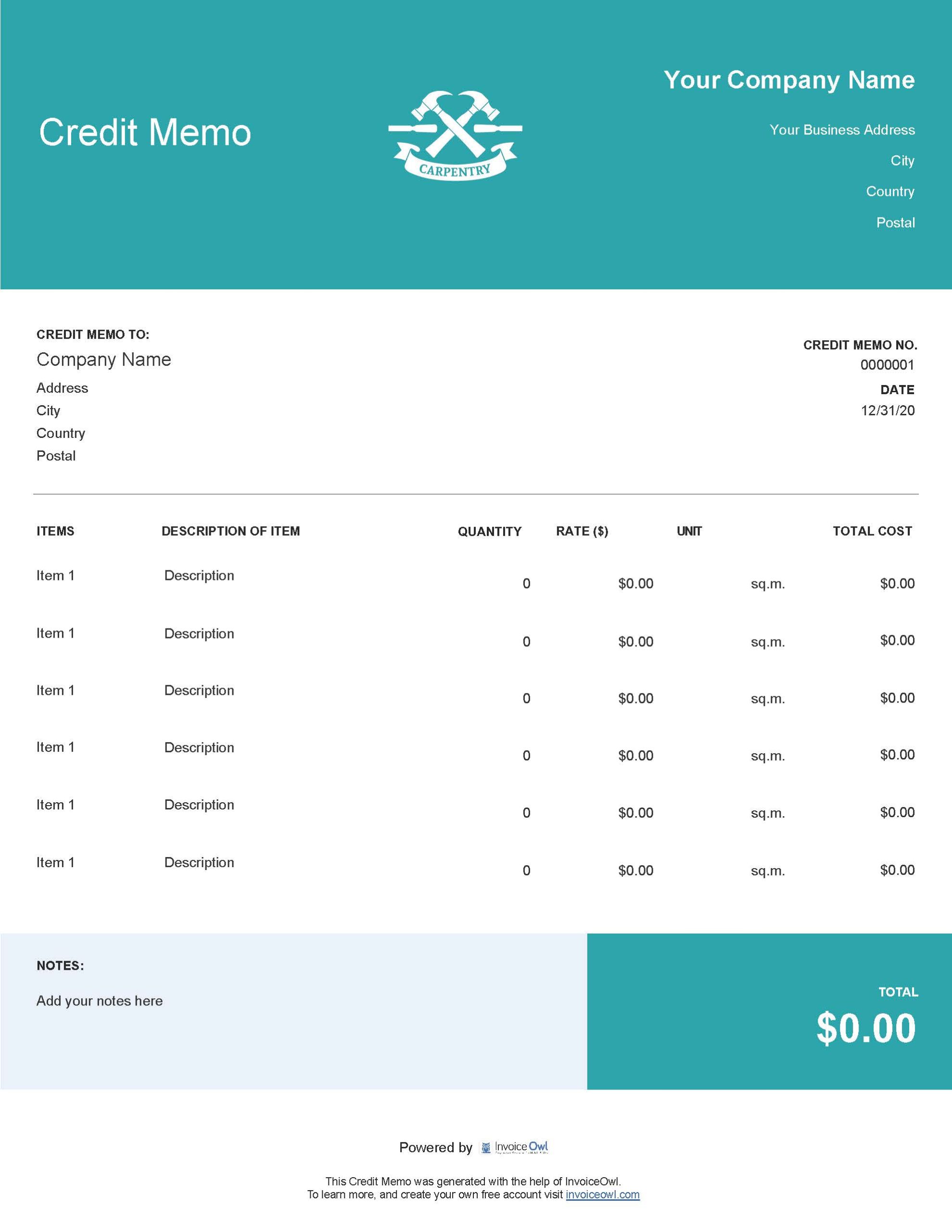
Carpentry Credit Memo
Free templates:
Credit Memo Templates by File Format
Here are 5 different digital file formats available for user convenience and flexibility. Try the one that best suits you and meets your diverse business needs.
Credit Memo Template Excel
InvoiceOwl's free credit memo Excel template has built-in formulas for automatically calculating totals. Though credit memo Excel provides error-free computations & accurate functionalities, consider customer accessibility, as not everyone may have it on their computer or mobile device.
Excel Template
Free templates:
 Excel
ExcelCredit Memo Template Word
Leverage the power of customization. Credit memo templates in Word can freely let you modify fonts, colors, and logos. You can even add images, and tables to align with your business branding. Ideal for those who are seeking the maximum design personalization ability.

Word Template
Free templates:
 Word
WordCredit Memo Template PDF
Credit memo template in PDF files provides a sleek, professional, and polished look with easily supportable on any device. Credit memo template PDF also ensure confidentiality of your credit data by leveraging encryption and password protection features embedded in the PDF template.
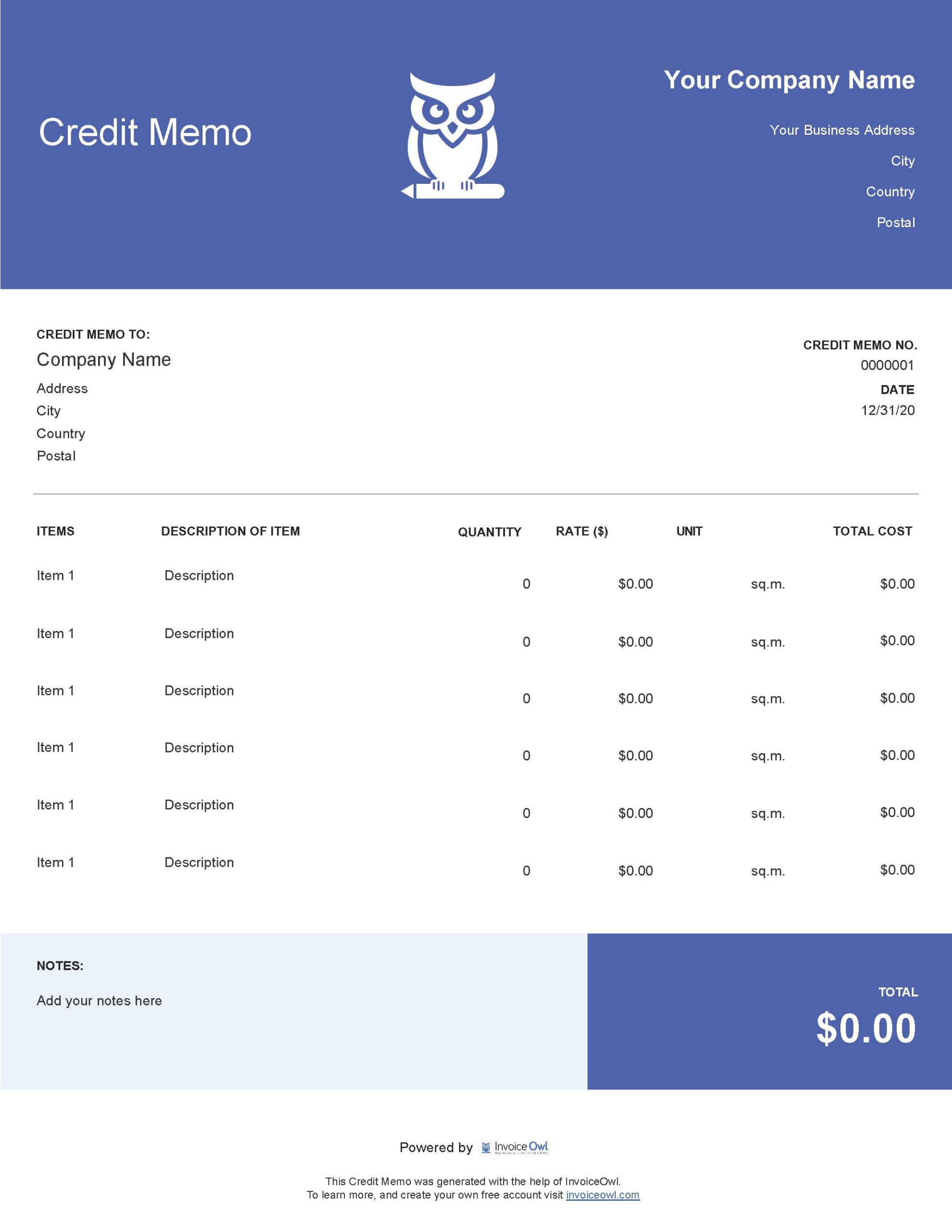
PDF Template
Free templates:
 PDF
PDFCredit Memo Template Google Docs
Leverage real-time collaboration, enabling multiple users to work on the same credit memo template simultaneously. Enjoy similar customization features as provided by Microsoft Word. Plus, access the template from anywhere, anytime because of its cloud-based nature.
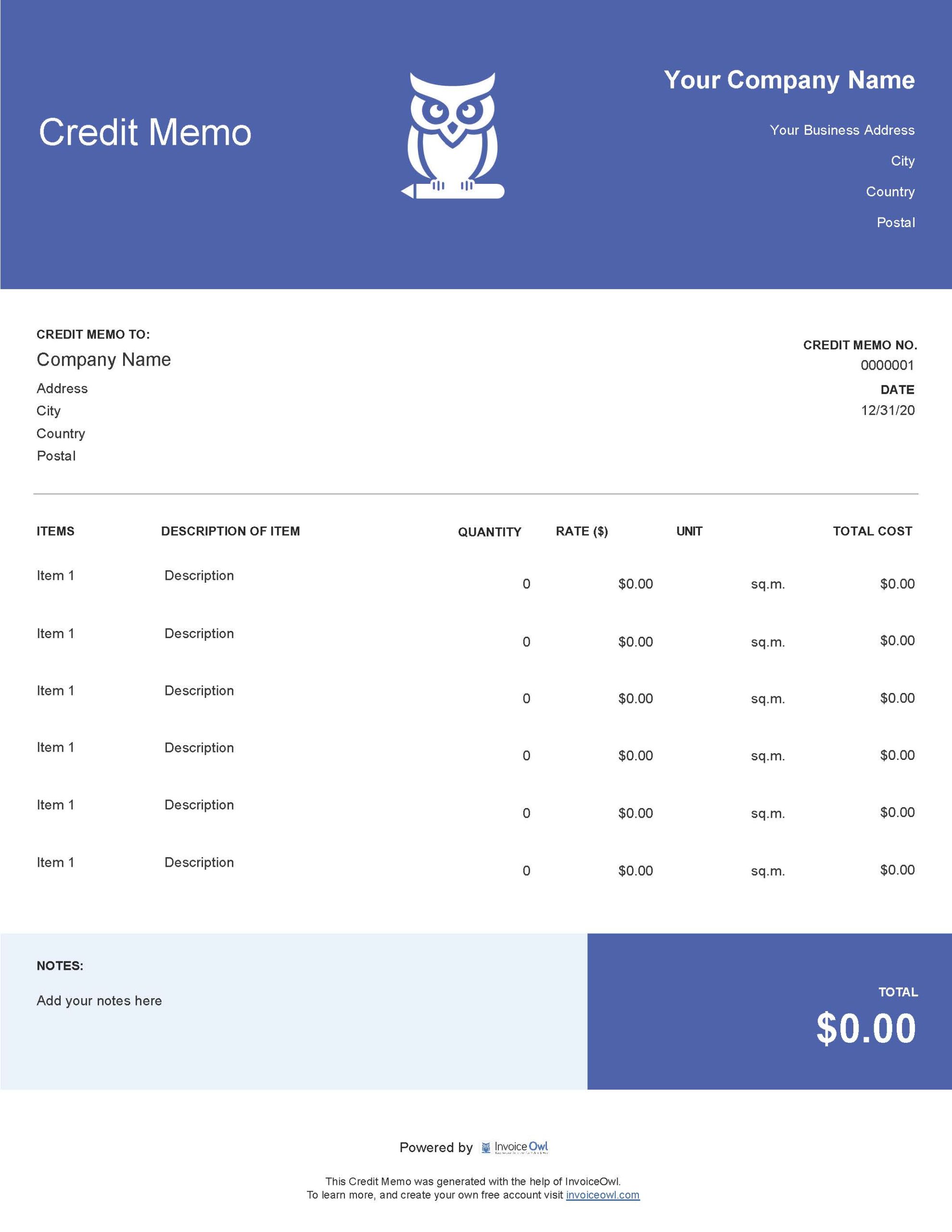
Google Docs Template
Free templates:
 Docs
DocsCredit Memo Template Google Sheets
Use the in-built formatted spreadsheet to effortlessly manage and organize your credit data. Moreover, with online accessibility, you can use the template from anywhere at any time, whether you're on-site or off-site. The advanced customization features allow you to tailor the template as per your needs.
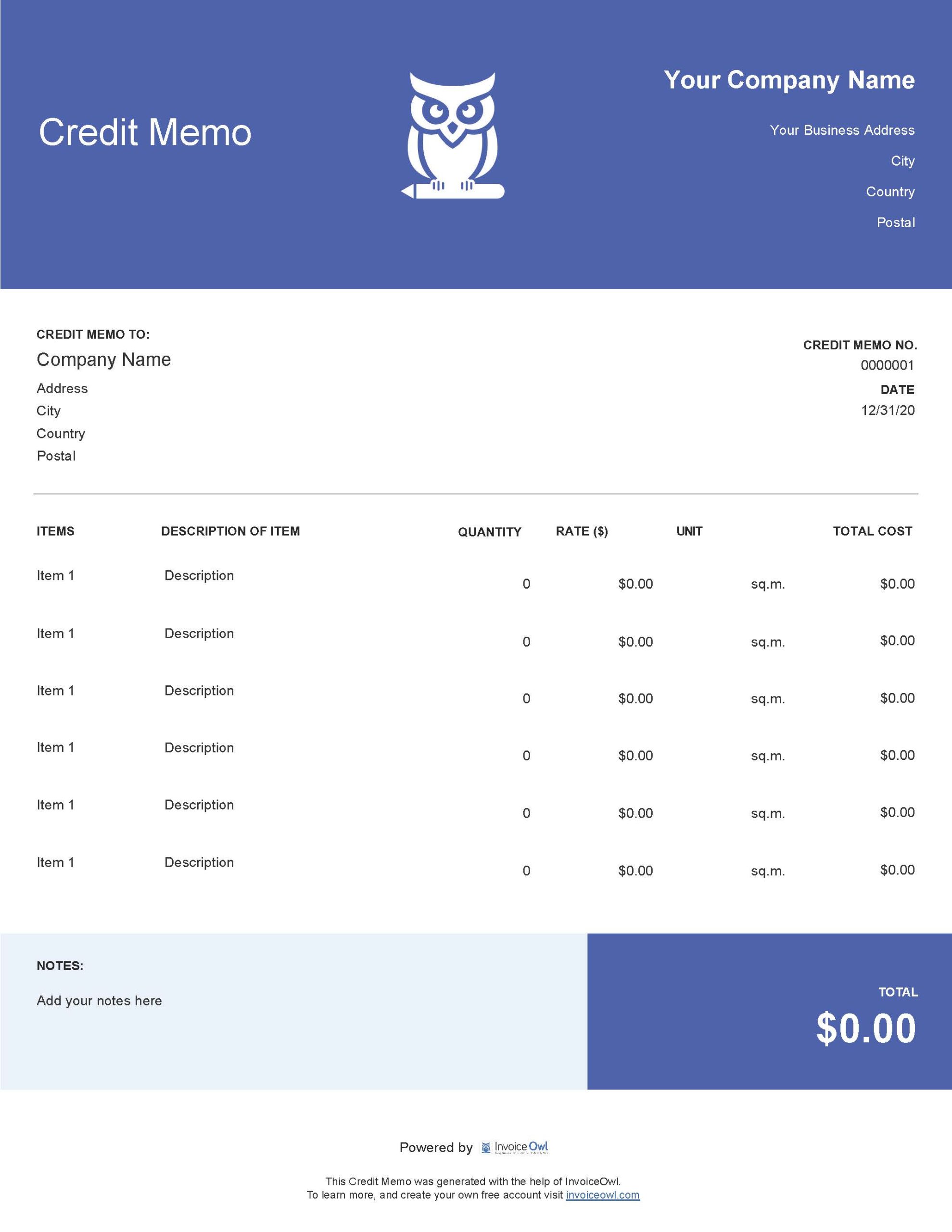
Google Sheets Template
Free templates:
InvoiceOwl vs Credit Memo Templates
See why professionals choose InvoiceOwl
When Should You Send the Credit Memo to Your Clients?
Issuing a credit memo is crucial in various scenarios, serving as a transparent and proactive approach to address customer concerns and maintain healthy business relationships.
Here are a few scenarios where a credit memorandum should be sent to your client:
- In case when clients receive products with defects or encounter quality issues.
- When clients experience service discrepancies or face issues related to unmet expectations.
- When clients are mistakenly billed for an amount higher than agreed-upon.
- When there are errors in the charges levied rectification is needed.
- In case when clients are entitled to promotional discounts or special offers.
- When the client returns goods or refuses to accept services.
- When clients qualify for loyalty programs or rewards.
- If clients have credit balances or adjustments for future transactions.
How to Make a Credit Memo?
A well-crafted credit memo serves as a transparent communication tool, providing customers with a clear understanding of the refund process. Here's what a detailed credit memo should include:
1. Add header
Name the document as a "Credit Memo" for instant recognition.
2. Add business details
Company's logo, business name, address, & contact information.
3. Add customer details
Client's name, address, and contact number.
4. Add transaction details
The original purchase order date, PO number, credit memo number, and memo date.
5. Specify line item
List product defects, service issues, or billing errors.
6. Input the total amount
Enter the exact amount being credited to the customer. Show break up if needed.
7. Mention terms & conditions
Communicate clear terms & conditions for customer comprehension.
8. Payment details
Outline the payment method and details for easy processing the refund.
9. Professional closing
End the credit memo with a thanking gesture.
Do's and Don'ts While Creating Credit Memo Template
Do's
- Include company details
- Specify the transaction details
- State reason for credit
- Show credited amount
- Indicate partial/full payment
- Get approval signature
- Keep it simple and clear
Don'ts
- Omit key details
- Make it complicated
- Forget payment terms
- Neglect contact details
- Use a tiny font size
- Send hand-written memo
- Hide pre-conditions
Best Practices for Creating Credit Memos
A credit memo template is an official document authorizing the customer to receive a refund on an invoice. Being an authoritative document, there are certain best practices to follow while creating a credit memo:
- Use a standardized template outlining the key details.
- Maintain consistency for easy understanding.
- Do not forget to give a reference to the original invoice.
- Insert clear terms and conditions to avoid any future ambiguity.
- Specify the next steps to be taken by customers.
- Proofread the credit memo before the final issuance.
- Create an easily retrievable archive of issued credit memos.
Frequently Asked Questions
A credit memo is a document issued by a seller to a buyer to reflect a reduction in the amount that the buyer owes the seller. Credit memos are typically issued when there are returns, price adjustments, or errors on a previous invoice.
The main difference between debit memos and credit memos is that a debit memo is used to request payment, while a credit memo is used to refund or credit money back. Debit memos increase the amount owed, while credit memos reduce the amount owed.
A credit memo and an invoice both are financial documents serving different purposes. A sales invoice is used to bill the buyer for goods or services provided by the seller. While, a credit memo, is issued after the sales invoice to account for things like returns and price adjustments that effectively reduce the total amount owed on the original sales invoice.
A credit memo is not necessarily the same thing as a refund. While credit memos can be applied against future purchases, a refund means that money is paid back directly to the customer. Sometimes the term "refund" is used loosely to refer to credit memos as well.
In accounts payable, a debit memo is used by a vendor to claim money from a customer for damages, errors, returns, etc., while a credit memo is used by a vendor to refund money to a customer or reduce the amount owed by the customer to that vendor. Debit memos in payables increase your accounts payable balance, while credit memos reduce your payable balance.