
Key Takeaways
- 01E-invoicing is projected to grow from $8.74 billion in 2021 to $29.68 billion by 2027
- 02Electronic invoices eliminate paper invoice errors that cost businesses an average of $53.50 per mistake
- 03E-invoicing offers convenience, automation, and time savings compared to manual invoicing
- 04Two main types exist: compliant e-invoicing (follows government regulations) and non-compliant (buyer-seller agreed formats)
- 05Digital invoicing enables real-time reporting, automated follow-ups, and seamless online payment acceptance
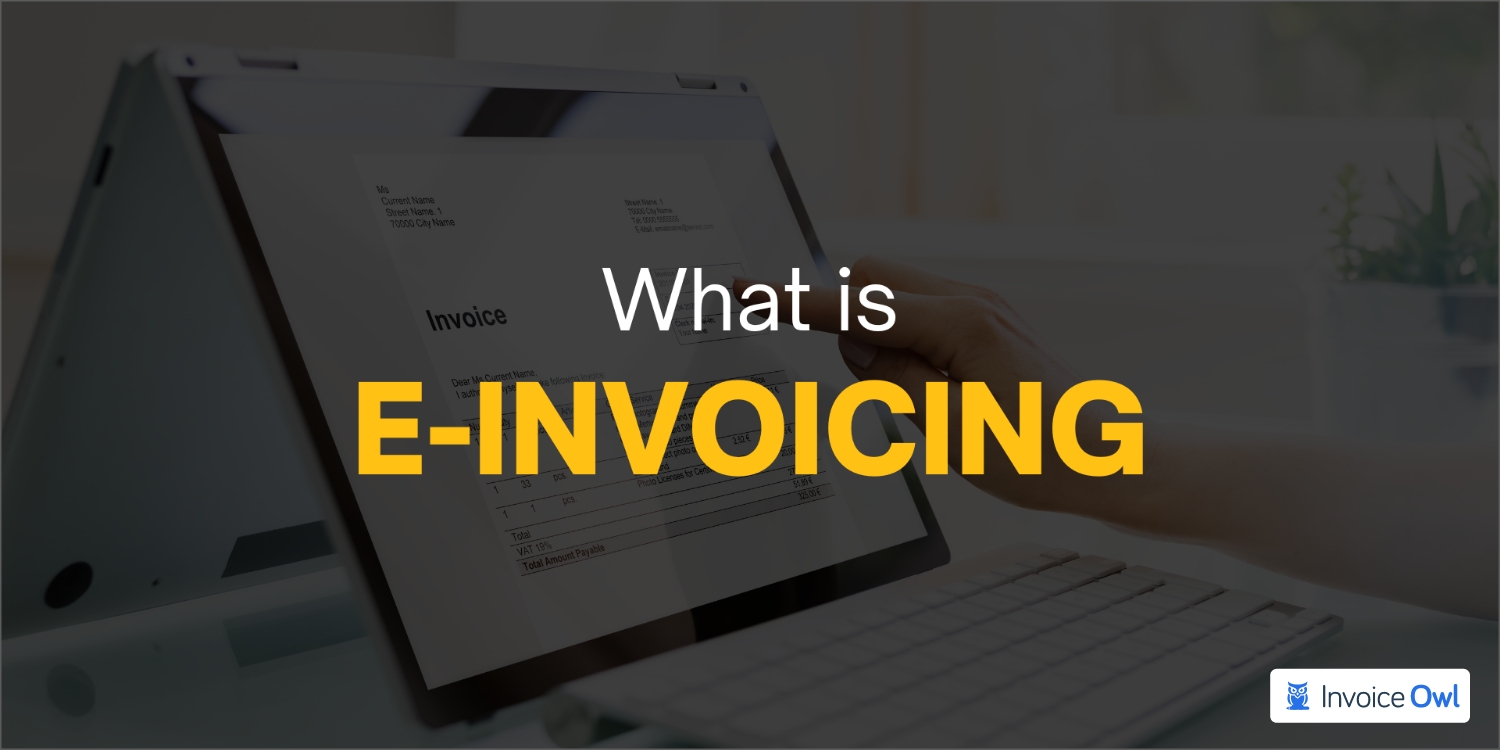
Invoices are a core part of any business. To receive payment, many companies send invoices and bills, ranging from roofing services to healthcare. Initially, invoices were entirely paper-based. The advent of electronic invoicing (or e-invoicing) in recent years has revolutionized how invoices are managed, bringing workflows to a new level and simplifying the entire process.
Approximately $8.74 billion was generated by e-invoicing in 2021, with $29.68 billion by 2027 expected. While the trend toward e-invoices is on the rise, over a third of accounts payable departments still receive paper invoices, despite facing the paper invoice error costing $53.50. The road ahead remains long.
Is e-invoicing something that interests you? Then this blog is for you. In this article, you will learn what is e-invoicing, electronic invoicing benefits, how to determine them, and several associated things.
E-Invoicing (Meaning, Pros & Cons, and Legal Requirements)
E-invoices are invoices that are electronically delivered and in a standardized electronic format sent from one service provider to the client. The use of electronic invoicing systems comes with numerous advantages to both businesses and clients. The business owner who provides products and services to clients can generate e-invoicing automatically based on sales transactions instead of making and printing paper invoices. It eliminates the possibility of errors in invoicing.
E-Invoicing Pros and Cons
| Pros | Cons |
|---|---|
| Convenience: No need for ink, paper, envelopes, and stamps. Generate and email invoices electronically. | Security issues: Potential risks for customers without secure email addresses. |
| Automation: Automate recurring invoices to ensure you never miss deadlines for creating and sending bills. | Spam filters: Email settings may send your electronic invoice straight to spam folders. |
| Time savings: Email invoices electronically with automation, saving precious time on printing and mailing. | Customer preference: Not all customers agree to receive digital invoices; some may prefer hard copies. |
Legal requirements for e-invoicing
According to a Federal Ministry of Finance ruling on 1 July 2011, electronic invoices are just as valid as paper. Email-based electronic invoicing no longer require signatures and can be sent via email.
To ensure compliance with Federal Office for Justice rules and regulations, e-invoices must be structured and electronic, and receive, transmit, and issue. The term structured invoice formats are typically used to refer to an EDI (Electronic Data Interchange) connection.
Types of e-Invoicing
Electronic invoicing is becoming more prevalent in many countries. Even though e-invoicing is not legally required in some countries, it is nevertheless carried out since it promotes smooth electronic invoicing and payment efficiency. Thus, it can be divided into two invoice types: those that do not comply with laws and those that do.
e-Invoicing without compliance
This is where the buyer and supplier, i.e., the parties involved in the transaction, decide the details and format of the invoice document. The buyer and supplier agree only to the format of the data to be sent and do not comply with the electronic invoicing regulations of the country in question.
Key characteristics:
- Invoices include structured data using either EDI (Electronic Data Interchange) or simple forms hosted on the web
- Electronic invoice is created and sent either through the e-invoicing solution of the supplier or via a web-based form
- Payment systems receive electronic invoices in a format that can be processed immediately by their accounts payable systems
e-Invoicing with compliance
E-invoicing rules and regulations vary from country to country. Compliant e-invoices follow the same process with these key differences:
- Regulations and legislation of the trading parties determine the invoice format
- Electronic invoicing adheres to government guidelines regarding content validation and security
- Invoices can be used for auditing and VAT (value-added tax) calculations
How Does e-Invoicing Work?
e-invoicing is another name for electronic invoicing. Essentially, it involves sending invoices electronically or over the Internet rather than via email address or in person. e-invoicing is different from digitizing scanned paper invoices.
Photocopies of scanned paper invoices sent via fax machines, and apps that convert them to PDF or word formats invoices aren't considered e-invoicing. Invoices not issued electronically and do not contain structured data readable by machines are not considered e-invoices.
Since the early days of the XML file format and the inception of Electronic Data Interchange EDI - machines for material procurement and document processing, e-invoicing has been around. In the modern age of digital invoices, creating them using billing software solutions like InvoiceOwl is often possible, enabling customers to access their invoice data remotely through email or online in a secure environment. There are a lot of invoicing systems out there that allow customers to pay through their portals as well.
Like with paper invoices, you will also need to include a lot of information on your electronic invoice, including information about the trading partners i.e., buyer and seller, the amount due, the date of payment, and the invoice number, just like with paper invoices.
Identification of e-Invoices
Benefits & Pitfalls of Digital Invoicing (In-detail)
Getting paid faster and maintaining good customer relations is easy with online invoices. With the online invoicing app like InvoiceOwl, you don't have to send invoices separately, making it the best way to generate invoices. By doing your bookkeeping and multitasking, you don't have to chase your clients for payment.
Here are the benefits and pitfalls to give you a better understanding of digital invoicing.
User-friendly
Invoices are tiring to fill out by hand since you feel as if your hand is falling off every time you do so at the end of the month.
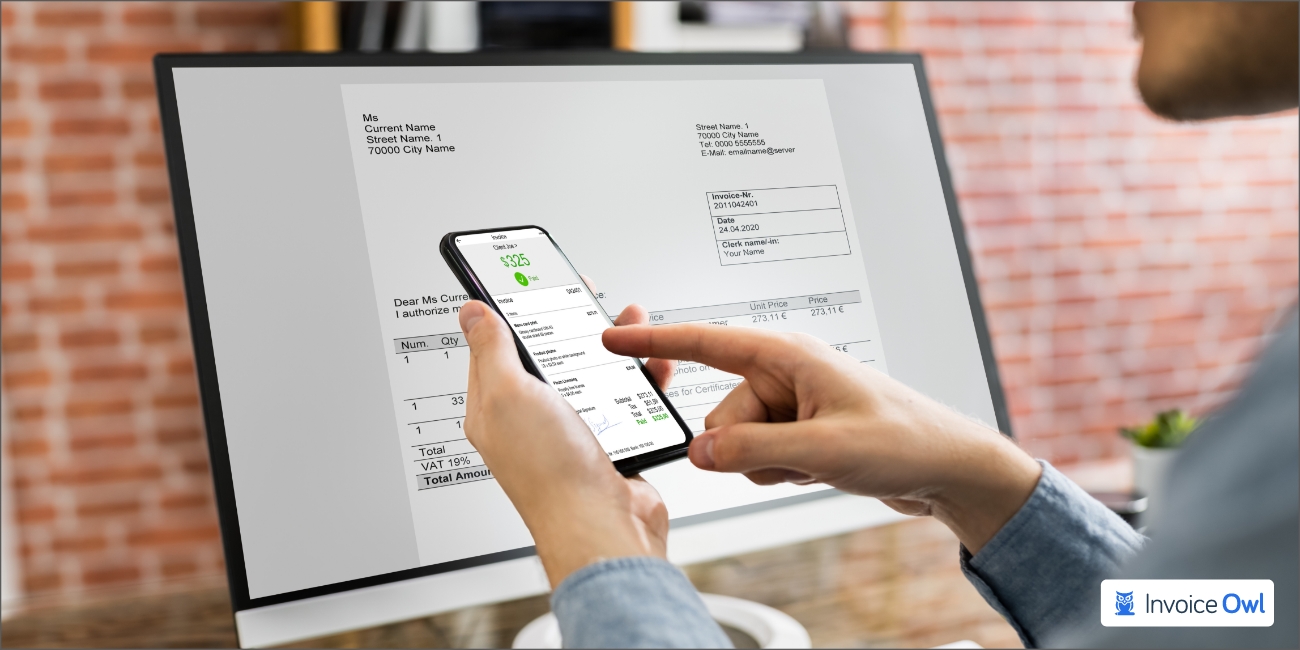
It is no secret that as a business owner, you have to do a lot of hard work every month to keep your business going; with an online invoicing system, you will be able to do everything precisely that you need to do automatically just with the click of a button. If you wish to send an invoice to a client, you can do so easily. add their name and other details, and the details will be displayed automatically every time you send an invoice.
Loss is not a concern
Invoices sent through a regular platform have a higher risk of being lost. As a result, if something like this happens, you will be asked why your clients or customers have not yet paid you, even though the other side has not yet received your invoice.
By using an invoicing application in web-form, you can eliminate both of these problems while creating a backup of your invoice copies for use in the future. By doing so, your invoices are less likely to get lost.
Enhances the capabilities
Using an online invoice application that allows you to track the delivery of your invoice, you will always be notified when your client receives it. Thus, the client won't have any reason not to pay you when the time comes. This will minimize the risk of late payment, ensuring that you are left with zero ovcerdues and will improve your cash flow. Invoices will be saved digitally, so you won't have to worry about whether your client received them.
Helps save money
Stop sending physical invoices to your customers and save paper, ink, and money by not sending them. Exactly how?
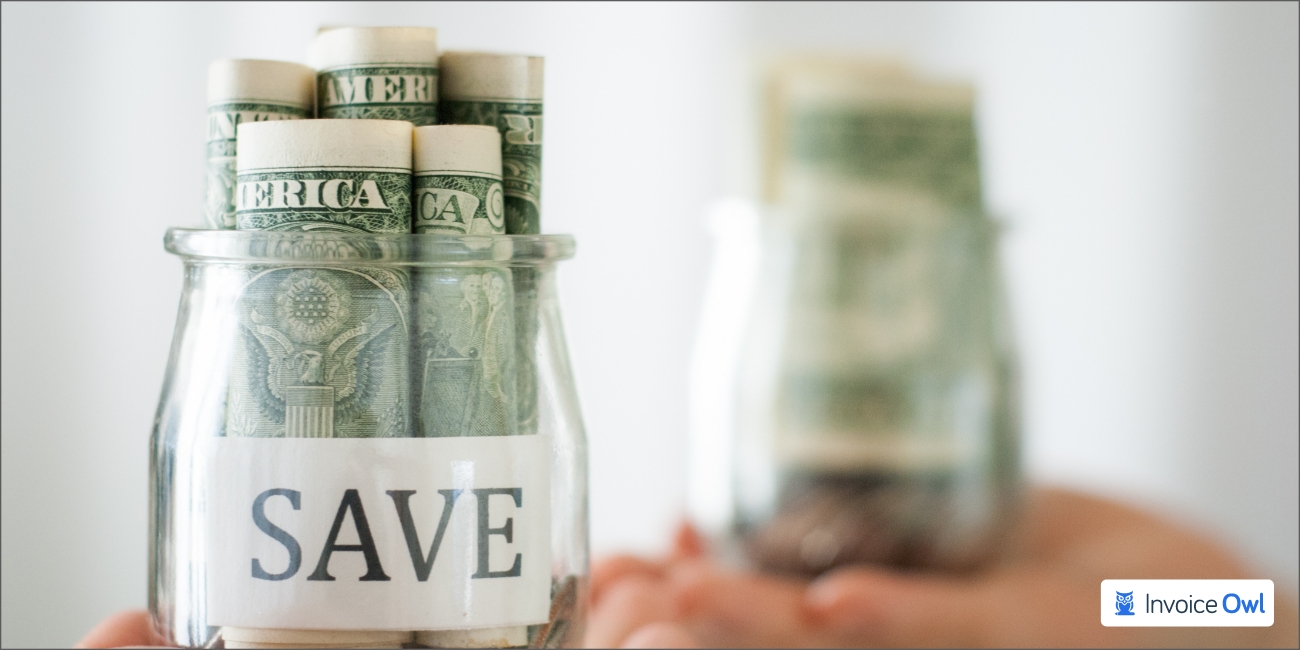
An automated invoice generator saves you money since you won't need to purchase pens or paper. Instead, you can send an invoice through email, eliminating the need for envelopes, paper, pens, etc. By doing this, you save both time and money.
Pitfalls
Spam filtering: Online or electronic invoices assist you in getting paid faster once your customer sees them. However, email service providers may mark invoices as spam, sending them to a folder where your customers won't see them. This may put you in a problematic situation, as you won't be able to recognize when your invoices are being filtered out.
Offline customers: Some of your potential clients, customers, or business partners may not access the internet or emails from their residences or may not have an email account. Many customers do not know how to use online invoicing or may not have access to it.
Service fees: If you are a business owner, you will need to use the invoicing services provided by a company to perform your online invoicing tasks. There will be a small fee required for the company's services, and these fees can add up over time.
e-Invoicing vs. Manual Invoicing
E-Invoicing vs Manual Invoicing Comparison
| Feature | E-Invoicing | Manual Invoicing |
|---|---|---|
| Pre-filled invoices | Customize templates once; information appears automatically on all future invoices | Manually enter sales and business information for each invoice |
| Follow-ups | Configure automated payment reminders sent at intervals you set | Manually follow up with customers to ensure payment |
| Real-time reports | Access invoices in real-time; make predictions and decisions instantly | Manually retrieve and collate data from previous invoices using spreadsheets |
| Online payments | Accept online payments through integrated payment gateways | No direct integration; must attach bank account details or accept cash |
Invoices pre-filled
Invoicing clients manually requires you to enter sales and business information manually. The invoice amount can be calculated, discounted, taxed, and your logo uploaded. If you choose to use e-invoicing, you can customise the invoice templates as per your needs and specifications. You will only need to upload information that will appear on all of your future invoices, such as your business' logo, name, address, and contact information, once. This will result in the automated generation of them on all future invoices. So, welcome the new automated business rules and say bye to the old manual techniques.
No more manual follow-ups
With manual processing, you will have to follow up manually with your customers to ensure they pay their invoices. When you use e-invoicing, you can configure payment reminders, which will be automatically sent to your customers at intervals configured by you, informing them when their payment is due.
Creating real-time reports
In the manual processing, you will be required to manually retrieve and collate data from previous invoices and create reports. As a result, using spreadsheets or word processor records to show the results. With e-invoicing, you can access your invoices in real-time, making predictions and decisions based on the data without waiting. Electronic invoicing software, like InvoiceOwl, one of the most common reports available is the one on payments received, bad debts, and outstanding invoices to help you make business decisions that will benefit your business in the long run.
Accepting online payments is simple
There is no direct integration between third-party applications and manual invoicing business systems. The invoice must be attached with the bank account details of your business, or payment must be made in cash. It is possible to accept online payments when using e-invoicing through a payment gateway easily when you use e-invoicing. The manual payment methods can be time consuming whereas accepting online payment is quick and accurate.
Ready to Create Your First e-Invoice & Get Paid Faster?
An all-in-one invoicing software is here to help you create professional e-invoices that help you get paid faster than ever.
Start Your FREE TrialFrequently Asked Questions about E-Invoicing
The invoice which can be digitally billed is known as electronic invoice. It can be issued, transmitted and processed to the buyer in electronic form via pre defined structured data exchange.
By using e-invoicing, organizations can streamline invoice processes, reducing the time it takes to process invoices, approve them, track them, and pursue them, as well as reduce human error. By implementing it, turnaround times are significantly shortened. Also, the ERP systems automates the business rules and boost the e billing systems.
E-invoices are generated with Invoice Reference Number (IRN) and quick response code (QR codes), which are then digitally signed. QR codes allow handheld devices to quickly view, validate, and access invoices.
Several federal agencies were mandated to issue electronic invoices by the end of 2018 by the US Office of Management and Budget (OMB). Paper invoices are expensive to print, handle, and process, so the idea was to reduce them.
Conclusion
Once your business develops, you must have a better strategy for creating, tracking, managing, and storing invoices since most of these processes can be automated with electronic invoicing.
Related Resources
8 Most Effective Email Templates for Chasing Payment
Want to send payment reminders? Then, take a closer look at these 8 email templates that will help clear due payments. Plus, find useful tips to remember at the time of requesting payment.
Read more
Importance of Contractor Payment Terms For Contractors & Subcontractors
Want to maintain a positive cash flow? Find out how contractor payment terms are important for tradespersons.
Read more
A Step-by-Step Guide to Convert an Estimate to an Invoice
Follow our comprehensive guide to converting an estimate to an invoice and getting paid faster. Learn how to streamline your invoicing process with InvoiceOwl.
Read more
Credit Memos Journal Entries Explained with Examples & Templates
Know why recording a credit memo journal entry is important. Plus, get the template of all the entries depending on different situations. And, get your questions or queries answered.
Read more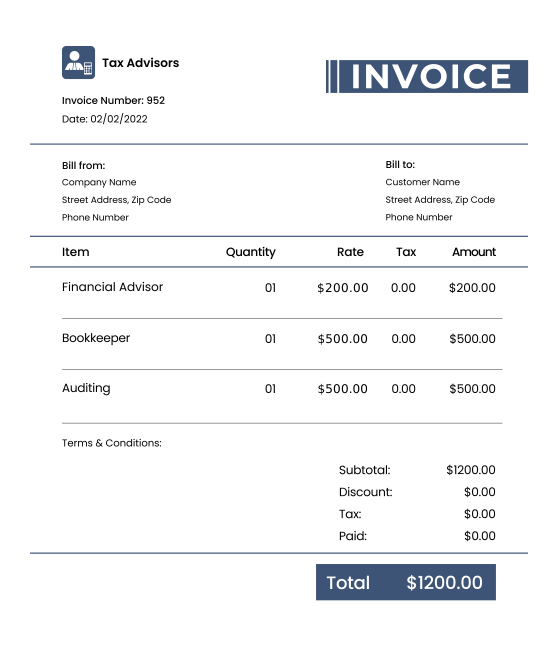
Accounting Invoice Template
Accounting Invoice Template
Read more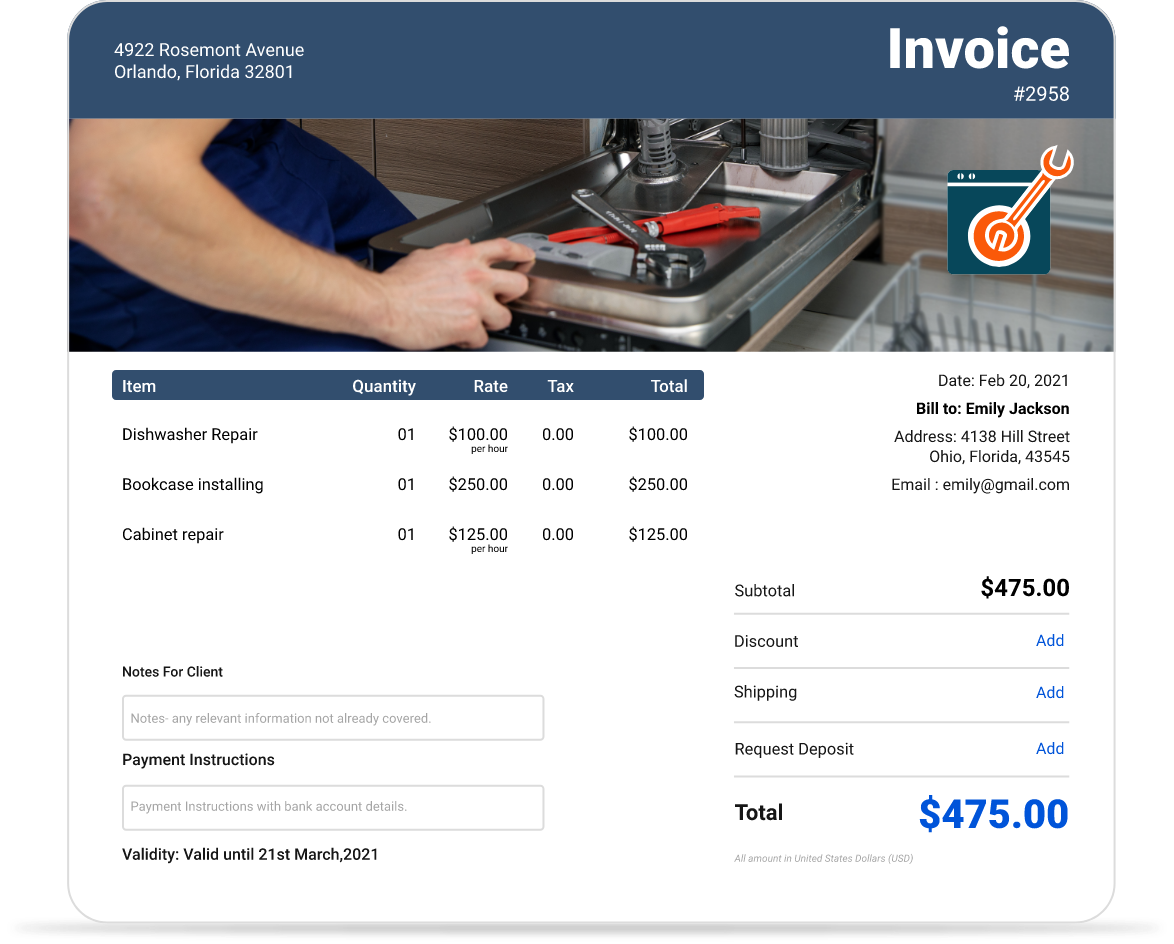
Appliance Repair Invoice Template
Appliance Repair Invoice Template
Read more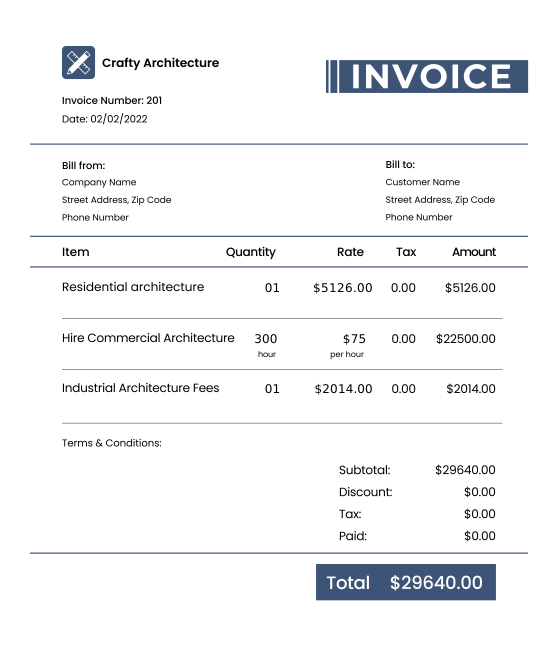
Architecture Invoice Template
Architecture Invoice Template
Read more
Attorney Invoice Template FREE Download (Word, Excel, PDF, Google Docs)
Attorney Invoice Template FREE Download (Word, Excel, PDF, Google Docs)
Read more8 Most Effective Email Templates for Chasing Payment
Want to send payment reminders? Then, take a closer look at these 8 email templates that will help clear due payments. Plus, find useful tips to remember at the time of requesting payment.
Read moreImportance of Contractor Payment Terms For Contractors & Subcontractors
Want to maintain a positive cash flow? Find out how contractor payment terms are important for tradespersons.
Read moreA Step-by-Step Guide to Convert an Estimate to an Invoice
Follow our comprehensive guide to converting an estimate to an invoice and getting paid faster. Learn how to streamline your invoicing process with InvoiceOwl.
Read moreCredit Memos Journal Entries Explained with Examples & Templates
Know why recording a credit memo journal entry is important. Plus, get the template of all the entries depending on different situations. And, get your questions or queries answered.
Read moreAccounting Invoice Template
Accounting Invoice Template
Read moreAppliance Repair Invoice Template
Appliance Repair Invoice Template
Read moreArchitecture Invoice Template
Architecture Invoice Template
Read moreAttorney Invoice Template FREE Download (Word, Excel, PDF, Google Docs)
Attorney Invoice Template FREE Download (Word, Excel, PDF, Google Docs)
Read more8 Most Effective Email Templates for Chasing Payment
Want to send payment reminders? Then, take a closer look at these 8 email templates that will help clear due payments. Plus, find useful tips to remember at the time of requesting payment.
Read moreImportance of Contractor Payment Terms For Contractors & Subcontractors
Want to maintain a positive cash flow? Find out how contractor payment terms are important for tradespersons.
Read moreA Step-by-Step Guide to Convert an Estimate to an Invoice
Follow our comprehensive guide to converting an estimate to an invoice and getting paid faster. Learn how to streamline your invoicing process with InvoiceOwl.
Read moreCredit Memos Journal Entries Explained with Examples & Templates
Know why recording a credit memo journal entry is important. Plus, get the template of all the entries depending on different situations. And, get your questions or queries answered.
Read moreAccounting Invoice Template
Accounting Invoice Template
Read moreAppliance Repair Invoice Template
Appliance Repair Invoice Template
Read moreArchitecture Invoice Template
Architecture Invoice Template
Read moreAttorney Invoice Template FREE Download (Word, Excel, PDF, Google Docs)
Attorney Invoice Template FREE Download (Word, Excel, PDF, Google Docs)
Read more