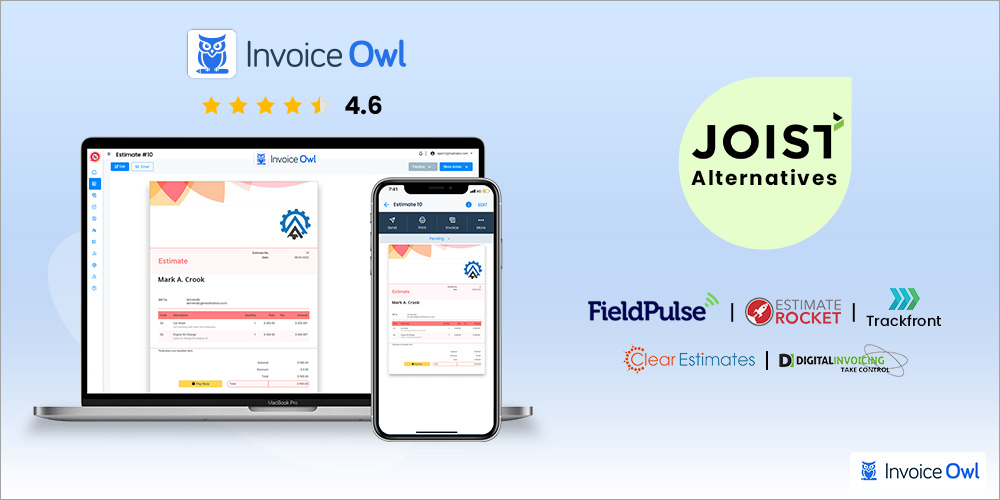
If you have ever looked for an estimating and invoicing app as a contractor, you must have come across the app called Joist. It is a web + mobile app that helps contractors with issuing estimates and invoices. Although it is a widely known app, it has its fair share of drawbacks like everything else in the world. For example, while researching the Joist app reviews, it came clear that many of the registered users and prospects are put off by the fact that it was previously a free app for contractors, but they started charging a monthly fee for the same product. That's why contractors like you are looking for a Joist alternative that is perfect for their contracting business in particular. And of course, why shouldn't they? After all, it's always wise to see all your options before committing. So, are you excited to know all the options? Let's start with the tools that can be your first choice for estimating and invoicing as a contractor.
What You'll Learn
- 01Why contractors are seeking alternatives to Joist's new pricing model
- 02Top 6 Joist alternatives with detailed feature comparisons
- 03Which software works best for different contractor needs
- 04Pricing comparison across leading estimating and invoicing platforms
- 05Key features to look for when choosing contractor software
How We Evaluated These Tools
Each estimating and invoicing platform was assessed based on:
- Core Features: Estimate creation, invoice generation, payment tracking, and client management
- Ease of Use: Learning curve and mobile-friendly interface
- Pricing: Value for money and transparent pricing models
- Integrations: Compatibility with accounting software and payment gateways
- User Reviews: Aggregated ratings from Capterra, G2, and other platforms
We have studied and analyzed the apps on various review platforms and the ratings of the apps are as mentioned on Capterra.
Quick Comparison
At-a-Glance Comparison
| # | Software | Price | Rating | Best For |
|---|---|---|---|---|
| 1 | InvoiceOwl | $28.99/mo | 4.6 | Estimates and invoices |
| 2 | Joist | $12/mo | 4.1 | Basic invoices |
| 3 | FieldPulse | $89/mo | 4.6 | Managing jobs |
| 4 | Trackfront | $10/user/mo | 4.9 | Project-based businesses |
| 5 | Estimate Rocket | Custom | 4.9 | Professional quotes |
| 6 | Clear Estimates | $59/mo | 4.5 | Localized pricing reports |
InvoiceOwl
InvoiceOwl
Best Estimating and Invoicing Software for Contractors

InvoiceOwl is an estimating and invoicing software solution designed specifically for contractors. Whether you're a plumbing contractor, HVAC, roofing, construction, or a general contractor, this software is built for you.
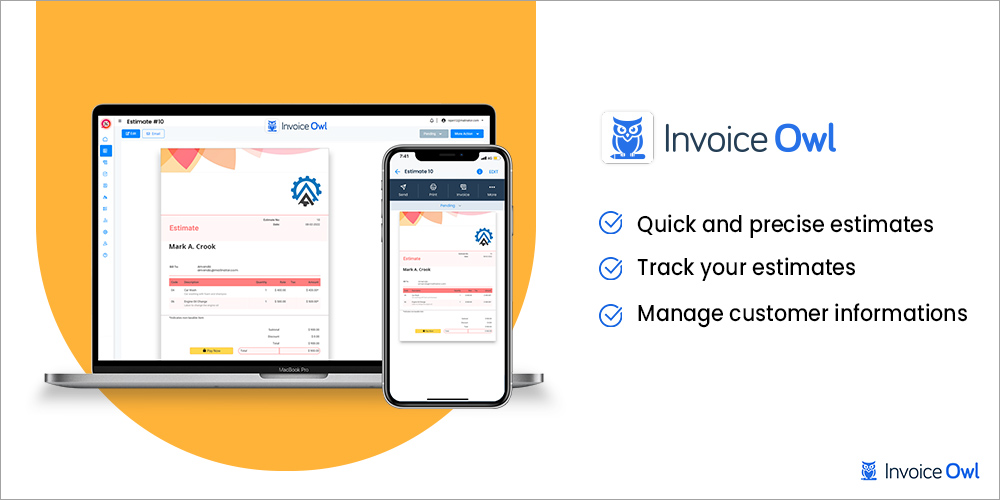
InvoiceOwl helps you create estimates and invoices instantly from anywhere. You can access all your data from your laptop, smartphone, and tablet. This enables you to create estimates on-site without needing to rush back to the office.
If you find yourself spending a lot of time on estimating and invoicing tasks, such as client data feeding, report generating, and tax calculating, InvoiceOwl helps you do it all in half of the time. It helps you fill in all the information such as client information, item description, and rates by just selecting the client and the item from a drop-down list.
One of the features that make it stand out is sections. This invoicing software lets you create easily understandable invoices and estimates by categorizing the items into different groups.
Key Features
Estimates
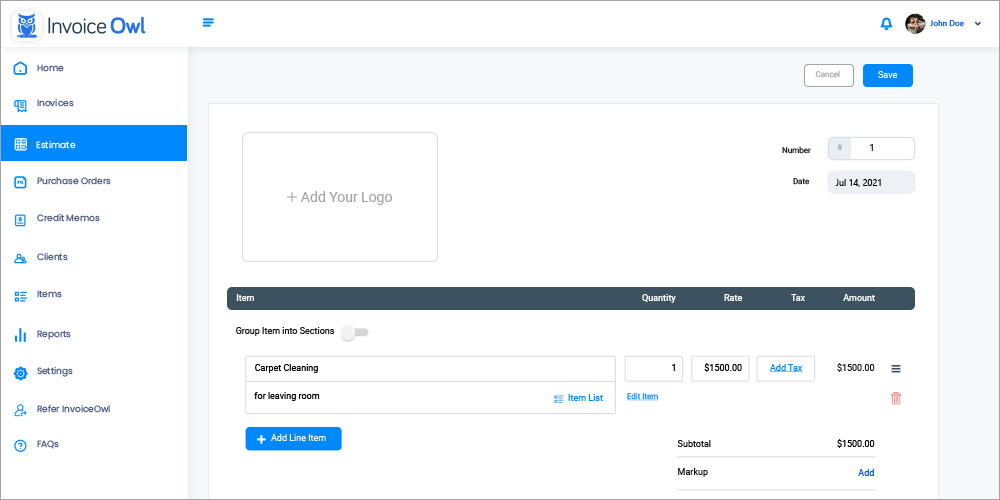
Now, you can create professional estimates in a few minutes. Just add your company logo, name, address, and design it in your brand colors to make it personalized. Moreover, you can email the estimates from within the app only. And that's not all! It sends the estimates with a professional auto-generated cover letter so that you don't have to type it every time.
Invoices
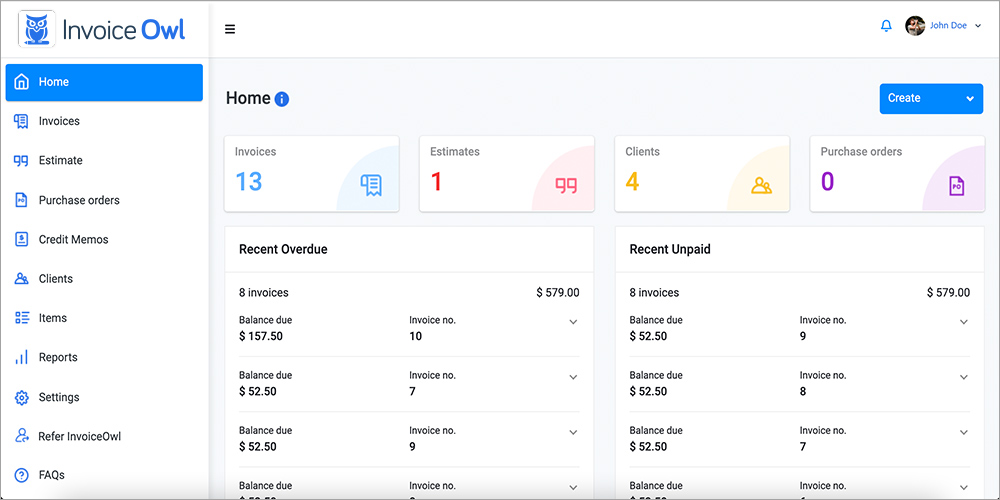
Using InvoiceOwl, you can generate invoices from anywhere without rushing back to the office desk. Create a new invoice from scratch through your smartphone. Add sections to group the items into different categories, change templates, add your logo, and if you miss out on something, no need to panic. You can create a change order to request payments without creating any miscommunication. Furthermore, if you don't want to start blank, it lets you convert an estimate into an invoice in one click.
Save Clients
Fill in your client information such as client company name, address, email address, contact number, the website once and it'll remember all the data for you. The next time you want to create an estimate or invoice for the same client, just select the client from the drop-down list. You can access the client's data from any device as it is stored in the cloud.
Online Payments
Accept payments online via credit cards, debit cards, Google Pay, or Apple Pay and make paying you a smooth process for your clients. This helps you get paid instantly. And that's easier than you think. It sends a pay now button with the invoice to help customers pay online.
Sales Reports
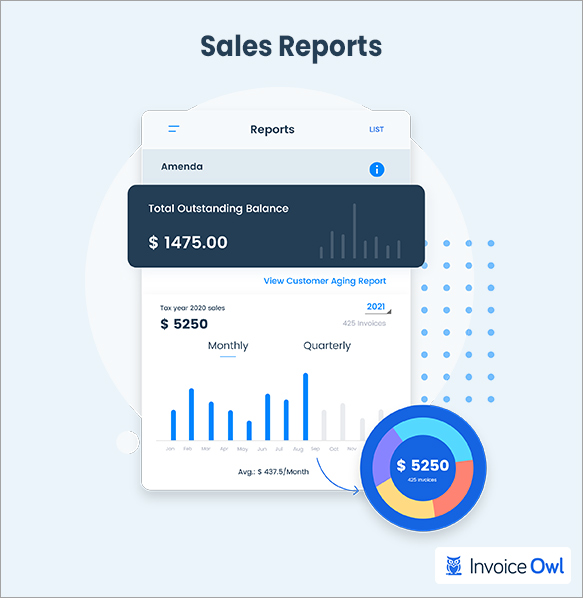
Generate annual sales reports month-wise or quarter-wise and always stay updated. Know your numbers at your fingertips. InvoiceOwl gets you sales reports based on items, clients, or time with a single click. Moreover, you can get tax, profit & loss, payment journal, and payment by type, client aging reports to analyze your sales.
Reviews
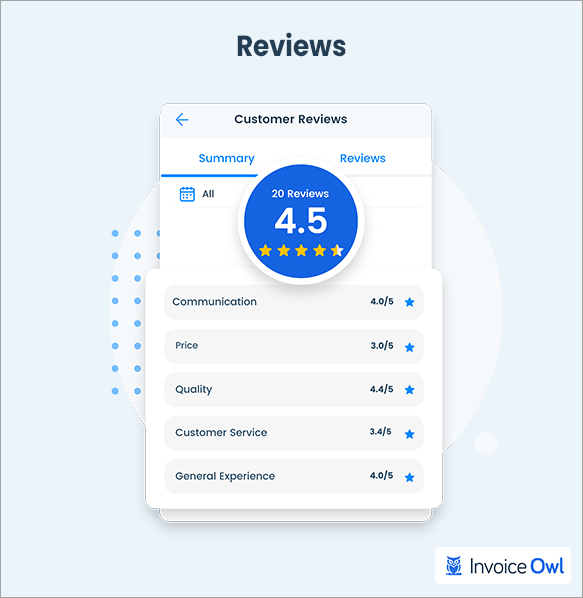
Let your customers review your services and build your brand reputation by sending review links with invoices and get customer reviews for your services once they pay your invoice. Not just that, boast the positive reviews by showcasing the customer feedback to win the trust of your prospects.
Tracking
Track your estimates and invoices in real-time without bothering your clients by follow-up phone calls and emails. Get notified on all your devices whenever the client receives, opens, approves, or pays an estimate or invoice.
InvoiceOwl vs Joist Comparison
Feature Comparison
| Feature | InvoiceOwl | Joist |
|---|---|---|
| Estimates | ✅ | ✅ |
| Invoices | ✅ | ✅ |
| Save clients | ✅ | ✅ |
| Purchase orders | ✅ | ❌ |
| Credit memos | ✅ | ❌ |
| Reviews | ✅ | ❌ |
| Free online invoice generator | ✅ | ❌ |
| Free online estimate generator | ✅ | ❌ |
| Free trial available | ✅ | ❌ |
I can create estimates on-the-go and convert them to invoices easily. The tracking feature helps me know when clients view my proposals.
FieldPulse
FieldPulse
Field Service Management Software for Contractors

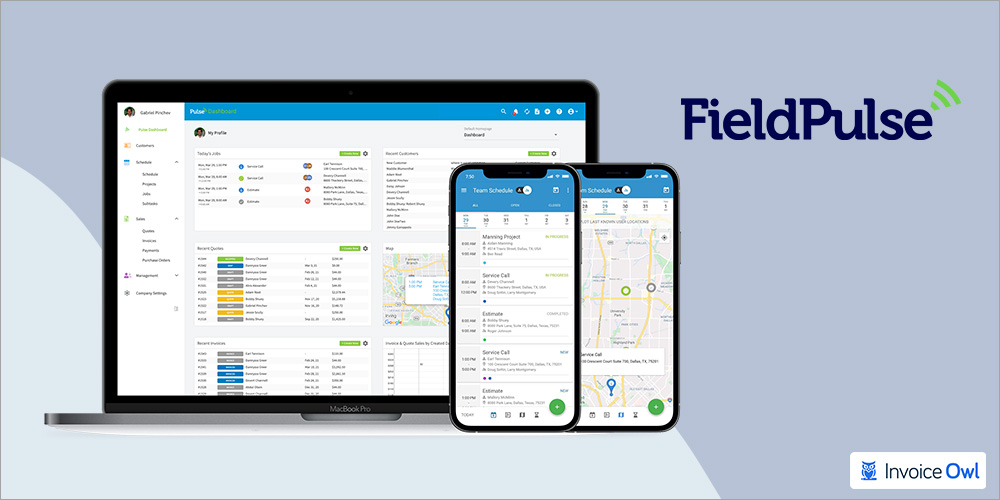
FieldPulse is a popular software for contractors. This software helps contractors create estimates and invoices easily without any complex workflow. If you work in a team, this invoicing software is appropriate for you, allowing you to manage your entire team.
FieldPulse is known for its customized estimates. If you are someone who wants to create and send out-of-the-box estimates, it allows you to customize the estimates as per your taste. It saves plenty of your time by figuring out the number of materials required automatically. All you have to do is just feed in the square foot area. It calculates the quantity and rates and gives you a precise estimate to compete with your rivals.
Every contractor has faced this challenge and we are sure you must have too. Sometimes you need to add markups as a contractor, taxes, and discounts by percentage and sometimes a fixed figure. Haven't you? So, FieldPulse eliminates this issue by asking you to add those variables in percentage or fixed figures every time you create an estimate.
Moreover, this app can easily replace the Joist app due to its feature price books and good, better best proposals. Confused about what you just read? Wait, let's explain it. The client is most likely to bargain with you for the price you pitched, right? So, FieldPulse allows you to offer your services in 3 price packages being value-priced, mid-range, and premium. This saves your negotiation time and increases the chances for you to land the project.
And if you have any trouble using it, you are backed by a phone support team that you can contact anytime.
- Job scheduling and management features
- Dedicated customer support team available
- Free onboarding and training included
- Automatic material quantity calculations
- Three-tier pricing proposals for better conversion
- Training required to use all features
- Higher price point than basic invoicing tools
- May be overkill for solo contractors
Trackfront
Trackfront
Estimating and Project Management for Teams

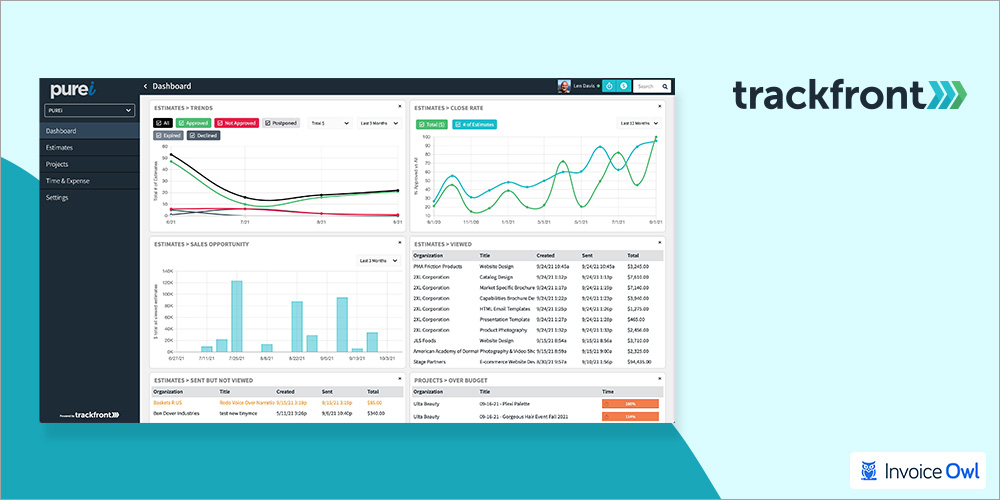
Trackfront is an estimating software considered amongst the best Joist alternatives. Trackfront is built for project-based small businesses and teams. If you are such a business, it helps you create and send professional estimates without doing much.
This is one of the best software having unique pricing packages. Trackfront allows you to quote different prices every time and manage all the estimates efficiently. Moreover, it can manage projects and professional client communication as well. So, if you are looking for an all-in-one solution for handymen estimating, contractor estimating, or construction estimating, this software can easily replace the Joist software.
The thing that makes Trackfront great is its simplicity. It helps you simplify the complex pricing scenarios and gives you overall control over the visibility of the cost breakdown. For example, you might not want to show your markup percentage. Thus, it distributes the markup in the cost of line items and does not disclose your markup to the clients.
Moreover, when you are working on projects as a team, you can decide which team member can review or edit the estimate before sending and who can send the estimate. This smoothens the workflow and gets things done effortlessly.
A business is mostly tagged as unprofessional based on poor communication skills. Both internal and client communication plays a vital role in bringing the company and the clients on the same page. Thus, Trackfront offers a plethora of features related to communication and project collaboration. You can track the project stage and milestones and the estimating and processes simultaneously. In short, it brings your sales, accounting, and operation department under the same roof.
- Excellent project management features
- Customize interface language for international teams
- Team collaboration made simple with role-based permissions
- Hides markup percentage from client view
- Comprehensive sales to operations integration
- No mobile app available
- Requires team training for full utilization
- Web-based only interface
Estimate Rocket
Estimate Rocket
Estimating and Client Management for Contractors

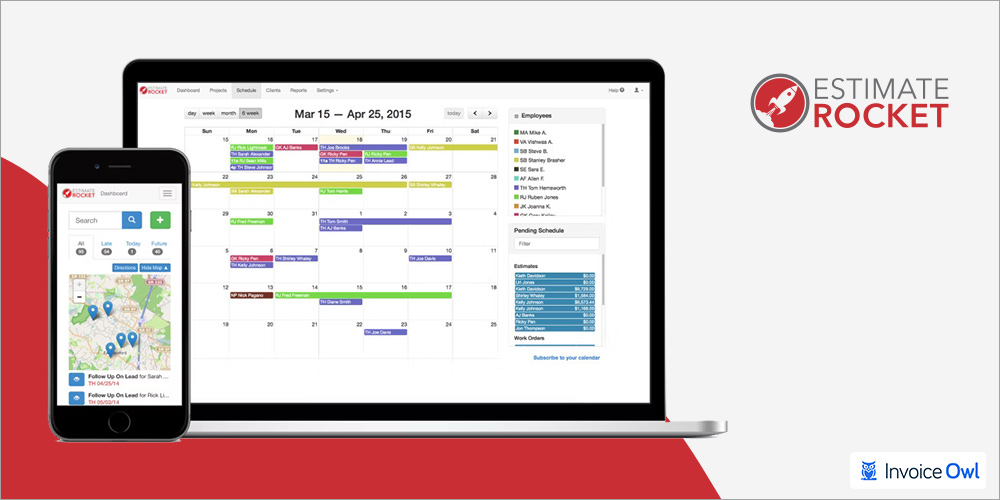
Estimate Rocket is another estimating app for contractors that can skyrocket your productivity. Contractors from all the industry use it for a paperless workflow. If you are someone tired of Joist's tough to understand interface, here is a simple alternative for you.
Estimate Rocket is for contractors that work in team collaboration. Now almost every estimate software helps in bid management, but what after you win the bid? Well, the Estimate Rocket helps you with client management too. Keep your client's information updated and stay in constant touch with them. You can save the clients' information like company name, email address, and contact number. Additionally, it automatically saves the complete work history and project history for the client. And you can access all of them anytime.
Client relationships are one of the most vital aspects if you want to scale your small business. Thus, it is also a professional customer relationship management software. Its automated appointment scheduling and reminders help clients book appointments easily anytime. Moreover, you can get automated follow-ups without bothering clients with phone calls and emails.
One of its major plus points is that it is a cloud-based app. This gives you the ability to create professional estimates right from the job site. This helps general contractors and construction estimating professionals a lot.
- Email follow-ups automated for client retention
- Subcontractor management capabilities
- Cloud-based for on-site access
- Complete work history tracking per client
- Automated appointment scheduling
- Doesn't have open API for custom integrations
- Custom pricing not transparent upfront
- May require contact with sales for quote
Clear Estimates
Clear Estimates
Simple Estimating for Handymen and General Contractors

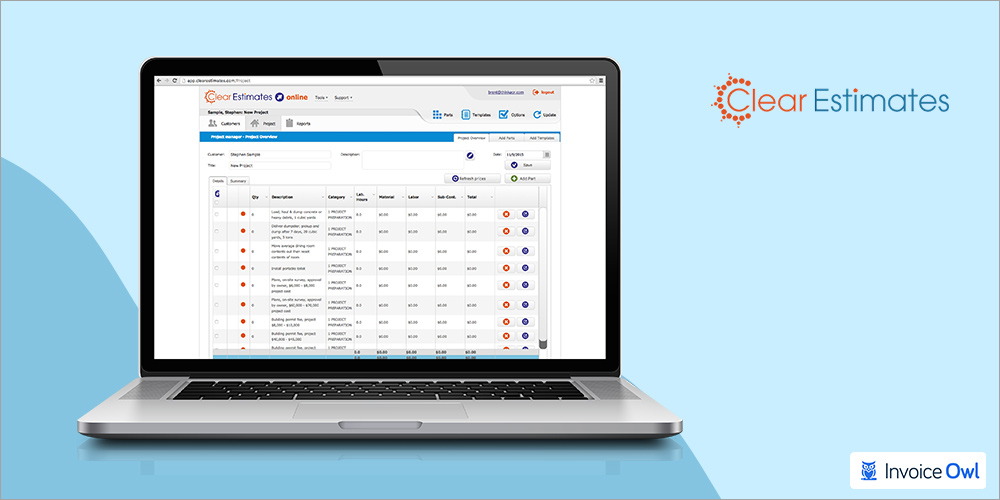
Clear Estimates is a simple estimating software best for handymen and general contractors. This has made it to the list on the basis of its sheer accuracy. It has all you need to bid professional quotes. Although it doesn't have all the features to manage an entire project, it has integrated multiple third-party software that is leading their domains such as BuilderTrend and Zapier. This makes it a simple estimating, invoicing, and project management app for contractors.
As a contractor, you might need to spend more time out there on the job site than in your office. Thus, this estimating software allows you to create professional proposals right through your smartphone. Wonder how is that possible? Clear Estimates can remember more than 10,000 line items and offers you more than 60 predesigned templates to create invoices and quotes.
So, what's left now? Customer data and calculations, right? Well, it lets you maintain a customer library where you can save all the relevant information about a customer. And it automatically calculates the total amount counting the applied discounts, taxes, and other charges. So, if you are in search of a cost estimating software to replace Joist, Clear Estimates can be your last stop.
- 30 days free trial available
- Customizable labor rates by region
- QuickBooks integration for accounting
- Over 10,000 line items in database
- 60+ predesigned templates
- It might glitch sometimes
- Higher price point for advanced tiers
- Limited project management features
Digital Invoices
Digital Invoices
Simple Invoicing with Time Tracking

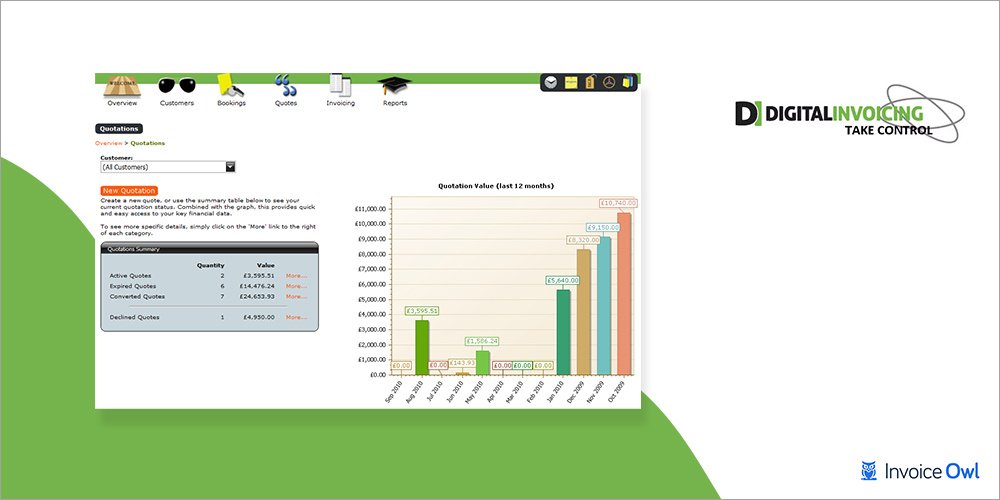
Creating invoices does not need to be as complex as it might sound to you. All you need to do is choose the client, enter the details, and simply send it. That's exactly what Digital Invoices helps you do. It replaces all the spreadsheets and Word documents from your workflow and lets you create a professional invoice using just the mobile app.
Majorly, contractors have to charge for material and labor rates. And charging for the labor is a tricky part. That's why Digital Invoices offers you the feature of working hours tracking. It helps you track the number of hours/days worked on a project and charge for those accurately. Isn't that a relief?
Well, that's not all. Are you tired of creating similar invoices every month for the subscription or rentals? Then you will be excited to know that it has got your back. Digital Invoices allows you to create recurring invoices. All you have to do is create an invoice and set the frequency (e.g. weekly, monthly, quarterly, or yearly). And the software will automatically send invoices on due time. So, create an invoice for once and forget it for the entire year. That already saved you hours of work, right?
So, if you want to switch off from the Joist, you should consider Digital Invoices as an option.
- No training needed - intuitive interface
- Time-saving with recurring invoices
- Working hours tracking for accurate billing
- Mobile app for on-the-go invoicing
- Mileage tracking included
- Limited features compared to competitors
- Pricing in Euros may not suit all markets
- Fewer integrations available
How to Choose the Right Joist Alternative
Consider these factors when making your decision:
By Business Type
- Solo Contractors: Look for mobile-first, easy-to-use options (InvoiceOwl, Digital Invoices)
- Team-Based Companies: Consider tools with collaboration features (FieldPulse, Trackfront)
- Project-Heavy Businesses: Choose platforms with project management integration (Trackfront, Estimate Rocket)
- Handymen & General Contractors: Simple estimating with templates works well (Clear Estimates, InvoiceOwl)
By Budget
- Most Affordable: InvoiceOwl ($28.99/mo monthly, $99.99/year)
- Mid-Range: Trackfront ($10/user/mo), Digital Invoices (€20/mo)
- Premium Options: FieldPulse ($89/mo), Clear Estimates ($59-249/mo)
- Custom Pricing: Estimate Rocket (contact for quote)
Must-Have Features
- Mobile app for on-site estimating
- Estimate-to-invoice conversion
- Payment tracking and reminders
- Client database management
- Professional templates and customization
- Online payment processing
Ready to Streamline Your Estimating and Invoicing?
Join thousands of contractors using InvoiceOwl to create professional estimates and invoices in minutes. Get paid faster with built-in payment tracking and online payment options.
Start Your Free TrialFrequently Asked Questions
No, Joist offers only a version of the product as a free service. However, this free version has a very limited set of features. It excludes logo customization, photo or file attachments, tracking notifications, and other premium features.
InvoiceOwl is a better alternative to Joist with more features, an easy user interface, and lower pricing. It offers purchase orders, credit memos, customer reviews, and free online generators that Joist doesn't provide.
Yes, Joist is safe to use. However, users are advised to be cautious while using any app, especially while doing online transactions. Always ensure you're using the official app and secure payment methods.
The majority of the users are not pleased with the new pricing model of the Joist app. Now, they have to pay more for the features that were offered for free. Another thing most contractors complain about is that they have to wait way too long to get their money processed, which delays projects.
FieldPulse and Trackfront are excellent for team collaboration. They offer features like role-based permissions, team scheduling, and project tracking that make it easy to coordinate with multiple team members.
Yes, most of the alternatives offer free trials. InvoiceOwl offers a 3-day trial, Clear Estimates provides a 30-day trial, and other platforms have trial periods or demo versions available. This allows you to test the software before making a purchase decision.
Conclusion
When it comes to business, nothing is as important as growth. As a business owner, you need to keep experimenting and trying new things to smoothen your business operations. Therefore, if you are not satisfied with a tool that you are using, you should know it's not the only app for you. And even if you are satisfied, you should try and lookout for new ways to enhance your processes.
So, in this blog, we hope we got you the best alternatives for the Joist app that you were looking for. And if you are still on the fence, let us help you pick the best one for you.
Our Top Recommendations:
- Best Overall: InvoiceOwl - Highest ratings, most features, best value for money
- Best for Teams: FieldPulse - Comprehensive field service management
- Best for Project Management: Trackfront - Excellent collaboration and project tracking
- Best for Simple Estimating: Clear Estimates - Easy to use with extensive template library
Clearly, InvoiceOwl is the best alternative for the Joist app as it has the best ratings on the list and offers more features at a lower price point. So, what are you waiting for? Start creating, managing, and sending professional estimates and invoices right now with InvoiceOwl.